

 English
 Lietuvių
 Latviešu
 Eesti
Eesti Русский
 Polski
 Українська
 Deutsch
 Italiano
 Español
 Français
 Português
 Čeština
 Magyar
 Română
 Ελληνικά
 Türkçe
 日本語
日本語 العربية
 हिन्दी
 Bahasa Indonesia
 Bahasa Melayu
 ไทย
ไทย Tiếng Việt
 বাংলা
বাংলাIT Documentation for Small Businesses: What to Write Down First
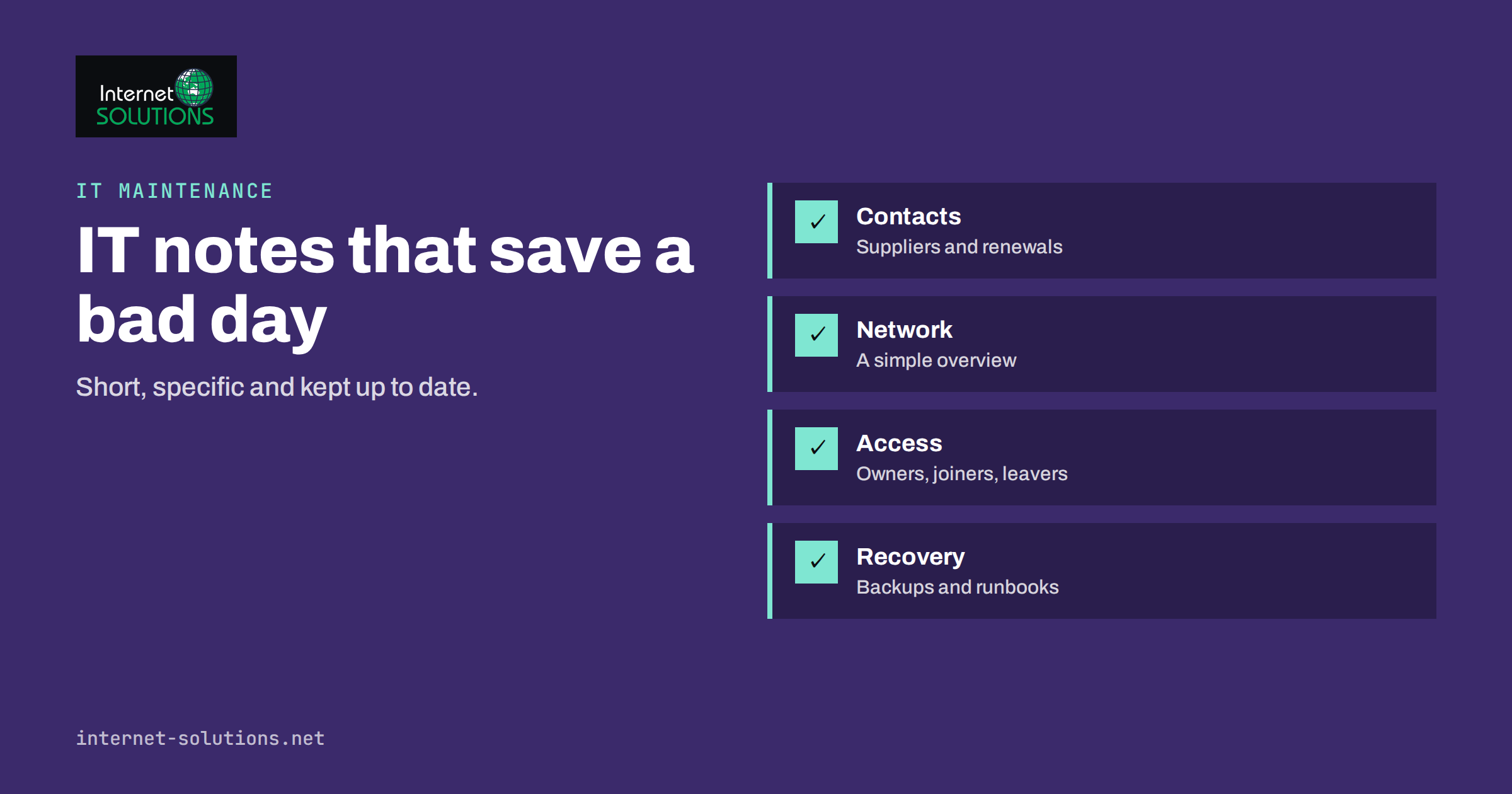
Most small businesses run on knowledge that lives in one person’s head: which router sits in the cupboard, where the domain is registered, how the backup works, why that printer needs a special driver. It works until that person is on holiday, leaves the company or simply forgets. IT documentation is the cure, but the word suggests thick binders that nobody reads. For a small company, good documentation is short, specific and kept up to date, and it covers the handful of facts that cause real pain when they are missing.
This guide explains what a small business should write down first, how to organise it, where to keep it, who should own it and how to keep it from going stale. It fits naturally with the practical advice in our IT asset inventory guide and our IT maintenance service, because documentation is what makes both of them work smoothly.
Why Documentation Pays Off
The value of documentation shows up on bad days. When the internet connection fails at nine in the morning, a clear note on who the provider is, what the contract number is and what the router normally looks like turns a long, tense hunt into a ten-minute call. When a new employee starts, a checklist replaces a day of questions. When an external technician visits, a network map saves an hour of billable discovery. And when the one person who understands the setup leaves, the business keeps running.
Documentation also improves decisions. Writing things down exposes gaps: the server nobody can identify, the licence that renews automatically at a high price, the account that only one person can access. Seeing these problems on paper is the first step in fixing them, and it is much cheaper than discovering them during an outage.
Finally, documentation supports security and continuity. Public guidance such as the NIST small business cybersecurity resources and the NCSC guidance for small and medium-sized organisations are good places to check what a sensible baseline looks like; knowing what you have and who looks after it is a basic step in any of them. Auditors, insurers and customers increasingly ask how a business manages access, backups and recovery. A short, honest set of documents is a better answer than a promise. It is also the basis for the recovery plan described in our guide to a disaster recovery plan for a small business.
Start With What Hurts When It Is Missing
Do not try to document everything. Start with the things that would cause the most delay, cost or risk if nobody could find them. A useful question is: if the person who looks after IT disappeared tomorrow, what would the next person need in order to keep the business working for a week? The answers form your first list.
Most small businesses can cover the essentials on five or six pages. The aim is not completeness but findability: a new person should be able to answer the question “who do I call, where is it, and how do I get in” within minutes. Write for a reader who is capable but unfamiliar, and avoid shorthand that only you understand.
| Document | What it contains | Why it matters |
|---|---|---|
| Contacts and suppliers | Internet provider, domain registrar, hosting, software vendors, support numbers, contract references and renewal dates | Saves time during outages and prevents missed renewals |
| Network overview | Simple diagram or list of router, switches, Wi-Fi, important devices, IP ranges and where equipment is located | Speeds up troubleshooting and visits by technicians |
| Accounts and access | Who owns each key account, who has admin rights, where recovery details are kept, joiner and leaver steps | Reduces lock-outs and the risk of ex-staff access |
| Systems and software | Main applications, where they run, who administers them, licences, versions and integrations | Shows dependencies and cost |
| Backups and recovery | What is backed up, where, how often, how to restore and when the last restore test took place | Turns a backup into a proven recovery |
| Procedures | Short step-by-step guides for repeated tasks such as new starters, printer setup, remote access, and common faults | Makes routine work consistent and delegable |
Contacts, Suppliers and Renewals
Begin with the simplest and most valuable page: the people and companies the business relies on. List the internet provider and the support number, the telephone provider, the domain registrar, the website host, the email service, the main software suppliers and any IT support company. For each, write the account holder, the customer or contract number, the support contact and the renewal date.
Renewals deserve special attention because a lapsed domain, an expired certificate or an unrenewed licence can take a service offline without any technical fault. Put renewal dates in a shared calendar, with a reminder well ahead, and make sure the account is tied to a role mailbox rather than one person’s address. Our guide to domain name management covers the most important example in detail.
A Simple Network Overview
A network document does not need special software. A hand-drawn diagram, photographed and stored with the other documents, is better than none. Show how the internet connection enters the building, where the router and switches are, how Wi-Fi is provided, which important devices connect to the network, and where the equipment physically is. Add the IP address ranges, the address of the router’s admin page and a note on any fixed addresses used by printers, servers or cameras.
Record how remote access works, if it exists: which service, who is allowed and how access is removed. Note any guest network and how it is separated from the main one. If you want a fuller explanation of what a sensible setup looks like, see our article on small business network setup.
Keep the diagram honest rather than pretty. When equipment changes, change the document the same day, or at least mark the old version as out of date. An outdated diagram is worse than a rough one, because people trust it.
Accounts, Access and Joiner and Leaver Steps
Write down who is responsible for each important account and who has administrative rights, but do not write passwords into ordinary documents. Credentials belong in a proper password manager, with shared vaults for team accounts and a documented way to recover access if the owner is unavailable. The documentation should say where the vault is, who administers it and how emergency access works, not what is inside it.
The second part is people changes. Create two short checklists, one for new starters and one for leavers. The starter list covers accounts to create, equipment to hand over, groups to join and training to give. The leaver list covers disabling accounts, collecting devices, transferring files and ownership of shared resources, removing multi-factor devices and changing any shared secrets the person knew. Leaving access open is a common and avoidable risk, and our guide on employee onboarding and offboarding goes into more depth.
Systems, Software and Licences
List the important systems: the accounting package, the customer database, the website and its host, the email platform, shared storage, any line-of-business applications. For each, note who administers it, where it runs, how people sign in, which other systems it connects to and what happens if it is unavailable. Capture licence details, such as the number of seats, the renewal date and the cost, because forgotten subscriptions are a steady source of waste.
Dependencies are the part people forget. The online shop may depend on a payment provider, a shipping integration and an email service. The phone system may depend on the internet connection and a particular router setting. Write these links down in plain sentences, because they are what you need to understand when something breaks and nobody knows why.
Backups and Recovery Notes
A backup that nobody can restore is only a hope. Document what is backed up, where copies are kept, how often they run, who checks them and, crucially, how to restore. Include the steps in enough detail that a competent person could follow them under pressure, and record the date and result of the last test restore. Keep at least one copy of this page outside the systems it describes, since you may need it when those systems are down.
State the recovery expectations too: how long the business can manage without each system and how much recent data it can afford to lose. These simple numbers guide priorities when several things fail at once. They are the practical core of the plan in our guide to disaster recovery, but even a one-paragraph version is far better than nothing.
Procedures and Runbooks That People Will Use
A runbook is a short, tested set of steps for a repeated task or a known problem. Good candidates include setting up a new laptop, connecting a printer, resetting a user’s access, restarting a stuck service, renewing a certificate, adding a mailbox or restoring a file from backup. Start with the tasks that are done most often or that cause the most stress when done wrongly.
Write procedures as numbered steps in plain language, with the expected result at each stage and a note on what to do if something goes differently. Include screenshots where they save explanation, but do not rely on them alone, since interfaces change. Ask someone who did not write the procedure to follow it, and fix every place where they hesitate. A procedure that only its author can follow has not yet been written.
Use the same layout for every runbook: purpose, who may do it, prerequisites, steps, how to check it worked, and who to contact for help. Consistency makes documents easier to read quickly, and makes it obvious which sections are missing.
Where to Keep It and Who Owns It
Choose one place and make it easy: a shared document space, a wiki or even a well-organised shared folder, provided it is backed up and the right people can open it. Avoid scattering documents across personal drives and email attachments. Make sure at least two people can reach it, and keep an offline or separately hosted copy of the most important pages for use during an outage.
Access to the documents should reflect their sensitivity. Network diagrams and system details are useful to attackers, so restrict them to people who need them and avoid storing secrets alongside them. Review who has access whenever people join or leave.
Assign an owner to every document, with a named backup. Ownership is what keeps documentation alive, because a document with no owner is a document nobody updates. If your business uses an outside provider, agree which documents they maintain and which you keep, and ask for copies as part of the contract. A good provider will welcome this, as described in our overview of what an IT maintenance contract should cover.
Keeping Documentation Current
Documentation decays unless it is part of the work. The simplest rule is to update the document whenever you change the thing it describes: new router, new supplier, new procedure. Make “update the notes” a step in the change process, not a separate chore for later. Put a review date on each page, and schedule a short quarterly check where the owner confirms that contacts, accounts and diagrams are still right.
Test documentation by using it. Once or twice a year, ask someone to complete a task or find a fact using only the documents. Each stumble shows where to improve them. Treat documentation problems like any other defect: record them, fix them and thank the person who found them.
Frequently Asked Questions
How much IT documentation does a small business need?
Less than most people think. Contacts and renewals, a network overview, accounts and access, main systems, backup and recovery notes and a few core procedures cover the essentials, often in a handful of pages.
Should passwords be written in the documentation?
No. Keep credentials in a password manager with shared vaults and a recovery process. The documentation should explain where the vault is and who administers it, not contain the secrets themselves.
Which tool should we use to store documents?
Any tool that is reliable, backed up, easy to search and accessible to the right people. The habit of keeping it current matters more than the product, and an offline copy of key pages is worth having for outages.
Who should write the documentation?
The person who does the work, reviewed by someone who has not. Authors forget what is obvious to them, and a fresh reader quickly finds the gaps.
How often should documents be reviewed?
Update them whenever something changes, and hold a short review every quarter. Add a review date to each page so that stale information is easy to spot.
Can an outside IT provider keep the documentation for us?
They can maintain it, but you should own the content and hold a copy. Agree in the contract what is documented, who updates it and how you receive it if the relationship ends.
The Bottom Line
Good IT documentation is small, specific and alive. Write down the contacts and renewals, the network, the accounts and access rules, the main systems, the backup and recovery steps and a few core procedures. Keep it in one reliable place, give every page an owner and a review date, and test it by using it. You will not notice the benefit on a quiet day, but on the day something breaks or someone leaves, it will be the most valuable IT work you have done.