

 English
 Lietuvių
 Latviešu
 Eesti
Eesti Русский
 Polski
 Українська
 Deutsch
 Italiano
 Español
 Français
 Português
 Čeština
 Magyar
 Română
 Ελληνικά
 Türkçe
 日本語
日本語 العربية
 हिन्दी
 Bahasa Indonesia
 Bahasa Melayu
 ไทย
ไทย Tiếng Việt
 বাংলা
বাংলাMySQL Backups: Dumps, Binary Logs and Restore Tests
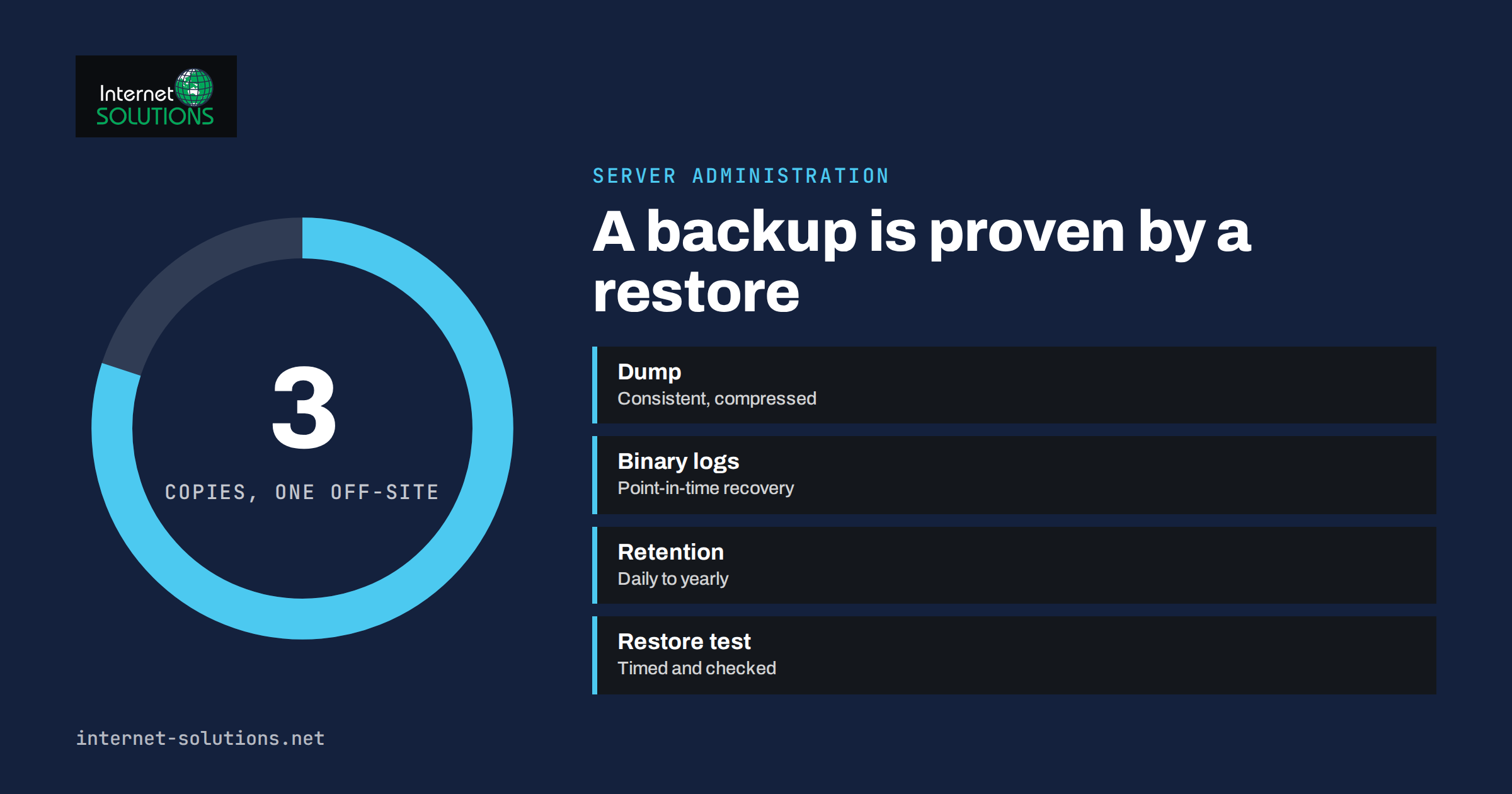
MySQL backups are the last line of defence for every WordPress site, online shop and web application that stores its data in a database. Servers fail, plugins corrupt tables, a hurried update deletes the wrong rows and ransomware encrypts whatever it can reach. In each case the difference between a bad afternoon and a business crisis is whether you have a recent, complete copy of the database and know that it can be restored. This guide explains the main ways to back up MySQL and MariaDB, how logical dumps and binary logs fit together, how to automate and protect the copies, and, most importantly, how to test a restore so that you find out about problems before you need the backup.
It is written for administrators and technically minded site owners who manage a server themselves. Examples use standard command-line tools and should be adapted to your environment, version and security policy. Always try a new procedure on a test system first.
What a Backup Must Achieve
A backup is defined by two numbers, which every organisation should choose deliberately. The recovery point objective, or RPO, is how much data you can afford to lose, measured in time: if the last backup is from midnight and the server fails at four in the afternoon, you lose sixteen hours of orders. The recovery time objective, or RTO, is how long you can afford to be down while you restore. A site that takes few orders can accept a daily backup and a few hours of restoring; a busy shop may need changes recorded continuously and a restore measured in minutes. Our article on disaster recovery planning explains how to set these targets and write them into a runbook.
A backup is useful only if it meets four conditions.
- Complete: it contains all the databases, users and routines the application needs.
- Consistent: it represents the data at a single moment, not a mixture of half-written tables.
- Stored safely: a copy exists on a different system, protected from the failure or attack that hit the original.
- Restorable: someone has actually restored it, recently, and timed the procedure.
Backup Methods Compared
| Method | How it works | Strengths | Limits |
|---|---|---|---|
| Logical dump | A tool writes SQL statements that rebuild the data | Portable between versions; simple; readable; can restore one table | Slow for very large databases; restoring takes time |
| Physical backup | Copies the data files, using a hot-backup tool | Fast to take and restore on large data sets | Tied to version and configuration; needs specialised tools |
| Binary logs | Records every change after a backup | Enables point-in-time recovery, down to the minute | Needs a base backup; must be stored and managed |
| Storage or VM snapshot | The disk is frozen and copied at the storage layer | Quick; captures the whole server | May be inconsistent unless the database is quiesced; stored on the same platform |
| Replica copy | A second server follows the first | Fast failover; backups can run on the replica | Not a backup alone: mistakes and deletions replicate too |
For most small and medium sites, a nightly logical dump, combined with binary logs for point-in-time recovery when the data changes constantly, is the best balance of simplicity and safety. Very large databases, measured in hundreds of gigabytes, usually need a physical backup tool, such as Percona XtraBackup or mariabackup, which copies the files while the server runs. The official MySQL backup and recovery documentation describes these options in detail.
Logical Dumps With mysqldump
The mysqldump program is included with MySQL and MariaDB and is the most common way to take a logical backup. A reliable command for databases that use the InnoDB storage engine looks like this.
mysqldump --single-transaction --quick --routines --triggers --events --default-character-set=utf8mb4 shopdb | gzip > /backup/shopdb-2026-10-27.sql.gzThe options matter.
- –single-transaction takes a consistent snapshot of InnoDB tables without locking them, so the site keeps working during the dump. It does not protect older MyISAM tables, which should be converted to InnoDB where possible.
- –quick streams rows instead of loading whole tables into memory.
- –routines, –triggers and –events include stored procedures, triggers and scheduled events, which are easy to forget.
- –default-character-set=utf8mb4 avoids damaging emoji and international text.
- gzip compresses the output, typically to a fraction of its size.
To dump all databases in one run, use the –all-databases option, but consider one file per database, which is easier to restore selectively. Always include the system schema with users and permissions if you need to rebuild the server completely, or document how to recreate accounts.
The mysqldump reference lists every option, and some change between versions, so read the manual for the version you run.
Keep passwords out of commands
Do not type the database password on the command line, where it is visible to other users and saved in shell history. Create a dedicated backup user with only the privileges it needs, and store its credentials in an option file readable only by the account that runs the backup, for example a file in that user’s home directory with permissions set so that nobody else can read it. The same principle applies to the scripts that call the tool.
Binary Logs and Point-in-Time Recovery
A nightly dump leaves a gap. If a mistake or an attack happens at 15:00, restoring the midnight dump loses everything entered since. Binary logs close that gap. When enabled, MySQL records every change to the data in a series of log files. After restoring the last full backup, you replay the log up to the moment just before the error, and recover almost everything.
To use this, check three things.
- Binary logging is on. In MySQL 8 it is enabled by default; in MariaDB and older versions you may need to set it in the server configuration. You can list the current files from the SQL prompt with the statement SHOW BINARY LOGS.
- Retention matches your backup cycle. Logs must be kept at least until the next full backup has been verified, and preferably several days longer. Set the expiry period in the server configuration so that the disk does not fill.
- Logs are copied off the server. A log that exists only on the same disk disappears with it. Copy new files regularly to your backup storage.
To recover, restore the full dump to a clean database, then replay the changes with the mysqlbinlog utility, specifying the time range. A typical replay stops just before the damaging event.
mysqlbinlog --start-datetime="2026-10-27 00:00:00" --stop-datetime="2026-10-27 14:59:00" /var/lib/mysql/binlog.000123 | mysqlReplaying logs needs care: confirm the file names, the time zone and the exact moment of the error, and rehearse the process on a copy. The binary log documentation explains the formats and the options for choosing the stop point by position as well as by time.
Automating and Scheduling
A backup that depends on someone remembering will eventually be forgotten. Put the dump command in a script, with error handling, and run it from the scheduler. The script should do five things: create the dump with a date in the file name, check that the command succeeded and that the file is not empty, copy the file to a second location, delete old copies according to your retention policy, and send a message or write a log line that says what happened. Our article on cron jobs and scheduled tasks covers the habits that keep such jobs reliable: absolute paths, locking to avoid overlap, output to a log and an alert on failure.
Choose the time with care. Dumps use input and output capacity and some processor time, so run them in a quiet period, and avoid overlapping with other heavy jobs, such as the nightly import or the site-wide cache rebuild. For a busy server, run the dump on a replica to avoid slowing the primary, remembering that a replica must itself be healthy and up to date.
Where to Keep the Copies
The old rule of keeping three copies, on two kinds of storage, with one off-site, still holds. A practical arrangement for a small organisation is this.
- Copy 1: the live database.
- Copy 2: a local backup directory on the same server or on an attached disk, for quick restores of recent data.
- Copy 3: an off-site or separate-account location, which the server can write to but cannot delete from or overwrite. Versioned object storage and immutable backups protect against ransomware that deletes backups.
Encrypt backups that leave the server, because they contain customer data, and manage the encryption key separately from the backup files. A backup you cannot decrypt is worth nothing, so store the key and the passphrase in a safe, documented place, preferably in two. Apply the same access controls as on the live database: a backup of your customer table is just as sensitive as the table itself. Our guide to uptime, backups and monitoring puts database backups in the wider context of server administration.
Retention: How Long to Keep What
Keeping every backup forever is expensive, and keeping only yesterday’s is risky, because many problems are noticed days or weeks after they start. A common scheme is a grandfather-father-son rotation.
| Period | Copies kept | Purpose |
|---|---|---|
| Daily | 7 to 14 | Recent mistakes and short outages |
| Weekly | 4 to 8 | Problems discovered after some time |
| Monthly | 6 to 12 | Long-term recovery and audits |
| Yearly | As required | Legal or accounting obligations |
Check any legal rules about retention and deletion that apply to personal data. If a customer asks for erasure, think about how long copies containing their data remain in the backups, and document the policy.
Test Your Restores
A backup that has never been restored is a hope, not a backup. Many teams discover only during an incident that the dump is truncated, the password to the archive is lost, a table is missing, or the restore takes eleven hours instead of one. Schedule a restore test, and treat it as seriously as taking the backup.
- Use a separate environment. Restore to a test server or a scratch database, never over the live one.
- Restore the latest backup, using the documented steps, from the off-site copy, not from the local directory.
- Time it. Compare the result with your RTO. If it takes too long, consider a faster method or a larger server.
- Check the content. Count rows in the main tables, compare totals with the live system, open the application against the restored database and perform a few real actions, such as logging in and viewing an order.
- Try a point-in-time recovery with binary logs at least once, so the procedure is not new on a bad day.
- Record the result, including problems, and fix them.
A simple restore of a compressed dump into a test database looks like this.
gunzip -c /backup/shopdb-2026-10-27.sql.gz | mysql restore_testRun this test monthly for important systems, quarterly for the rest, and after any significant change to the server, the database version or the backup script. Automate checks where possible: a script can restore into a scratch database, run a few queries and report success or failure, giving you ongoing evidence without manual work.
Monitoring and Alerts
Treat the backup job as a service that must be monitored. Alert when a job fails or does not run, when the file is much smaller than usual, when the copy to remote storage fails, or when free space on the backup volume falls below a safe margin. A sudden drop in backup size often means a table has vanished or the dump has stopped early; a sudden increase may reveal a log table that has grown out of control. For ideas on keeping alerts useful rather than noisy, see our article on server monitoring alerts.
If you run WordPress or WooCommerce, database size and performance are related to backup time. Cleaning transients, old revisions and orphaned data shortens dumps and restores. Our guide to WordPress database optimisation shows safe steps. If you prefer to have a specialist design and monitor this for you, our server administration services include backup planning and restore testing.
Common Mistakes
- Backing up to the same disk as the database, so a disk failure destroys both.
- Never testing a restore, and discovering a corrupt dump during an emergency.
- Using a plain dump on MyISAM tables without locking, resulting in inconsistent data.
- Leaving out routines, triggers or users that the application needs.
- Keeping passwords in scripts readable by every account on the server.
- Relying on replication as a backup, although deletions copy to the replica in seconds.
- Letting binary logs fill the disk, which can stop the database itself.
- Ignoring failures, because nobody receives an alert when the job stops.
Frequently Asked Questions
How often should I back up a MySQL database?
Choose according to how much data you can afford to lose. A daily dump suits many business sites; shops with frequent orders should add binary logs for point-in-time recovery or take backups more often.
Does mysqldump lock my website while it runs?
With InnoDB tables and the single-transaction option, it takes a consistent snapshot without blocking normal reads and writes, although the server load rises. Older MyISAM tables need locks for a consistent result.
Is a replica a substitute for a backup?
No. A replica protects against hardware failure, but accidental deletions, bad updates and malicious changes are copied to it almost immediately. You need independent backups with history.
How do I back up a database without shell access?
Use the export function of a database tool provided by your host, or a backup plugin for your application, and store the result off the server. Check that the export includes all tables and that it can be imported again.
How long should I keep binary logs?
At least until the next full backup is verified, and typically several days longer. The right period depends on how quickly you notice problems and how much disk space you have.
How can I tell whether a backup file is complete?
Check the exit status of the command, the size compared with earlier files and the end of the dump, which should contain a completion comment. The only real proof, however, is a successful restore into a test database.
The Bottom Line
Good MySQL backups combine regular logical dumps, binary logs for recovery to a chosen minute, copies stored on separate and protected systems, sensible retention, automation with alerts, and restore tests that prove the whole chain works. Decide how much data and time you can afford to lose, build the routine to meet those limits, keep credentials and keys safe, and rehearse the restore until it is boring. When something goes wrong, a tested backup turns a crisis into a routine procedure.