

 English
 Lietuvių
 Latviešu
 Eesti
Eesti Русский
 Polski
 Українська
 Deutsch
 Italiano
 Español
 Français
 Português
 Čeština
 Magyar
 Română
 Ελληνικά
 Türkçe
 日本語
日本語 العربية
 हिन्दी
 Bahasa Indonesia
 Bahasa Melayu
 ไทย
ไทย Tiếng Việt
 বাংলা
বাংলাPricing Pages for Service Businesses: Show Prices, Keep Enquiries
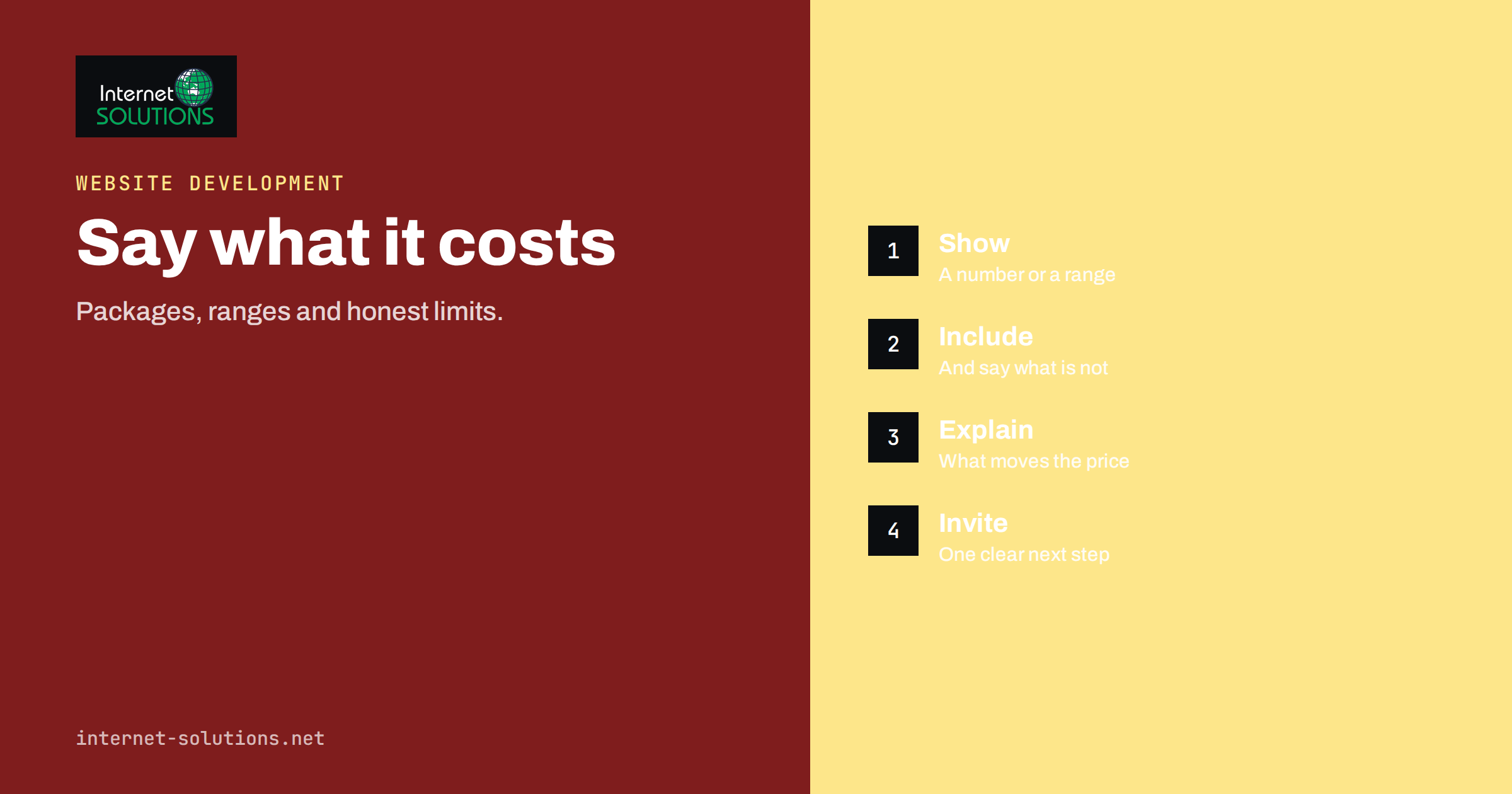
Pricing pages for service businesses are one of the hardest pages to get right. Product shops list a price next to every item, but a service provider often sells something that varies from one customer to the next: a website, a monthly maintenance contract, a bookkeeping package, a roof repair, a legal consultation. The temptation is to write “contact us for a quote” and hope that conversation sorts it out. The result is a page that frustrates visitors who want a rough idea before they pick up the phone, and that loses many of them to competitors who are more open.
This guide explains why visitors look for prices, which approaches suit different kinds of service, how to structure a pricing page, how to present packages, what to write when exact prices are impossible, and how to measure whether the page is working. It also covers the legal and trust details that are easy to forget.
Why Visitors Look for Prices
Price is one of the first questions a buyer asks, and often the first question they cannot answer from your site. Visitors have three reasons for looking for it.
- Qualification. They want to know whether you are in their range before investing time in a conversation. A visitor with a small budget who finds no price will either leave or send an enquiry that wastes your time.
- Comparison. They are looking at several providers and want to compare like with like. A missing price makes you hard to compare, which usually means you are dropped.
- Trust. Openness about price signals confidence and honesty. Hiding it can suggest that the price will be negotiated according to what the seller thinks the buyer will pay.
Showing prices is not always right, and we cover the exceptions below. But for most service businesses, saying something concrete about price helps both sides. Visitors who contact you know roughly what to expect, and the enquiries you receive are better matched to what you offer.
Choosing an Approach
| Approach | Example | Works best when | Risk |
|---|---|---|---|
| Fixed price list | “Boiler service: 95 euros” | The service is standard and repeatable | Edge cases need clear exclusions |
| Packages with set contents | “Starter, Standard, Premium” with listed features | Customers need similar things in different amounts | Too many options cause indecision |
| Starting-from price | “Websites from 2,500 euros” | Scope varies, but there is a typical minimum | A low figure may attract the wrong enquiries |
| Price range | “Most projects cost 4,000 to 9,000 euros” | You can describe what drives the cost | Visitors read the lower end only |
| Hourly or daily rate | “Consulting: 90 euros per hour” | Work is time-based and open-ended | Visitors cannot estimate the total |
| Quote only | “Request a quote” | Every job is unique or highly regulated | Many visitors leave without asking |
Most service businesses mix approaches. A web agency might publish fixed prices for small tasks, packages for maintenance and a range for custom projects. The best page is the one that gives each type of visitor an honest starting point.
What Goes on a Good Pricing Page
- A clear headline and a short introduction. State what the page covers and who the prices are for. “Prices for small-business websites” is clearer than “Our pricing”.
- The prices or ranges themselves, near the top. Do not make visitors scroll through paragraphs of explanation before seeing a figure.
- What is included. List the contents of each option in plain words: hours, deliverables, number of revisions, support period.
- What is not included. Common extras, such as travel, materials, third-party licences, hosting or additional revisions, belong in a short list, so no one feels surprised later.
- What affects the price. Explain two to five factors: size, complexity, deadlines, number of locations, integrations. This helps visitors place themselves in your range.
- Tax and payment terms. State whether prices include VAT or sales tax, how payment is split and what the cancellation terms are.
- Proof. Add one or two short testimonials or a brief example of a similar job. See our guide to case studies and testimonials for how to collect them.
- Frequently asked questions. Answer the questions that come up before a purchase: how long a job takes, what happens if the scope changes, whether there is a guarantee.
- One clear next step. A button for a quote, a booking or a call, with a short form.
Presenting Packages
If you sell packages, a few design rules keep the page readable.
- Use three options at most, sometimes four. More choices create hesitation. If you have many services, group them and show one pricing table per group.
- Make the differences obvious. Show the same rows in every column, with ticks or short values, so people can compare quickly. Do not use a different wording for the same feature.
- Highlight one recommended option. A label such as “Most popular” helps indecisive visitors, but only use it if it is true.
- Name packages by who they suit. “For sole traders” and “For growing teams” communicate more than “Bronze, Silver, Gold”.
- Keep the small print findable. Link to full terms without hiding important limits.
- Design for phones. Wide tables are hard to read on a small screen. Stack the packages vertically or allow each column to be swiped, and check the page on a real handset.
Our article on mobile-first web design lists common errors that spoil tables and buttons on phones.
When You Cannot Give an Exact Price
Some work really cannot be priced in advance: a renovation, a litigation case, a bespoke software system. Even then, visitors benefit from guidance. Options include:
- Typical ranges with examples. “A typical kitchen refit in a terraced house costs between … and …, depending on layout, materials and access.” Describe what is in the low, middle and high ends.
- A price calculator or questionnaire. A few questions about size and needs can give an indicative figure and also collect useful details for the quote.
- A paid first step. A fixed-price assessment, audit or workshop that leads to a detailed proposal. This both filters serious buyers and gives them something concrete to buy.
- The cost drivers. If you will not publish a figure, at least explain how you calculate prices and how long a quote takes. “We reply with a written quote within two working days” is a promise visitors can plan around.
Be honest about uncertainty. A statement like “Prices depend on scope, so these figures are examples, not quotes” is better than silence and protects you from disputes.
For website projects specifically, we describe the main cost factors in our breakdown of what a website really costs, which you can use as a model for explaining your own drivers.
When Hiding Prices Is Reasonable
There are good reasons not to publish a price. If every project is different, if prices change daily with the market, if you serve very large clients under negotiated contracts, or if rules in your profession limit advertising of fees, a list may be inappropriate or misleading. If you decide not to publish prices, make up for it in other ways: explain the process, give examples of past work, state typical timescales and, if you can, indicate the minimum engagement size, so that visitors who are far below it do not waste effort.
Also think about competitors. Some owners fear that a public price list helps rivals undercut them. In practice, competitors can usually find out your prices anyway, and customers are choosing on more than price: speed, trust, quality and fit. A page that explains value well is difficult to copy.
Wording That Helps Rather Than Hurts
- Use plain numbers and units. “From 450 euros per month, billed monthly” is clearer than “affordable monthly plans”.
- Say what the price buys. Describe outcomes and deliverables, not just hours.
- Avoid vague adjectives. “Competitive”, “flexible” and “bespoke” say nothing about cost.
- Be consistent. The figure on the pricing page, on service pages, in adverts and in the quote should agree. If they do not, update them all.
- Keep prices current. An old price list damages trust. Put a “last reviewed” date on the page and review it at least twice a year.
- Show the total. If you must add tax, shipping or fees, show the full amount early. Surprises at the end of a form lose customers.
Legal and Trust Details
Consumer protection rules in many countries require that prices shown to consumers are clear and that the final amount, including taxes and mandatory charges, is not hidden. The rules differ between business-to-consumer and business-to-business sales, and between countries. The European Commission publishes an overview of consumer protection law that is a useful starting point, and your national consumer authority can give specific guidance. If your sector is regulated, check whether there are rules about advertising fees or making comparisons.
Whatever the rules, aim for plain language: what the customer will pay, when, and what they get. Do not use “from” prices that nobody actually receives. Link to your terms and refund or cancellation policy, and make sure the page matches them.
Structured Data and Search
If you publish fixed prices, you can describe them to search engines using the standard vocabulary for offers at schema.org. For services this is typically used together with a service or organisation type. Markup only helps when the page genuinely shows the same information to visitors. If prices are shown as ranges, represent them as ranges, and never mark up figures that are not on the page. The pricing page can also rank for searches such as “cost of” and “price of” followed by your service, so use those phrases naturally in the headings and the introduction.
Measuring Whether the Page Works
A pricing page is a tool, so measure it. Useful measures are the number of visitors who reach the page, the share who click through to a quote or contact page, the share who submit the form, the quality of the enquiries received and the time spent on the page. Compare enquiries before and after a change, keeping in mind that a decrease in the number of enquiries can be good if their quality rises. Ask new customers whether they looked at the pricing page, and what they expected to pay. If you use live chat, review what visitors ask about price, because those questions show what the page fails to answer.
If you want to improve a page and measure it carefully, change one element at a time, such as the headline, the order of packages or the wording of the button, and allow enough time to see a difference. Pages for paid traffic need particular care, as described in our guide to landing pages for paid traffic. For help building or redesigning a pricing page, see our website development service.
Common Mistakes
- Only “contact us”. It forces everyone to ask the one question they are shy about.
- Too many options. A table of ten packages confuses.
- Hiding the extras. Costs that appear late erode trust.
- Using internal jargon. Describe what customers get in their own words.
- Not updating. Old prices create awkward conversations.
- No next step. A page that ends with a price and no action leaves interested visitors stranded.
- Ignoring mobile. A table that cannot be read on a phone fails most of the audience.
Frequently Asked Questions
Should a service business show prices on its website?
In most cases it helps to show at least a starting point, a range or the factors that determine the price. It qualifies visitors, builds trust and reduces time spent on enquiries that were never going to fit.
Will showing prices make me lose customers?
You may lose a few visitors who would not have bought anyway. The enquiries you do receive tend to be better matched to your services. Explaining value alongside price keeps the comparison from being purely about the lowest figure.
What if my prices vary a lot between projects?
Publish ranges with examples, list what drives the price, or offer a paid first step. State clearly that figures are indicative and promise a written quote within a defined time.
How many packages should I offer?
Usually three, sometimes four. More options slow decisions. If you have many services, group them and give each group its own small table.
Should prices include tax?
Follow the rules for your market. Prices shown to consumers often must include tax, while business customers are commonly shown net prices. Whichever you choose, state it clearly next to the price.
How often should I review the page?
At least twice a year, and whenever your costs or services change. Add a visible review date so visitors can see the information is current.
The Bottom Line
A pricing page works when it answers the question visitors came with: roughly how much, and what do I get? Choose an approach that fits your services, put the numbers or ranges near the top, list what is included and what is not, explain the cost drivers, keep the options few, and finish with a single clear next step. Where an exact price is impossible, be honest and specific about how you will arrive at one. Review the page regularly and measure the quality of the enquiries it brings, not only their number.