

 English
 Lietuvių
 Latviešu
 Eesti
 Русский
 Polski
 Українська
 Deutsch
 Italiano
 Español
 Français
 Português
 Čeština
 Magyar
 Română
 Ελληνικά
 Türkçe
 日本語
 العربية
 हिन्दी
 Bahasa Indonesia
 Bahasa Melayu
 ไทย
 Tiếng Việt
 বাংলা
Secure Disposal of Old Hardware: Wiping Drives, Recycling and Records
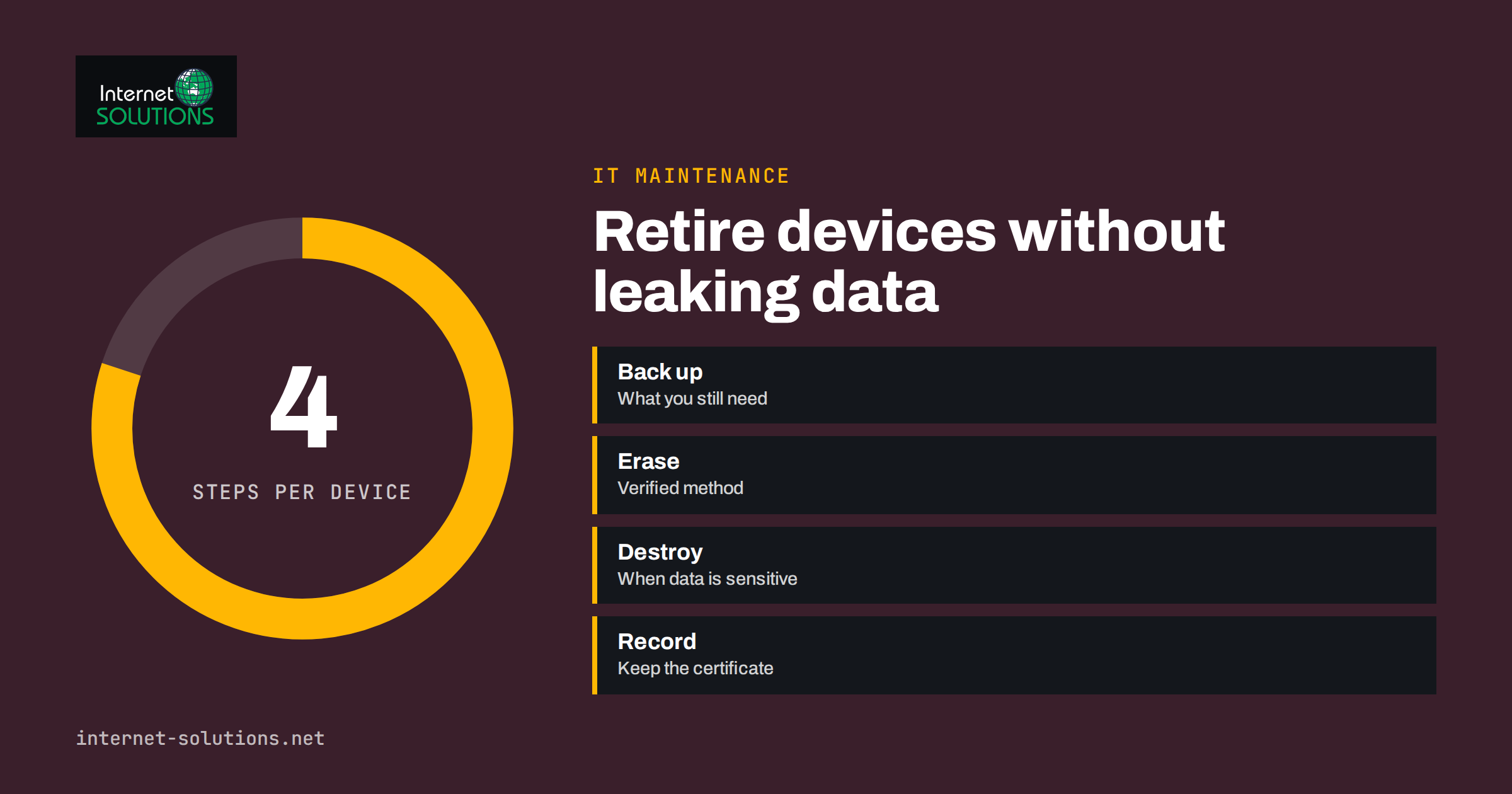
Secure disposal of old hardware is the last step in a computer’s life, and the one most often skipped. A retired laptop sits in a cupboard for two years, a pile of servers goes to a recycler on a pallet, or a manager takes an old phone home. Each of these devices may still hold customer records, saved passwords, email archives and files nobody remembers. If the data is recoverable, the business remains responsible for it, even though the machine has left the building.
This guide explains what data remains on retired equipment, which methods of erasing and destroying it are reliable, how to choose a recycler, and which records to keep as evidence. It covers laptops, desktops, servers, phones, printers and removable media, and it fits small offices that have no dedicated IT staff. The approach follows well-known public guidance, so you can show an auditor or insurer that you handled devices responsibly.
What Data Hides on Old Devices
Deleting files or emptying the recycle bin does not remove data. The operating system only marks the space as available, and recovery tools can often restore the contents. Even a quick format typically leaves most of the information in place. The risk is higher than people expect because devices store data in places users never look.
- Documents and email. Local copies of mailboxes, downloads, spreadsheets and scanned contracts.
- Saved credentials. Browser passwords, remembered logins, tokens and keys for cloud services and VPNs.
- System and application data. Caches, temporary files, databases and chat histories.
- Printers and copiers. Many keep internal storage with copies of scanned or printed pages.
- Phones and tablets. Photos, contacts, messages, authentication apps and device-linked accounts.
- Removable media. USB sticks, memory cards, external drives and old backup disks.
Beyond the privacy risk, there is a legal one. Under data protection law, a business must protect personal data throughout its life, including when equipment is discarded. A lost or stolen drive that contained unencrypted customer data may be a reportable breach. Proper disposal is therefore part of ordinary compliance, not an optional extra.
Build Disposal Into the Device Lifecycle
The easiest way to dispose of equipment safely is to plan for it from the day you buy it. If every laptop uses full-disk encryption from the start, a lost or discarded machine is far less dangerous, because the data is unreadable without the key. Destroying or discarding the key, in effect, destroys the data. This approach is not a substitute for erasing the device, but it is a strong second layer.
Maintain an inventory of equipment, with owner, location and purchase date, so that you know what exists and when it is due for replacement. Our guide to IT asset inventory explains how to keep one without special software, and the article on the computer replacement cycle shows how to plan retirements instead of reacting to failures. When a device is retired, record the date, the method used and who did it. That single line in a spreadsheet is the beginning of your evidence trail.
Methods of Sanitising Storage
The correct method depends on the type of storage and on whether the device will be reused, sold, donated or destroyed. The US National Institute of Standards and Technology describes the principles in its guidelines for media sanitization, which many organisations follow. They distinguish between clearing, purging and destroying media. The table summarises practical options.
| Media | Reuse or donation | Before recycling | Notes |
|---|---|---|---|
| Traditional hard drives | Overwrite the whole drive with verified erasure software | Overwrite, or physically destroy if the drive is faulty | Faulty drives may not accept software erasure, so destroy them |
| Solid-state drives | Use the manufacturer’s secure erase or cryptographic erase, then verify | Same, or physical destruction | Simple overwriting is less reliable because of how flash storage manages space |
| Encrypted drives | Destroy the keys, then erase | Destroy the keys, then erase or destroy | Encryption makes the other steps safer, not unnecessary |
| Phones and tablets | Sign out of accounts, remove from device management, then perform a factory reset on an encrypted device | Same, then recycle | Remove SIM and memory cards |
| Printers and copiers | Use the built-in data erase function | Remove and destroy the storage if no function exists | Check with the supplier before returning leased units |
| USB sticks and cards | Erase thoroughly if they stay in use | Physically destroy | Cheap enough that destruction is simplest |
Whichever method you choose, verify the result. Check that the erasure tool reports success, and for devices that will leave your control, boot or inspect them to confirm that no operating system or user data remains. Record the serial number of each drive and the outcome.
Reuse, Resale or Donation: Extra Steps
Passing a working computer to a charity, an employee or a buyer saves money and reduces waste, but it raises the stakes. Before handing it over, back up anything the business still needs and confirm that the backup restores. Remove the machine from your management systems, sign out of cloud accounts, deauthorise software licences and delete saved Wi-Fi and VPN profiles. Then erase the storage with a verified method and reinstall a clean operating system if the recipient needs one.
Take care with employees’ own use. If staff buy retired laptops, apply the same erasure as for any other transfer, and ensure they do not retain access to business accounts. For phones, check that the device is removed from any mobile device management and from the owner’s cloud account, because locked devices cannot be reused. Our article on remote device management covers the controls that make these steps routine.
Physical Destruction
When data is sensitive, drives are faulty or the cost of verification outweighs the value of the equipment, destroy the media. Options include shredding, crushing, drilling or a certified destruction service. Drilling a few holes into a hard drive may damage it, but the platters can still hold readable data, so use a method that destroys the platters or chips thoroughly. Solid-state memory chips need to be broken into small pieces, which is why professional shredding services are common for them.
If you use a service, ask for a certificate listing the serial numbers destroyed, the date and the method. Consider witnessing the destruction or choosing a provider that records it. For small volumes you can remove drives yourself and send only the drives for destruction, keeping the rest of the machine for recycling.
Choosing a Recycler
Electronic waste must be handled responsibly. In the European Union, rules on waste electrical and electronic equipment require separate collection and proper treatment; the European Commission explains the framework on its WEEE page. Using a licensed recycler protects the environment and shows due diligence.
- Check credentials. Ask for the recycler’s licence or registration and whether it follows recognised standards.
- Ask about data handling. Do they erase or destroy drives, who performs it, and where?
- Ask about chain of custody. How are devices transported, stored and tracked from your door to destruction?
- Request documentation. You want a collection note, an itemised list and a certificate of erasure or destruction.
- Do not rely on promises alone. A recycler that offers to pay for equipment but will not provide paperwork is not a safe choice for devices with data.
When possible, erase drives yourself before handing equipment over. Then any failure by the recycler does not become a data breach.
Keep Records That Prove You Did It
Records turn a good intention into evidence. For each device, note the asset tag or serial number, the owner, the date, the method used, who performed it, the result and any certificate. Store the records with your other IT documentation; see what to write down first for a simple structure. Keep them for as long as your retention rules require, which usually means several years. If a device later turns up in a resale listing or a breach is suspected, these records show what you did and when.
A Simple Procedure for a Small Office
Put the process in writing so that it happens even when the usual IT person is away. A basic procedure looks like this: identify devices due for retirement each quarter; back up needed data; remove accounts and licences; sanitise storage by the approved method; verify and record; send for reuse, resale or recycling; and file the certificate. Nominate who performs each step and who signs it off. If you would rather have someone else handle it, our IT maintenance service includes lifecycle management and documented disposal.
Also include devices that are easy to forget: old backup disks, spare phones in drawers, test servers, network storage units and the multifunction printer that has been leased for years. A quarterly walk around the office and storeroom, with the inventory in hand, catches most of them.
What to Do About Devices That Are Already Gone
Many businesses discover the problem after the fact: laptops sold years ago, a server given to a supplier, or a box of drives that went to a recycler without paperwork. You cannot undo that, but you can reduce the risk. List what you can remember, note the likely contents and decide how serious a leak would be. If the devices held sensitive personal data and were unencrypted, consider whether the incident needs to be assessed under your breach procedure. Change passwords and revoke tokens that were saved on those machines, rotate any keys that were stored on them and review which cloud accounts were signed in. Then adopt the procedure above so that the gap does not reopen.
Training and Responsibility
Disposal fails most often because nobody owns it. Name one person responsible for the process and make it clear that staff must not throw away, sell or give away equipment themselves. Tell employees to return devices to the nominated person when they leave or upgrade, including phones, tablets, memory sticks and any personal equipment used for work. Add the return of devices to your leaver checklist, together with the removal of accounts, and check the list before the final day.
A short briefing once a year is enough. Explain why deleted files can be recovered, show what a certificate looks like and remind staff where the storage cupboard is. When people understand that an old stick in a drawer can be a legal problem, they are far more likely to hand it in. Reward the habit by making it easy: a labelled box in a known place and a quick form is better than a long policy that nobody reads.
Frequently Asked Questions
Is deleting files or formatting a drive enough?
No. Deletion and quick formatting usually leave data recoverable. Use a verified erasure method, cryptographic erase for encrypted drives, or physical destruction.
Can I securely erase a solid-state drive by overwriting it?
Overwriting is less reliable on solid-state drives because of how they manage storage internally. Use the manufacturer’s secure erase or cryptographic erase function and verify, or destroy the drive.
Do printers and copiers store data?
Many do, on internal drives. Use the device’s erase function or have the storage removed before returning leased machines or discarding old ones.
Does full-disk encryption remove the need to erase?
It greatly reduces risk, but you should still erase or destroy the device. Treat encryption as an extra layer, and destroy the keys as part of the process.
What should a certificate of destruction contain?
The date, the method, the provider’s details and a list of serial numbers or asset tags for the items destroyed, ideally signed by the provider.
How long should I keep disposal records?
Keep them as long as your retention policy or legal requirements demand, commonly several years. They are inexpensive to store and valuable if questions arise.
The Bottom Line
Old hardware keeps the data it held. Encrypt devices from day one, track them in an inventory, and when they retire, erase storage with a verified method or destroy it, remove accounts and licences, use a licensed recycler and file proof. A short written procedure and a record for every device turn an easy-to-forget chore into a routine that protects customers and the business.