

 English
 Lietuvių
 Latviešu
 Eesti
Eesti Русский
 Polski
 Українська
 Deutsch
 Italiano
 Español
 Français
 Português
 Čeština
 Magyar
 Română
 Ελληνικά
 Türkçe
 日本語
日本語 العربية
 हिन्दी
 Bahasa Indonesia
 Bahasa Melayu
 ไทย
ไทย Tiếng Việt
 বাংলা
বাংলাSEO-Friendly URLs: Slugs, Folders and Parameters for Business Sites
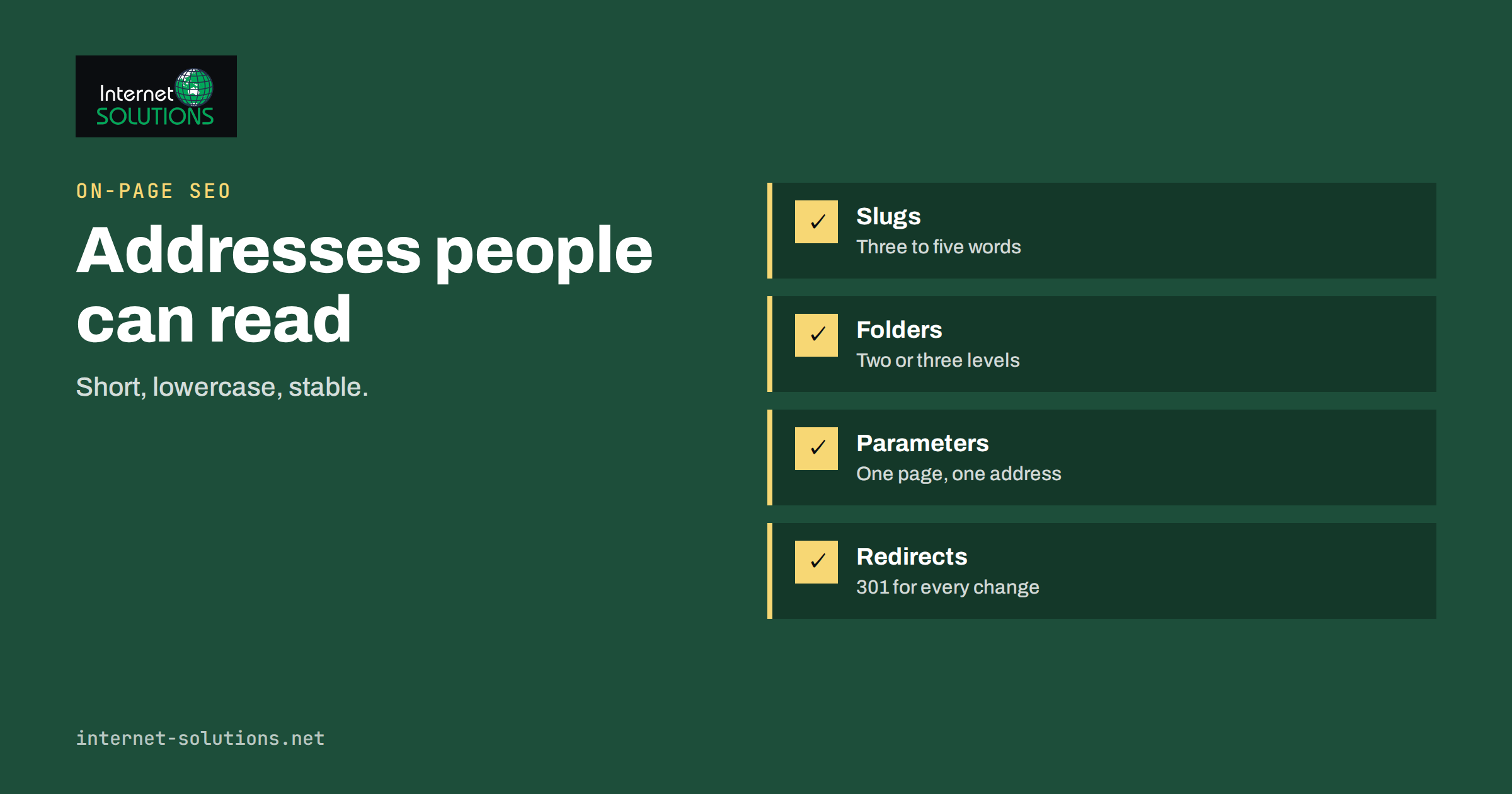
SEO friendly URLs are web addresses that tell both people and search engines what a page is about, stay stable over time and avoid creating many different addresses for the same content. A good URL looks like a short, readable label: example.com/services/server-administration/ says more than example.com/index.php?id=4482&cat=7. The address does not decide your rankings on its own, but it affects how easily your pages can be crawled, shared, remembered and managed for years.
This guide explains how to design URLs for a business website: how to write slugs, how deep folders should go, what to do with parameters, how to handle capital letters, trailing slashes and special characters, and how to fix a bad structure without losing the traffic you already have. It applies to WordPress sites, online stores and custom builds alike.
What a URL Is Made Of
Every address has parts, and each part invites different decisions. Take https://www.example.com/blog/seo-friendly-urls/?utm_source=newsletter.
- Protocol: https. Every public site should use it and redirect all http requests.
- Host: www.example.com. Choose one version, with or without www, and redirect the other.
- Path: /blog/seo-friendly-urls/. This is where structure and slugs live.
- Query string: ?utm_source=newsletter. Parameters that filter, sort or track.
- Fragment: anything after a hash sign, which browsers use to jump within a page and which search engines generally ignore.
The formal syntax is defined in an internet standard known as RFC 3986, but you do not need to read it to build good addresses. You need a handful of habits and the discipline to keep them.
Why URL Design Matters
Google’s own guidance on URL structure recommends a simple, readable structure and warns that overly complex addresses, especially those with many parameters, can create problems for crawling because they generate a very large number of URLs for the same content. In practice, URL design matters for five reasons.
- Clarity for visitors. A readable address builds trust when shown in search results, messages and social posts.
- Crawl efficiency. Fewer duplicate and near-duplicate addresses means crawlers spend their time on pages that matter.
- Stable relevance signals. Words in a slug give a mild context signal and help people recognise the page.
- Easier analytics and reporting. Clean paths make it simple to group pages by section.
- Lower risk during redesigns. A logical structure is easier to migrate and redirect.
Writing Good Slugs
The slug is the last part of the path, the label of the individual page. Follow these rules and most problems disappear.
Use words people would search
Start from the main topic of the page and write it plainly: server-administration, not our-premium-solutions-v2. Include the primary keyword when it fits naturally, but never stuff several variations into one slug.
Keep it short
Three to five words is a good target. Remove filler words such as “the”, “and” and “of” when meaning survives. Long slugs get truncated in search results and are hard to read aloud.
Use lowercase and hyphens
Servers may treat uppercase and lowercase paths as different addresses, which can produce duplicates. Use lowercase throughout. Separate words with hyphens rather than underscores or spaces, because hyphens are the conventional separator and are read as word boundaries.
Avoid special characters and dates
Skip accents, ampersands, question marks and symbols. For evergreen pages avoid putting the year in the slug, because the page will need updating while the address should stay the same. For genuinely time-bound content, such as an annual report, a dated slug is fine.
Never change a slug without a reason
Every change creates a new address that needs a redirect and resets some signals. Decide on a slug before publishing and leave it alone.
Folder Structure and Depth
Folders express hierarchy: a section, a subsection and a page. A structure that mirrors how people think about your business is easy to understand and to maintain.
- Keep it shallow. Two or three levels are enough for most business sites. Deep paths such as /company/products/category/subcategory/type/item/ are hard to read and tend to signal an overcomplicated site.
- Reflect real navigation. If the menu says Services, a service page should sit under /services/ or at a clear top level.
- Do not repeat words. /seo/seo-services/seo-audit-service/ adds nothing.
- Keep the hierarchy consistent. Do not mix /blog/ posts at one level and /news/ posts at another for the same kind of content.
Folders and internal links work together: a page’s place in the structure should be supported by links from its parent and siblings. Our guide on internal linking and site architecture shows how to connect pages so the structure is visible to crawlers as well as visitors. Many sites also benefit from simple top-level addresses for key services, as we do for SEO and other service pages.
Parameters, Filters and Tracking
Parameters appear after a question mark. They are useful for sorting, filtering and tracking campaigns, and they are also the main source of accidental duplicate URLs.
Parameters that change content
Filters on an online store, such as colour, size and price, can multiply into thousands of combinations. Decide which combinations deserve their own indexable page, for example a category plus a single important attribute, and keep the rest from competing. Faceted navigation is a large topic of its own, and we discuss it in our guide to faceted navigation and pagination for online stores.
Parameters that only track
Campaign tags such as utm parameters should not create separate pages in search. The page should declare a canonical address that excludes them, as explained in Google’s documentation on consolidating duplicate URLs. Use tagging sparingly on internal links, because tagged internal links can distort analytics.
Session identifiers
Do not put session IDs in URLs. They create a new address for every visitor and can leak information.
Trailing Slashes, Case and Other Variants
The same page can often be reached in several ways: with and without www, with http and https, with and without a trailing slash, and in different cases. Pick one canonical form for each and redirect the rest with a permanent 301 redirect. For the trailing slash the choice itself is unimportant; consistency is what matters. WordPress normally adds the slash for pages and posts, and the setup is controlled by the permalink settings described in the WordPress permalink documentation.
Comparing Good and Poor URL Patterns
| Situation | Poor pattern | Better pattern | Reason |
|---|---|---|---|
| Service page | /index.php?page_id=312 | /server-administration/ | Readable, stable, descriptive |
| Blog post | /2026/10/29/post-1/ | /seo-friendly-urls/ | Describes the topic, no date to age |
| Product category | /Products/Category/Laptops_and_Notebooks | /laptops/ | Lowercase, short, no underscores |
| Filtered listing | /laptops/?color=black&size=15&sort=price&page=3 | /laptops/black/ for key filters, parameters kept out of the index otherwise | Controls duplicate combinations |
| Campaign link | Separate indexable page per tag | Same page, canonical without tracking parameters | One address for one page |
| Duplicate versions | http, https, www and non-www all reachable | One version, others redirect with 301 | Consolidates signals |
Fixing an Existing Structure Safely
Changing URLs on a live site carries risk, so do it only when the benefit is clear: the current structure is misleading, produces mass duplicates or blocks growth. If you decide to proceed, follow a careful sequence.
- Inventory. Export all current addresses with their traffic, links and rankings.
- Design the new structure on paper and map each old address to exactly one new address.
- Prepare 301 redirects for every mapped address, avoiding chains. See our article on 301 redirects and common mistakes.
- Update internal links so they point straight to the new addresses instead of relying on redirects.
- Update sitemaps and canonical tags to the new versions.
- Launch, then monitor. Watch crawl errors, indexing and traffic for several weeks and fix gaps quickly.
When the change is part of a larger project, plan it together with the rest of the migration; our checklist for migrating a website without losing rankings covers the wider steps.
Special Cases
Multilingual sites
Use a consistent pattern for languages, such as a language folder at the start of the path, and connect translated versions with hreflang annotations. Avoid mixing the language of the slug and the page.
Pagination
Give each page in a series a clear address, and make sure each is reachable through links. Do not canonicalise every page of a series to the first one unless that is truly what you want indexed.
Breadcrumbs
Breadcrumb navigation reinforces the hierarchy of your URLs, and breadcrumb structured data can help search engines display the path in results, as described in Google’s breadcrumb documentation. Keep the visible trail and the markup in agreement.
A Practical Naming Convention for Your Team
URL quality usually fails not because people do not know the rules but because nobody wrote them down. A one-page convention solves that. Include the allowed characters, the maximum number of words, the top-level sections and who may create a new section. State how to handle product names, brand names and abbreviations, and which words to drop. Add a rule for retiring a page: it is redirected to the closest relevant page, never deleted silently and never sent to the homepage. Store the document where editors and developers will see it, and review it whenever you add a new type of content.
For example, a service business might agree on these rules: service pages sit at the top level with a one to three word slug; blog posts live under the blog folder with a slug that names the topic; location pages sit under a locations folder with the place name only; no page ever contains a date, a version number or the word “new”. New editors can then publish a correctly formed address on their first day without asking anyone.
How to Check Your Own Site
You can audit the current state in an afternoon. Crawl the site with any common crawler, or export the list of pages from your CMS and sitemap, and look for the following patterns.
- Addresses containing a question mark that return indexable content.
- Pages reachable under more than one address, such as with and without the trailing slash.
- Slugs longer than about 75 characters, with uppercase letters or with underscores.
- Redirect chains of two or more steps and internal links that point to redirected addresses.
- Folders that contain a single page, which often signal an unnecessary level.
- Pages in the sitemap that redirect, return an error or point to a different canonical address.
Fix the technical duplicates first, because they are cheap and safe, then decide whether any structural changes are worth their cost. Many sites find that cleaning duplicates and redirect chains captures most of the benefit without renaming a single healthy page.
Common Mistakes
- Leaving default addresses with numbers or dates when a descriptive slug was possible.
- Changing slugs after publication without redirects.
- Creating several versions of the same page through parameters.
- Using uppercase letters or underscores inconsistently.
- Building very deep folder paths that mirror an internal org chart.
- Redirecting everything to the homepage instead of the closest equivalent page.
Frequently Asked Questions
Do keywords in the URL improve rankings?
They provide a small contextual signal and help people understand the page, but they are not a strong ranking factor on their own. Write for clarity first, and use the keyword when it fits naturally.
Should I include the year in blog post URLs?
Usually not. A year in the slug makes content look outdated when it ages and forces a redirect if you update the address. Keep dates in the page content instead.
Are underscores or hyphens better?
Hyphens. They are the conventional word separator and are easy to read. Pick one style and use it throughout your site.
How long should a URL be?
As short as it can be while staying descriptive. A slug of three to five words is typical, and there is no benefit to filling the available length.
Is it worth changing old URLs?
Only if the current ones cause real problems, such as mass duplicates or confusing structure. Changes carry risk, so weigh the benefit against the effort of redirects and monitoring.
Should I use a trailing slash?
Either works. Choose one, apply it consistently and redirect the other version to it.
The Bottom Line
Good URLs are short, lowercase, descriptive and stable. Keep folders shallow, control parameters so one page has one address, choose a single canonical version of your host and path, and redirect everything else with a 301. Decide on slugs before publishing and change them only for a strong reason, with a careful redirect plan. A clean structure will not rescue weak content, but it makes every page easier to find, share and maintain for years to come.