

 English
 Lietuvių
 Latviešu
 Eesti
 Русский
 Polski
 Українська
 Deutsch
 Italiano
 Español
 Français
 Português
 Čeština
 Magyar
 Română
 Ελληνικά
 Türkçe
 日本語
 العربية
 हिन्दी
 Bahasa Indonesia
 Bahasa Melayu
 ไทย
 Tiếng Việt
 বাংলা
Which Site SEO AI Audit Plan? Checks, Alerts and White-Label PDFs
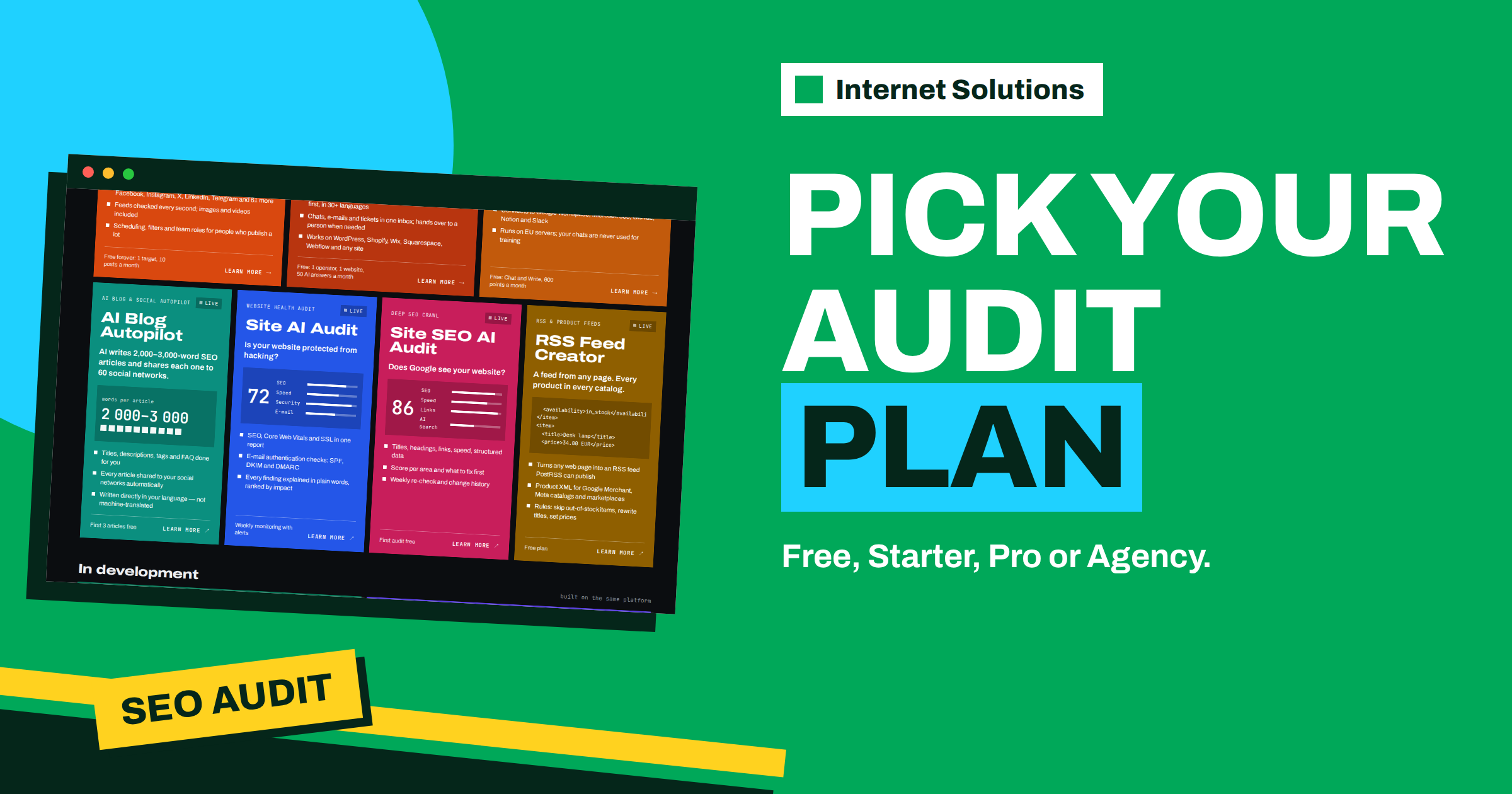
Site SEO AI Audit plans are built around one number, the checks you can run each month, and that makes the choice simpler than it looks. One check is one audit of a whole website, up to 10,000 pages, and every plan crawls and scores the website in the same way. What changes from plan to plan is how many checks you get, whether the full report is unlocked, whether the service alerts you when the score drops, and whether you can hand reports to clients under your own brand. This guide compares the four plans, Free, Starter, Pro and Agency, with the live pricing page, explains what each one adds in daily work and helps you decide which one fits your site, your company or your agency.
Site SEO AI Audit is the deep SEO audit from Internet Solutions. It crawls a website the way a search engine does, scores it across seven areas, including visibility in AI search, and ranks every fix by how much it would raise the score. No code or plugin is needed on the website. If you want to understand the report before choosing a plan, read our guide to the seven areas behind your SEO score. Prices below are in euros without VAT, taken from the Site SEO AI Audit pricing page, and they can change, so check that page for the current values.
The four plans at a glance
| Plan | Per month | Per year | Checks per month | Background checks at once | What it adds |
|---|---|---|---|---|---|
| Free | €0 | Not applicable | 1 check in total | Not listed | Report preview, locked |
| Starter | €12 | €120 | 5 | 1 | Full reports, every issue and affected page, WordPress fix steps |
| Pro | €29 | €290 | 20 | 2 | E-mail alerts when the score drops, comparison of audits, PDF report |
| Agency | €79 | €790 | 100 | 10 | White-label PDF with your logo, embeddable audit form, priority support |
Every check covers up to 10,000 pages. Yearly billing gives two months free, and you can change or cancel a plan at any time. Your reports stay in your account even if you return to the free plan. Two rules are easy to miss. A check means one audit of a whole website, and scheduled audits count too. Unused checks do not carry over to the next month, so a plan is a monthly allowance, not a bank.
Free: one check on the site that matters most
A free account runs one check in total. The report is saved in your account, but it is shown as a preview and the details stay locked. The reason is practical. A deep crawl costs server time, and the free check shows you the scores and the shape of the problem before you decide to pay. Use it on the website that matters most to you, not on a test page, because the result tells you whether a deeper look is worth the money.
A good free check has one purpose: to learn whether the website has a serious structural problem. If the overall score is high and the preview shows only minor items, you may not need a plan at all. If the score is low or the preview shows critical issues, the next step is a plan that unlocks the full report and the affected pages.
Starter: the full report for one website
Starter, at €12 a month, is the plan for an owner who wants to fix one website. It unlocks every report in full: scores, every issue, the affected pages, the full page list with filters and the fixes. It also includes WordPress fix steps, which help if your site runs on WordPress, and you can re-check at any time within the five monthly checks.
Five checks are enough for a simple cycle. Run one to get a baseline. Fix the top items. Run a second to see what changed. Keep the other three for later fixes and for the monthly look. The score method of Site SEO AI Audit weights each issue by how many pages it touches, so the biggest gains usually come from a few site-wide issues, which is also why a small number of checks is often enough.
Who should choose Starter
- A small business owner with one website who wants a clear fix list.
- A freelancer who optimises one site at a time and needs a baseline and a re-check.
- Anyone who wants to learn what is wrong before paying for SEO work.
Pro: alerts, comparisons and a PDF
Pro, at €29 a month, is the step for growing sites and online shops. It includes everything in Starter and adds 20 checks a month, two background checks at once, e-mail alerts when the score drops, a comparison of audits over time and a PDF report.
The alerts and the comparison belong together. A website changes constantly. Someone installs a plugin, edits a template or publishes forty pages with the same title, and the score falls without any warning. An alert tells you that something changed, and the comparison between audits shows which issues are new, which are fixed and which are worse. One caution: the documentation says that checks run only when you start them, and that there are no automatic scheduled audits. So read the alerts as a message about the audits you ran, not as a promise of constant watching.
The PDF report
A PDF is useful when someone else needs to read the result: a manager, a developer, a client or a supplier. Send the PDF with a short note that names the three top fixes and the person who owns each. A report that lands without an owner rarely changes anything.
Who should choose Pro
- An online shop with many pages, where templates create the same issue on hundreds of URLs.
- A company with a developer or an agency, where a comparison between audits proves that fixes worked.
- A website owner who changes the site often and wants an alert when the score falls.
Agency: reports under your brand
Agency, at €79 a month, includes everything in Pro and adds 100 checks a month, ten background checks at once, a white-label PDF with your logo, an embeddable audit form for leads and priority support. It is built for people who audit websites for clients.
The white-label PDF means that the client sees your logo and your name on the report. The embeddable form lets visitors to your own website enter their address and request an audit, which turns the audit into a lead tool. The number of checks fits an agency rhythm: a monthly check for each of a few dozen client sites, plus new prospects. If you work with a few clients only, Pro is probably enough, and you can move up when you are using more than 80 per cent of the checks in a normal month.
If you plan to use the form for leads, write down what happens after the request. Who reads it, how fast do you reply, and what do you offer after the report? An audit form that gets no follow-up wastes the lead and annoys the visitor. Our SEO service page shows how we work with the results of an audit, and the same order, audit first, fixes second, works for any agency.
Counting checks: a simple way to choose
Count how many websites you audit and how often. A one-site owner needs about two checks in a repair month and one in a quiet month. A shop that changes often might use four. An agency needs one check per client per month plus prospects. The following table gives a starting point.
| Your situation | Checks needed per month | Likely plan |
|---|---|---|
| Curious about one website | 1 in total | Free |
| One small website, fixing it yourself | 2 to 3 | Starter |
| A shop or a site that changes weekly, with alerts wanted | 4 to 12 | Pro |
| Three to five client websites | 8 to 20 | Pro |
| More than twenty client websites, branded reports | 25 to 100 | Agency |
These are planning figures, not promises, so adjust them to your real routine. The key rule is to leave a margin. If you use all your checks in the first week, you will be tempted to skip the final check that proves the fixes worked, and that check is the most useful one.
What stays the same on every plan
The audit itself does not change with the plan. The crawler, SEOAuditBot, starts from the home page, follows internal links, compares the pages with the XML sitemap, records click depth and finds orphan pages. It checks redirect chains, broken links, duplicate titles, structured data, hreflang and the signals that matter for AI search. Speed is measured with Google PageSpeed on mobile. The crawl runs at about three requests a second and follows your robots.txt, so it is polite to your server. If the website has more pages than the limit, the most important pages are crawled first, starting from the home page and the sitemap.
The report is also the same: a score for each area and an overall score, with each issue ranked by impact, a plain explanation of why it matters and what to do. Each issue shows its impact, so you can predict which fix will add the most points.
Payment, VAT and cancelling
Payment is by card, PayPal, bank transfer, Western Union or MoneyGram according to the pricing page. Card and PayPal activate the plan at once, and a bank transfer activates it when the payment arrives. Internet Solutions, UAB is an EU company, and invoices include VAT where it applies. You can cancel at any time, and your reports remain in your account.
Moving up and down without losing work
Plans are not a long commitment. You can start with Starter for the month in which you repair a site, move to Pro when the website changes often, and return to a lower plan when things are calm. Your reports stay in your account even if you go back to Free, so the history of your audits is not lost. This flexibility is the reason to choose the smallest plan that removes today’s limit instead of buying for an imagined future. A good moment to review is after each repair cycle: if you used fewer than half of the checks for three months, a smaller plan will do, and if you were out of checks before the middle of the month, the next plan is justified.
Frequently Asked Questions
Is the free plan enough to fix my website?
Usually not. The free account runs one check and shows the report as a locked preview. It tells you how big the problem is. To see every issue, the affected pages and the fixes you need a plan.
What is the difference between Starter and Pro?
Starter gives full reports and five checks a month. Pro adds 20 checks, two background checks at once, e-mail alerts when the score drops, a comparison of audits over time and a PDF report.
Do the audits run automatically?
No. The documentation says that checks run only when you start them and that there are no automatic scheduled audits. Alerts relate to the audits that you run.
Do unused checks carry over?
No. Unused checks do not carry over to the next month, so choose a plan that matches your routine and use the checks while you have them.
What does the Agency plan add?
Agency adds 100 checks a month, ten background checks at once, a white-label PDF with your logo, an embeddable audit form for leads and priority support.
Will the audit slow down my website?
No. The crawl makes about three requests a second and follows your robots.txt, which is gentle for a normal website.
The Bottom Line
Choose a Site SEO AI Audit plan by the number of checks and by who needs to see the result. Free shows the scores and locks the details. Starter unlocks the full report for one website at €12. Pro adds alerts, comparisons and a PDF for growing sites at €29. Agency adds your logo, a lead form and ten background checks at €79. Start with the free check, fix what the report ranks highest, re-check and move up only when your routine needs it. If you would like help with the fixes, from titles and links to redirects and speed, the Internet Solutions team can do that too, starting with our SEO service or with a new website when the old one is beyond repair.