

 English
 Lietuvių
 Latviešu
 Eesti
 Русский
 Polski
 Українська
 Deutsch
 Italiano
 Español
 Français
 Português
 Čeština
 Magyar
 Română
 Ελληνικά
 Türkçe
 日本語
 العربية
 हिन्दी
 Bahasa Indonesia
 Bahasa Melayu
 ไทย
 Tiếng Việt
 বাংলা
WordPress Multilingual Sites: Choosing a Plugin and URL Structure
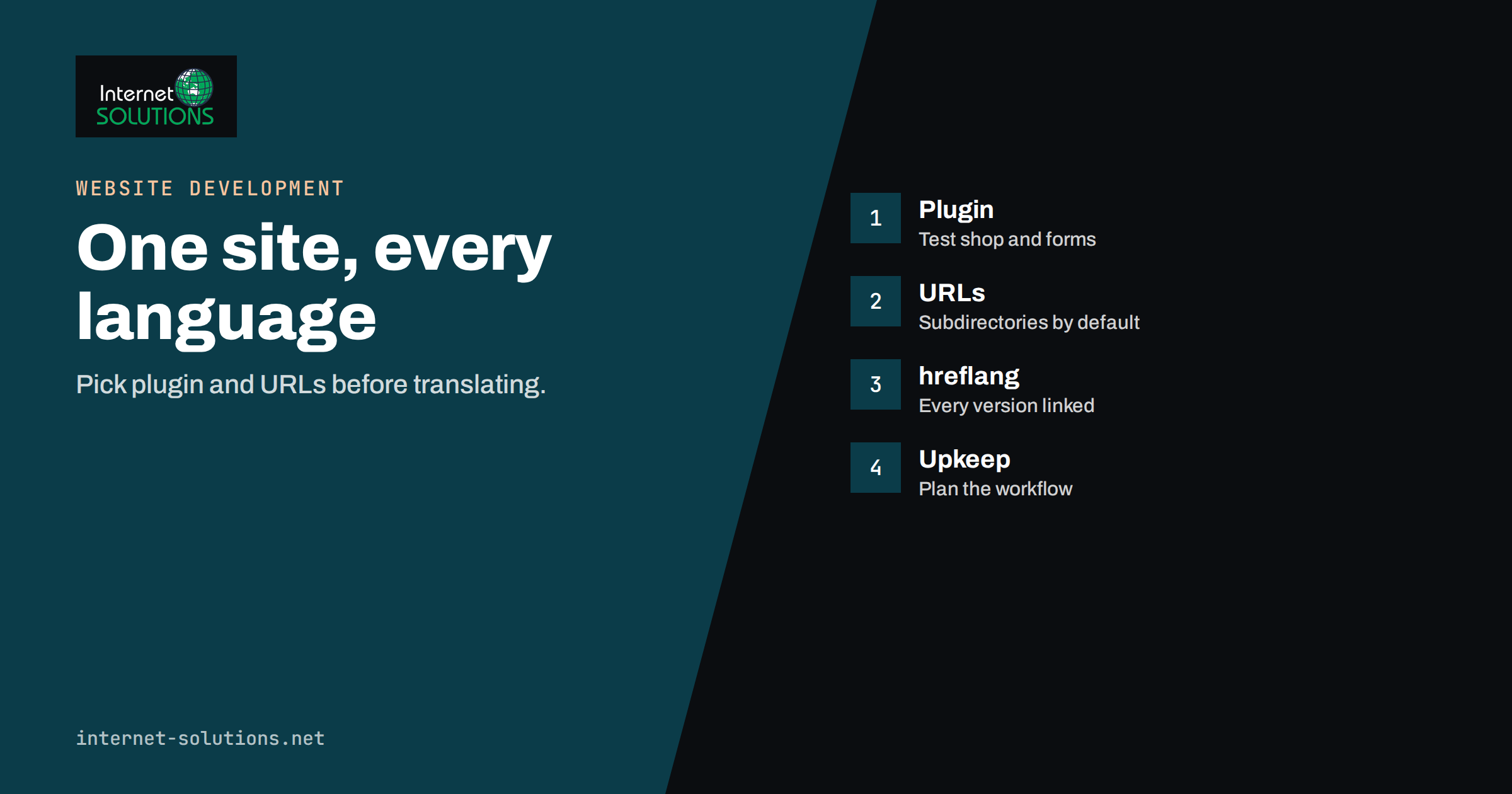
WordPress multilingual sites look simple from the outside: the same website, offered in more than one language, with a switcher in the corner. Behind that switcher sit decisions that are hard to change later. How will the translations be stored? How will the addresses look? What happens to search engines, to menus, to forms and to shop checkouts? Businesses that choose a plugin in an afternoon often discover a year later that their translations are locked into a system they cannot leave, that their addresses are inconsistent or that each update takes three times longer than it did when the site had one language.
This guide helps you choose deliberately. It explains the main ways WordPress handles several languages, compares plugin approaches, weighs the URL structure options, and lists the SEO and maintenance questions to settle before you translate a single page. It is aimed at business owners and marketers who commission a multilingual site, and at developers who want a checklist. It does not recommend one product for every case, because the right answer depends on the size of the site, the number of languages and who will maintain the translations.
First, Decide Whether You Need a Multilingual Site
Translation is a commitment. Every page you add must be translated, reviewed and kept up to date, and every language needs support when customers write in. Start with the audience. If you only need to serve a few visitors in another language with essential information, one translated page or a short PDF may be enough. If you plan to compete in search in another market, you need full pages in that language with local keywords, local contact details and content written for that market, which is different from a word-for-word translation. Our guide on international SEO and hreflang explains how search engines treat language versions and why the effort has to include more than the text.
The Three Main Technical Approaches
1. One WordPress Install, Translated Content Stored Inside It
Most multilingual plugins keep all languages in one installation. Each translation is a separate post or page, linked to the original, and each has its own address, title, description and content. Visitors choose a language and see the matching version. This is the most common approach for business sites and shops, because content, users, media and settings live in one place. Plugins differ in how they store the connection and whether they create duplicate posts or store translations as strings attached to the original.
2. A WordPress Multisite With One Site per Language
In a multisite network, each language is a separate website with its own content, theme settings and plugins, connected by a language switcher. This gives strong separation and lets different teams manage different markets, but it multiplies maintenance and makes it harder to share products, forms and settings. It suits larger organisations with local teams. For a deeper comparison of the two architectures, read our article on WordPress multisite or separate installs.
3. Automatic, On-the-Fly Translation
Some services translate pages automatically and display the result through a proxy or script. They are fast to set up and cheap to start with, and they can be useful for a first version or for low-priority pages. Quality varies, key terms such as product names and legal wording may be translated incorrectly, and search engines may treat the result differently depending on how addresses are generated. If you use machine translation, consider having important pages reviewed by a native speaker and check how addresses and metadata are handled.
Comparing Plugin Approaches
| Approach | How translations are stored | Strengths | Watch out for |
|---|---|---|---|
| Separate posts per language | Each translation is its own post or page, linked to the original | Full control of text, address and SEO fields for each language | More objects to manage, and every template and widget needs attention |
| String and visual translation | Original content stays, and translated strings are stored in a database layer | Fast to start, edit visually on the front end | Dependence on the plugin, harder to export and sometimes limited control of addresses |
| Multisite per language | Each language is a separate site | Clean separation, different content per market | Higher maintenance and duplicated settings |
| Cloud translation service | Translations are stored and served by an external service | Quick start, shared translation memory | Ongoing subscription, external dependency and data protection review |
| Machine translation proxy | Translated on request and cached | Minimal setup | Quality, SEO control and legal wording |
Whichever plugin you choose, look for these capabilities before committing:
- Control over addresses and slugs for each language, so that URLs are readable in that language.
- Automatic hreflang tags and a self-referencing tag on each page.
- Translation of SEO fields, including titles, meta descriptions and structured data from your SEO plugin.
- Support for your other plugins, such as the shop, forms, a page builder and booking tools. Check the compatibility list for each one.
- Menu, widget and media translation, and the ability to use different images per language.
- Export and import in a standard format, so that you can leave the plugin without losing the translations.
- Performance. Some plugins add many database queries or large scripts. Test the site speed with the plugin enabled.
- Active maintenance, updated for current WordPress and PHP versions. Our guide to choosing plugins safely lists what to check.
Choosing a URL Structure
The address pattern for languages affects search, analytics, hosting and how easily you can add a language later. There are four options.
| Structure | Example pattern | Advantages | Disadvantages |
|---|---|---|---|
| Subdirectory | example.com/de/ | One domain, shared authority, simple hosting and analytics | Server location is the same for all languages, and it needs careful redirects |
| Subdomain | de.example.com | Can be hosted separately, clear separation | Treated as a separate site by some tools, more DNS and certificate work |
| Country-code domain | example.de | Strongest local signal, easy for users to trust | Highest cost, separate domains to manage and promote |
| URL parameter | example.com/?lang=de | Technically easy | Difficult for search engines and users, not recommended for most sites |
For most business websites, subdirectories are the practical choice, because they keep everything under one domain and one set of links, and Google has stated that it can work with any of the first three patterns when they are implemented correctly. Choose country-code domains only when you have a separate local business, local marketing and the resources to maintain it. Keep the pattern consistent, and decide what the default language does. A common choice is to keep the main language at the root and put the others in subdirectories, or to put every language in a directory including the default. Either works if you apply it everywhere and redirect old addresses correctly.
Google’s documentation on managing multi-regional and multilingual sites and on localized versions explains how to use hreflang annotations so that search engines show the right version to the right user.
Language Detection and the Switcher
Avoid redirecting visitors automatically based on their browser language or location without giving them a way to choose. Automatic redirects can trap users in the wrong language, prevent search engines from reaching some versions and annoy people who travel or use a different browser language. A better pattern is to show a visible language switcher on every page, which links to the equivalent page in the other language, not just to the homepage. If you want to offer a suggestion, show a small banner that the visitor can ignore, and remember the choice. Use the language name written in that language, such as “Deutsch”, rather than flags, which represent countries and not languages.
SEO Details That Are Easy to Miss
- Translate the whole page, including titles, headings, image alternative text, buttons, forms and metadata. A page with an English menu and a German body looks unfinished.
- Use hreflang correctly. Each page lists all its alternates, and each alternate points back. Missing return links make annotations invalid.
- Submit language-aware sitemaps and make sure each language version has its own canonical tag that points to itself.
- Research keywords in each language. People in different markets search differently, so a literal translation may miss the words they use.
- Localise, not only translate. Currency, date formats, phone numbers, addresses and legal pages should match each market.
- Do not publish half-translated pages. Mark untranslated content as unavailable in that language or redirect to the original, and avoid thin pages with a few translated words.
Practical Considerations for Shops and Forms
Shops need more than page translation. Product titles, attributes, variations, categories, checkout steps, emails and shipping messages should all be translated and tested. Check that payment, tax and shipping rules can differ per market, and that order emails go out in the customer’s language. Forms need translated labels and error messages, and the notification that arrives in your inbox should clearly state which language the visitor used. Cookie banners and privacy pages must be available in each language, in line with the rules of the market. Caching is relevant too, because caching rules must separate language versions, otherwise a visitor can be served a page in the wrong language.
Keeping Translations Maintainable
The real cost of a multilingual site is ongoing. Decide how new content will be translated, who reviews it and how long it may take. Build a translation workflow: publish in the main language, mark the page for translation, assign it, review it and publish the translated version. A glossary of key terms, brand names and phrases that must not be translated keeps the voice consistent. If you publish regularly, plan time and budget for each new article in each language, and consider which content really deserves translation. For businesses that share news on social networks, our article on PostRSS and multilingual blogs shows how each language version can feed its own channel.
Use a staging copy to test plugin updates, because multilingual plugins touch many parts of a site. Keep a backup before major updates, and test the switcher, menus and forms after each one.
A Worked Example
A company that sells garden furniture in Lithuania wants to sell in Germany and Poland. The team has about eighty product pages, twenty content pages and a blog. After reviewing the options, they choose a single WordPress installation with a plugin that stores each translation as a separate post, because it gives control over slugs and SEO fields, supports their shop plugin and can export translations. They use subdirectories: the main language at the root, and the German and Polish versions in their own folders.
They translate the top product pages and key service pages first, using professional translators for the main sales pages and reviewed machine translation for long descriptions. They publish hreflang tags, language-specific sitemaps and local contact details. They hold back the blog until each article can be translated properly. Three months later, they examine the search reports for each language, find which pages attract impressions and extend the translation to those. The staged plan limited the cost, and the technical setup meant that adding a fourth language later required no rebuild.
Common Mistakes
- Choosing a plugin on price alone, without testing the shop, forms and page builder in two languages.
- Using flags as language switchers.
- Redirecting visitors automatically and blocking search engines from other versions.
- Leaving the default language without a clear URL rule.
- Translating text but not titles, descriptions, images and forms.
- Publishing machine translations of legal or contract pages without review.
- Forgetting that caching must separate languages.
- Locking all content into a plugin with no export.
Frequently Asked Questions
Which WordPress multilingual plugin is best?
There is no single best option. Choose by testing: your theme, shop, forms and SEO plugin must work in every language, the plugin must give control over addresses and metadata, and it must allow export. Try the shortlisted plugins on a staging site with two real pages.
Is subdirectory or subdomain better for SEO?
Search engines can handle both if they are implemented correctly with hreflang and consistent links. Subdirectories are simpler for most small and medium sites, since they keep one domain and one hosting setup.
Will machine translation hurt my rankings?
Poor, unreviewed automatic translation can lower quality and conversion, and search engines may judge low-quality pages as unhelpful. Reviewed translations of important pages perform better than raw output.
Do I need hreflang?
If you have pages with equivalent content in different languages or for different regions, hreflang helps search engines show the right version. Most good plugins create the tags automatically, but you should check them.
Can I add a language later?
Yes, if the structure was planned well. Use a consistent URL pattern, choose a plugin that supports more languages and keep your content in a clean form that can be exported.
How much does a multilingual site cost?
The setup is a small part. The main costs are translation, review, local content and ongoing maintenance in each language, so budget for the whole life of the site, not just the build.
The Bottom Line
A WordPress multilingual site works best when you decide on the architecture, plugin and URL structure before you translate. For most business websites, a single installation, a plugin that stores translations as separate, editable pages and subdirectories for each language is a sound default. Test your shop, forms and SEO plugin in two languages, set up hreflang, give visitors a visible switcher and plan how translations will be maintained. If you want help choosing and building the setup, our website development team can set up and test a multilingual WordPress site with you.