

 English
 Lietuvių
 Latviešu
 Eesti
Eesti Русский
 Polski
 Українська
 Deutsch
 Italiano
 Español
 Français
 Português
 Čeština
 Magyar
 Română
 Ελληνικά
 Türkçe
 日本語
日本語 العربية
 हिन्दी
 Bahasa Indonesia
 Bahasa Melayu
 ไทย
ไทย Tiếng Việt
 বাংলা
বাংলাOmnichannel Customer Support for Small Teams With Talkmio
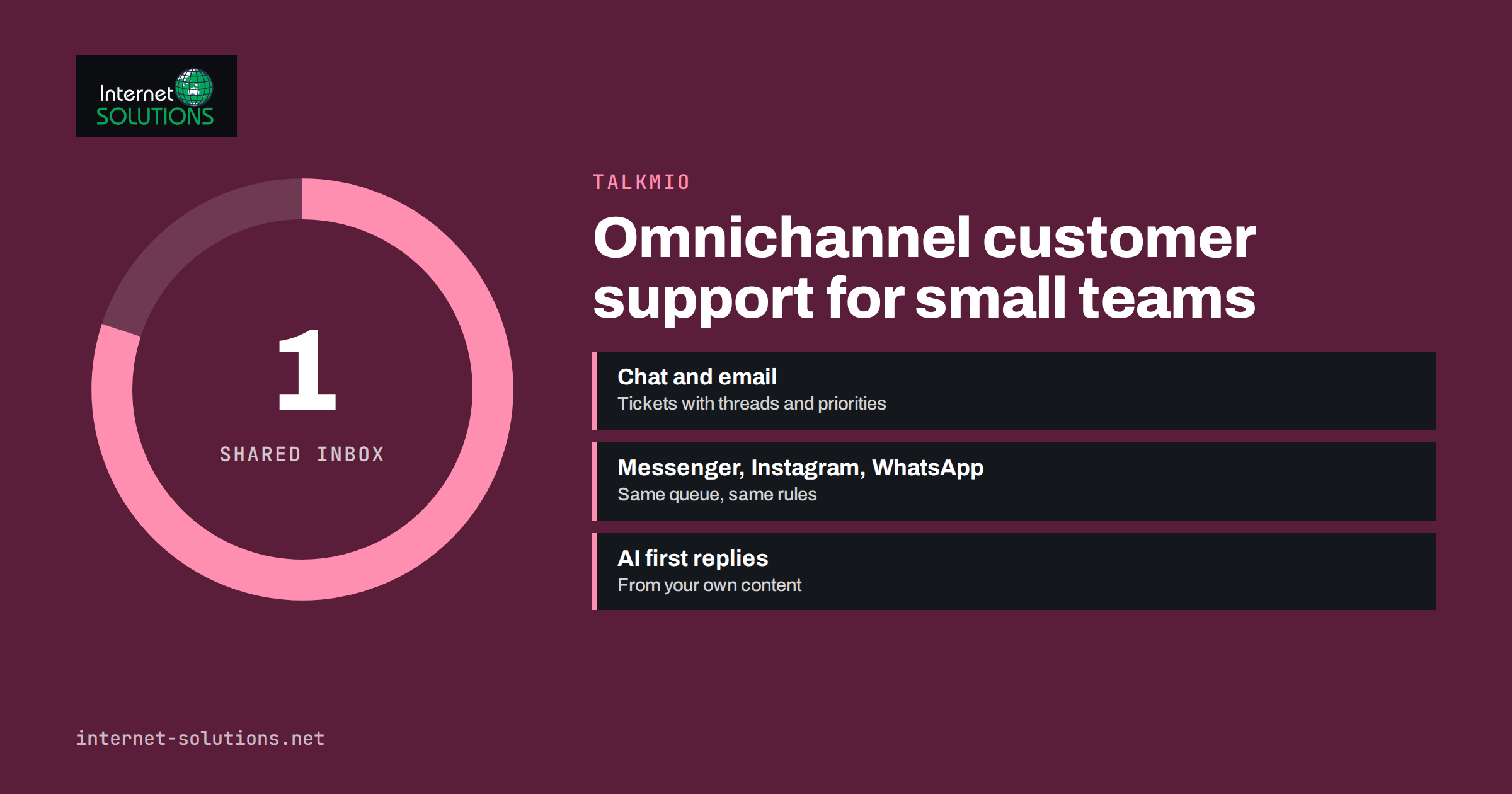
Omnichannel customer support means that customers can reach you wherever they prefer, website chat, email, Messenger, Instagram or WhatsApp, and your team handles all of those conversations in one place, with the full history in view. For a large company this is a matter of expensive contact-centre software. For a small team, it is usually a daily struggle: one person watches the shared mailbox, another answers Instagram messages on a phone, website chats pop up in a separate tab, and nobody is sure whether the customer who wrote on WhatsApp yesterday has already had an answer.
This guide explains what omnichannel customer support looks like in practice for a team of two to twenty people, which channels are worth adding and in what order, how to organise the work so nothing falls through the cracks, and how a tool like Talkmio, the live chat and helpdesk built by our team, brings chats, emails, tickets and social messages into a single inbox.
Multichannel vs Omnichannel: The Difference That Matters
Many small businesses are already multichannel: they offer email, a contact form, a chat widget and a social media inbox. The problem is that each channel is a separate island. Omnichannel support connects them. Nielsen Norman Group describes this difference well in its article on channels, devices and touchpoints: customers experience one company, not a set of channels.
In practice, omnichannel support means three things:
- One inbox. Every message, whatever its channel, lands in the same queue with the same statuses and assignments.
- One customer history. When someone writes on WhatsApp after an earlier email, the agent sees both.
- One set of rules. Response targets, priorities and hand-offs work the same way for every channel.
Without these, adding channels makes support worse, not better. Each new channel adds another place where a message can be missed.
Which Channels a Small Team Really Needs
You do not need every channel at once. Add them in the order your customers actually use them, and only when you can answer within a reasonable time.
| Channel | Customer expectation | Best for | Effort to run well | Add when |
|---|---|---|---|---|
| Website live chat | Answer within minutes | Pre-sale questions, quick help while browsing | Moderate, lower with AI first replies | First, for almost every business website |
| Answer within hours to a day | Orders, invoices, detailed problems, attachments | Moderate | Already there; bring it into the same inbox | |
| Facebook Messenger | Answer within hours | Customers who find you through your Page | Low to moderate | When Page messages arrive regularly |
| Instagram messages | Answer within hours | Consumer brands, product questions from posts | Low to moderate | When Instagram is a sales channel |
| Fast, conversational | Markets where WhatsApp is the default messenger | Moderate to high | When customers ask for it |
A good rule: never publish a channel you cannot monitor. A WhatsApp number that answers after three days is worse than no WhatsApp number at all.
Building One Inbox With Talkmio
Talkmio was built for exactly this situation: one inbox for chats, emails and tickets, with an AI assistant, Mio, that handles the first shift. Here is how the channels fit together.
Website chat
You add one line of code to your website, or install the WordPress plugin; it also works with Shopify, Wix, Squarespace, Webflow and custom sites. Mio reads your website, FAQ and uploaded documents and answers visitors from that content in their own language, more than 30 languages in total. When it cannot answer, or the visitor asks for a person, the conversation is handed to your team with the full history.
Email and tickets
On paid plans from Pro upwards, Talkmio provides an email address for your account. Forward your support mailbox to it, and customer emails become numbered tickets with threads, priorities and response targets. Your replies from the inbox go back to the customer as normal emails, and follow-ups stay in the same thread. Any chat can also be converted into a ticket when it needs longer follow-up.
Messenger, Instagram and WhatsApp
On the higher plans (Ultimate and above on the current pricing page), you can connect your Facebook Page and the Instagram business account attached to it, as well as WhatsApp Business. Messages from these channels arrive in the same inbox, Mio can answer them like website chats, and your replies go back to the channel the customer used. Check the Talkmio pricing page for the current plan contents before choosing.
Organising the Work So Nothing Falls Through
A single inbox only helps if the team uses it consistently. A few simple rules make the difference.
Use statuses and views
Every conversation should have a clear status: open, pending (waiting for the customer), solved or closed. Talkmio’s inbox has views such as All, Mine, Unassigned, Unanswered, Mio replied and Closed, plus separate tabs for chats and tickets. Start each shift with Unassigned and Unanswered; finish it with an empty Unanswered view.
Assign an owner
Each conversation needs one person responsible for it. Shared responsibility usually means nobody answers. Assign conversations explicitly, and reassign them when someone goes on holiday.
Set priorities
Not every message is urgent. A complaint about a failed payment matters more than a general question about opening hours. Use priority levels, from low to urgent, and agree as a team what belongs in each.
Agree on response targets
Set a target for the first reply, for example five minutes for chat during business hours and four hours for email. In Talkmio, conversations without a first reply within your target get an overdue badge, which makes problems visible before customers complain.
Use internal notes
When you need a colleague’s input, add an internal note to the conversation rather than forwarding emails or messaging privately. The note is visible only to your team, and the context stays with the customer’s history.
Keep replies consistent across channels
Customers notice when the answer on Instagram differs from the answer by email. Save your best answers to common questions as quick replies, so every team member uses the same wording for delivery, returns or pricing questions, and update them in one place when a policy changes. Talkmio’s inbox also helps with tone and language: it can draft a reply from your knowledge base, translate your draft into the visitor’s language and show a visitor’s message in your own language. For a small team serving customers in several countries, this removes the need for a separate agent per language.
Consistency also applies to tone. Agree on a few basics, such as greeting customers by name, avoiding internal jargon and always ending with a clear next step, and write them down where new team members can find them.
Letting AI Handle the First Shift
For a small team, the biggest gain is often not the single inbox but the first reply. Many questions repeat: delivery times, opening hours, prices, how to reset a password. Mio answers these from your own content, at any hour, and hands over anything it cannot answer confidently.
To make this work well:
- Build a good knowledge base. Point Mio at your website, add question-and-answer pairs for common issues and upload price lists or policies as documents.
- Write clear instructions. Tell Mio what you sell, which tone to use and what it must never promise, for example “never quote delivery dates; hand order questions to the team”.
- Test before going live. Ask the questions your customers ask and check which knowledge pieces the answer was based on.
- Review hand-offs weekly. Each hand-off shows a gap in your content or a case that genuinely needs a person. Fill the gaps; keep the rest human.
Hand-offs happen when Mio cannot answer from your content, when the visitor asks for a person, complains or asks about a specific order. The conversation is marked as needing a human, and the team is notified in the inbox, by email or by push notification on the mobile app. Once a person replies, Mio stays out of that conversation.
Covering Evenings, Weekends and Holidays
Small teams cannot staff every channel around the clock, and they do not need to. When your whole team is offline, Talkmio asks website visitors for an email address before their first message, so your later reply reaches them by email. Combined with AI answers for common questions, this keeps after-hours enquiries from being lost. Our guide to after-hours live chat covers this in more detail.
For social channels, set expectations in your profile, for example “We reply within a few hours on weekdays.” Customers accept delays they were told about; they do not accept silence.
Connecting Support to the Rest of the Business
Support conversations contain valuable information: questions that your website does not answer, objections that stop sales, product problems that repeat. Make sure this information reaches the people who can act on it:
- Review the most common questions monthly and update your website or FAQ.
- Share recurring objections with whoever writes your sales pages and ads.
- Report repeating product or delivery problems to operations.
- Look at the busiest hours to plan who is online when.
Talkmio’s reports show conversations per day, how many Mio solved alone, hand-offs, first-reply time, ratings, busiest hours, channels and team performance. If you also use other tools, our article on Talkmio integrations explains how to connect live chat to the systems your team already works in.
Privacy and Data Handling
An omnichannel setup brings customer data from several channels into one system, so data protection deserves attention. For businesses serving customers in the European Union, the rules summarised by the European Commission’s data protection pages apply to every channel. Practical steps:
- Know where conversation data is stored. Talkmio stores data on servers in the EU, in Germany.
- Mention your chat and messaging channels in your privacy policy.
- Do not ask for sensitive data such as card numbers in chat or social messages.
- Export or delete conversation data when customers ask, and do not keep it longer than you need.
For WhatsApp in particular, follow Meta’s business messaging rules, described in the WhatsApp Business Platform documentation, especially regarding consent for messages that you initiate.
A Rollout Plan for a Small Team
- Week 1: install website chat, build the knowledge base and test AI answers.
- Week 2: forward the support mailbox so emails become tickets; agree on statuses, owners and response targets.
- Week 3: connect Messenger and Instagram if customers use them; update profiles with reply-time expectations.
- Week 4: review reports and hand-offs, fill knowledge gaps and decide whether WhatsApp is worth adding.
After a month, the whole team works from one queue, customers get faster first answers and nothing depends on one person’s phone.
Frequently Asked Questions
What is omnichannel customer support?
It means customers can contact you on several channels, while your team handles all conversations in one inbox with a shared history and the same rules for every channel.
Is omnichannel support realistic for a team of two or three people?
Yes, if you add channels gradually, keep everything in one inbox and let AI answer common questions. Only publish channels you can monitor.
Which Talkmio plans include email tickets?
According to the current pricing page, the email channel and tickets are included from the Pro plan. Messenger, Instagram and WhatsApp are included from the Ultimate plan.
Does the AI answer messages from social channels too?
Yes. Messages from connected channels arrive in the same inbox, and Mio can answer them from your content, just like website chats.
What happens when the AI cannot answer?
The conversation is marked as needing a human and your team is notified. Once a person replies, the AI stays out of that conversation.
Where is Talkmio conversation data stored?
On servers in the European Union, in Germany. You can export or delete your data at any time.
The Bottom Line
Omnichannel customer support is not about being everywhere; it is about never losing a conversation. Start with website chat and email in one inbox, add social channels when customers actually use them, give every conversation a status and an owner, set response targets and let AI handle the repetitive first replies. With that in place, even a small team can answer faster and more consistently than many larger competitors. If you would like help setting up a support workflow for your business, contact our team.