

 English
 Lietuvių
 Latviešu
 Eesti
Eesti Русский
 Polski
 Українська
 Deutsch
 Italiano
 Español
 Français
 Português
 Čeština
 Magyar
 Română
 Ελληνικά
 Türkçe
 日本語
日本語 العربية
 हिन्दी
 Bahasa Indonesia
 Bahasa Melayu
 ไทย
ไทย Tiếng Việt
 বাংলা
বাংলাHelp Center Articles That Cut Support Tickets: How to Write Them
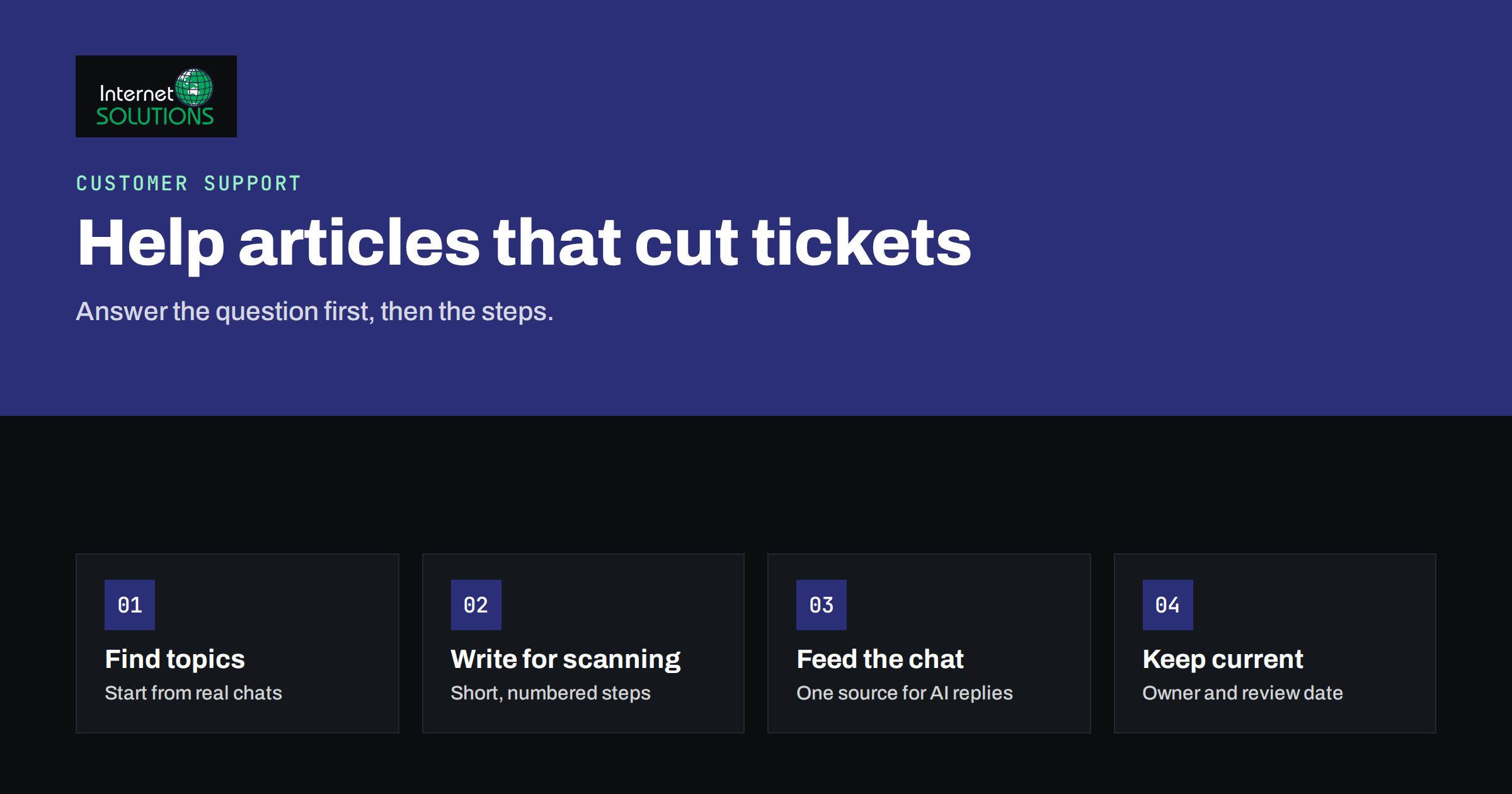
Help center articles are the quiet workhorses of customer support. Every time a customer finds a clear answer on their own, that is one less email, one less chat and one less ticket for your team to handle, and the customer gets what they wanted faster. Yet many small businesses either have no help content at all or have a handful of pages that were written once and never improved, so customers give up and write to support anyway.
This guide explains how to decide which help center articles to write, how to structure them so that people can use them in under a minute, how to keep them accurate and how to connect them with live chat and AI assistants. The advice applies whether you run a small online shop, a software product or a service business, and it works with tools such as Talkmio, where the same content can also feed an AI assistant that answers visitors in chat.
Why Help Content Reduces Tickets
A support request usually means that a customer could not find, understand or trust an answer they needed. Good help content removes those obstacles before the request is sent.
- Customers prefer to self-serve for simple questions. Shipping times, password resets, invoice copies and setup steps rarely need a human.
- Answers are consistent. A published article gives every customer the same correct information, instead of depending on who happens to reply.
- Your team gets time back. When repetitive questions are handled by articles, agents can spend their time on complicated or sensitive cases.
- Search brings in new customers. Articles that answer real questions can rank in search and introduce your business to people who are comparing options.
- Chat and AI become more accurate. An assistant that answers from your content is only as good as that content.
The aim is not to hide your support team. It is to make sure that the questions that do reach them are the ones that need a person.
Find Out What to Write First
Do not guess. Your existing conversations already show what customers need.
- Review recent tickets and chats. Export or read the last 100 to 200 conversations and group them by topic. Count how often each question appears.
- Check chat transcripts. Our article on what Talkmio chat transcripts reveal about your website shows how to spot patterns in what visitors ask.
- Look at site search. If your site has a search box, the queries show what people could not find.
- Ask the team. Support and sales staff know the questions that are repeated daily and the ones that cause the most frustration.
- Check search data. Queries in Search Console that start with “how to” or “why” and relate to your product or service point to content customers look for.
Rank the topics by how often they appear and how costly each one is to answer. Start with the top ten. Ten excellent articles will reduce more tickets than a hundred mediocre ones.
Choose the Right Type of Article
Not every question needs the same format. Match the structure to what the customer is trying to do.
| Type | Customer need | Structure | Example |
|---|---|---|---|
| How-to | Complete a task | Short intro, numbered steps, result | How to change your delivery address |
| Troubleshooting | Fix a problem | Symptom, likely causes, fixes in order of simplicity | The confirmation email did not arrive |
| Policy or rule | Understand what is allowed | Plain statement, conditions, exceptions, dates | Returns and refunds |
| Explainer | Understand a concept | Definition, why it matters, example | What the response time target means |
| Reference | Look up a fact | Table or list, easy to scan | Supported file types and size limits |
| Getting started | Begin using the product | Checklist in the order of use | Setting up your account in 10 minutes |
Keep each article focused on one question or task. If an article answers three different questions, split it, or readers will have trouble finding what they need.
Write So People Can Use It Quickly
People rarely read help pages from beginning to end. Research on how users read online shows that they scan for the part that answers their question. The Nielsen Norman Group summarizes this in its study of how users read on the web, and the lessons apply strongly to support content.
- Use the customer’s words in the title. “How do I change my delivery address?” matches what people type. “Address management” does not.
- Answer in the first two sentences. Put the short answer first, then the details for those who need them.
- Use numbered steps for procedures. One action per step, starting with a verb, such as “Open Settings” or “Select Billing”.
- Name things exactly as they appear on screen. If the button says “Save changes”, do not call it “Submit”.
- Keep paragraphs short. Three or four lines at most, with headings that describe what each section covers.
- Show, do not only tell. A cropped screenshot or short video helps with visual steps, as long as you also write the step in text and add alt text.
- State prerequisites and results. Tell readers what they need before they start and what they should see when they are done.
- Be honest about limits. If something is not possible, say so and suggest the nearest alternative. Avoid promises that your team cannot keep.
- End with the next step. Link to a related article, or give a clear way to contact support if the problem is not solved.
Structure the Help Center
A good article is useless if people cannot find it. Plan the structure around the customer’s journey rather than your organization chart.
- Group by task or stage. Categories such as “Getting started”, “Orders and delivery”, “Billing” and “Troubleshooting” are easy to understand.
- Keep the hierarchy shallow. Two levels are usually enough. Deep trees hide content.
- Add a visible search box. Search is the main way people find articles, so make sure it handles synonyms and misspellings reasonably well.
- Feature the top questions on the home page. Use the ranking from your ticket review.
- Link from where problems happen. Put a link to the relevant article next to the form field, on the checkout page or in the confirmation email.
- Give each article a clean, readable URL and a clear title, so that it can also be found through search engines.
Connect Articles With Live Chat and AI
Help content has a second life inside chat. In Talkmio, you can teach the Mio assistant from your own material: add your website so it reads the public pages, add single pages, question and answer pairs or free text, or upload files such as PDF, DOCX, TXT, MD, CSV and HTML up to 15 MB. You can re-read a source when it changes, and the Try Mio feature lets you test answers and see which knowledge pieces were used before you go live. The Talkmio documentation explains each step. Our guide to training Ask Mio AI on your knowledge base covers the same principles in more depth.
What this means for your writing:
- Clear articles produce clear answers. An assistant that answers from your content reflects its quality. Ambiguous or outdated pages lead to ambiguous replies.
- One topic per page helps retrieval. Focused articles make it easier to find the right piece of content for a question.
- Write the rules the assistant must follow. Business instructions can state the tone to use and what it must never promise, such as not quoting delivery dates and handing order questions to the team.
- Use chat to find gaps. Questions the assistant cannot answer, or that need a human, show exactly which articles are missing.
- Reuse agent replies. If agents write the same helpful answer repeatedly, turn it into an article, and keep a short quick reply that links to it.
A Template for a How-To Article
Using the same skeleton for every how-to article makes writing faster and reading easier. This structure works for most tasks.
- Title: a question or task phrase in the customer’s words, for example “How to change your delivery address”.
- Summary: one or two sentences that say what the article helps with and who it is for.
- Before you start: requirements such as being signed in, having an order number or having a certain plan.
- Steps: numbered, each with one action and, where useful, a screenshot.
- Result: what the customer should see when it worked.
- If it did not work: the two or three most common reasons and what to try.
- Related articles and contact: links to the next likely questions and a clear way to reach a person.
Review each draft by following it yourself with a new account or an unfamiliar device, or ask a colleague outside support to try it. Every point where they hesitate is a point to rewrite.
Keep Articles Accurate
An outdated article is worse than none, because it creates new tickets from people who followed wrong instructions. Treat help content as a product with an owner.
- Assign an owner to each section. The person who knows the process should be responsible for the text.
- Set a review date. Check important articles every quarter and after every product or policy change.
- Update when the product changes. Include help content in the release checklist, so screenshots and steps change with the interface.
- Show the last updated date. This builds trust and signals when to check again.
- Ask readers. A simple “Was this helpful?” button, with a text box for a “no”, tells you where to improve.
- Retire what no longer applies. Remove or redirect obsolete pages so that old advice does not appear in search.
Measure Whether It Works
Track a few measures and review them monthly.
- Ticket volume by topic. After you publish an article on a common issue, tickets on that topic should fall over the following weeks.
- Article views and helpfulness ratings. High views with low ratings flag content to rewrite.
- Search terms with no results. These are missing articles or missing synonyms.
- Chat handoffs. If many conversations are handed to people for the same question, write or improve the answer.
- Time to first reply and resolution time. As routine questions leave the queue, response times for the rest should improve. Our article on live chat metrics explains how to read these figures.
If you want help organizing a help center, setting up live chat with an assistant that uses it, or reviewing your support process, you can contact us.
Frequently Asked Questions
How many help articles do I need?
Start with ten to twenty covering your most frequent questions. Quality and coverage of common issues matter more than volume. Add more as new questions appear in tickets and chats.
How long should a help center article be?
As short as it can be while fully answering the question. Many how-to articles are 150 to 400 words. Complex topics can be longer, but they should still be broken into clear headings and steps.
Should I write help content for search engines or for customers?
For customers first. Articles that answer real questions in plain language tend to perform well in search too. Google’s guidance on helpful, people-first content describes the same approach.
Can an AI assistant replace a help center?
No. An assistant that answers from your content depends on that content. A well-organized help center is the source it learns from, and it also serves visitors who prefer to read.
How do I know which articles to update?
Look at low helpfulness ratings, tickets that continue to arrive on a topic after the article was published, and any article that describes a feature or policy that has changed.
Should the help center be public?
Mostly yes. Public articles help customers, prospects and search engines. Keep truly internal procedures, account-specific data and sensitive details out of public pages.
The Bottom Line
Help center articles cut support tickets when they answer real questions in the customer’s own words. Choose topics from your tickets and chats, write one focused article per question with the answer first and numbered steps for tasks, and organize them by customer journey with a visible search box. Feed the same content to your live chat assistant, test its answers before going live, and use unanswered questions to find gaps. Give every article an owner and a review date, and measure ticket volume, ratings and handoffs. A small, well-kept set of articles does more for your team and your customers than a large, neglected archive.