

 English
 Lietuvių
 Latviešu
 Eesti
Eesti Русский
 Polski
 Українська
 Deutsch
 Italiano
 Español
 Français
 Português
 Čeština
 Magyar
 Română
 Ελληνικά
 Türkçe
 日本語
日本語 العربية
 हिन्दी
 Bahasa Indonesia
 Bahasa Melayu
 ไทย
ไทย Tiếng Việt
 বাংলা
বাংলাLive Chat for Service Businesses: Winning Quote Requests With Talkmio
Live chat for service businesses works differently from live chat for online shops. A shop visitor wants to know whether a product is in stock or when it will arrive. A visitor to a plumber, a cleaning company, an accountant, a dental clinic or a landscaper usually has one question behind all the others: can you help me, and what will it cost? The answer often depends on details that only a conversation can uncover, such as the size of the job, the location, the timing and the urgency.
That makes chat a natural fit, but only if it is set up for the way service customers decide. This guide explains how a small service company can use a chat tool such as Talkmio to turn visits into quote requests and callbacks, how to split work between the assistant and your team, and which mistakes cost leads. It builds on our articles about after-hours live chat and chat triggers and rules.
How Service Customers Behave on a Website
People looking for a service are often in a hurry or worried. A leak, a broken boiler, a tax deadline or a sudden toothache creates urgency; planning a renovation or choosing an accountant is slower and involves comparison. In both cases, they tend to open several sites in separate tabs, scan for proof that the company is real and nearby, and contact the first one that seems to answer clearly.
The company that replies first with a helpful message often wins the job. Phone calls and contact forms still matter, but many visitors avoid calling a stranger and do not want to wait a day for an email. A chat window that answers within seconds gives them a low-effort way to start. It also lets you collect the details you need to prepare a proper quote, instead of a vague “please call me”.
What Chat Should Do for a Service Business
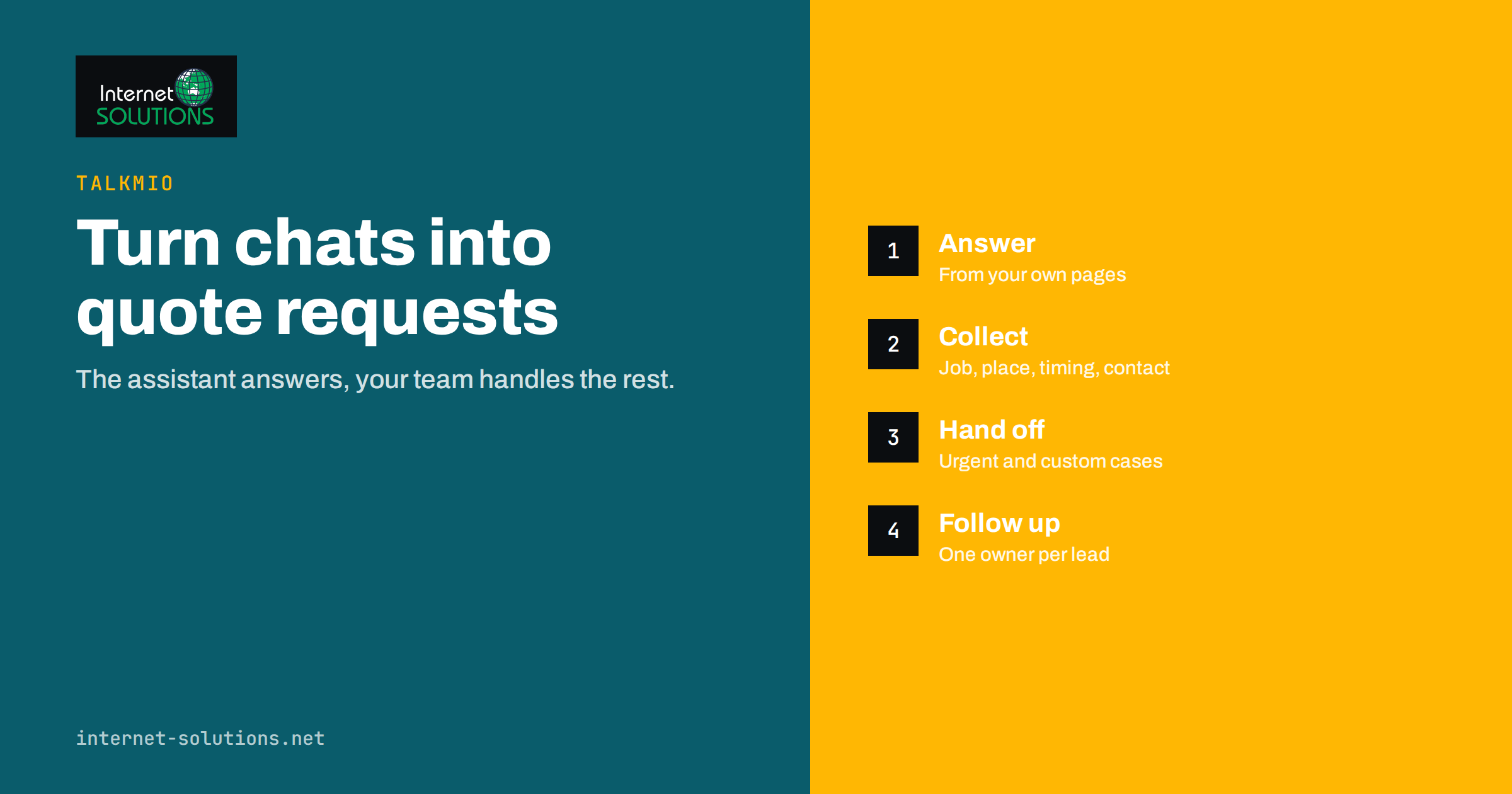
Define the job of the chat before you install anything. For most service companies, it has four goals.
- Answer the common questions quickly: what you do, where you work, how you charge, how soon you can start.
- Collect the details for a quote: type of job, location, size, timing and contact details.
- Route urgent cases to a person: emergencies and high-value enquiries should reach someone fast.
- Leave a clear record: every conversation should be easy to find, assign and follow up.
Talkmio is built around this pattern. According to the product page, Mio reads your website, FAQ and the documents you upload, answers visitors in their language at any hour, hands difficult questions to your team and turns emails into tickets in one inbox. Visitors can be seen live, and your team can step in with quick replies and AI-suggested replies. You can read the details on the Talkmio page.
Divide the Work Between the Assistant and Your Team
Service businesses sell expertise and trust, so decide carefully what a machine may answer and what needs a person. The table shows a sensible split.
| Type of question | Who handles it | Why |
|---|---|---|
| Opening hours, service area, services offered | Assistant, from your website | Facts that are already published |
| How the process works and what to prepare | Assistant, from your FAQ | Repeated questions with stable answers |
| Price ranges and fixed prices | Assistant only if the price is published; otherwise a person | The assistant should not invent prices |
| A quote for a specific job | Person, with details collected by chat | Needs judgement and sometimes a visit |
| Emergencies and complaints | Person, immediately | Tone and speed matter |
| Scheduling and changes | Person, or the process you already use | Depends on your calendar and capacity |
The product page states that Mio is trained on your pages, FAQ and documents, never invents prices or policies, and hands off when a person is needed. Use that behaviour on purpose: publish your pricing approach on your website, and the assistant can explain it. If you do not publish prices, the assistant should explain what affects the price and then collect the details for a quote.
Design the Quote Conversation
A good quote request is short enough that people finish it and complete enough that you can reply with a price or a sensible next step. Think of it as a short interview, with one question at a time.
Questions to collect
- What do you need? Offer a few common options and a free-text answer.
- Where? A town or postcode is enough at first, and tells you whether the job is in your area.
- How big or how complex? Size, number of rooms, number of devices, number of employees or whatever drives your price.
- When? Today, this week, this month or flexible.
- How can we reach you? Name, phone or email, and the best time to call.
What to avoid
Do not ask for everything at once, and do not ask for sensitive data that you do not need yet. Avoid long forms in a chat window. Make clear what happens next, such as “someone from our team will call you today before 5 pm”, but only promise what you can deliver. Setting a response time that your team cannot meet is worse than setting none.
Keep consent in mind. When you collect contact details, state how you will use them, link your privacy notice and follow your local data protection rules. Check the privacy rules that apply to you before you go live.
Handle Urgent Cases Properly
For some services, an urgent enquiry is the most valuable one: a burst pipe, a locked-out customer, a server that is down. Plan for it explicitly.
- Offer a phone number early. When someone writes that water is coming through the ceiling, a call is better than typing. The assistant can show your emergency number and ask whether the person wants to be called back.
- Define keywords and situations that trigger a hand-off, such as “emergency”, “urgent”, “today” or “flooding”, and make sure a human sees them at once.
- Tell people the truth about availability. If you cannot attend until tomorrow, say so, and suggest an alternative where appropriate.
- Set up notifications so a named person is alerted quickly to urgent chats, for example by email, and not only when the inbox tab happens to be open.
Our guide to live chat staffing and response times covers coverage and hand-off rules in detail.
Use Chat to Show Trust
Service customers want proof before they commit. A chat can support that without sounding like a sales pitch.
- Answer who you are: how long you have operated, what qualifications or registrations you hold and where you are based, using facts that are already on your site.
- Point to relevant evidence: a case study of a similar job, a page of reviews or a guarantee statement that you actually honour.
- Be clear about process and cost drivers, since customers fear surprises more than they fear a high price.
- Keep your tone human. Short sentences, plain words and a real person’s name when someone steps in.
Trust also depends on your wider local presence: a complete and accurate business listing, consistent contact details and genuine reviews. Google’s guidance on improving local ranking explains what it looks at, and its documentation on local business structured data shows how to describe your company to search engines, and our article on local SEO for service businesses shows how listing, website and chat support each other.
Where to Place the Chat and When to Open It
A chat widget on every page is not always the best approach. Put the strongest prompts where visitors are closest to a decision.
- Service and pricing pages: visitors here are comparing options, so a prompt such as “Ask about your job” fits.
- Contact page: offer chat as an alternative to the form, with a note on typical reply times.
- Location pages: mention the area and ask whether the visitor is inside it.
- Blog posts: be gentle. A reader of a how-to article may not want a pop-up, but a small, quiet widget remains available.
With live visitor data, your team can see who is on the site right now and start a conversation when someone has been on a pricing page for a while. Use that sparingly and politely. A short question such as “Can I help you work out what you need?” is better than a pop-up that blocks the page.
Follow Up Without Losing the Lead
The conversation does not end when the chat window closes. Many service leads are lost in the gap between the first message and the quote.
- Assign every lead to a person and set a time to follow up.
- Reply with a clear next step: a price, a visit date, a request for a photo or a call time.
- Use internal notes so that colleagues know what was promised, and quick replies for the answers you give every day.
- Record outcomes: won, lost, no reply, wrong area. After a month you will see which pages and prompts create the best leads.
Talkmio keeps the history of each conversation with the contact, and its reports show conversations per day, how much Mio solves alone, first-reply time and ratings. Review them monthly and compare them with the number of quotes sent and jobs won in your own records. Those numbers tell you whether chat adds value, which is the point of the exercise.
Mistakes Service Businesses Make With Chat
- Treating chat as a pop-up gimmick instead of a staffed channel with owners and response times.
- Letting the assistant guess prices, which creates complaints later. Publish pricing logic or hand over to a person.
- Asking too much too early, so visitors abandon the conversation.
- Ignoring emergencies, or routing them into the same queue as general questions.
- No follow-up process, so leads sit in the inbox for days.
- Forgetting mobile. Most service searches happen on phones, so test the widget on a small screen with one hand.
- Never reviewing transcripts. Real conversations show which questions your website fails to answer.
A Two-Week Starter Plan
You can set this up without a long project. Our guide to getting live chat running in a day covers installation, so this plan concentrates on the service-specific parts.
- Days 1 to 2: list your top twenty customer questions and make sure the answers are on your website or in your FAQ.
- Days 3 to 4: install the widget, teach the assistant from your site and test it with real questions.
- Days 5 to 6: write the quote conversation, the emergency rule and the follow-up process.
- Days 7 to 10: go live on service and contact pages, with notifications to a named person.
- Days 11 to 14: read every transcript, fix missing answers and adjust prompts.
Frequently Asked Questions
Is live chat worth it for a small service business?
It can be, if someone follows up quickly and you collect useful details. Start small, measure the number of qualified requests it produces and compare it with the effort of responding.
Can the assistant give quotes?
Only for prices that are published on your website or in your documents. According to the Talkmio product page, Mio never invents prices or policies. For custom jobs, it should collect the details and pass the conversation to a person.
What happens when nobody is online?
Mio answers first at any hour, using your content, and conversations that need a person appear in your inbox with the full history. Tell visitors honestly when they can expect a reply.
Should I replace the contact form with chat?
Not necessarily. Some visitors prefer a form, a phone call or email. Offer several routes and see which produces the best leads, then keep the ones that work.
How do I handle emergencies in chat?
Show your emergency phone number early, define words that trigger an immediate hand-off and make sure urgent chats alert a named person quickly.
How do I know whether chat is working?
Track conversations, qualified quote requests, first-reply time, quotes sent and jobs won. Compare the results with your records after a month, and read transcripts for unanswered questions.
The Bottom Line
For service businesses, chat is a way to start the conversation that leads to a quote. Make sure the assistant answers what is published, collects the details you need and hands anything that needs judgement, urgency or a price to a person. Set clear response times, follow up every lead and review transcripts. Done this way, live chat becomes a dependable part of how customers find and choose you.