

 English
 Lietuvių
 Latviešu
 Eesti
Eesti Русский
 Polski
 Українська
 Deutsch
 Italiano
 Español
 Français
 Português
 Čeština
 Magyar
 Română
 Ελληνικά
 Türkçe
 日本語
日本語 العربية
 हिन्दी
 Bahasa Indonesia
 Bahasa Melayu
 ไทย
ไทย Tiếng Việt
 বাংলা
বাংলাAsk Mio Skills: Teaching Your AI Assistant Your Own Procedures
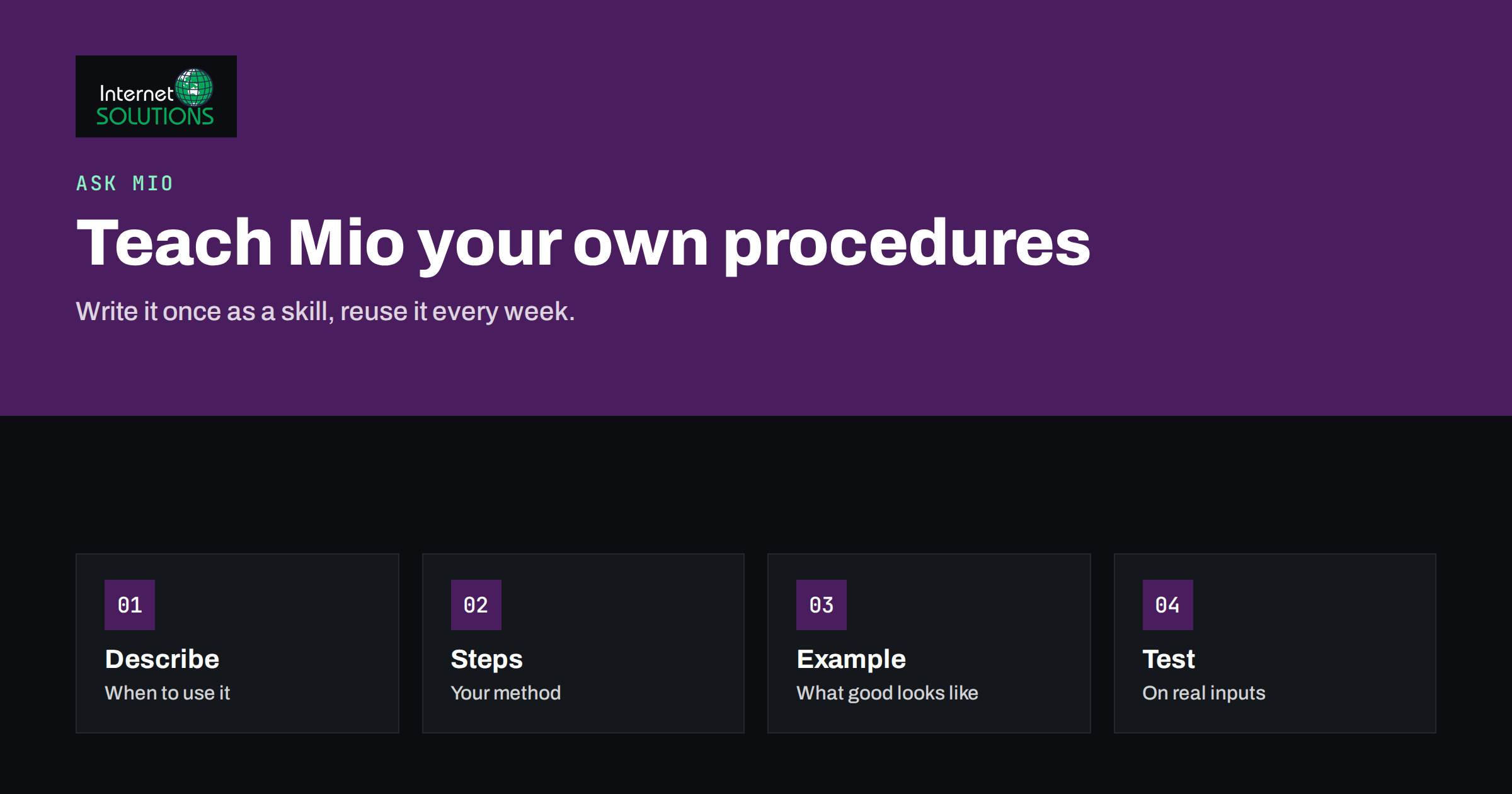
Every business has procedures that live in people’s heads: how a quote is written, which checks come before a blog post goes out, how a customer complaint is answered, what a good weekly report looks like. An AI assistant is most useful when it follows those procedures instead of improvising a generic answer every time. Ask Mio skills are the way to do that. A skill packages instructions for a particular kind of task, so that the assistant can apply your method consistently whenever you or your colleagues need it.
This guide explains what Ask Mio skills are, how the open SKILL.md format works, how to decide which procedures deserve a skill, what to write in one, how to test and improve it, and how to keep skills safe and current. It builds on our guides to how tools and experts extend one assistant and to writing better AI prompts at work.
What a Skill Is and Why It Helps
A skill is a reusable set of instructions for a defined task. Instead of retyping a long prompt each time, you describe once how the work should be done, what the output should look like and what the assistant must avoid. When you pick the skill, or when the assistant selects it for you, those instructions guide the whole conversation. According to the Ask Mio feature description, skills written in the open SKILL.md format are loaded and can be picked like any other skill, and you can add your own on the Skills page.
The benefit is consistency. Two people asking the same assistant for a product description will get two different styles unless something fixes the style. A skill fixes it: the same structure, the same tone, the same checks. It also saves time, because the context that you would otherwise explain in every chat is already there.
Skills also make knowledge portable. When an experienced colleague writes down how they handle a task and turns it into a skill, the whole team can use their method, including new starters. That is the real value: not clever prompts, but a record of how good work is done in your business.
How Skills Fit Into Ask Mio
Ask Mio offers several ways to shape what the assistant does. Ready-made experts turn it into a lawyer, an accountant, an SEO specialist or a copywriter for the whole chat. Projects group chats with their own instructions and files. Memory records things that matter to you, and you control what is kept. Skills add your own, specific procedures to this set.
Three features around skills are worth knowing. The skill creator lets you build your own expert by naming it, describing when to use it and saying what it must do; the result appears in your Skills list and can be exported as a SKILL.md file. Agent Skills in the open SKILL.md format can be loaded from outside and used like any other skill. The automatic skill picks the closest skill when a chat has none chosen, and tells you which one it picked, rather than answering as a generalist.
| Feature | What it does | Best used for |
|---|---|---|
| Experts | Ready-made roles such as accountant or SEO specialist | General professional help without any setup |
| Skills | Your own procedures, written once and reused | Tasks you repeat and want done your way |
| Skill creator | Guided way to describe and save a new skill | Getting started without writing files by hand |
| Automatic skill | Selects the nearest skill when none is chosen | Saving a step for everyday questions |
| Projects | Group related chats with instructions and files | Ongoing work for one client, product or topic |
| Ready-made jobs | Forms that produce finished outputs such as decks or articles | Standard deliverables without custom rules |
The SKILL.md Format in Plain Words
A skill in the open format is a simple text file, usually named SKILL.md, written in Markdown. At the top it carries a short block of descriptive information, in a common layout a name and a description, and below it the instructions in ordinary language. Because it is plain text, it is easy to read, edit, share and keep under version control. The format is described on the Agent Skills site, and the same layout is used by several other AI tools, which means a well-written skill is not locked to one product.
The description matters more than most people expect. It tells the assistant when the skill is relevant, so a vague description such as “helps with writing” will rarely match anything useful, while a specific one such as “writes a weekly client report from raw campaign numbers, in plain language, with three recommendations” makes the right match likely. Write the description as if you were explaining to a new colleague when to reach for this procedure.
The instructions below it are where the method lives. They can include the steps, the required structure of the answer, rules about tone and length, examples of good output and a list of things to avoid. Keep the file focused on one job. If a skill tries to do five different things, split it into five skills and let each have a clear purpose.
Choose Procedures Worth Turning Into Skills
Not every task needs a skill. The best candidates share three traits: they are repeated often, they have a recognisable good result and the quality varies when different people do them. Typical examples are customer reply templates for common situations, structured meeting notes, weekly or monthly reports, product description formats, social media posts in a brand voice, proposal outlines, code review checklists and onboarding explanations.
Ask three questions before you start. Would a new colleague benefit from a written method for this? Can I describe what a good result looks like? Is the task stable enough that the instructions will remain useful for months? If the answer to all three is yes, a skill will pay for itself. If a task is rare, changes constantly or depends on deep judgement that you cannot describe, a normal conversation is a better tool.
Start small. Choose one task that you do every week, write the skill, use it for a month and refine it. A few well-made skills beat a long list of half-finished ones. Our guide to using Ask Mio for marketing work includes tasks that make good first candidates.
What to Write in a Good Skill
A good skill reads like a clear brief to a capable colleague. Begin with the purpose in one or two sentences: what the task is and who the output is for. Then describe the inputs: what the user will provide, such as raw notes, a table, a customer message or a product list, and what to do if something is missing. Say whether the assistant should ask questions first or proceed with sensible assumptions.
Next, give the steps in order. Describe the method the way you would teach it: first read the input and identify the main points, then structure the answer in this way, then check these things. Specify the format of the result in detail, including headings, length, tone and any fixed sections. If there are rules, such as “never promise a delivery date” or “always quote prices from the price list”, state them plainly and put them where they cannot be missed.
Add one or two short examples of good output, and, if useful, an example of what to avoid. Examples are powerful because they show style more clearly than a description does. Keep them short and remove anything confidential. Finally, say what to do at the end: for instance, to list assumptions or questions that need a human decision. This makes the result easier to review.
A Worked Example: A Weekly Client Report
Imagine a small agency that sends clients a weekly summary of their advertising and website results. Today each report takes forty minutes, and the quality depends on who writes it. The agency creates a skill called “Weekly client report”. The description says it turns raw numbers from ads and analytics into a plain-language report for a non-expert client.
The instructions say: begin with a two-sentence summary of how the week went compared with the previous one; list the three most important numbers with a short explanation of each; name one thing that went well and one that needs attention; end with three recommended next steps, each with a reason. They say to avoid jargon, to explain any technical term in a few words, to state when the data is too thin to draw conclusions and never to claim a cause that the data does not show. A short example report is included.
Now any team member can paste the numbers and receive a draft in the agency’s style. A human still reads it, adds context that only they know and sends it. The time per report falls, the quality becomes more even, and a new colleague can produce a decent first draft on day one. That is the pattern to aim for: the skill does the structure, the person adds judgement.
Test and Improve the Skill
A skill is a draft until it has been tried on real work. Run it with at least five realistic inputs, including awkward ones: incomplete data, an unusual case, a very short input and a very long one. Read each result critically against the standard you would apply to a colleague’s work. Note where the output is too long, too vague, off-brand or wrong.
Fix problems at the source by editing the instructions, not by correcting each output by hand. If the tone is too formal, say so and add an example of the tone you want. If the assistant forgets a required section, move that rule higher and make it more explicit. If it invents details, add a rule to ask when information is missing. Change one thing at a time so that you can tell what helped.
Ask someone else to try the skill without your help. If they need to ask how to use it, the description or the input instructions are unclear. When two or three people get good results without coaching, the skill is ready for wider use.
Keep Skills Safe
A skill is part of how your business uses AI, so apply the same care you would to any process document. Do not put passwords, access keys, personal data or confidential client details into a skill. Instructions should describe methods, not hold secrets. If a task needs reference data, keep it in files and projects with proper access controls, not inside the skill text.
Be careful with skills from other sources. A skill is a set of instructions that shapes what the assistant does, so read any skill you import before you use it, in the same way you would read a script. Check what it asks the assistant to do, whether it tells it to use tools or connected accounts, and whether any instruction seems out of place. Import only from sources you trust, and do not enable a skill that you do not understand.
Set rules for what AI output may be used for. Skills do not make the assistant infallible, so require human review for anything that goes to a customer, affects money or carries legal weight. The NIST AI Risk Management Framework is a useful public reference for thinking about responsible use. Our article on what to keep out of your prompts gives practical rules for what never belongs in a prompt or a skill.
Share, Name and Maintain Your Skills
As the number of skills grows, naming and ownership matter. Use clear, descriptive names that say what the skill does, such as “Customer reply: delivery delay” rather than “Reply 2”. Write a one-line description that states when to use it. Keep a short list of skills with an owner for each, and note the date of the last review.
Review skills on a schedule. Prices change, tone guidelines evolve, products appear and disappear. A skill that quotes an outdated policy produces confident mistakes at scale. Set a quarterly reminder to read each skill, run one real test and update it. Retire skills that nobody uses, so the list stays easy to scan.
Because skills can be exported as SKILL.md files, you can keep copies in your document system or in version control, which gives you a history of changes and a backup. If you work with a team, agree who may create or change skills and how changes are announced. Treat important skills like documentation: a short change note for each update helps everyone know what is different.
How Skills Work With Projects and Files
Skills describe how to do a task. Projects and files supply the context for a particular client or topic. Together they are powerful: a skill for writing proposals combined with a project holding your price list, case studies and tone guide produces a draft that already knows your facts. Keep the method in the skill and the facts in the project, so that you update each in one place.
The same separation helps with accuracy. Facts that change often, such as prices, availability and policies, belong in files that you replace when they change. Methods that change rarely belong in skills. When the assistant quotes a number, you want it to come from a current document, and a skill can say exactly that: “use prices only from the attached price list and say so if a price is missing”. Our guide to training Ask Mio on your knowledge base explains how to organise the source material.
Frequently Asked Questions
What is the difference between a skill and a prompt?
A prompt is a one-off instruction in a chat. A skill is a saved, named set of instructions that you can reuse, share and refine, and that the assistant can select for matching tasks.
Do I need to write code to create a skill?
No. A skill is written in ordinary language. You can use the skill creator to describe the task, or write a SKILL.md file by hand, which is a plain text file in Markdown.
Can I use skills from other tools?
Skills in the open SKILL.md format can be loaded in Ask Mio. Read any imported skill carefully before use, import only from sources you trust and test it on safe, non-confidential examples first.
How many skills should I create?
Start with one to three for tasks you repeat weekly, and add more only when they prove useful. A small set of well-tested, current skills is more valuable than a long list that nobody maintains.
What should never go into a skill?
Passwords, access keys, personal data and confidential client details. Skills should describe methods. Keep reference facts in files with proper access controls and replace them when they change.
How do I know the skill is working?
Test it on realistic inputs, compare results with your own standard, and ask a colleague to use it without help. If outputs are consistent, correct and need only light editing, the skill is doing its job.
The Bottom Line
Ask Mio skills turn the way your business does good work into something a whole team can reuse. Choose a task you repeat, describe when to use the skill and write clear steps, a defined output and a short example. Test it on real inputs, fix the instructions rather than the outputs, keep secrets out and review it on a schedule. Start with one skill this week, and let the results decide what to build next. The assistant gets better at your work because you taught it how you do it.