

 English
 Lietuvių
 Latviešu
 Eesti
Eesti Русский
 Polski
 Українська
 Deutsch
 Italiano
 Español
 Français
 Português
 Čeština
 Magyar
 Română
 Ελληνικά
 Türkçe
 日本語
日本語 العربية
 हिन्दी
 Bahasa Indonesia
 Bahasa Melayu
 ไทย
ไทย Tiếng Việt
 বাংলা
বাংলাAI at Work and Data Privacy: What to Keep Out of Your Prompts
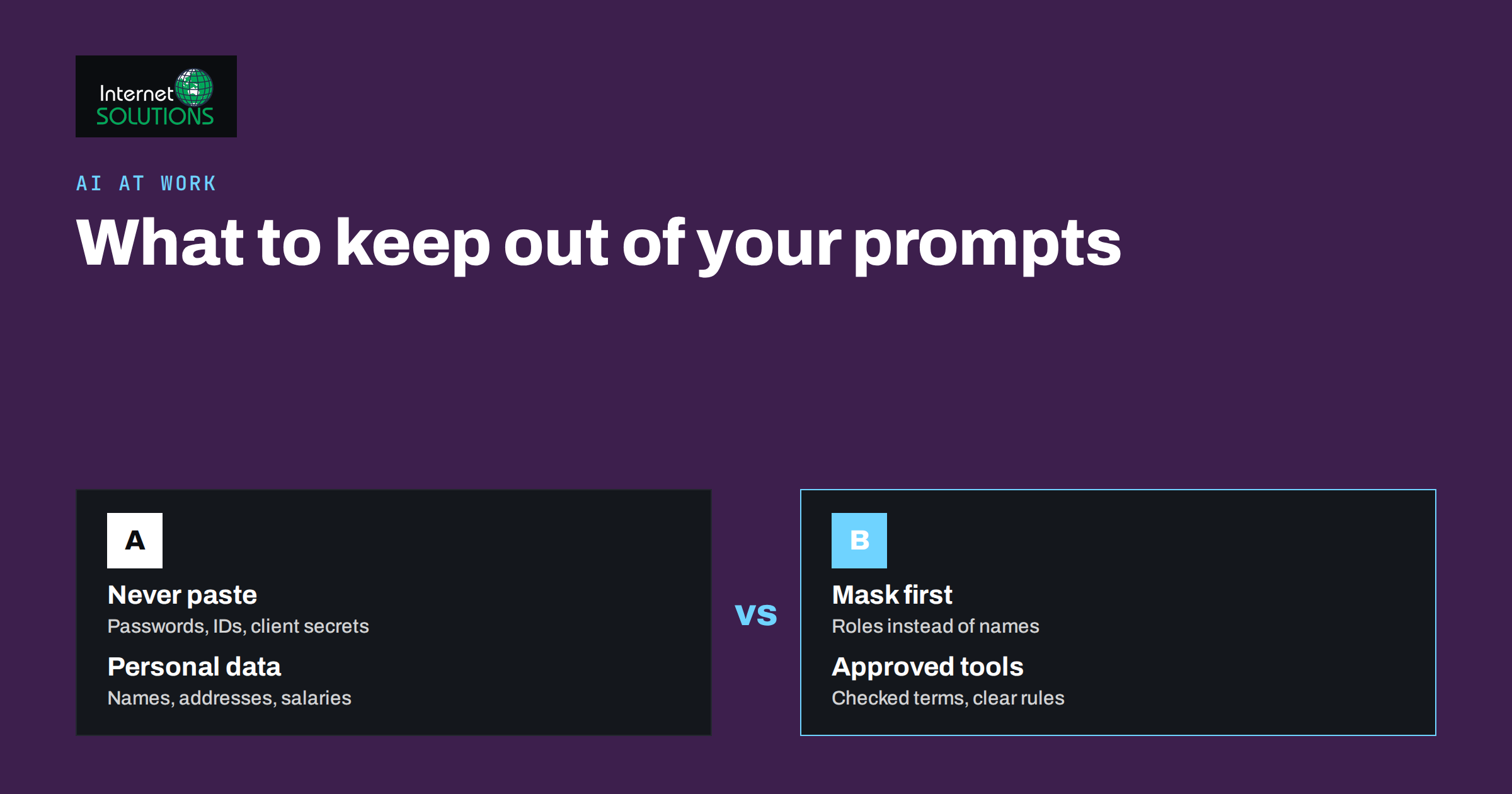
AI data privacy at work comes down to one practical question: what are you typing or uploading into an AI assistant, and who might see it? Assistants make it easy to summarize a contract, draft a customer reply or analyze a spreadsheet in seconds, and that convenience is exactly why sensitive information leaks. A pasted email thread may contain a customer’s address. A spreadsheet may hold salaries. A code snippet may include a password. Nobody intends harm, but a prompt is a disclosure, and it deserves the same care as an email to an outside party.
This guide sets out what to keep out of prompts, how to work safely with the information you do need to use, what to check in any AI tool and how to write a short policy your team will actually follow. It is written for owners and managers of small businesses, not lawyers, and it does not replace legal advice for your situation. It complements our guides to writing better AI prompts at work and fact-checking AI answers.
Why Prompts Deserve Care
When you use an AI service, the text, files and images you provide leave your own systems and are processed by another organization. What happens next depends on the provider, the plan and the settings: data may be stored for a period, reviewed for safety, used to improve the service or deleted quickly. Even where policies are strong, there are risks you control only by choosing what to share.
- Accidental disclosure. Pasting a full document when you needed only one paragraph exposes everything else in it.
- Legal obligations. Personal data about customers or staff is regulated in many countries, and sending it to a service without a proper basis or agreement can breach those rules.
- Confidentiality duties. Contracts with clients and suppliers often forbid sharing their information with third parties.
- Security exposure. Credentials, keys and internal addresses in a prompt can be misused if they are ever exposed.
- Loss of trade secrets. Unreleased product plans, pricing models and source code are assets whose value depends on staying private.
The sensible position is neither to ban AI nor to use it carelessly. It is to know which information may go in, which must stay out and which can go in only after it has been prepared.
What to Keep Out of Prompts
As a rule, do not put the following into an AI tool unless your company has explicitly approved the tool for that kind of data.
- Passwords, API keys, tokens and recovery codes. Never paste credentials, even to ask for help with an error. Remove them from logs and configuration files first.
- Payment card numbers and bank details. There is almost never a reason to include them.
- Government identifiers. Personal identification numbers, passport details, tax numbers and similar items.
- Health, biometric and other special category data. Information about health, religion, union membership, ethnicity or sexual orientation has stricter legal protection in the European Union.
- Customer or employee records. Full names with addresses, phone numbers, email addresses, salary, performance reviews, disciplinary notes and similar personal information.
- Confidential client or supplier material. Anything covered by a non-disclosure agreement or a contract with confidentiality clauses.
- Unpublished financial results and strategy. Forecasts, acquisition plans, pricing models and board papers.
- Proprietary source code and system details. Server addresses, network diagrams, security configurations and unreleased code.
- Legal matters. Privileged communications with lawyers, details of disputes and investigations.
If you are unsure, treat the information as sensitive and apply one of the techniques below.
Safer Ways to Get the Same Help
Most of the value of an AI assistant does not depend on real identities or secrets. You can often get the same result by changing how you prepare the input.
- Remove or replace identifiers. Swap names with roles (“Customer A”, “the supplier”) and delete addresses, order numbers and account numbers before pasting.
- Use a representative sample. To analyze a table, give ten fake or masked rows with the same structure and ask for the method or formula. Then run it on the real data yourself.
- Share only the relevant excerpt. Paste the clause, paragraph or error message that you need help with, not the whole file.
- Describe instead of paste. Explain the situation in words: “A customer asks for a refund after 45 days, and our policy is 30 days. Draft a polite reply.”
- Use placeholders for secrets. Replace keys and passwords with obvious markers such as YOUR_API_KEY before sharing code or logs.
- Summarize locally first. For highly sensitive documents, write your own summary of the key points and use the assistant only on that summary.
- Keep the final check human. Re-insert real names and details into the output yourself, and review the text before it is sent.
Example: Preparing a Prompt Safely
Suppose a manager wants help replying to a difficult customer email. The raw message includes the customer’s full name, address, order number, a phone number and a complaint about a late delivery. Pasting it unchanged would send all of that to the tool. A safer preparation takes two minutes.
- Replace the name with “the customer” and delete the address and phone number.
- Replace the order number with “order X”.
- Keep the substance: “The customer says the parcel arrived six days late and the contents were damaged. Our policy allows a refund within 30 days. Write a calm, apologetic reply that offers a refund or replacement.”
- Ask for a draft with placeholders for the name and the order number.
- Paste the real details back into the draft yourself, read it carefully and send it from your normal email system.
The assistant did the part it is good at, which is language and structure, and it never needed the personal data. The same pattern works for contracts, where you share a single clause with party names replaced by “Company A” and “Company B”, and for spreadsheets, where a masked sample is enough to get a formula.
What to Check in Any AI Tool
Before staff use a tool with business information, someone should read the provider’s terms and privacy policy and answer a short list of questions. The table below helps to organize that review.
| Question | Why it matters | Where to look |
|---|---|---|
| Is my content used to train or improve models? | Determines whether your inputs could influence future outputs | Privacy policy, data usage settings, business plan terms |
| How long is content stored, and can I delete it? | Affects retention duties and the impact of a breach | Privacy policy, account settings, deletion procedure |
| Who can access my conversations? | Staff of the provider, subprocessors and other users in your team | Privacy policy, security documentation, admin controls |
| Is there a data processing agreement? | Needed when personal data is processed on your behalf under EU rules | Legal or trust section of the provider’s site |
| Where is data processed and which subprocessors are used? | Relevant to international transfers and customer requirements | Subprocessor list, privacy policy |
| What security measures are in place? | Encryption, access control and breach notification | Security page, certifications, documentation |
| Can the admin set permissions and see usage? | Allows policy enforcement and audits | Admin console, team plan features |
| Are free and paid plans treated differently? | Consumer-grade terms are often looser than business terms | Plan comparison and terms of service |
Read the policy of every tool you use, including Ask Mio. The Ask Mio privacy policy describes how that service handles information, and the same review should be done for any other assistant or plugin that your staff use. Features that read files or browse pages, such as file uploads and web tools, deserve extra attention, because they can move more data than a typed question.
Legal Background in Brief
In the European Union, the General Data Protection Regulation applies whenever personal data is processed. The main points for everyday AI use are that you need a lawful basis for processing, that you should share only the data necessary for the purpose, that you must be able to explain how personal data is used, and that sending data to a service provider normally requires a contract that sets out the provider’s duties. The European Commission provides an overview of data protection in the EU. The UK Information Commissioner’s Office publishes detailed guidance on artificial intelligence and data protection that is useful in practice even outside the UK.
Our article on cookie consent, GDPR and website privacy compliance covers related obligations for websites. If AI tools touch customer data in your business, update your privacy notice and records of processing accordingly, and consult a qualified adviser for specific questions. Rules vary between countries and sectors, and some professions, such as law, health and finance, have additional duties.
Writing a One-Page AI Use Policy
A short, clear policy is more effective than a long one that nobody reads. Aim for one page with these sections.
- Purpose. Why the company allows AI tools: drafting, summarizing, research, code help and similar uses.
- Approved tools. A list of tools and plans staff may use for work, and a statement that personal accounts are not to be used for company data.
- Data classes. Three categories are usually enough: public (safe to share), internal (share only in approved tools after removing identifiers) and restricted (never share).
- Examples. Concrete lists of what falls in each category, using your own business.
- Preparation rules. Remove identifiers, share excerpts and use placeholders.
- Review of outputs. A person checks content before it goes to customers or into official documents, as described in our fact-checking guide.
- Incidents. Who to tell if sensitive information is pasted by mistake, and what happens next, such as deleting the conversation and assessing whether a report is needed.
- Training and review. A short briefing for new staff and a yearly update.
Pair the policy with practical controls: single sign-on or multi-factor authentication for AI accounts, business plans with admin controls where available and a record of who has access. If you want support drafting a policy or choosing tools, our Ask Mio page explains what the assistant offers, and you can contact us to discuss your needs.
Everyday Habits That Make a Difference
- Pause before pasting. Ask yourself whether the assistant needs this detail to do the job.
- Keep work and personal use separate, with different accounts.
- Delete old conversations that contain business information when they are no longer needed.
- Be careful with browser extensions and plugins that read page content, since they may send it elsewhere.
- Tell colleagues when you find a safer way of working, so good habits spread.
- Remember that screenshots count as data. A screenshot of an inbox can reveal many names at once.
Frequently Asked Questions
Is it safe to paste customer emails into an AI assistant?
Only if the tool is approved for personal data and you have a lawful basis and the right agreements in place. Otherwise remove names, addresses and other identifiers first, or describe the situation in your own words.
Can an AI tool use my prompts to train its models?
It depends on the provider and the plan. Some services use inputs to improve models by default, others offer opt-outs, and business plans often exclude training. Read the privacy policy and data settings of each tool you use.
What should I do if I paste something sensitive by mistake?
Stop, delete the conversation if the tool allows it, and tell the person responsible for data protection. Assess whether personal data or confidential material was involved and whether you have a duty to notify anyone.
Are free AI tools safe for business data?
Free and consumer plans often have weaker data protections and fewer admin controls. For anything beyond public or low-risk content, use a plan whose terms and settings meet your requirements.
Do I need a policy for a team of five?
Yes, though it can be very short. A half-page list of approved tools and prohibited data, shared and discussed once, prevents most mistakes in a small team.
Does anonymizing data remove the legal risk?
Properly anonymized data is no longer personal data, but removing a name often is not enough. Combinations of details can still identify a person, so remove or generalize anything that could point to an individual.
The Bottom Line
AI assistants are useful at work, and they stay safe when prompts are treated as disclosures. Keep credentials, payment and identity data, special category information, confidential client material and proprietary code out of prompts. Prepare what you do share by masking identifiers, using excerpts and placeholders, and describing situations in words. Check each tool’s training, retention, access and agreement terms, read the privacy policies, and write a one-page policy with approved tools and clear data classes. Review outputs before they leave the company. A few habits, agreed once and repeated, let your team enjoy the speed of AI without putting customers, colleagues or the business at risk.