

 English
 Lietuvių
 Latviešu
 Eesti
Eesti Русский
 Polski
 Українська
 Deutsch
 Italiano
 Español
 Français
 Português
 Čeština
 Magyar
 Română
 Ελληνικά
 Türkçe
 日本語
日本語 العربية
 हिन्दी
 Bahasa Indonesia
 Bahasa Melayu
 ไทย
ไทย Tiếng Việt
 বাংলা
বাংলাIT Helpdesk for Small Teams: Tickets, Priorities and Response Targets
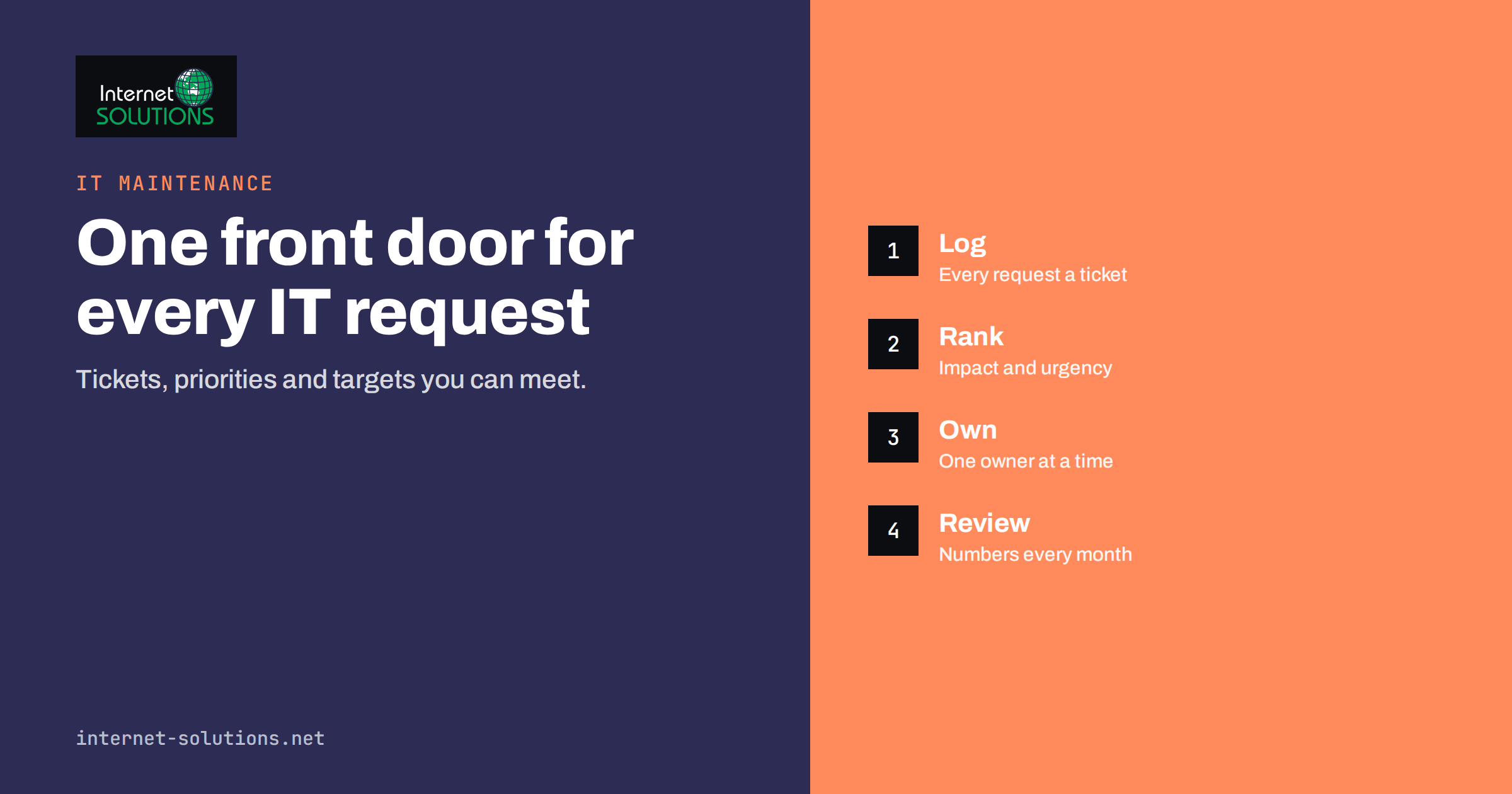
An IT helpdesk for a small team does not need a dedicated department or expensive software. It needs one place where every request is recorded, a simple way to decide what is urgent, and a response target that people can rely on. Without that, IT requests arrive through chat messages, hallway conversations, forwarded emails and phone calls, and whoever is helping keeps the details in their head. Requests get lost, the same problem is solved repeatedly, urgent faults wait behind trivial ones and nobody can say how much support the business really uses.
This guide explains how to set up a small-team IT helpdesk: how to collect requests, which categories and priorities work, what response and resolution targets are realistic, which tools to choose, how to write knowledge articles that reduce repeat tickets, and which numbers to review each month. It works whether the support is a colleague with other duties, an external provider or a mix of both.
Why Even a Small Team Needs a Helpdesk Process
With ten employees, informal support seems to work: you shout across the room or send a message to the person who knows computers. The cost shows up in other ways. The helper is interrupted constantly and cannot finish planned work. New staff do not know whom to ask. Recurring problems, such as a printer that fails every week or a slow shared drive, never get fixed because nobody sees the pattern. When the helper is on leave, nobody knows what was promised. And when an external provider is involved, it is hard to check whether they are doing what the contract says.
A basic helpdesk fixes these by creating a record. Every request becomes a ticket with a number, an owner, a priority and a status. The record also lets you spot patterns, justify spending on replacement equipment and show what an IT maintenance contract actually delivers.
Step One: One Front Door
Choose a single way to ask for help and make everyone use it. The best channel is the one people will actually use, so make it easy. Common options are a dedicated shared email address, a simple web form, a chat channel linked to a ticket tool, or a small portal. Email is often the best start for a small team, because it requires no training and works from any device. Whatever you choose, announce it, put it in onboarding and politely redirect hallway requests to it. A request not logged is a request nobody can track.
Provide a separate emergency path for outages that stop the whole business, such as a phone number for the person on call. Make the difference clear: the front door is for everything, the emergency number is only for serious incidents, and misuse of the emergency path should be rare.
Step Two: Capture the Right Details
A ticket is only useful if it contains enough to start work. Ask for the same few details every time:
- Who is affected, and is it one person or many?
- What were they trying to do, and what happened instead?
- Which device, application or system is involved?
- Since when, and has it ever worked?
- Any error message, ideally a screenshot?
- How urgent is it for them, and why?
A short form or a standard reply template that asks for these saves a round of questions on most tickets. People are more willing to answer when they see that the questions get their problem fixed faster.
Step Three: Categories That Stay Useful
Keep categories few and clear, or nobody will choose them correctly. A small business can usually manage with six to eight: accounts and access, email and calendar, computers and laptops, printers and peripherals, network and Wi-Fi, business applications, security concerns and new starter or leaver requests. Add a general category for anything else. Review the list after a quarter. If one category holds half of all tickets, split it; if two are almost never used, merge them.
Categories are not only for tidiness. They tell you where the pain is, which training would reduce the load and where you should invest in better equipment or tools.
Step Four: Priorities That People Can Apply
Priority should come from impact and urgency, not from how loudly someone asks. Impact is how many people and how much of the business is affected. Urgency is how quickly the work must resume. Three or four levels are enough:
| Priority | Meaning | Example | First response target | Resolution target |
|---|---|---|---|---|
| Critical | Business stopped or security incident under way | Server down, ransomware suspected, all email unavailable | Immediately, within 15 to 30 minutes | Work continues until restored |
| High | A team or key person cannot work, no workaround | Finance cannot reach accounting software | Within 1 hour | Same working day where possible |
| Normal | One person affected, a workaround exists | Laptop slow, printer fault, access request | Within 4 working hours | 2 to 3 working days |
| Low | Question, improvement, planned change | New monitor, software preference | Within 1 working day | Planned and scheduled |
The figures in the table are examples. Set your own to match staffing and budget, and write them down. A target you cannot meet is worse than a modest one you always meet. The concept is the same one used in formal service level agreements, applied here at a scale a small business can live with.
Agree in advance what counts as critical. Otherwise everything becomes critical, and the label stops meaning anything. Security concerns, such as a suspected phishing click or a lost laptop, should have a fixed rule: they are at least high priority until assessed.
Step Five: A Simple Ticket Lifecycle
Use a short set of statuses and define each one:
- New: received, not yet assigned.
- In progress: someone owns it and is working on it.
- Waiting for the requester: an answer or access is needed from the person who asked. The response clock is paused.
- Waiting for a third party: a supplier, vendor or warranty repair. Record the reference.
- Resolved: fixed, with a short note of what was done.
- Closed: confirmed by the requester or closed automatically after a few days of silence.
Every ticket should have exactly one owner at a time. Shared ownership usually means none. When someone hands a ticket over, they add a note describing what has been tried, so the next person does not start from zero.
Choosing Tools
Match the tool to the size of the team and the volume of requests. A shared inbox with labels and a shared spreadsheet is enough for a very small team. Beyond that, a dedicated tool pays for itself: help desk software turns emails into numbered tickets, tracks statuses and priorities, supports canned replies and gives basic reports. When choosing, check that it can receive email, assign owners, add internal notes, record time spent, apply response targets and export data. Consider mobile access for the person on call, and think about where the data will be stored and how long it is kept, because tickets can contain personal data and system details.
Do not buy more tool than you need. Many small teams fail not because the software is weak but because nobody maintains the categories, automation rules and dashboards they never needed. Start with the basics and add features only when a real problem demands them.
Step Six: Knowledge Articles That Cut Repeat Tickets
The same twenty problems typically generate most tickets: password resets, Wi-Fi connections, printer setup, email on a new phone, access to a shared folder, a frozen application. Write a short article for each. A good article has a plain title that matches how users describe the problem, a few numbered steps with screenshots where helpful, a note on when to ask for help and a date of last review. Keep them in a place everyone can reach, link to them from the ticket reply and from onboarding material. Our guide to IT documentation for small businesses lists what else to write down first, from network diagrams to account ownership.
When a ticket is solved, ask: could this have been a knowledge article? Over time, the number of repeat tickets falls and the helper’s time moves to improvement work.
Starters, Leavers and Planned Work
Not every request is a fault. New starters need accounts, equipment and access; leavers need accounts disabled and devices returned; managers need changes of permissions. Treat these as ticket types with checklists, so nothing is forgotten and nothing is done without the right approval. Our onboarding and offboarding checklist is a good template to adapt. Planned changes, such as a software upgrade or a network change, should also have a ticket, with a date, a person responsible, a plan for testing and a way back.
Internal Helper, External Provider or Both
Many small businesses split the work. A trusted colleague handles first contact: password resets, simple questions, ordering equipment. A provider handles deeper work such as servers, networks, security and projects. This works well if the roles are clear. The colleague logs the ticket and tries the first steps from the knowledge article; the provider receives the ticket with all the details; both use the same record. Our comparison of managed IT support and an in-house person helps decide how to divide the work. If your needs also include equipment faults, our IT maintenance service can handle that as part of the same process.
Numbers to Review Every Month
- Tickets opened and closed: is the backlog growing?
- First response time: how many tickets met the target?
- Resolution time by priority: where is work slow?
- Tickets by category: where does the pain concentrate?
- Repeat tickets: same user, same issue, within a month. These show fixes that did not hold.
- Satisfaction: a one-question rating on closing the ticket.
- Top ten causes: the shortlist for knowledge articles, training or a permanent fix.
Look for decisions, not just charts. If laptops older than four years cause half the tickets, that is a budget case for replacement. If password resets dominate, consider a password manager and self-service reset.
Common Mistakes to Avoid
- Letting urgent verbal requests bypass the system, so the record is always incomplete.
- Marking everything high priority, which makes the scale meaningless.
- Closing tickets without telling the requester what was done.
- Never reviewing categories or reports.
- Leaving security reports as ordinary tickets without a rule for escalation.
- Storing admin passwords or sensitive details inside ticket text; use a proper password manager.
Frequently Asked Questions
Does a small business really need helpdesk software?
Not at first. A shared mailbox with labels works for a very small team. Once volume grows or you need response targets, reports and multiple helpers, dedicated software saves time and creates a clear record.
What response time should we promise?
Choose targets you can meet. A common pattern is minutes for critical issues, about an hour for high, a few working hours for normal and a day for low. Write them down and review them against real results.
How many priority levels do we need?
Three or four. More levels make decisions slower and arguments longer. Define each with an example so users and helpers agree on what it means.
How do we stop people bypassing the helpdesk?
Make the front door easy, announce it, include it in onboarding and politely redirect side-channel requests by creating the ticket on the requester’s behalf, then reminding them of the proper route.
What should a ticket contain?
Who is affected, what they were trying to do, what happened, which device or system, since when, any error message and how urgent it is. A short template that asks for these saves a round of questions.
How can we reduce the number of tickets?
Write short knowledge articles for the most common requests, fix recurring causes permanently, standardise equipment and software, and offer self-service for tasks such as password resets where possible.
The Bottom Line
A small-team helpdesk is a habit before it is a product. Give people one front door, ask for the same details every time, use a handful of categories, define priorities by impact and urgency, and publish response targets you can actually meet. Give each ticket one owner, write short articles for the questions that repeat, and review a few numbers every month to decide what to fix, replace or automate. Whether the support comes from a colleague, a provider or both, a shared record turns IT from a series of interruptions into a service you can measure and improve.