

 English
 Lietuvių
 Latviešu
 Eesti
Eesti Русский
 Polski
 Українська
 Deutsch
 Italiano
 Español
 Français
 Português
 Čeština
 Magyar
 Română
 Ελληνικά
 Türkçe
 日本語
日本語 العربية
 हिन्दी
 Bahasa Indonesia
 Bahasa Melayu
 ไทย
ไทย Tiếng Việt
 বাংলা
বাংলাEmail Preference Centers: Let Subscribers Choose Topics and Frequency
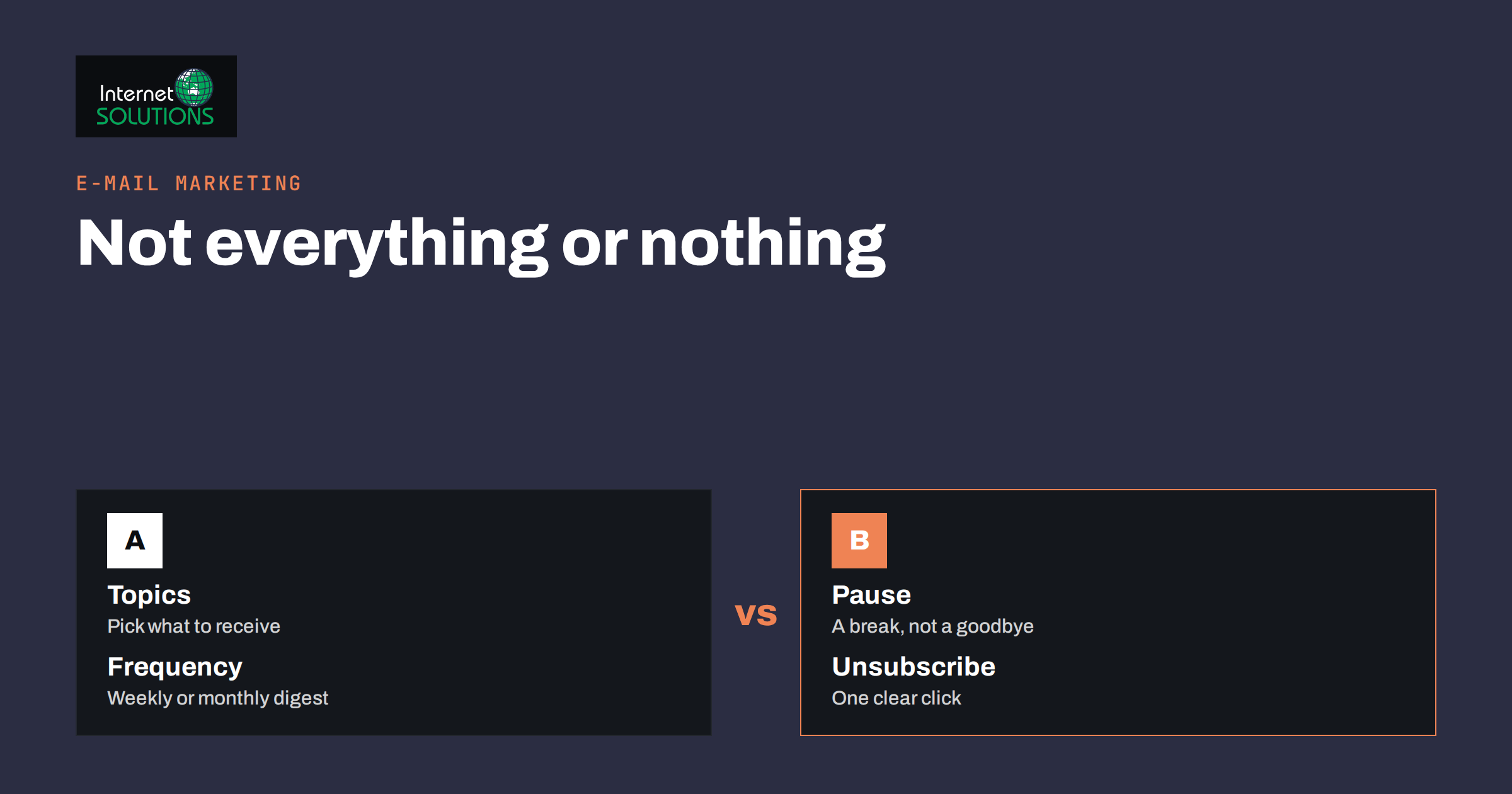
An email preference center is a page where subscribers choose which messages they receive, how often, and in which language or format, instead of facing a single choice between getting everything and getting nothing. For most small businesses it is one of the cheapest improvements to an e-mail programme: it reduces unsubscribes, raises the share of people who open what you send, protects your sender reputation and helps with consent rules. This guide explains what a preference center is, what options to offer, how to design it, how to connect it to your list and your sending tool, and how to measure whether it is working.
The ideas apply whether you send a monthly newsletter from a free tool or run automated flows from an e-commerce platform. The tool names differ, but the questions are the same: what do your subscribers actually want, and how will you make it easy for them to say so?
Why an Unsubscribe Link Is Not Enough
Every commercial e-mail needs a working unsubscribe link, and in most places the law requires it. But a lone unsubscribe link treats a subscriber’s discontent as binary. Someone who is mildly annoyed by weekly promotions but would happily read a quarterly product update has only one way to say so: leave. You lose a person who wanted some of what you offered.
A preference center changes that choice. It lets people say, “Send me less”, “Only send me the guides”, or “Pause for three months”. It replaces a lost subscriber with a satisfied one. It also gives you better information about each person than a click on a link ever could, because the answer is explicit, not inferred.
There are other benefits that matter to the technical side of e-mail.
- Fewer spam complaints. When the unsubscribe link is the only escape route, some people click “report spam” instead. Complaints damage your sender reputation far more than unsubscribes do. Mailbox providers publish the thresholds they expect, for example in Google’s sender guidelines.
- Better engagement. A list in which each person gets relevant messages shows higher open and click rates, and consistent engagement is a signal that supports delivery to the inbox.
- Cleaner consent records. Granular choices make it easier to show what a person agreed to receive.
Our article on e-mail marketing compliance covers the legal basics of consent and unsubscribing; the preference center builds on it.
What Options to Offer
The temptation is to offer everything, with a table of twenty checkboxes and five frequency settings. Resist it. A preference center works best when it is short and every option is real, meaning you have the content and the system to honour it. Choose from this list of options and keep only what applies.
| Option | Example | When it makes sense |
|---|---|---|
| Topics | Product news, guides, offers, events | You send clearly different kinds of content |
| Frequency | Every message, weekly digest, monthly summary | You send more than once a month |
| Pause | Pause for 30, 60 or 90 days | Seasonal or travelling customers, busy periods |
| Language | English, Lithuanian, German | You publish in several languages |
| Format | Full e-mail, short summary, plain text | Some readers prefer less formatting |
| Product or location | Interest in a product line or a city | You have distinct audiences by range or place |
| Account messages | Order updates and security notices, shown as always on | You run an online shop or a service with accounts |
| Full unsubscribe | Stop all marketing e-mail | Always |
Two of these deserve special mention. A pause option is underused and valuable, because it turns “I need a break” into a temporary state rather than a permanent loss. And transactional messages, such as receipts, shipping notices and password resets, should not appear as an option to switch off in the marketing preferences. Explain that those continue because they relate to the person’s orders or account. Our guide to separating transactional and marketing e-mail explains why the two streams should stay distinct.
Designing the Page
People reach a preference center in two moments: when they click “manage preferences” in a message, and when they click “unsubscribe”. In both cases they want to finish quickly. Design for that.
- Open it without a login. The link in the e-mail should identify the subscriber with a unique, secure token, so that no password is needed. Make sure the token cannot be guessed or used to see other people’s data.
- Show the current choices. Pre-fill the form with what the subscriber has now, so changes are one or two clicks.
- Use plain labels. “Product updates, about once a month” is better than “Category B”. Describe what each option contains and how often it arrives.
- Put the full unsubscribe in plain sight. Hiding it behind many steps is both annoying and, in some places, against the rules. Mailbox providers also expect one-click unsubscribe for bulk senders; the technical standard is described in RFC 8058.
- Confirm the change. Show a message saying what was saved, and send nothing more than a short confirmation if any.
- Work on phones. Most unsubscribe clicks happen on a phone. Use large buttons, readable text and no side scrolling.
- Keep your brand. A page that looks like part of your site builds trust, while an unbranded system page looks suspicious.
A short line of friendly text helps: “Choose what suits you. You can change this at any time.” Avoid guilt-inducing wording such as “Are you sure you want to miss out?”, which irritates people and can be seen as manipulative.
The Unsubscribe Moment
When someone clicks the unsubscribe link, they have already decided they are unhappy. This is your one chance to offer an alternative, but it must not stand in the way of the exit. A good pattern has three parts.
- The request is honoured at once, or on the page itself, with one clear button. Do not require a login or a reason.
- A short list of alternatives is shown above or beside the button: reduce the frequency, pick topics, pause for a while.
- An optional question asks why they are leaving, with a few preset reasons and a free text box. Treat the answers as a source of insight into your content, not as a sales opportunity.
If the person chooses a full unsubscribe, process it immediately in your system and to any connected tools, and make sure that no scheduled flow sends them a further marketing message. The usual legal maximum for processing is days, but there is no reason to be slow, and sending after an unsubscribe is a quick way to attract complaints.
Connecting Preferences to Your List
A preference center is only as good as the system behind it. The choices must be stored with the subscriber record and used when you send.
Tags, groups and fields
Most e-mail tools offer a way to store the choices: groups, interests, tags or custom fields. Define a small set and use clear names, such as “topic: guides”, “topic: offers” and “frequency: monthly”. Avoid creating a new group for every campaign, which makes the list unmanageable.
Segments and flows
Build segments from the stored choices and use them when you send. A newsletter about offers goes to the “offers” group, a weekly digest goes to those who chose weekly, and automated flows check preferences before each message. This is the same logic described in our guide to segmenting your list, with the advantage that the segments come from what people told you.
Synchronisation across systems
If you use several tools, such as an e-commerce platform, a CRM and a newsletter service, decide which one is the master record of consent and preferences, and synchronise the others from it. An unsubscribe in one place that is not copied to another is a common source of complaints. When you import a list from a spreadsheet, include the preference fields, and never import people who have unsubscribed.
Default settings for new subscribers
When someone signs up for a specific thing, such as a guide, subscribe them only to what they asked for, and offer a choice to receive more. Subscribing them to everything because they gave an address is poor practice and, in many places, a breach of consent rules. Our article on lead magnets and signup forms shows how to ask for interests at the start.
Frequency Options Without Chaos
Offering a frequency choice raises the question of how to build content for it. A subscriber who picks “monthly summary” expects one e-mail, not twelve separate messages in a different format. There are three common ways to honour it.
- Digest. Collect everything sent in the period into one summary, with headlines and links. Many tools automate this from your blog or your campaigns.
- Priority filter. Send only the most important messages to the low-frequency group, such as major launches, and leave the rest to the high-frequency group.
- Separate lists. Maintain a monthly newsletter as a distinct stream, to which people can subscribe independently.
Be honest about what each option delivers, and test that the logic works before you launch. Nothing damages trust like choosing “monthly” and then receiving three messages in a week.
Using the Data You Collect
Every preference is a small piece of first-party data. Review it quarterly. Which topics are chosen most often? Which are almost never chosen? Do people who select weekly delivery open more, or do they leave after a few weeks? What reasons do leavers give? The answers should guide your editorial plan: more of what is chosen, less of what is ignored. If one topic has a very small audience but high engagement, it may be worth a dedicated series.
Combine preferences with the maintenance work described in list hygiene. People who have chosen “pause” should be skipped until the date they set, then offered a gentle welcome back. Contacts who never open and never update their preferences can be moved to a re-engagement flow before being removed.
Keep records of changes with the date and source. In the event of a complaint or a data request, you will be able to show what the person asked for and when. Treat the stored data with the care required by data protection law; the European Commission’s data protection pages provide the general rules. If you want help setting up the structure and the automation in your own tools, our e-mail marketing services cover it.
Metrics to Watch
| Metric | What it shows | Healthy sign |
|---|---|---|
| Unsubscribe rate per send | Overall annoyance | Falls after the center launches |
| Share of leavers who use preferences instead | Value of the alternatives | Rises as options become clearer |
| Spam complaint rate | Frustration with the unsubscribe path | Stays very low |
| Open and click rates by segment | Relevance of content | Higher than the general list |
| Paused subscribers returning | Retention | Many return after the pause |
| Preference updates per month | Whether people find and use the page | Steady, not zero |
Judge results over a few months rather than a few days. Open rates have been less reliable since mail privacy features began pre-loading images, so give more weight to clicks, replies, conversions and the number of people who stay subscribed.
Frequently Asked Questions
Do I legally need a preference center?
No, but you do need a working unsubscribe mechanism and valid consent. A preference center is a good-practice addition that makes it easier to respect the choices people make.
How many options should I offer?
Few. Three to six real options are plenty for most small businesses: a couple of topics, a frequency choice, a pause and a full unsubscribe. Each must correspond to content you actually send.
Should transactional e-mails be included in the preferences?
No. Order confirmations, receipts, account and security messages are separate from marketing. Explain that they continue because they relate to the customer’s purchases or account.
Can I use a preference center with a free newsletter tool?
Often yes. Many tools provide a hosted page with groups or interests. If yours does not, you can build a simple page on your website that writes choices to your tool through its API or a form integration.
What if someone only wants fewer e-mails?
Offer a lower-frequency option, such as a monthly digest, and mention it in the unsubscribe flow. Many people accept it, and they remain reachable for important news.
How quickly must an unsubscribe be processed?
As soon as possible, ideally immediately. Legal deadlines vary by country, but long delays lead to complaints. Also make sure that automated flows and connected tools respect the change.
The Bottom Line
An e-mail preference center gives subscribers something better than a choice between everything and nothing. Offer a few real options for topics, frequency and pausing, keep the unsubscribe path clear and fast, store choices in your list and use them in every send, and review the results each quarter. The outcome is a smaller number of unsubscribes, fewer complaints, more relevant messages and a list that people have actually chosen to be on.