

 English
 Lietuvių
 Latviešu
 Eesti
Eesti Русский
 Polski
 Українська
 Deutsch
 Italiano
 Español
 Français
 Português
 Čeština
 Magyar
 Română
 Ελληνικά
 Türkçe
 日本語
日本語 العربية
 हिन्दी
 Bahasa Indonesia
 Bahasa Melayu
 ไทย
ไทย Tiếng Việt
 বাংলা
বাংলাTransactional vs Marketing Emails: Separate Streams and Deliverability
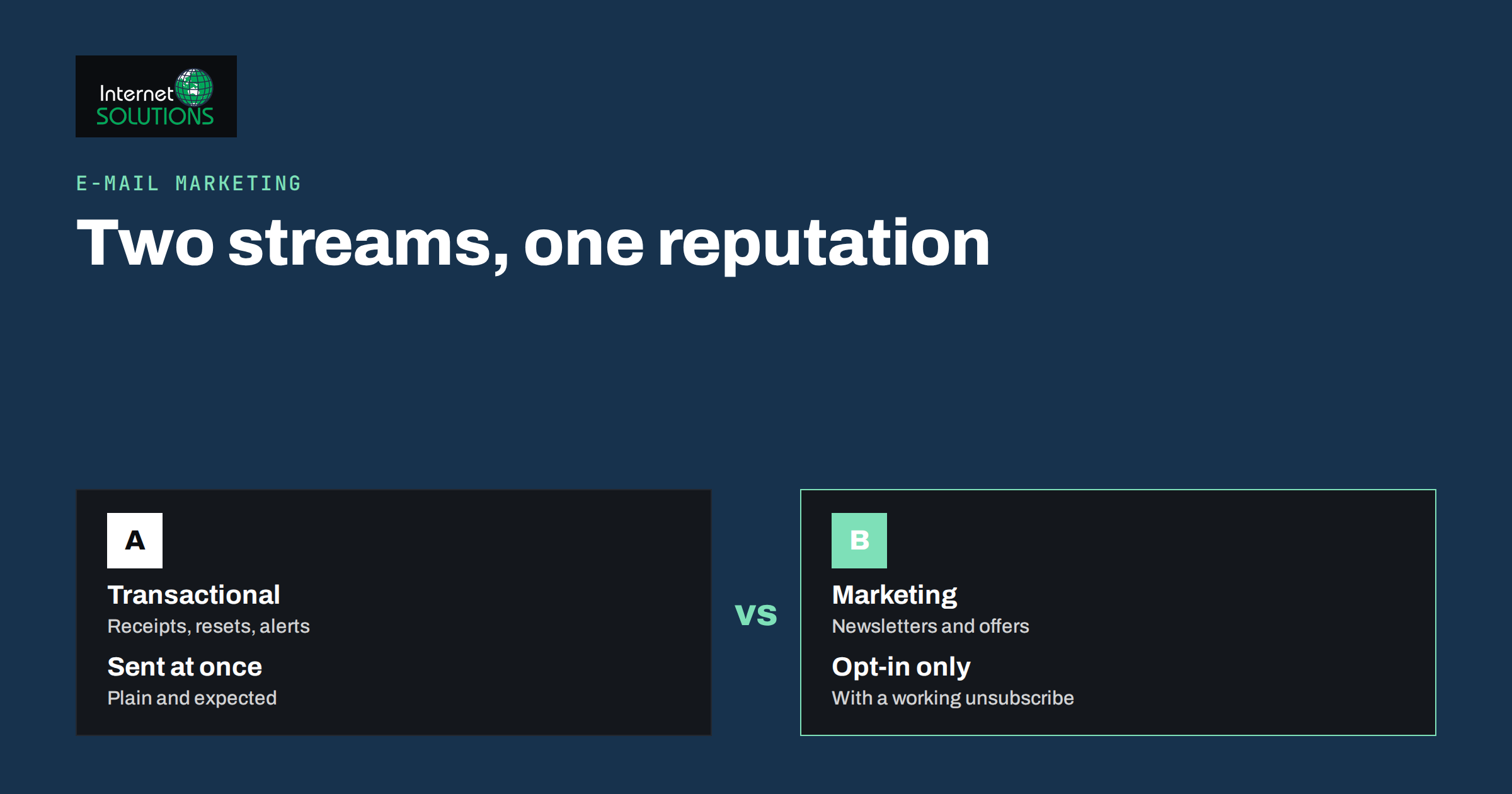
Transactional vs marketing emails is a distinction that many small businesses ignore until something goes wrong: a customer never receives a password reset, an order confirmation lands in spam, or a bulk campaign hurts the reputation of the same address that sends invoices. These are two very different kinds of message, with different purposes, different legal treatment and different effects on deliverability. Treating them as one stream is one of the most common and most avoidable mistakes in business email.
This guide explains what separates the two types, which messages belong where, why and how to keep their sending separate, what the rules say about consent and unsubscribe links, and how to monitor both so important messages always arrive. It is written for owners and marketers who send email from a website, a shop or a CRM and want a setup that is reliable and compliant.
Two Kinds of Email, Two Different Jobs
A transactional email is triggered by something a person did or by something that happened to their account. The person expects it, often waits for it and needs it to complete a task. Examples include order confirmations, receipts and invoices, password resets, account activation links, shipping and delivery notices, booking confirmations, appointment reminders, security alerts and replies to a support request.
A marketing email is sent to promote or to build a relationship: newsletters, offers, product announcements, event invitations, re-engagement campaigns and sales sequences. The recipient may welcome it, but nothing breaks if it is delayed by an hour or missed entirely.
The difference changes how you build and manage them.
| Feature | Transactional email | Marketing email |
|---|---|---|
| Trigger | An action or event for one person | A campaign sent to a list or segment |
| Timing | Immediate, within seconds | Scheduled, can be delayed |
| Expectation | Expected and often awaited | Optional, may be ignored |
| Content | Short, factual, one purpose | Persuasive, designed, several links |
| Open and click rates | Very high | Moderate to low |
| Spam complaints | Rare | Higher, and any complaint counts |
| Consent basis | Performing the service the person requested | Usually prior opt-in consent, depending on country |
| Unsubscribe link | Normally not needed for service messages | Required, and must work |
| Typical tools | Website, shop platform, application, transactional email service | Newsletter or marketing platform |
The legal descriptions here are general. Rules differ between countries, and the borderline cases are covered below.
Why Mixing Them Is Risky
Mailbox providers such as Gmail, Outlook and Yahoo judge a sender by its history: how many recipients open the messages, how many report them as spam, how many addresses are invalid and whether the sending domain is correctly authenticated. That judgement attaches to the domain and the sending address, and to the IP address used to send.
If one stream carries everything, the weaker traffic drags down the stronger. A newsletter sent to an old, poorly maintained list can produce bounces and complaints. The same sender then uses the same address and IP to deliver a password reset, and the reset is delayed or sent to spam. The customer cannot log in, files a support request and blames your service. The reverse also holds: high engagement on transactional messages helps your reputation, but you cannot count on it to rescue a bad campaign.
There are also practical reasons for separation.
- Speed. Bulk campaigns are queued and throttled. Transactional messages must go out at once.
- Reliability. Marketing platforms are designed for lists, not for event triggers from applications.
- Reporting. Combining open rates for newsletters and receipts hides the real picture of each.
- Compliance. Adding an unsubscribe link to a receipt confuses users, and sending promotions inside a service message may breach the rules.
Sorting Your Messages Into the Right Stream
Most messages fall clearly on one side. A few land in the middle, and these need a decision.
- Clearly transactional: password reset, order receipt, invoice, delivery tracking, appointment confirmation, security alert, subscription renewal notice about a payment.
- Clearly marketing: newsletter, seasonal offer, product launch, discount code campaign, survey for general market research.
- Borderline: abandoned cart reminders, review requests after delivery, “you may also like” blocks inside a receipt, renewal reminders with an upsell, cross-sell sequences after purchase.
For borderline messages, ask two questions. Is the main purpose to complete or support something the customer asked for? Would the person reasonably expect it from the relationship? If the main purpose is promotion, treat it as marketing, with the consent and unsubscribe rules that go with it. A receipt with a small related-product block is still mainly a receipt in many views, but adding large discounts and several promotional sections moves it toward marketing, and a cautious approach is to keep promotional content minimal.
What the Rules Say About Consent and Unsubscribe
In the European Union, marketing email is governed mainly by the ePrivacy rules, which are set out in Directive 2002/58/EC and national law, together with the data protection rules in the GDPR. In broad terms, electronic marketing requires prior consent, with a limited exception for promoting similar products to existing customers who were offered a simple opt-out at collection and in every message. Service messages needed to deliver what the person requested rely on a different basis and generally do not need marketing consent. The European Commission summarises the data protection framework on its data protection pages. Other countries have their own rules, and business-to-business email is treated differently in some places, so check the law where your recipients live or take professional advice.
Whatever the jurisdiction, a few habits are universally sensible:
- Keep records of how and when each person subscribed to marketing messages.
- Include a working unsubscribe link in every marketing message and honour requests promptly.
- Identify yourself clearly as the sender, with a real postal address where required.
- Do not sneak promotions into service messages under a misleading subject line.
- Keep transactional messages truthful, relevant and limited to the event that triggered them.
For a deeper look at obligations around lists and campaigns, read our guide to email marketing compliance.
How to Separate the Two Streams Technically
Separation can be done at several levels. The more thoroughly you do it, the better protected each stream is.
- Use different sending services. Send transactional messages from your application or shop through a transactional email service or your mail server, and send campaigns from a marketing platform.
- Use different subdomains. A common pattern is to use your main domain, or a subdomain such as
mail, for transactional messages and another subdomain, such asnews, for marketing. Reputation is tracked per domain, so a problem with the newsletter subdomain does not automatically affect the one used for receipts. - Use different from-addresses. For example,
orders@orno-reply@for transactional andhello@or a named person for campaigns. A reply-to address that reaches a human is good practice for both. - Use dedicated IP addresses when volume justifies it. Shared pools are fine for most small senders. A dedicated IP gives you control but needs steady volume and careful warm-up. See our article on email warm-up and sender reputation.
- Authenticate every stream. Each sending service must be covered by your SPF record and signed with DKIM, and your DMARC policy should be in place. Our explanation of SPF, DKIM and DMARC shows the steps.
- Keep infrastructure ready. If you run your own mail server, make sure that logging, bounce handling and queue monitoring are in place, which is part of good server administration.
Be careful with SPF: a record can contain only a limited number of DNS lookups, and adding several services can break it quietly. After each change, test the record and send real messages to mailboxes at several providers.
Designing Each Type Well
Transactional emails are often neglected because they are generated by software. They are, in fact, some of the most-read messages you send, and they affect how customers feel about the business.
- Subject lines that state the purpose. “Your order 10492 has shipped” is better than “Update”.
- The key information first. The code, link, date or amount belongs at the top.
- One clear action. A single button, such as “Reset password” or “Track delivery”.
- Plain, lightweight design. Heavy images and complicated layouts slow display and increase the chance of filtering.
- Text version included. A plain-text alternative improves compatibility.
- Support details. Tell the reader how to reach you if something is wrong.
- Security. Reset links should expire quickly, and messages should never contain a password in clear text.
Marketing emails have the opposite emphasis: story, design and persuasion. Take care with rendering in different clients, as discussed in our guide to email templates that render in Gmail, Outlook and on mobile.
Monitoring Both Streams
Separate streams deserve separate monitoring. Watch these figures for each.
- Delivery rate and bounces. Hard bounces point to invalid addresses that must be removed immediately.
- Delay. For transactional messages, measure the time between the event and delivery. A queue that takes ten minutes to send a password reset is a problem.
- Spam complaints. Aim for as close to zero as possible. Even small percentages on marketing campaigns can affect reputation.
- Authentication results. Check DMARC reports for unknown senders and failing sources.
- Inbox placement. Send test messages to several providers and look at where they land.
- Unsubscribe rate. A sudden rise suggests that content or frequency has missed the mark.
Keep the marketing list clean. Remove hard bounces, suppress chronic non-openers and avoid buying lists. Our guide to list hygiene explains how. If you want help planning campaigns that stay within the rules, see our e-mail marketing service.
A Simple Setup for a Small Online Shop
To make this concrete, consider a small shop with a WordPress store. Order confirmations, shipping notices and password resets leave the website through an authenticated transactional email service, using the address orders@ on the main domain. A newsletter platform sends campaigns from the news subdomain, with its own SPF and DKIM records and a visible unsubscribe link. Cart reminders are treated as marketing and sent from the newsletter platform to people who gave consent. The shop owner reviews bounce and complaint reports each week, removes dead addresses, and tests a password reset to a Gmail and an Outlook address every month. When a new tool is added, the SPF record is checked before anything is sent. This takes an hour to set up and a few minutes a week to maintain, and it protects the messages that matter most.
Frequently Asked Questions
Can I put a discount code in an order confirmation?
A small offer is common, but promotional content can change how the message is treated. Keep the receipt focused on the order, and send substantial promotions as marketing emails to people who have agreed to receive them.
Do transactional emails need an unsubscribe link?
Generally not, because they are service messages the person needs. If a message is mostly promotional, it should be treated as marketing and carry an unsubscribe option.
Do I need a separate domain or subdomain for marketing?
It is not mandatory, but it is a good protection. A separate subdomain keeps the reputation of marketing campaigns apart from the messages your customers cannot do without.
Why do my password reset emails go to spam?
Common causes are missing SPF or DKIM, a shared sender with a poor reputation, a mismatch between the from-address and the sending server, or spammy wording. Authenticate the domain and use a reliable transactional service.
Are abandoned cart emails transactional?
Usually they are treated as marketing, because their main purpose is to encourage a purchase. Send them only to people who have agreed to receive marketing, unless local rules allow otherwise.
How do I test whether my emails reach the inbox?
Send messages to several mailbox providers, check the headers for SPF, DKIM and DMARC results, and monitor bounce and complaint reports. Repeat the test after any change to DNS or sending tools.
The Bottom Line
Transactional and marketing emails serve different purposes and deserve different treatment. Keep them in separate streams, preferably with separate sending tools and subdomains, and authenticate each one properly. Respect consent and unsubscribe rules for marketing, and keep service messages short, fast and focused on the event that triggered them. Monitor delivery, complaints and delays for both, and clean your lists regularly. With a little structure, you protect your reputation, keep customers informed and make sure the emails that matter always arrive.