

 English
 Lietuvių
 Latviešu
 Eesti
Eesti Русский
 Polski
 Українська
 Deutsch
 Italiano
 Español
 Français
 Português
 Čeština
 Magyar
 Română
 Ελληνικά
 Türkçe
 日本語
日本語 العربية
 हिन्दी
 Bahasa Indonesia
 Bahasa Melayu
 ไทย
ไทย Tiếng Việt
 বাংলা
বাংলাAsk Mio for Customer Support Teams: Replies, Summaries, Help Articles
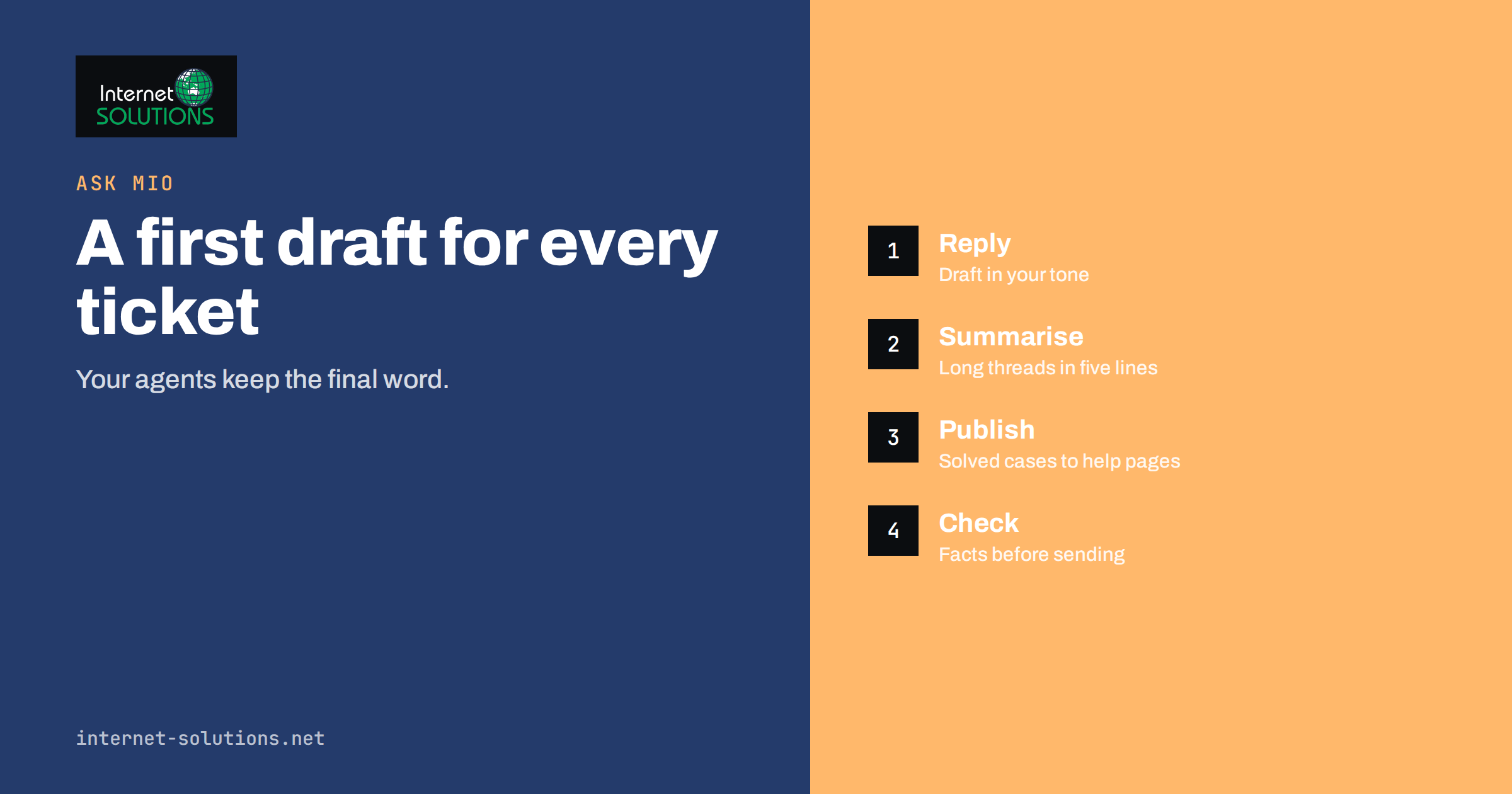
Ask Mio for customer support teams is a practical way to take the repetitive writing out of support work while keeping a person responsible for every answer that reaches a customer. Support teams spend much of their day on tasks that suit an AI assistant: drafting a clear reply, summarising a long ticket thread, turning a solved problem into a help article, translating a message and checking the tone of an apology. Ask Mio is an AI assistant for chat, writing, research, code and design, and several of its features fit this work well.
This guide shows how a small support team can use Ask Mio day to day: which tasks to hand over, how to give the assistant the right context, which rules keep answers accurate and private, and how to measure whether it is really saving time. It does not describe a way to replace your agents. It describes a way to give each of them a fast first draft and a patient second pair of eyes.
Where an AI Assistant Helps Support Work
Not every support task benefits equally. The biggest gains come from work that is language-heavy, repetitive and easy to check.
- First drafts of replies. Paste the customer’s message and the facts you know, and ask for a reply in your house tone.
- Summaries. Condense a thread of twenty messages into the problem, what was tried and what is pending, so the next agent starts informed.
- Tone rewrites. Turn a blunt internal note into a polite customer message, or soften a refusal without changing its meaning.
- Translation. Understand and answer messages in other languages, with a native speaker reviewing important ones.
- Help articles. Convert a solved ticket into a clear step-by-step article with a title customers would search for.
- Macros and templates. Produce a set of saved replies for the ten most common questions, then refine them as a team.
- Analysis. Group a batch of complaints by theme to show what keeps going wrong.
Tasks that need real account access, refunds, legal judgement or a decision about an exception remain human work. The assistant prepares the words; your team owns the decisions.
Choosing the Right Mode
Ask Mio offers five modes: Chat, Write, Research, Code and Design. For support work you will mostly use three of them. Chat suits quick questions and rewrites. Write suits longer pieces, such as a help article or a set of macros, where you set the tone and length. Research is useful when you need an answer from outside your own material, because it searches the web and cites the sources, so you can check them before passing anything on to a customer. You do not need to pick an AI model yourself, because Mio chooses the one that fits each task.
Give the Assistant the Right Context
The quality of a drafted reply depends on what you supply. A short, repeatable briefing works better than a long improvised one.
- The customer’s message, pasted as it arrived, with any personal details you do not need removed.
- The verified facts. Order status, policy wording, the fix that applies. State them explicitly rather than expecting the assistant to know.
- The outcome you want. Apologise and explain, ask for one missing detail, decline politely, or offer two options.
- The tone. Warm and brief, formal, or reassuring for an anxious customer.
- Constraints. Length, language, no promises about dates, no mention of internal tools.
Ask Mio has projects with their own instructions and files, and you can see and control what it remembers. A support project can hold your tone guidelines, your return policy and a list of phrases to avoid, so every chat in that project starts with the same rules. Document memory lets files you upload stay searchable in later chats, so Mio can find the relevant paragraph and quote it instead of guessing. If you want repeatable roles, choose or create a skill, for example a support-reply skill that always follows your structure.
Example Workflows
Drafting a reply
Paste the message and your facts, then ask: write a reply of no more than 120 words, apologise once, explain what happened using only the facts above, and tell the customer the next step. Read the draft against the facts, change anything that is not supported and send it under your own name. The saving comes from skipping the blank page, not from skipping the check.
Summarising a long thread
Before handing a ticket to a colleague, ask for a five-line summary: customer, problem, what has been tried, what is waiting and the suggested next step. The colleague can read the original thread if something looks wrong, but rarely needs to read all of it.
Turning tickets into help articles
When the same question arrives for the third time, paste the best resolved answer and ask for a help article with a searchable title, a short introduction, numbered steps and a note on what to do if it does not work. Then edit for accuracy and publish it. We cover the writing side in our guide to help center articles that cut support tickets.
Finding patterns
Export a month of ticket subjects, remove personal data and ask the assistant to group them by theme and suggest the three changes that would remove the most contacts. Treat the result as a hypothesis to test, since the assistant sees only the text you gave it.
Comparing Tasks: What to Delegate and What to Keep
| Support task | Delegate to Ask Mio? | Human check needed | Why |
|---|---|---|---|
| Draft a reply to a common question | Yes | Facts and tone | Fast, easy to verify |
| Summarise a long ticket thread | Yes | Skim the original if unsure | Saves reading time |
| Write a help article from a solved ticket | Yes | Test every step | Repeatable and reusable |
| Translate an incoming message | Yes | Native review for sensitive cases | Understanding comes first |
| Decide on a refund or exception | No | Always a person | Policy and money decisions |
| Answer legal or safety complaints | Draft only | Qualified review | High risk of harm |
| Look up a customer’s order | No, use your system | Not applicable | Data lives in your tools |
Rules That Keep Support Safe
Never invent facts
An assistant writes fluent text even when it lacks information. Always supply the facts in the prompt and tell it to say when something is missing. Reject any draft that mentions a policy, price, date or feature you did not provide. Our article on fact-checking AI answers at work describes a short verification routine you can adopt.
Protect personal data
Share only what the task needs. Remove card numbers, passwords, health details and full addresses before pasting. The Ask Mio site states that chats are never used to train AI models, but good habits still matter: the less sensitive data goes in, the less can go wrong. The UK Information Commissioner’s Office publishes guidance on AI and data protection that is a useful reference for any business, and our own note on what to keep out of your prompts turns it into a practical list.
Keep a person in the loop
The agent who sends the message is responsible for it. Make that explicit in your team rules, and never let drafts go out unread. The NIST AI Risk Management Framework is a general reference for organisations that want to think systematically about responsible use of AI tools.
Be honest about automation
If a customer asks whether they are talking to a person, answer truthfully. Customers forgive speed and mistakes more readily than they forgive being misled.
Pairing Ask Mio With Talkmio
If your team also runs live chat and email on Talkmio, the two tools cover different jobs. Talkmio answers visitors first from your own content, hands conversations to your team with the full history and turns emails into tickets. Ask Mio is the assistant your agents use for the thinking and writing around those conversations: refining a macro, drafting a hard reply, building the help article that lets Talkmio answer the next customer. One account also works in Talkmio, so agents do not need to manage separate sign-ups.
Building a Shared Prompt Library
Teams get the most value when good prompts are shared rather than rediscovered by each agent. Keep a short document, or better a skill, for each recurring task. A useful entry has four parts: the situation it applies to, the exact instruction, an example of a good result and a note on what to check before sending. For instance, a refund-delay reply might say that the agent must supply the order date, the reason for the delay and the new expected step, that the tone should be calm and specific, and that no date may be promised unless it appears in the facts. When a draft goes wrong, fix the prompt, not just the draft, so the same mistake does not return next week. Review the library every month and delete entries nobody uses.
It also helps to agree on a few standard phrases that should never appear in drafts, such as guarantees you cannot give, blame aimed at the customer or internal jargon. Add them to the project instructions so every conversation starts with the same guardrails, and ask new colleagues to read the library in their first week.
Measuring Whether It Works
Do not guess; measure for a month. Pick a few numbers you already track and compare before and after.
- First reply time and total resolution time. Drafting and summaries should shorten both.
- Replies per agent per day, read together with customer ratings so speed does not hide a drop in quality.
- Reopened tickets. A rise suggests drafts are being sent without enough checking.
- Help article views and ticket volume on the same topic. A good article lowers repeat contacts.
- Agent feedback. Ask the team which tasks improved and which got worse.
A Four-Week Rollout
In week one, pick two use cases, usually reply drafts and thread summaries, and write the briefing template. In week two, add a project with your tone guide and policies, and build ten macros from real tickets. In week three, turn the three most repeated questions into help articles. In week four, review the numbers, remove what did not help and write a one-page team rule covering data, checking and honesty. This keeps change small enough to control.
Common Mistakes
- Pasting a message with no facts and trusting the answer.
- Sharing sensitive customer data that the task did not require.
- Using the same generic tone for every customer.
- Publishing help articles without testing the steps.
- Measuring only speed and ignoring customer ratings.
- Letting every agent invent their own prompts instead of sharing the good ones.
Frequently Asked Questions
Can Ask Mio answer customers directly?
Ask Mio is an assistant for your team. For answers given to website visitors by AI, Talkmio is the product built for that job, with hand-off to a person when needed.
Which mode should support agents use?
Chat for quick rewrites and questions, Write for help articles and macro sets, and Research when you need a cited answer from the web that you will verify before using.
Will it know our policies?
Only if you tell it. Put your policies and tone rules into a project or upload them as files, then check that drafts quote them correctly.
Is it safe to paste customer messages?
Share only what the task needs and remove sensitive details. Follow your own data protection rules and your customers’ expectations, and ask your adviser if you handle special categories of data.
Can it help in other languages?
Yes. Ask Mio works in many languages, so it can help you read and draft in them. Have a fluent speaker review replies on sensitive topics.
How many points does this use?
Each answer costs a few points depending on the task, and your plan includes a monthly amount. Short rewrites cost little, while long articles and document work cost more. Current plans are shown on askmioai.com.
The Bottom Line
Ask Mio gives a support team a fast first draft, a tireless summariser and a helpful editor, while your agents keep responsibility for facts, tone and decisions. Start with reply drafts and thread summaries, build a shared briefing and a project that holds your policies, verify every statement, protect personal data and measure the results for a month. Used that way, it reduces the time spent on repetitive writing and leaves more time for the customers who need a real person. You can try it on the Ask Mio page.