

 English
 Lietuvių
 Latviešu
 Eesti
 Русский
 Polski
 Українська
 Deutsch
 Italiano
 Español
 Français
 Português
 Čeština
 Magyar
 Română
 Ελληνικά
 Türkçe
 日本語
 العربية
 हिन्दी
 Bahasa Indonesia
 Bahasa Melayu
 ไทย
 Tiếng Việt
 বাংলা
Ad Account Security: Roles, Two-Step Verification and Recovery Plans
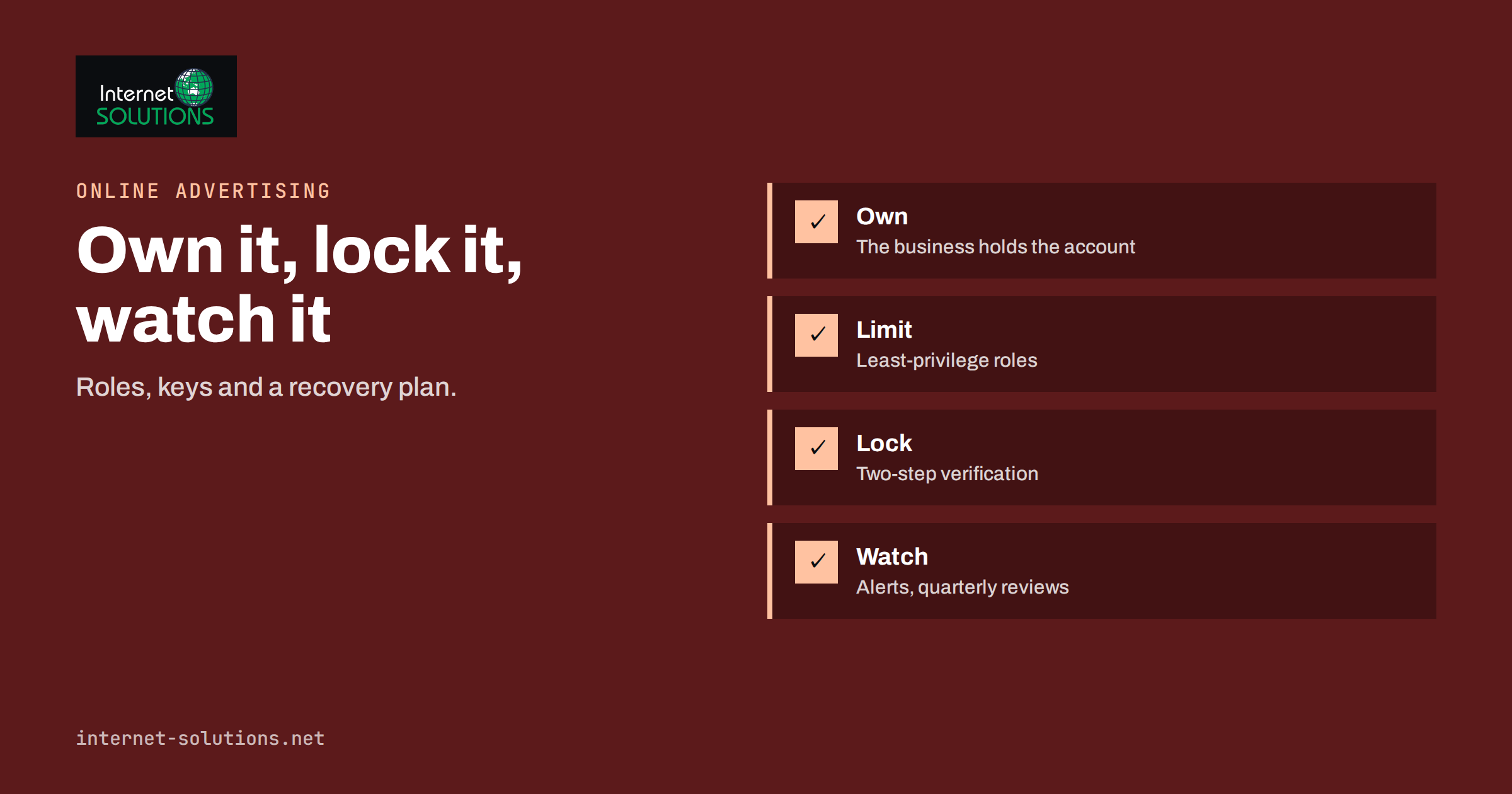
Ad account security is the part of online advertising that gets attention only after something goes wrong. A Google Ads or Meta advertising account holds a payment method, a history of campaigns, audiences, pixels and conversion data, and the power to spend your money within minutes. Whoever controls that account controls all of it. When an account is hijacked, attackers typically change the payment details or run their own ads at your expense, often promoting scams in your brand’s name, and then the platform suspends the account for policy violations that the real owner never committed. Getting access back can take weeks, and the damage to the account’s reputation can last longer.
This guide explains how advertising accounts are compromised, how to organise roles so that nobody has more power than they need, how to enable two-step verification properly, how to handle agencies and freelancers, and how to prepare a recovery plan before you need one. The advice applies to Google Ads and to Meta’s business tools, and the principles also fit other platforms. Platform menus and rules change often, so use the official help pages for the exact steps.
How Advertising Accounts Get Compromised
Most takeovers use ordinary methods, and they succeed because ad accounts are often protected less carefully than email or banking.
- Stolen or reused passwords. Credentials leaked from another service are tried on advertising platforms. Accounts without a second factor fall at once.
- Phishing that looks like platform support. A message says that your account is restricted, a payment failed or a policy violation requires a review, and links to a page that imitates a login. Some include fake “verified badge” offers or copyright complaints.
- Malicious browser extensions and malware. Programs that steal session cookies let the attacker use a logged-in session without needing the password. Our article on browser extensions in business explains how to control them.
- Over-shared access. A former agency employee, a freelancer or an old colleague still has administrator rights, and their own accounts are weak.
- Shared logins. Several people use one username and password, often stored in a spreadsheet or chat message, so nobody can tell who did what.
- Compromised email. If the email account that owns the advertising account is taken over, the attacker can reset everything.
- Social engineering of staff. An attacker posing as a partner or support agent asks an employee to add them as a user.
Principle One: Own Your Accounts
The most common structural mistake is that the business does not own its advertising account. The agency created it under its own email address, the freelancer’s personal profile is the only administrator or the person who set it up has left. In that case, you cannot control access, and you may not be able to prove ownership to the platform. Check this first.
- The company must hold the top-level role. At least two named people in the business, preferably with company email addresses, should have the highest level of access, in case one is unavailable.
- Use a business email address under your control as the owner of the account, protected by strong sign-in.
- Agencies work under a link, not under your identity. Give them access to your account through the platform’s invitation or manager-account feature, and never share your password.
- Keep payment methods in your name and under the control of the finance owner.
Principle Two: Least-Privilege Roles
People should have the lowest access that lets them do the job. Google Ads offers access levels from read-only and email-only to standard and administrative, described in Google’s help page on access levels. Meta’s business tools distinguish between partial access to specific assets and full control over the business portfolio, and they let you assign each person to pages, ad accounts, pixels and catalogues separately. The exact names change over time, but the pattern is stable.
| Person | Typical need | Suitable access |
|---|---|---|
| Owner or finance lead | Control of payments, users and security | Highest level, with two-step verification |
| In-house marketer | Create and edit campaigns | Standard or partial access to the specific ad account |
| Agency or freelancer | Manage campaigns for a period | Standard access through an invitation or partner link, without billing control |
| Analyst or manager | See reports | Read-only |
| Accountant | Download invoices | Billing view or read-only, or email-only for invoices |
| Developer | Install tags and pixels | Access to the tag or pixel only |
Do not give administrator rights to an agency by default. Many agencies need less, and a good one will accept it. Where billing is involved, keep the payment method with the business so that an agency cannot spend without limit. Set a monthly budget and alerts, and ask for access to be removed when the contract ends.
Principle Three: Real Two-Step Verification
Two-step verification, also called multi-factor authentication, is the single most effective measure. For Google Ads, it is the Google account that must be protected, and Google explains how to turn on 2-Step Verification. For Meta, require it for everyone with access to the business portfolio, and for the people who administer pages and ad accounts. Choose the strongest method that your team can use:
- Security keys or passkeys offer the best protection against phishing, because they work only on the real site.
- Authenticator apps are strong and easy to deploy.
- Text messages are better than nothing but weaker, because numbers can be swapped by criminals.
Make sure recovery options are current, with a second email address and backup codes stored in a safe place, since losing the only phone can lock out the legitimate owner. Use a password manager to give each person a unique, long password, and never share a login. Our guide to multi-factor authentication and password managers covers the setup in detail. The same standard should apply to the mailboxes that receive notices from the platforms.
Monitoring and Early Warning
- Turn on notifications for sign-ins from new devices, changes to payment methods, new users and large budget changes, and send them to a monitored address, not to a former employee.
- Review users every quarter. Remove people who have left, projects that have ended and agencies that no longer work with you.
- Check the change history for unfamiliar edits, such as new campaigns, new destinations or changed billing.
- Set spend limits and alerts. A sudden spike overnight is often the first sign of abuse.
- Verify payment alerts independently. If you receive a message about a payment failure, go to the platform by typing the address, not through the link in the message.
- Watch your domain and pages. Attackers sometimes change the destination of ads rather than the account settings.
The principles that protect ad accounts are the same as those that protect the rest of your business. An employee who leaves should lose access everywhere, as our checklist for employee onboarding and offboarding explains, and phishing awareness protects against the fake support messages that start many takeovers.
Prepare a Recovery Plan Before You Need It
If an account is hijacked, the first hours decide how much is lost. A short, written plan avoids panic.
- Know who decides. Name the person who leads the response and who they can reach at any hour.
- Keep a list of assets and owners. Account IDs, business portfolio IDs, linked pages, pixels, billing profiles and the email addresses that own each of them.
- Store proof of ownership. Company registration documents, invoices and payment records, because platforms may ask for them.
- Know the official recovery routes. Bookmark the platforms’ account recovery and support pages, and keep the sign-in recovery details up to date.
- At the first sign of takeover, act in this order: change the password of the owner account and the linked email, sign out all sessions, remove unknown users, remove unknown payment methods, pause campaigns, then report the incident through the official channel and contact the card issuer if charges are fraudulent.
- Document everything with screenshots and times, which helps the platform and your bank.
- Review after recovery. Find out how the attacker got in, and close that door.
If the account is suspended for violations that you did not commit, appeal with evidence of the compromise. Our article on Facebook ads rejections and account restrictions describes the appeal process on that platform, and the same discipline applies elsewhere: stay factual, give evidence and avoid creating new accounts to evade a restriction.
Agencies and Freelancers: Questions to Ask
- Do you manage our account through our own account, or through yours?
- Who on your team has access, and is each person protected by two-step verification?
- Do you use shared logins? The answer should be no.
- How do you handle access when staff leave?
- What happens to our account and data if we end the contract?
- Will you provide regular reports and a change log?
A professional partner will answer these questions without hesitation. If you work with our online advertising team, we use the invitation-based access that the platforms provide, and the account remains yours.
A Worked Example
A local training company hires a freelancer to run its campaigns. The freelancer creates the account with a personal email address, adds a company card and shares the login with an assistant. A year later, the relationship ends, but nobody removes the old access. One night, the account starts running ads that promote a fake investment platform, and by morning, a four-figure sum has been charged to the card. The platform suspends the account for policy violations, and the company cannot prove ownership because the account is registered to a personal email.
The company rebuilds by following the principles above: it creates a new account owned by a company mailbox, assigns two internal administrators with security keys, gives its new agency invitation-based standard access, sets monthly budget limits and alerts, and documents the recovery plan. It also contacts its bank about the fraudulent charges and reports the incident to the platform. A year later, a phishing email imitating platform support arrives, and the marketing manager reports it instead of clicking. The simple controls cost an afternoon, and they prevent a repeat.
Common Mistakes
- Letting an agency or freelancer own the account.
- Using one shared login for several people.
- Leaving former staff and old partners with access.
- Relying on text-message codes when stronger methods are available.
- Ignoring the security of the email address that owns the account.
- Clicking links in messages that claim to come from platform support.
- Having no spend alerts, so abuse runs for hours before anyone notices.
Frequently Asked Questions
Is two-step verification really necessary for ad accounts?
Yes. An advertising account can spend money, so it deserves at least the protection you give your email and banking. Make it mandatory for everyone with access, and prefer security keys or authenticator apps.
Should my agency have administrator access?
Usually not. Give them the access they need to manage campaigns, keep billing and user management with the business and remove access when the work ends.
What should I do if I lose my phone with the authenticator app?
Use your backup codes or another registered method to sign in, then reset the second factor on the new device. That is why backup methods and codes must be prepared in advance.
How often should I review who has access?
At least every quarter, and immediately when someone leaves or when an agency contract ends.
Can I recover a hijacked account?
Often, but it takes time and proof of ownership. Act quickly, use the official recovery routes and keep evidence. Prevention is far easier than recovery.
Do these rules apply to other platforms?
Yes. LinkedIn, TikTok, Microsoft Advertising and others have similar roles and security options. Apply the same principles: own the account, give least privilege, require strong sign-in and monitor changes.
The Bottom Line
Protecting an advertising account takes a few decisions, not a big project. Make sure the business owns the account and its payment method, give each person the lowest access they need, require two-step verification for everyone, monitor users, spend and changes, and write a short recovery plan with the ownership proof and contact points. The most expensive way to learn the value of these steps is to lose an account in the middle of a campaign, so set them up before you spend your next budget.