

 English
 Lietuvių
 Latviešu
 Eesti
 Русский
 Polski
 Українська
 Deutsch
 Italiano
 Español
 Français
 Português
 Čeština
 Magyar
 Română
 Ελληνικά
 Türkçe
 日本語
 العربية
 हिन्दी
 Bahasa Indonesia
 Bahasa Melayu
 ไทย
 Tiếng Việt
 বাংলা
Ask Mio for Nonprofit Teams: Grants, Newsletters and Volunteers
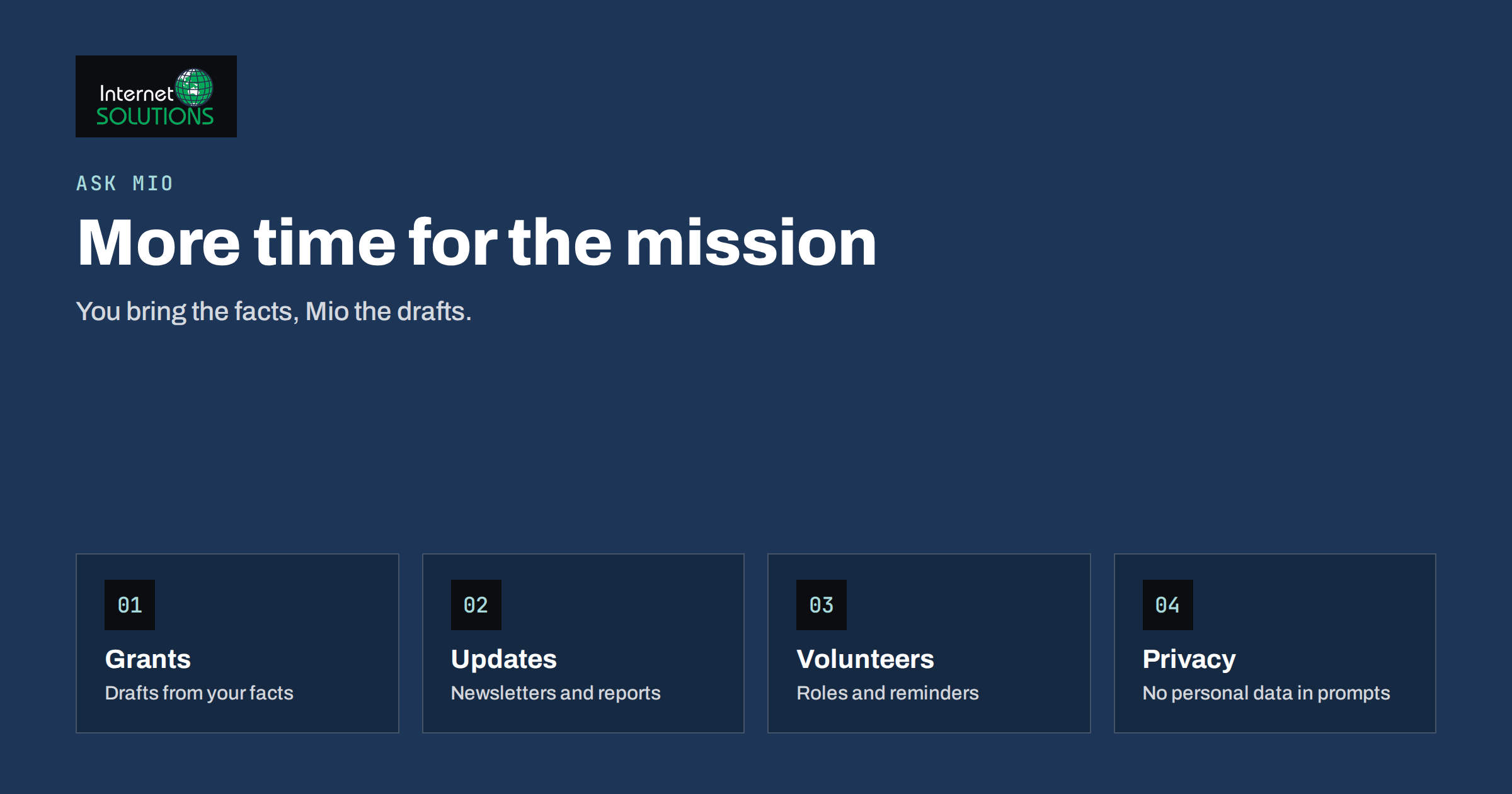
Ask Mio for nonprofit teams is a practical idea because charities, associations and community groups share one constant problem: a long list of writing and admin tasks and very few people to do them. The same small team writes grant applications, donor updates, newsletters, volunteer instructions, event invitations, board papers and social posts, often on top of the work the organisation was founded to do. An AI assistant cannot replace judgement, relationships or local knowledge, but it can remove a lot of the blank-page effort and the repetitive formatting, so that people spend their hours on the mission.
This article explains how a nonprofit can use Ask Mio, the AI assistant from Internet Solutions, for everyday work: drafting and tightening grant text, preparing newsletters and updates, organising volunteers, summarising documents and meetings, researching with sources and keeping translations consistent. It also sets out the rules that matter most for nonprofits, such as protecting personal data, checking every fact and keeping a human in charge of anything that goes to funders, donors or the public. It describes features that Ask Mio presents on its own site, and it does not promise results that depend on your own facts and effort.
What Ask Mio Offers a Small Organisation
Ask Mio is a single assistant with several working modes. You do not choose a model; Mio selects the best one for each task and answers in your language. The modes and tools that matter most to a nonprofit are these.
- Chat for everyday questions, explanations, translations and ideas, with memory of what you tell it to remember.
- Write for articles, emails, descriptions and texts in more than twenty-five languages, with control of tone and length, and ready-made jobs that turn a short form into a finished draft, such as a plan or a slide deck.
- Research for web search with cited sources, document analysis and summaries, with facts separated from opinions and links you can check.
- Design for simple images such as banners and social graphics, on the plans that include it.
- File uploads of PDF, Word documents and images, so that Mio can read an application form, a report or a screenshot.
- Projects and memory to group chats for one campaign or grant with their own instructions and files.
- Built-in tools for dates and working days, public holidays, currency conversion, QR codes and checking a web page, which come in handy for event planning and budgets.
There is a free plan, so a small team can test it on real tasks before deciding anything. Our guide to which Ask Mio mode to use explains how to pick the right one for each task.
Where It Saves the Most Time
| Task | How Ask Mio helps | What you must supply or check |
|---|---|---|
| Grant application text | Turns your facts into a structured draft, tightens wording, adapts length to word limits | All figures, outcomes, names and the funder’s actual criteria |
| Donor and member newsletters | Drafts sections, suggests subject lines, adapts tone for different audiences | True stories, permission to name people, accurate numbers |
| Volunteer communication | Writes clear role descriptions, schedules and reminder messages | Real dates, safety rules and contact persons |
| Meeting notes and board papers | Summarises notes into decisions and tasks | Corrections, confidentiality and approval of minutes |
| Event invitations | Creates text for several channels and languages | Venue, time, accessibility details and booking method |
| Research on funding or regulations | Searches the web and reports with cited sources | Verification on the official source before relying on it |
| Translation | Translates while keeping formatting and tone | Review by a speaker for important documents |
The right-hand column matters as much as the middle one. An assistant writes fluent text from whatever it is given, and fluent is not the same as true. In a nonprofit, accuracy is part of trust, so the facts are always yours to supply and verify.
Grant Writing: Drafting Without Inventing
Grant applications reward clarity, evidence and a close match to the funder’s priorities. Ask Mio can help with the structure and the language, but it must never be the source of facts. A reliable routine looks like this.
- Create a project for the grant. Upload the call text, the guidance notes and the evaluation criteria, and add an instruction such as “Use only facts I provide, mark anything missing as a gap and never invent figures.”
- Provide the raw material. Paste your own notes: the problem, the people you serve, what you did last year, the results with numbers, the budget lines and your partners.
- Ask for an outline against the criteria. Have Mio map each criterion to the evidence you have and list the gaps.
- Draft section by section. Request one section at a time with the word limit, and ask for plain, concrete language rather than inflated phrases.
- Review every claim. Compare each number and statement with your records. Remove anything you cannot back up.
- Tighten and format. Ask for shorter versions, a summary for the form and a checklist of attachments.
Be careful about what you paste. Keep names of beneficiaries and sensitive case details out of prompts, and use anonymised examples. Our article on AI at work and data privacy lists what to keep out. If you want to find funding sources, ask for a list with links and then check each one on the official site, for example the European Commission funding and tenders portal or your national agencies, since programmes, deadlines and eligibility change.
Newsletters and Donor Updates
A good update is short, honest and specific. Many small teams know this and still struggle to find the time. Mio can draft the skeleton from a few bullet points: a headline result, one story, one number, one request and a thank you. A useful prompt names the audience, the purpose and the constraints, for example: “Write a 250-word update for regular donors about the winter food programme. Use these facts only. Tone: warm and direct. End with one clear way to help.”
Consider these habits to keep the voice of your organisation:
- Give Mio two or three past updates that you liked and ask it to match their tone.
- Ask for three subject lines and pick one, instead of accepting the first.
- Have a rule that stories about real people are used only with permission, and that the assistant is not given identifying details.
- Ask for a plain-language version and a longer version of the same update for different readers.
- Check legal wording for fundraising and consent with the person responsible in your organisation.
The same text can feed your social channels. If your updates live on a website blog, an automatic tool can share them as they appear, and our article on PostRSS for nonprofits and associations shows how.
Volunteers, Events and Daily Admin
Volunteer coordination is a steady stream of small messages. Ask Mio can produce a role description with tasks, time commitment and a safety note, a welcome email, a shift reminder and a thank-you message, all in a consistent voice. It can also translate them for volunteers who speak other languages. For events, it can draft the invitation, the agenda, the run sheet, the follow-up email and a short press note. Its date tools help to count working days before an event and to avoid public holidays, and a QR code can link posters to the registration page.
The same approach works for the management side. Ask Mio can draft a policy outline for you to adapt, such as volunteer expenses or social media use, summarise a long report for the board, or turn a messy list of tasks into a plan with owners and dates. Our guide to turning meeting notes into a summary shows a simple routine for board and committee meetings. Always get the responsible person to approve minutes, and never rely on a draft policy without checking that it fits your legal form and country.
Research With Sources
When you need background, for example the rules for charity fundraising in a country, statistics for a funding case or examples from similar organisations, use Research mode. It searches the web, reads pages and returns an answer with cited sources that you can open. This is different from asking a general question in chat, because the links let you check the claims. Treat the answer as a starting point, then read the sources, prefer official and primary ones, and note the date. Our article on Ask Mio research mode explains how to ask well, and the one on fact-checking AI answers gives a verification routine for anything that will be published or submitted.
Rules for Using AI in a Nonprofit
Nonprofits hold the trust of donors, members and the people they help. A few written rules protect that trust and take little time to agree.
- Protect personal data. Do not enter names, health details, case notes or financial details of beneficiaries, donors or volunteers into prompts. Use anonymised or invented examples.
- Keep humans responsible. A named person approves everything that goes to funders, the press, donors or the public.
- Verify every fact and figure. Compare numbers with your records and check cited sources.
- Be honest about how you work. Some funders ask whether AI was used in an application. Follow their rules and be transparent when asked.
- Respect copyright and image rights. Use only images you may use, and do not use generated images that imitate real people or suggest false events.
- Review for bias and tone. Check descriptions of the people you serve for respect and accuracy, and avoid language that stereotypes.
- Record your choices. A one-page note about what the team uses the assistant for and what it never does is enough.
The data protection principles apply to nonprofits as they do to businesses, and the European Data Protection Board publishes guidance on its website. If you handle sensitive data, ask your data protection adviser before introducing any new tool.
A Worked Example
A small association that runs a community garden and cooking classes has two staff members and thirty volunteers. They need to apply for a local foundation grant, send a quarterly newsletter and recruit volunteers for an autumn harvest day. The coordinator creates a project in Ask Mio called “Autumn grant” and uploads the foundation’s guidelines. She pastes anonymised notes: the number of classes held, attendance figures from the register, the budget lines and two partner organisations, with an instruction to use only those facts.
Mio proposes an outline that follows the foundation’s criteria and flags two gaps: a measure of outcomes and a sustainability plan. She adds a sentence from a survey and a note about a volunteer rota, and Mio drafts each section within the word limit. She checks every figure against the register, deletes one phrase that overstates impact and sends the text to the chair for approval. For the newsletter, she gives Mio three bullet points and a past issue for tone, and chooses one of three subject lines. For the harvest day, Mio drafts a role description, a welcome email and a reminder in two languages, and a QR code on the poster links to the sign-up form. The team saves several hours, and nothing leaves the office without a person having read it.
Common Mistakes
- Pasting real beneficiary details into prompts.
- Letting the assistant supply statistics or outcomes that you did not provide.
- Submitting a funding application without reading every sentence.
- Using stories about people without their permission.
- Trusting funding information without checking the official source and the deadline.
- Sending the same generic text to every funder, which wastes the advantage of tailoring.
- Skipping a written rule, so that every team member uses the tool differently.
Frequently Asked Questions
Can Ask Mio write a whole grant application for us?
It can produce a good draft from the facts you provide, but it should not be the source of figures or claims. You supply and verify the evidence, edit the text and take responsibility for the submission.
Is it safe to upload our documents?
Upload only what you are comfortable sharing with a tool, and keep personal data of beneficiaries, donors and volunteers out. If a document contains such data, remove or anonymise it first and follow your own data protection rules.
Can the assistant work in our language?
Ask Mio writes and translates in more than twenty-five languages, and you can ask for a text in your language directly. For important documents, have a fluent speaker review the result.
Does it cost a lot for a small charity?
There is a free plan for trying it, and paid plans and extra points are described on the Ask Mio site. Check the current plan details there, and start with the free plan on real tasks to see whether it saves time.
Should we tell funders that we use AI?
Follow each funder’s rules and be transparent if they ask. Many care more about accuracy and ownership of the text than about the tools used, but practice varies, so read the guidance.
Can it replace our communications volunteer?
No. It reduces the effort of drafting and adapting texts, but choosing stories, knowing the community and keeping relationships remain human work.
The Bottom Line
Ask Mio can give a small nonprofit team more time by drafting grant text, updates, volunteer messages, summaries and translations, and by researching with cited sources. It works best when you supply the facts, keep personal data out of prompts, verify every claim and keep a named person responsible for what leaves the organisation. Start with one task, such as the next newsletter, measure the time saved and agree a short set of rules before widening its use. To see the modes and plans, visit the Ask Mio page.