

 English
 Lietuvių
 Latviešu
 Eesti
 Русский
 Polski
 Українська
 Deutsch
 Italiano
 Español
 Français
 Português
 Čeština
 Magyar
 Română
 Ελληνικά
 Türkçe
 日本語
 العربية
 हिन्दी
 Bahasa Indonesia
 Bahasa Melayu
 ไทย
 Tiếng Việt
 বাংলা
Ask Mio for Online Store Owners: Texts, Replies and Reports
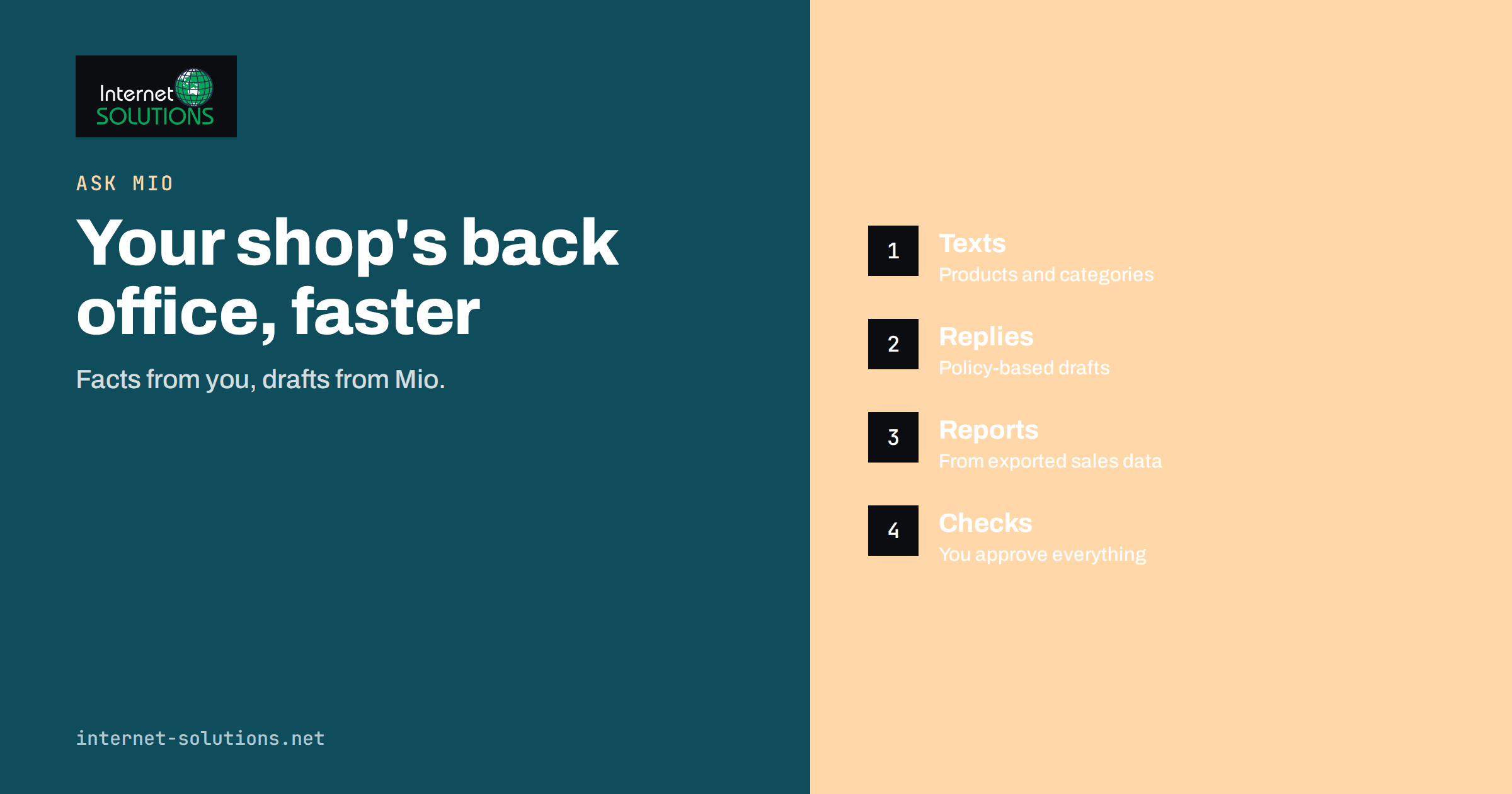
Ask Mio for online store owners is a way to hand the repetitive writing, replying and number-crunching of a small shop to an AI assistant, while the owner keeps the decisions. Running an online store means doing a dozen jobs in one day: answering customer emails, writing and fixing product texts, checking competitors, preparing banners for a sale, exporting orders into a spreadsheet to see what sold, writing to suppliers and keeping the policy pages up to date. Most of these tasks involve language or data, which is exactly where an assistant helps most, and where an unchecked answer can also cause the most embarrassment.
This guide shows how a store owner can use Ask Mio in the work that fills a normal week: texts, customer replies, supplier and marketing messages, reports from exported data, quick checks of the website and simple visuals. It explains which mode to use for each job, what to give the assistant so that the output is accurate, and which checks to keep human. It describes features presented on the Ask Mio site and does not promise sales results, which depend on your products, prices and customers.
One Assistant, Several Modes
Ask Mio combines chat, writing, research, code and design in one place, and it picks the best model for each task, so you do not have to. For a store owner, the useful pieces are these.
- Write for product texts, category descriptions, emails, newsletters and policy pages in more than twenty-five languages, with settings for tone and length.
- Chat for quick questions, rewording a customer reply, brainstorming and translation, with a memory for facts you ask it to keep, such as your brand voice.
- Research for searching the web with cited sources, for example to check regulations or compare suppliers, and for reading pages and PDFs.
- Code and data tools that can run Python in a sandbox to analyse an uploaded spreadsheet, calculate exactly and draw charts.
- Design for banners and social images, on the plans that include it, described in our article on Ask Mio design mode.
- Everyday tools for currency conversion with official rates, working days and public holidays, QR codes and checking a web page.
- Projects that group chats with their own instructions and files, useful for keeping one project for the shop with the brand voice, policies and size charts uploaded once.
There is a free plan, so you can try it on a week of real work before deciding whether to pay for more. Each answer costs a few points, and the plans differ in monthly points and features, so check the current details on the Ask Mio site.
A Store Owner’s Week With Ask Mio
| Job | What to give Ask Mio | What you get | What you check |
|---|---|---|---|
| Product descriptions | Specifications, materials, sizes, care instructions, the tone of your brand | A clear text and short variants for the listing and ads | Every fact against the supplier data sheet |
| Customer replies | The question, your policy text and the order facts without personal details | A polite draft that matches your policies | Order status, refund amounts and promises |
| Supplier emails | The request, quantities, deadlines and tone | A concise message in the supplier’s language | Numbers, dates and terms |
| Sales reports | An exported order or product spreadsheet without customer names | Totals, top products, trends and a chart | The method and a few figures against the shop system |
| Promotions | Offer, dates, discount rules and audience | Email text, banner copy and a social post pack | Dates, prices and legal wording |
| Competitor checks | A list of competitor page addresses | Summaries of what each page says and shows | Facts on the actual pages |
| Policy pages | Your real shipping, return and payment rules | A readable draft for the page | Legal review where required |
Product and Category Texts
Product text is where many stores lose time and quality, because the same details need to appear in the listing, the category page, the newsletter and the ads. The workflow that holds up is simple. Put the facts in, forbid inventions, and review. Upload or paste the supplier specification, then ask for a description that uses only those facts, in your voice, with a short list of key features and a separate short version for ads. Ask Mio to flag any missing information, such as materials or dimensions, rather than guess it. Our guide to AI product descriptions for online stores sets out the full process, including how to avoid identical texts across similar products.
Category pages need a different approach, since their job is to explain the range and help people choose. Give Mio the list of subcategories, the most popular products and the questions customers ask, and request a short introduction with a buying guide. Then compare the result with the advice in our article on product page SEO for online stores, because titles, headings and structured data matter as much as the prose.
Customer Replies Without Losing the Human Touch
Customers write about delivery, sizes, returns, damaged parcels and discount codes. The answers follow your policies, which means an assistant can draft most of them, and you add the facts of the case. Create a project called “Customer replies” and upload your shipping, return and warranty text, plus three or four past replies that you consider good. Add the instruction to write short, friendly answers, to use only the policy text and the facts provided, and to say that you will check if something is not covered.
- Paste the customer’s message, removing names and addresses.
- Add the facts: order date, shipping status, the item and what you decided.
- Ask for a reply in the customer’s language.
- Read the draft, correct anything wrong and add the personal details yourself.
- Save good replies as examples for later, and ask for a shorter version when the answer is too long.
Do not let the assistant decide refunds, promise delivery dates or admit liability. Those are decisions for you. If you also run live chat, the same policies can power an automated first answer, as described in our article on Talkmio for e-commerce, with Ask Mio serving as your own working assistant behind the scenes.
Reports From Your Own Data
Most shop systems export orders, products and visitors to CSV or Excel files. Ask Mio can read an uploaded file, run Python in a sandbox and answer questions such as which products brought the most revenue last month, which ones sell together, how returns compare by category, or which days produce the most orders. It can draw a chart and write two sentences you can paste into a weekly note. Our guide to AI data analysis with Ask Mio explains how to prepare the file and phrase the question.
A few rules keep this safe and accurate:
- Remove personal data. Export only the columns you need, such as product, quantity, date and total, without names, emails or addresses.
- State the question and the period. “Revenue by product for October, excluding refunded orders” is better than “analyse this”.
- Ask for the method. Have Mio list the steps and the filters used, so that you can repeat the analysis.
- Check a few figures. Compare the total with your shop dashboard before you rely on the rest.
- Keep the original file. The assistant works on a copy, and your records remain the source.
Marketing Material and Visuals
A sale or seasonal campaign needs coordinated text: an email, a banner line, a few social posts and a line for the homepage. Give Mio the offer, dates, discount conditions and audience, and ask for a pack with variants. Ask for subject lines and preview text in a few options, since the opening decides whether the email is read. In design mode, describe a banner in one sentence and iterate on the result, then check the image for text errors and rights before use. Our article on ready-made jobs for marketing shows how short forms turn into finished drafts.
Remember the rules that apply to your sales. Discount claims, “from” prices, countdown timers and reference prices are regulated in many countries, and consumer protection authorities look at them closely. The European Commission consumer protection page is a starting point, and your own adviser should check wording for big campaigns.
Quick Checks on the Shop Itself
Ask Mio has tools that check a web page, covering the title, meta description, headings, word count, images without alt text, robots and canonical settings, and tools that look up domain records and whether a site responds. A store owner can paste the address of a product page and ask for a quick review, or check that a new domain points to the right place. The tools read the page as a visitor or crawler would, which makes them handy for spotting an empty title or a missing description before a campaign. Our article on quick website checks in one chat lists what each tool reports. For structured data on product pages, the vocabulary at schema.org shows the fields search engines read.
Rules That Protect Your Shop
- Facts come from you. Prices, stock, delivery times, materials, safety information and guarantees are never invented by the assistant. Anything that matters legally, such as allergens, safety warnings or compliance marks, must be copied from reliable documents.
- Keep customer data out of prompts. Use order numbers or anonymised examples, and never paste payment details.
- Review before publishing. Read each description, reply and policy page, and make one person responsible for approving it.
- Keep texts distinct. Avoid publishing near-identical descriptions for similar products, which weakens search performance and reads poorly.
- Check images and rights. Use only images you may use, and do not present generated images as real photographs of the product.
- Record your instructions. Keep the brand voice and the policy facts in a project, so that every task starts from the same base.
A Worked Example
The owner of a small shop selling hand-made candles has three hours a week for admin. On Monday, she exports last month’s orders without customer details and asks Ask Mio which products sold best, which sold together and how sales differed between weekdays and weekends. The assistant returns a short table, a chart and three observations, and she checks the total against her shop dashboard. She decides to bundle two popular scents for the autumn campaign.
On Tuesday, she pastes the supplier’s wax and scent data into a project that holds her brand voice and asks for two descriptions, one for the listing and one for an ad, and a flag for missing details. She adds the burn time from her own test and corrects one claim. On Wednesday, she drafts replies to six customer emails with the policy text uploaded to the project, and adjusts three of them to reflect individual cases. On Thursday, she asks for an email, three social posts and a banner for the bundle, and checks the offer dates twice. By Friday, the work that used to fill her weekend is done, and every fact that matters came from her records.
Common Mistakes
- Publishing generated descriptions without comparing them with the supplier’s data.
- Pasting customer names, addresses or payment details into prompts.
- Letting the assistant promise refunds, delivery dates or warranty terms.
- Trusting a spreadsheet analysis without checking totals.
- Running a promotion with wording that breaks local consumer rules.
- Using the same text for dozens of similar products.
- Skipping the project instructions, so that tone and facts drift from task to task.
Frequently Asked Questions
Can Ask Mio connect directly to my shop platform?
The Ask Mio site describes connectors for your own files and accounts, such as your drive, mail and calendar, which you control. For shop data, the simplest route is to export a file from your platform and upload it, leaving out personal details.
Will the descriptions be unique for each product?
They will be if you provide distinct facts for each product and ask for variation. Near-identical inputs produce near-identical text, so include what truly differs: materials, uses, sizes and customer questions.
Can it answer customers on its own?
Ask Mio is your working assistant for drafting and analysis. For automatic answers on your website, a live chat tool such as Talkmio is built for that job, and the two can use the same policy text.
Is it safe to upload my sales data?
Upload only what you are comfortable sharing, remove customer personal data first and follow your own data protection rules. Keep the original exports in your own systems as the source of truth.
Which languages can it handle for international customers?
It writes and translates in more than twenty-five languages. Have a fluent speaker review important or legal texts, especially policies and product safety information.
Is there a free option?
Yes, there is a free plan that needs no card, and you can check points and plan details on the Ask Mio site before paying for more.
The Bottom Line
Ask Mio helps an online store owner write product and category texts, draft customer and supplier messages, turn exported data into reports and charts, prepare campaign material and check pages quickly. It works best when the facts come from your own records, personal data stays out of prompts, each output is reviewed by a person and the brand voice and policies live in a project. Start with one weekly routine, such as the sales report or customer replies, measure the time saved and expand from there. To see the modes and plans, visit the Ask Mio page.