

 English
 Lietuvių
 Latviešu
 Eesti
Eesti Русский
 Polski
 Українська
 Deutsch
 Italiano
 Español
 Français
 Português
 Čeština
 Magyar
 Română
 Ελληνικά
 Türkçe
 日本語
日本語 العربية
 हिन्दी
 Bahasa Indonesia
 Bahasa Melayu
 ไทย
ไทย Tiếng Việt
 বাংলা
বাংলাAsk Mio for Translation and Localization: Tone and Formatting
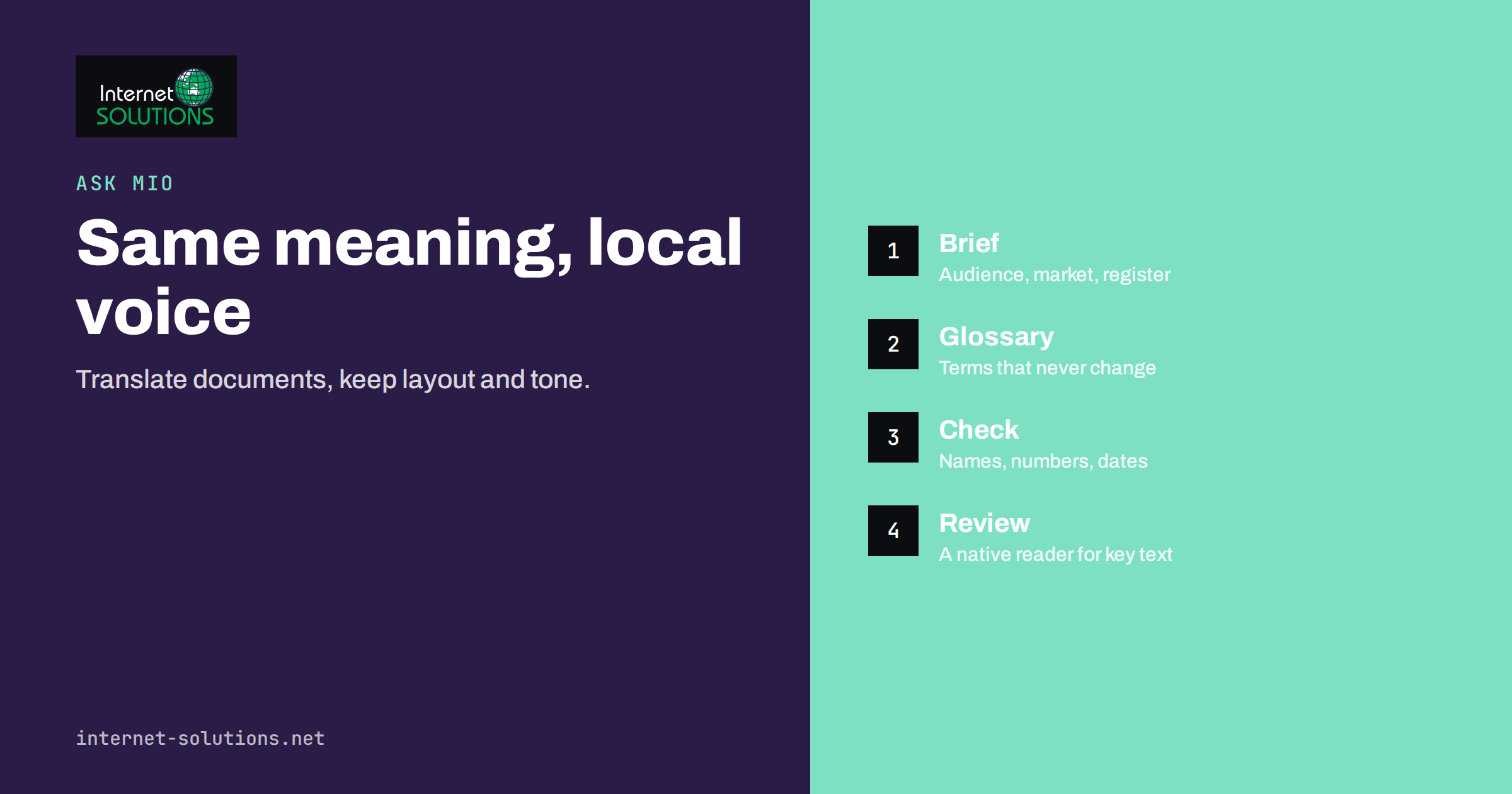
Ask Mio for translation and localization is a practical way to handle the multilingual work that most small businesses meet sooner or later: a price list for a foreign customer, a contract summary in another language, a product page for a new market or a support reply to someone who writes in a language nobody on the team speaks. Ask Mio is the AI assistant from Internet Solutions, and it includes a translator and localiser expert, a ready-made “translate a document” job and a translation tool that keeps formatting intact. This guide explains how to use them well, what still needs a human, and how to build a workflow you can trust.
Translation is not only a matter of swapping words. Tone, formality, units, dates, names and cultural references decide whether a text reads as written by a colleague or as obviously foreign. The advice below is written for owners, marketers, support staff and developers who need good results quickly but cannot afford embarrassing mistakes in the text that customers see.
Translation, Localization and Why the Difference Matters
Translation moves the meaning of a text from one language to another. Localization goes further and adapts the text for a specific audience. A sentence about a “20% off Black Friday sale” may make sense in Germany but not in a country where the event is not part of the calendar. A price in dollars may need a different currency, a date written as 04/05 may mean April in one market and May in another, and a phone number needs a country code. A formal register that sounds respectful in one language can sound stiff in another.
- Translation keeps the content the same and changes the language.
- Localization adjusts examples, units, currencies, dates, legal wording, tone and visuals for the target market.
- Transcreation rewrites creative copy such as slogans, because a literal translation would lose the point.
Decide which of the three a text needs before you start. A delivery note needs plain translation. A landing page needs localization. A campaign headline needs transcreation and usually a native speaker’s judgement as well.
What Ask Mio Offers for Multilingual Work
Ask Mio brings several features together in one conversation, so you do not have to switch between tools. According to the features page, the relevant ones are the following.
| Feature | What it does | Best used for |
|---|---|---|
| Translator and localiser expert | Translation that keeps meaning, tone and formatting | Whole conversations about a text: choosing register, discussing alternatives, adapting for a market |
| Translate a document (ready-made job) | Translates text while keeping formatting, names and numbers | Brochures, price lists, instructions and similar files where layout and figures must survive |
| Translator tool | Translates a text into another language, keeping formatting | Short pieces inside a normal chat, such as an email or a paragraph |
| Editor and proofreader expert | Fixes grammar, structure and flow without losing the author’s voice | Polishing the result and your own source text before translating |
| Document memory | Keeps uploaded files searchable in later chats | Reusing a glossary or style guide without attaching it every time |
The right combination depends on the job. For a one-off paragraph, the translator tool is enough. For a document with tables and numbers, use the ready-made job. For anything where tone matters, work with the translator and localiser expert and give it the context described next. You can read the full list on the Ask Mio features page or in our overview of Ask Mio.
Give the Assistant the Context a Human Translator Would Ask For
The quality of a translation depends heavily on the brief. A professional translator would ask who will read the text, where it will appear and how formal it should be. Provide the same information to Ask Mio at the start of the conversation, and the result improves noticeably.
- Audience: customers, partners, authorities, technical staff or the general public.
- Purpose: inform, sell, instruct or comply with a rule.
- Register: formal or informal address, which matters in languages with different forms of “you”.
- Market: the country, not only the language, because Portuguese in Brazil and in Portugal, or Spanish in Mexico and in Spain, differ in vocabulary and customs.
- Terms to keep: brand names, product names, legal terms and words that must not be translated.
- Format: plain text, a table, a list or a layout that must stay as it is.
A short prompt such as “Translate into German for small-business customers, polite and direct, formal address, keep product names in English, keep the table” produces far better output than “translate this”. For more on writing instructions that work, see our guide to writing better AI prompts at work.
Keeping Formatting, Names and Numbers Intact
Formatting errors are among the most common problems in translated documents. Lists lose their numbering, tables shift, headings change style and numbers get reformatted. The translate-a-document job is designed to keep formatting, names and numbers, but you still need to check the result. Compare the translated document with the original and verify four things.
- Numbers and units: amounts, percentages, quantities and measurements should be identical unless you asked for conversion. Decimal and thousand separators differ between languages, so confirm they follow the target convention.
- Names: people, companies, products and places should keep their original spelling unless a standard translated form exists.
- Dates and times: check that day and month are in the right order for the target market and that the time zone is still clear.
- Structure: headings, bullet lists, table rows and links should match the source one for one.
When the text will be published on a website, check the page afterwards in a browser, because longer words can break a layout. German and Finnish texts are often noticeably longer than English, while Chinese and Japanese texts are shorter and may need different line spacing.
A Workflow for Business Documents
A reliable workflow has the same steps whether the text is a leaflet or a service agreement. It mixes machine speed with human attention in the places where mistakes are expensive.
- Prepare the source. Fix typos, unclear sentences and abbreviations. Ambiguity in the original becomes a mistake in the translation. The editor and proofreader expert can help with this step.
- Create a short glossary. List ten to thirty terms with approved translations: product names, features, titles and recurring phrases. Upload it and refer to it in each chat.
- Translate with a brief. Give audience, register and market, then run the translation.
- Ask for a back-translation of key passages. Request an English version of the critical paragraphs. If the meaning has shifted, you will see it even without knowing the target language.
- Review with a native speaker when the stakes are high. Contracts, medical or safety information, public notices and campaign copy deserve a human reader.
- Save what you learned. Add corrected terms to the glossary so the next document starts better.
This approach pays off most when you translate regularly. The glossary and style notes become a small asset that keeps your voice consistent across languages and across the different people who work on the text.
Localizing a Website or Product Page
For a website, translation is only the first layer. Search engines, forms, prices and legal notices need attention too. Start by deciding which pages are worth translating: the home page, the main service or product pages, contact information, delivery and returns information and the legal pages that the target country requires. Translate those well rather than translating everything poorly.
Then check the technical side. Each language version needs its own address, a proper language declaration and correct hreflang annotations so that search engines show the right version to the right searcher. Our article on international SEO and hreflang explains the details, and Google documents the method in its guide to localized versions of a page. Also review currency, payment options, shipping details, phone formats and any claims that depend on local law, such as guarantees or cancellation rights.
If your team builds or maintains the site, our website development service can set up the multilingual structure so that translated content has a place to live.
Translating Customer Conversations
Support is another area where translation matters. Customers write in their own language and expect an answer in it, but hiring agents for every language is rarely realistic. Ask Mio can help staff read an incoming message, draft a reply in the customer’s language and check the tone before sending. Always keep a human responsible for what is sent, especially for refunds, promises and technical advice. For the chat side of the same problem, read about multilingual support with Ask Mio.
- Keep replies short and plain; simple sentences translate best.
- Avoid idioms and sarcasm, which rarely survive translation.
- Store approved answers for frequent questions in each language and reuse them.
- Tell the customer, where appropriate, that you can continue in English if they prefer.
Privacy and Confidentiality
Translating a document means sending its content to a service, so treat it like any other data transfer. Remove or replace personal data, passwords, account numbers and confidential figures that are not needed for the task. Check your own policies and any agreements with clients before you upload contracts or other sensitive files. Our article on what to keep out of your prompts gives a practical checklist.
Tone and Register: The Part Machines Get Wrong Quietly
Errors in meaning are easy to spot; errors in tone are not. A message that is perfectly correct but too casual for a formal customer, or too stiff for a friendly brand, damages trust without anyone being able to say why. Before you translate, decide how your company speaks: formal or informal address, short or full sentences, warm or neutral. Write two or three sample sentences in the target language that a native colleague approves, and give them to the assistant as a style reference. Ask it to follow that voice and to list any sentence where it had to choose between two registers. Revisit the samples whenever you enter a new market, because conventions for politeness, titles and greetings differ widely, even between neighbouring countries that share a language.
Where Human Translators Remain Essential
A translation assistant is excellent for drafts, internal use, understanding foreign texts and routine business documents. Some material still deserves a professional or at least a native-speaking reviewer: legal agreements that must stand up in court, regulated product information, certified or official translations, medical texts and high-profile marketing. Use the assistant to prepare and speed up the work, then pay for a human check where an error would be costly. This division of labour is cheaper than buying everything from scratch and safer than publishing everything unchecked.
Frequently Asked Questions
Can Ask Mio translate a whole document and keep its layout?
The translate-a-document job is built to keep formatting, names and numbers. Even so, always compare the result with the original, especially tables and lists, before you publish or send it.
How do I keep product names from being translated?
List them in your instructions or in an uploaded glossary and state that they must stay in the original form. Ask the assistant to confirm which terms it kept unchanged.
Which language variant will it use?
It uses the variant you ask for. Say the country as well as the language, for example Brazilian Portuguese or Latin American Spanish, and mention formal or informal address.
Is machine translation good enough for legal documents?
It is useful for understanding and drafting, but a binding legal text should be reviewed by a qualified human translator or lawyer who knows the target jurisdiction.
How can I check a translation if I do not speak the language?
Ask for a back-translation of key paragraphs into your own language, compare names and numbers carefully and have a native speaker review anything important.
Does translating a website help SEO?
Translated pages can reach new audiences, but they need their own addresses, correct language annotations and genuinely useful content. Poor or automatic duplicates add little value.
The Bottom Line
Ask Mio gives small teams a fast way to translate and adapt text, but quality comes from the brief, the glossary and the checks around it. Say who the text is for, keep names and numbers under control, verify key passages with a back-translation and bring in a native speaker where mistakes would be costly. Used that way, translation becomes a routine part of doing business in several languages instead of a risky shortcut.