

 English
 Lietuvių
 Latviešu
 Eesti
Eesti Русский
 Polski
 Українська
 Deutsch
 Italiano
 Español
 Français
 Português
 Čeština
 Magyar
 Română
 Ελληνικά
 Türkçe
 日本語
日本語 العربية
 हिन्दी
 Bahasa Indonesia
 Bahasa Melayu
 ไทย
ไทย Tiếng Việt
 বাংলা
বাংলাAsk Mio Research Mode: Web Search With Cited Sources and Page Reading
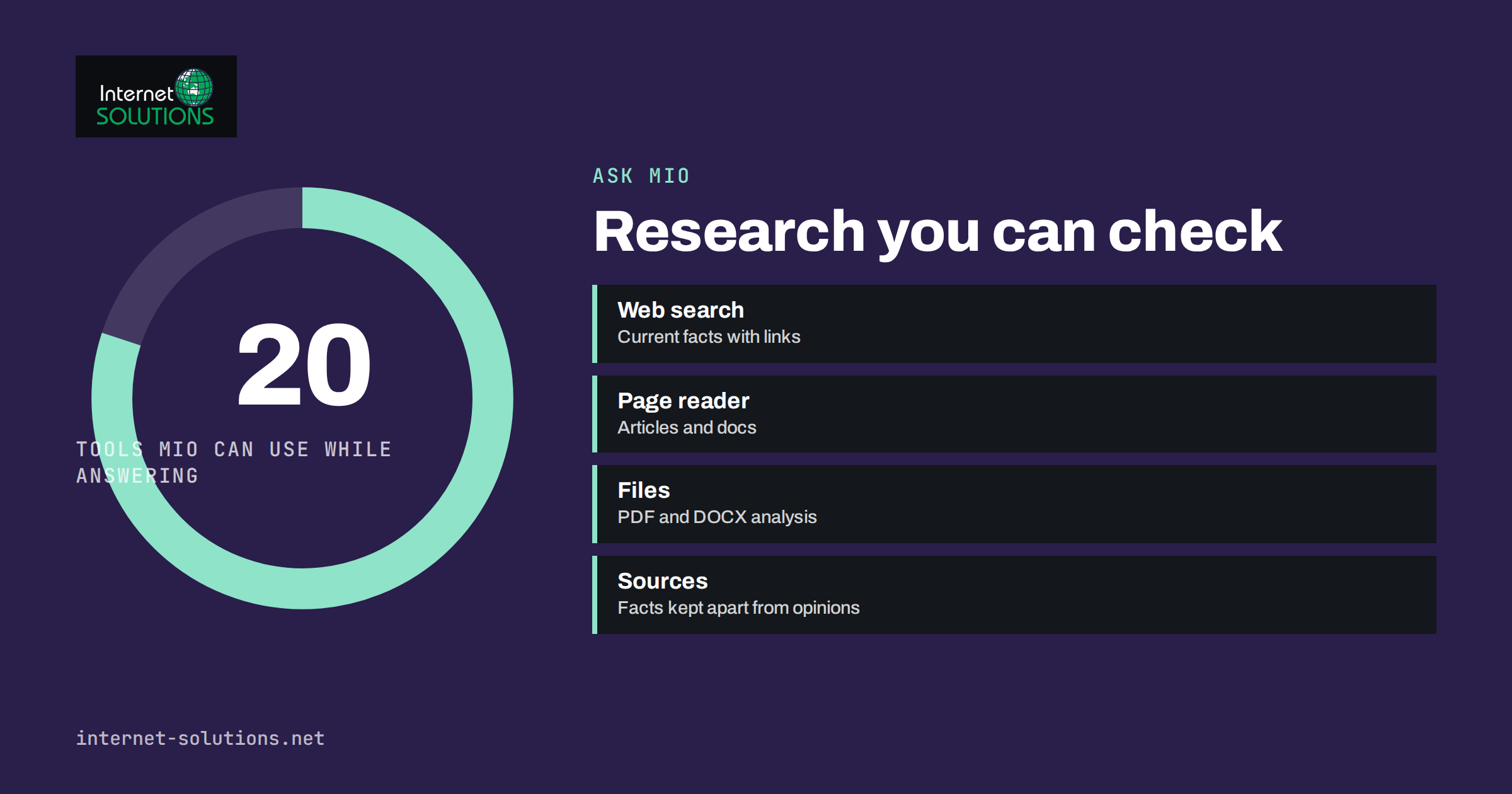
Ask Mio Research mode is the part of the assistant built for questions whose answers are not in the model’s memory: what a competitor charges this month, what a new regulation actually says, what a supplier’s documentation recommends, what the latest news on a topic is, or what a forty-page PDF concludes. Where Chat mode answers from what the model already knows, Research mode goes and looks, reads, and comes back with an answer and the sources it used, kept separate from its own opinion so that you can check them.
This guide explains what Research mode does, which tools Mio can use while answering, how to ask research questions so the answer is useful, how to read the sources, where the limits are, and how a small business can build a few research routines that save hours a week. It describes the product as shown on the Ask Mio product page and on askmioai.com at the time of writing; the feature set evolves, so check the app for the current state.
What Research Mode Is
Ask Mio has five modes: Chat, Code, Design, Write and Research. You pick the mode; Mio picks the model best suited to the task behind the scenes. Research mode is described as web search with cited sources, PDF and document analysis and summaries, with facts separated from opinions and links you can check. It is the mode for anything where “according to what?” is a fair question.
The difference from asking a general assistant is not only that Mio searches. It is that the answer is built from what was found, that the sources are listed, and that the answer is expected to say where it is uncertain. For a business that will act on the answer, the citations are the point: the person who reads the summary can open the two or three sources that matter and confirm them in a minute.
The Tools Mio Can Use While Answering
The Ask Mio features page lists twenty tools that Mio can call by itself while answering. The ones that matter most for research are:
- Web search for current facts, prices, events and anything after the model’s training data.
- Web page reader, which opens a URL and reads its text: an article, documentation, a product page.
- Live browser, which opens a page in a real browser so that pages that need JavaScript can be read.
- News headlines on a topic, with links and dates.
- Wikipedia for an encyclopedic summary of a person, place, company or term.
- RSS reader, which reads a feed and lists the latest entries.
- Currency rates using the official ECB reference rates, stock quotes and crypto prices for numbers that change daily.
- Date and time and public holidays for planning questions that depend on working days.
- Calculator and code runner for exact arithmetic and for analysing a table or drawing a chart.
Mio decides which tools to use from the question. Ask what a currency is worth today and it uses the rate tool rather than guessing; ask what a page says and it reads the page rather than recalling it. The practical effect is that numbers and quotes in a Research answer come from a tool call, not from memory, which is why they are worth more.
Documents and Files
Research mode also covers your own material. Upload a PDF, a Word file or an image and ask for a summary, the key figures, the obligations in a contract or the differences between two versions. The same source discipline applies: the answer should point to where in the document a claim comes from, and you should spot-check the parts you will act on. Our article on summarising PDFs and contracts with Ask Mio covers that workflow in detail. File uploads and size limits depend on the plan; the pricing page lists what each plan includes.
How to Ask a Research Question
The quality of a research answer depends heavily on the question. A few patterns consistently produce better results.
Say what the answer is for
“Compare the delivery terms of these three suppliers for a decision on which one to use for EU customers” produces a different, more useful answer than “tell me about these suppliers”. The purpose tells Mio which facts matter and which to leave out.
Ask for sources by type
“Use official documentation or the company’s own site, not forum posts” steers the search. For regulations, ask for the primary text. For prices, ask for the vendor’s pricing page and the date it was read.
Ask for uncertainty explicitly
“Say which of these points you could not confirm” is a question Mio can answer, and it is the one most people forget. The result is a list of claims to check manually, which is exactly what a careful researcher wants.
Give it the page when you have it
If you already know where the answer lives, paste the URL. Reading a specific page is faster and more accurate than searching for it. The same goes for a feed address, a document or a table.
Ask for a structure you can use
A table with one row per option and columns for the facts you care about, with a source per row, is easier to check and easier to share than prose. Research mode produces tables well, and the code runner can turn a table into a chart if you ask.
Research Mode Compared With Other Ways of Finding Out
| Method | Speed | Current information | Sources shown | Best for | Weakness |
|---|---|---|---|---|---|
| Ask Mio Research mode | Minutes | Yes, via search and page reading | Yes, cited | Comparisons, summaries, current facts | Still needs spot-checking; depends on what is online |
| Ask Mio Chat mode | Seconds | Only up to training data unless a tool is used | Usually no | Explanations, drafts, ideas | Can be out of date or confident without basis |
| Manual web search | Tens of minutes to hours | Yes | You choose them | Deep dives, judgement calls | Time; easy to stop at the first result |
| Asking a colleague or expert | Hours to days | Depends | Rarely | Decisions needing accountability | Availability; cost |
| Reading the primary document yourself | Hours | Yes | It is the source | Anything legally or financially binding | Time; expertise needed to interpret |
Reading the Sources Like a Researcher
A cited answer is only as good as the citations, so make a habit of checking three things. First, is the source what it claims to be: the vendor’s own page, an official body, a reputable publication, or a forum post and a marketing page? Second, is it current: does the page carry a date, and does the fact depend on the date? Third, does the source actually say what the answer says it says: open the one or two sources behind the claims you will act on and read the relevant paragraph. Our article on fact-checking AI answers at work turns this into a short routine.
A useful standard for what counts as a reliable source is the same one librarians teach: who published it, why, when, and whether others confirm it. The guide to evaluating resources from the UC Berkeley Library is a short, practical reference, and it applies just as well to what an assistant returns as to what a search engine does.
One habit makes the biggest difference: decide before you ask which claims you will act on, and check only those. A comparison table with twelve facts does not need twelve checks; it needs the two or three that would change your decision if they were wrong. Research mode gives you the sources to do that in minutes, and the rest of the table can stand as context. Teams that try to verify everything stop verifying anything within a week; teams that verify the decisive facts keep the habit.
Where the Limits Are
Research mode cannot read what is not online or not accessible: pages behind logins, documents you have not uploaded, information that only exists in someone’s head. It can be misled by pages that are wrong, out of date or written to persuade, which is why source type matters. Search results differ by phrasing, so an important question is worth asking twice in different words. Numbers that change by the minute should be taken from the specific tool, with the time noted. And no assistant should be the final word on anything legal, medical or financial; it is a way to get to the primary source faster and to understand it better, not a substitute for the professional who signs off.
Research also uses points. Ask Mio works on a points system in which every answer costs a few points, with a monthly allowance per plan and a short-window allowance; Research questions that read several pages cost more than a quick chat. The pricing page shows what each plan includes, and the app shows your balance, so you can see what a research session costs before making it a daily habit.
Research Routines for a Small Business
A few routines that teams run with Research mode, each taking minutes rather than the hour it used to take:
- Weekly competitor check. “Read these three pricing pages and tell me what changed since the table I paste below.” Paste last week’s table. The answer is a diff with sources.
- Regulation summary. “Summarise what this regulation requires of a company with under fifty employees, with section references, and list what you could not confirm.”
- Supplier due diligence. “Find the company’s registered address, founding year and recent news, with sources, and flag anything that looks inconsistent.”
- Content research. “Find the five most-cited sources on this topic from official or academic sites, with one sentence on what each says, for an article brief.” This is how we start research for client articles in our SEO work before a specialist reviews it.
- Feed monitoring. “Read this RSS feed and summarise the entries from the last seven days that mention our industry.”
- Numbers that change. “Convert this invoice total at today’s official rate and show the rate and date used.”
Save the prompts that work. Ask Mio’s projects and memory keep instructions and files together, so a recurring research routine can live in its own project with the sources it should prefer and the format it should return.
Frequently Asked Questions
What is Ask Mio Research mode?
It is the Ask Mio mode for questions that need current or external information. Mio searches the web, reads pages and documents, uses tools such as news, rates and a calculator, and answers with cited sources, keeping facts separate from opinions.
Does Research mode show its sources?
Yes. Answers include links you can open and check. Treat the citations as the main output: open the sources behind any claim you will act on and confirm them.
Can Mio read a specific web page or PDF?
Yes. Paste a URL and Mio reads the page, with a live browser for pages that need JavaScript. Upload a PDF, DOCX or image to have it analysed; upload limits depend on the plan.
How is Research mode different from Chat mode?
Chat answers quickly from the model’s knowledge and is best for explanations and drafts. Research goes to external sources and tools, takes a little longer, costs more points and returns citations. Use Research when “according to what?” matters.
Can I trust the numbers in a Research answer?
Numbers from tools such as currency rates, stock quotes or the calculator come from a live call rather than memory, which makes them reliable at the time shown. Numbers quoted from web pages are only as good as the page; check the source and date.
What can Research mode not do?
It cannot read pages behind logins or documents you have not uploaded, it can be misled by wrong or outdated pages, and it is not a substitute for professional legal, medical or financial advice. Use it to reach and understand primary sources faster.
The Bottom Line
Ask Mio Research mode is for questions that deserve evidence. It searches, reads pages and documents, uses live tools for numbers and dates, and returns an answer with sources you can check. Ask with the purpose stated, steer it towards primary sources, ask what it could not confirm, and spend the minutes you save on reading the two sources that matter. Used that way, it does not replace judgement; it gets judgement to the facts faster.