

 English
 Lietuvių
 Latviešu
 Eesti
 Русский
 Polski
 Українська
 Deutsch
 Italiano
 Español
 Français
 Português
 Čeština
 Magyar
 Română
 Ελληνικά
 Türkçe
 日本語
 العربية
 हिन्दी
 Bahasa Indonesia
 Bahasa Melayu
 ไทย
 Tiếng Việt
 বাংলা
BYOD Policy for Small Businesses: Personal Phones and Laptops at Work
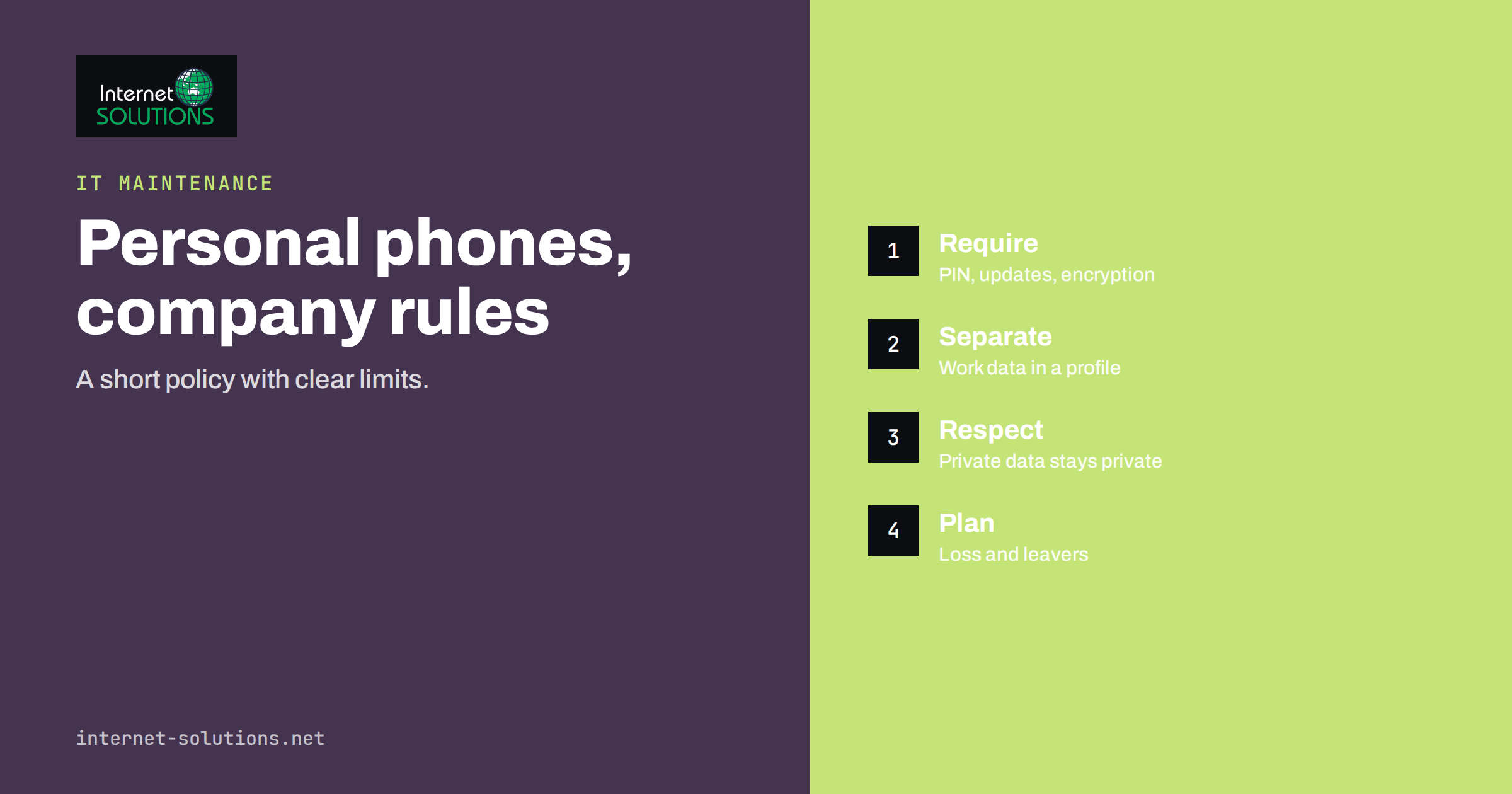
A BYOD policy, short for bring your own device, is the written set of rules that decides whether and how employees may use their personal phones, tablets and laptops for work. In most small businesses, BYOD already exists whether anyone approved it or not. Staff read company email on their own phones, open shared documents on a home laptop and message customers from a personal messaging app. The question is not whether to allow it, but whether to manage it. Without a policy, company data lives on devices nobody controls, a lost phone becomes a data breach and an employee who leaves takes years of customer conversations in their pocket.
This guide explains what a BYOD policy should cover, the benefits and risks, the technical controls that make it workable, how to handle privacy for employees, what to do when someone leaves or loses a device, and how to introduce the policy without causing resentment. It is written for owners and managers of small and medium companies who want rules that are short, clear and enforceable, not a thick document nobody reads. It is not legal advice, and employment and privacy rules differ by country, so involve an adviser before you finalise the text.
Why a Written Policy Matters
Personal devices are convenient and cheap for the company, and employees often prefer a single phone. But the risks are real. Personal devices may lack updates, run unvetted apps, be shared with family members, connect to public networks and have no screen lock. Data can leak by accident, for example when a backup service copies work files to a personal cloud account, or on purpose, when a departing employee exports contacts. A written policy turns an unspoken habit into a clear agreement: what is allowed, what is required of the device and the owner, what the company can and cannot do, and what happens in an incident.
It also protects employees. A good policy explains what the company will not look at, such as private photos or personal messages, and sets limits on any remote action. That clarity helps people accept the security measures they are asked to use. The international guidance on mobile device security from NIST and the device guidance published by the UK National Cyber Security Centre both treat clear policy and basic technical controls as the foundation.
Choosing Your Model
BYOD is not all or nothing. The main models differ in who owns the device and who controls it.
| Model | Who owns the device | Control by the company | Best for |
|---|---|---|---|
| Full BYOD | Employee | Limited to work apps and data | Small teams, low-risk data |
| BYOD with a work profile or app container | Employee | Work apps and data are separated and can be wiped alone | Companies handling customer data |
| Company-owned, personal use allowed | Company | Full management | Roles with sensitive data |
| Company-owned, business use only | Company | Full management and strict rules | High-risk roles and regulated work |
| No personal devices for work | Not applicable | Not applicable | Highly regulated environments |
Many small businesses choose a mixed approach. Managers and staff who handle sensitive data receive company devices, and others may use personal phones for email and chat under BYOD rules with a work profile. Decide by data sensitivity, not by convenience. If a role handles payment information, health data or confidential contracts, a company device is usually the safer choice.
What the Policy Should Contain
A BYOD policy for a small business should fit on two pages. The following sections cover what matters.
- Purpose and scope. Who it applies to, which devices and which company data and systems are covered.
- Eligibility and approval. Which roles may use personal devices, and who approves exceptions.
- Minimum device requirements. A supported operating system that still receives security updates, a screen lock with a PIN or biometrics, device encryption turned on, automatic updates, and no jailbroken or rooted devices.
- Required security measures. Multi-factor authentication for work accounts, a password manager, an approved mail and file app, and a ban on forwarding work email to personal accounts.
- Allowed and prohibited use. Which apps may handle company data, whether messaging apps may be used with customers, and what must stay out of personal storage.
- Data separation. How work data is kept apart from personal data, ideally in a managed work profile or approved apps.
- Privacy statement. What the company can see, such as device model, operating system version and the work apps installed, and what it will not access, such as personal photos, messages, location history and browsing.
- Lost or stolen devices. The duty to report immediately, who to contact and what the company will do, such as a remote wipe of the work profile.
- Leaving the company. Removal of work accounts and data from personal devices on the last day, with confirmation.
- Support and costs. What IT will support, and whether the company contributes to the phone bill or the device, if at all.
- Consequences and review. What happens if the policy is broken, and how often it is reviewed.
Technical Controls That Make It Work
A policy only works if the controls support it. For small businesses, a modest set covers most of the risk.
Strong Sign-In
Turn on multi-factor authentication for every work account, and prefer app-based or hardware-key methods over text messages. Our guide to multi-factor authentication and password managers explains the setup. A phone that gets lost with a saved session is far less dangerous if the account requires a second factor on a new device.
Mobile Device Management or App Protection
Most business platforms include tools that can enforce a PIN, require encryption, block unsupported operating systems and remove work data from a lost device. Some manage the whole phone, which is usually too intrusive for personal devices. App protection or work profile approaches manage only the work apps and their data, which is better for BYOD and for privacy. Our article on remote device management compares the options.
Conditional Access
You can allow access to company email and files only from devices that meet the requirements, such as an up-to-date system with a screen lock and encryption. Devices that fail the check are blocked until fixed. This turns the written rule into an automatic one.
Protection Against Malware and Risky Apps
Phones and laptops need up-to-date protection, and users should install apps only from official stores. For laptops, basic endpoint protection and disk encryption are important, as described in our guide to endpoint protection for small businesses.
Safe File Sharing and Backup
Give employees an approved place to store and share work files, so that they do not use personal cloud accounts or email attachments. Block automatic backup of work app data to personal accounts where the platform allows it.
Network Access
Do not let personal devices join the internal office network. Provide a guest network for them, and give access to company systems only through secured, authenticated services.
Privacy and Fairness for Employees
BYOD raises a real tension. The company needs to protect its data, and the employee owns the device. A policy that gives the employer broad rights to inspect or wipe a personal phone will meet resistance and may break privacy law in some countries. The principle to follow is data minimisation: the company controls and sees only what it needs to protect its own data. A work profile, app-level controls and a selective wipe of company data respect that principle. Make the policy explicit about it, and avoid collecting more information than necessary, such as the user’s location or personal app list. Check how data protection and employment rules apply in your country, and consult representatives or employees where required.
Be fair about costs and time as well. If staff use a personal phone and data plan for work, consider a monthly allowance, and make clear that employees are not expected to answer messages outside working hours unless the contract says so.
Leavers, Loss and Incidents
The riskiest moments are predictable. When someone leaves, remove their accounts and company data from their devices on the last day, collect any company-owned items, change shared passwords they knew and review who has access to what. Our checklist for employee onboarding and offboarding includes these steps. When a device is lost or stolen, the employee should report it at once, the account sessions should be revoked and the work data wiped remotely if possible. Agree a simple route for reporting, for example a phone number that works at any hour, because delays are the main source of harm. Afterwards, check what data was on the device and whether you must notify anyone under your legal duties.
Introducing the Policy Without Resistance
- Explain the reasons. Describe the risks in everyday terms, such as a lost phone with customer emails.
- Keep it short and plain. Use ordinary language and short sentences.
- Offer a choice where possible. Employees who do not want work apps on a personal phone can receive a basic company device.
- Provide setup help. A twenty-minute session or a step-by-step guide gets everyone to a compliant state.
- Get a signature or acknowledgement, and store it with the employee file.
- Review regularly. Check the policy yearly, and after any incident or major change in systems.
A Worked Example
A design studio with fourteen employees realises that email and project files are on at least nine personal phones, three of which have no screen lock. The owner writes a two-page policy and asks the IT adviser to set it up. The adviser enables multi-factor authentication for all accounts, activates app protection in the company’s mail platform, which requires a PIN and encryption for work apps, and configures access rules so that devices on an unsupported operating system cannot sync work email.
Two employees refuse to install work apps on their personal phones, so the studio gives them inexpensive company phones. The policy states clearly that the company can remove only work data and cannot see personal content. Three months later, a designer loses a phone on a train. She reports it within an hour, the sessions are revoked and the work data is wiped from the device. No client file leaks, and the incident is recorded with the actions taken.
Common Mistakes
- Having no policy and assuming personal devices are not used for work.
- Copying a long template that nobody understands.
- Demanding full control of personal phones.
- Relying on trust, without multi-factor authentication or any technical check.
- Forgetting leavers, so accounts stay active on former employees’ devices.
- Letting staff forward work email to personal accounts.
- Giving personal devices access to the office network.
Frequently Asked Questions
Is BYOD cheaper for a small business?
It can save the cost of devices, but there are costs for management tools, support and potential incidents. Count them honestly before deciding.
Can the company wipe an employee’s personal phone?
A full wipe of a personal device is usually disproportionate and may be unlawful. Use a work profile or app-level wipe that removes only company data, and state this in the policy.
Do employees have to install management software?
That depends on your model. For BYOD, app protection or a work profile is preferable to full device management. Employees who object can be offered a company device.
What about personal messaging apps used with customers?
Decide whether they are allowed. If yes, set rules about what may be shared, and consider moving customer conversations to systems the company controls so that records stay with the business.
How do I handle contractors and freelancers?
Apply the same minimum requirements, give them accounts with limited access and remove them promptly at the end of the work.
Where can I get help setting it up?
Our IT maintenance team can help you write a short policy and configure the controls in your mail and file platform.
The Bottom Line
A BYOD policy brings personal phones and laptops under clear, fair rules. Decide which roles may use personal devices, set minimum requirements for updates, screen lock and encryption, protect accounts with multi-factor authentication, separate work data from personal data and respect employee privacy by controlling only the work side. Plan for lost devices and leavers, keep the document short and review it each year. A modest set of rules and controls prevents most of the damage that unmanaged devices can cause.