

 English
 Lietuvių
 Latviešu
 Eesti
Eesti Русский
 Polski
 Українська
 Deutsch
 Italiano
 Español
 Français
 Português
 Čeština
 Magyar
 Română
 Ελληνικά
 Türkçe
 日本語
日本語 العربية
 हिन्दी
 Bahasa Indonesia
 Bahasa Melayu
 ไทย
ไทย Tiếng Việt
 বাংলা
বাংলাContent Calendar for Small Business: Plan a Quarter in an Afternoon
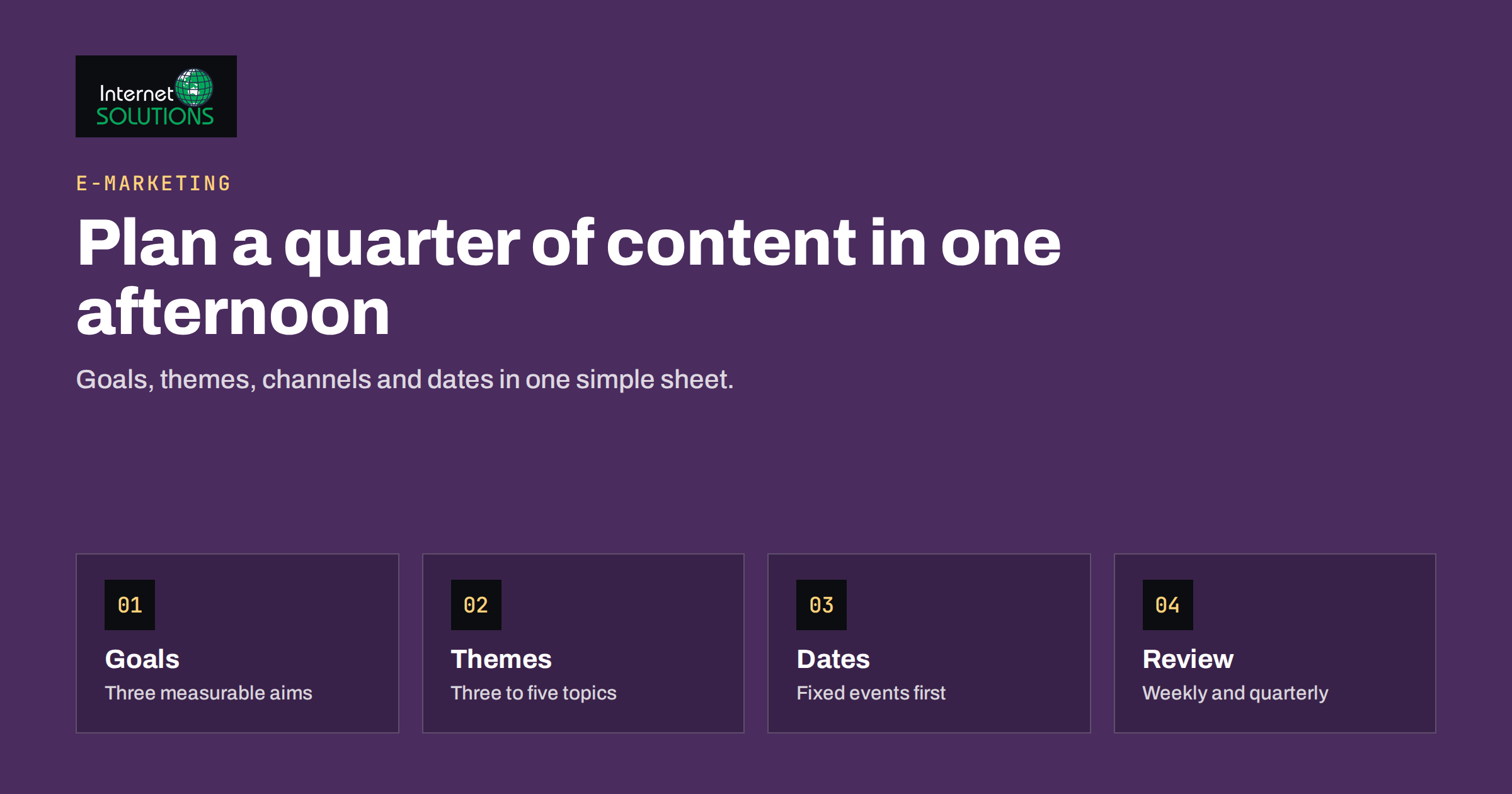
A content calendar is the simplest tool a small business can adopt to stop marketing from being a series of last-minute scrambles. Without one, content appears when someone remembers, topics repeat or run dry, and campaigns arrive late because nobody planned the articles, emails and ads that should support them. With one, you know what is going out, who is writing it, which goal it serves and what has to be ready first.
This guide shows how to build a content calendar for small business marketing that covers a full quarter, that you can plan in one focused afternoon and that your team will actually keep using. It covers goals, themes, channels, rhythm, the columns that matter, a repeatable workflow and the habits that keep the calendar alive. It supports the wider approach described on our e-marketing page.
Why a Quarter Is the Right Planning Horizon
Planning a week at a time keeps you busy but never strategic. Planning a whole year creates a document that is out of date by March. A quarter, roughly twelve weeks, sits in the middle. It is long enough to cover a promotion, a seasonal peak and a few experiments, and short enough that you can still predict what the business will care about.
A quarterly plan also matches the way most small teams actually work. You can review results at the end, drop what failed, double down on what worked and set the next quarter’s goals with real data. Inside the quarter, keep the next four weeks detailed and the remaining eight weeks lighter, with topics and dates but fewer specifics. This keeps the plan honest about what is known and what is a guess.
Step 1: Start With Goals, Not Topics
Most weak calendars start with the question “what shall we post?” A strong one starts with “what must marketing achieve this quarter?” Write down no more than three goals, and make each one measurable. Examples include:
- Generate 40 qualified enquiries through the website.
- Grow the email list by 500 subscribers.
- Launch a new service and reach 15 booked demonstrations.
- Increase organic visits to the service pages by a given percentage.
Each item in the calendar should support at least one goal. If a planned post supports none, it is a candidate for removal, and that discipline alone often frees a third of the effort.
Step 2: Choose Three to Five Content Themes
Themes keep the calendar coherent. They are broad subjects that matter to your customers and that you can talk about with authority. A web design studio might choose “planning a website project”, “website performance”, “search visibility” and “client stories”. A local accountant might choose “tax deadlines”, “running a small company”, “common mistakes” and “software and tools”.
Pick themes by combining three inputs: the questions customers ask most often, the keywords and topics you want to be found for, and the services or products you want to sell. If you have already mapped your topics into clusters, use them; our guide to topic clusters and pillar pages explains the method. If you already publish a blog, review what exists first with a content audit, so you update strong pages rather than writing duplicates.
Step 3: Decide Channels and Formats Honestly
A calendar fails when it promises more than the team can deliver. List the channels you can serve well, and be realistic. One or two channels done consistently beat six done occasionally. For each channel, define the formats and the rhythm.
| Channel | Typical format | Realistic rhythm for a small team | Main purpose |
|---|---|---|---|
| Website blog | Guides, comparisons, case notes | 2 to 4 articles per month | Search visibility and trust |
| Email newsletter | Digest, offer or tip | 2 to 4 sends per month | Nurture and repeat sales |
| Social networks | Short posts, images, links to articles | 3 to 5 posts per week, partly automated | Reach and conversation |
| Paid campaigns | Ads and landing pages tied to offers | Per campaign, planned with dates | Direct demand |
| Sales material | One-pagers, FAQs, proposal sections | 1 to 2 per month | Helping close deals |
The rhythm column is a starting point, not a rule. Choose the lowest rhythm you are certain you can keep, then increase later. Consistency builds more audience than occasional bursts.
Step 4: Mark the Fixed Dates First
Before adding any ideas, mark the dates that cannot move. These form the skeleton of the quarter.
- Business events: product launches, sales, price changes, trade fairs, webinars and holidays when you are closed.
- Seasonal moments: the busy and quiet periods of your industry, public holidays in your markets and school or tax calendars if relevant.
- Campaign windows: when ads start and stop, and when landing pages must be ready.
- Team availability: holidays, deadlines and busy periods for writers, designers and approvers.
Work backwards from each fixed date. If a launch is on the 20th, the announcement email should be ready on the 17th, the landing page on the 15th and the supporting article a week earlier so that it can be indexed.
Step 5: Build the Calendar Columns That Matter
A spreadsheet or a simple board is enough. Avoid elaborate templates with thirty columns that nobody fills in. The following columns cover almost everything a small team needs.
- Publish date and channel. Exactly where and when it goes out.
- Working title and format. Enough to understand what it is.
- Theme and goal. The link back to strategy.
- Audience and stage. New visitor, existing lead or customer.
- Main keyword or topic phrase. For items that need to be found in search.
- Call to action. The one action you want readers to take.
- Owner and reviewer. One name each.
- Status. Idea, outline, drafting, review, scheduled, published.
- Link and result. The published address and a note about the outcome after a few weeks.
The last column is easy to skip and extremely useful. It turns the calendar from a plan into a learning record.
Step 6: Plan Once, Publish Many Times
A long article should feed your other channels. One guide can become a newsletter summary, several short social posts, a checklist download, a short answer for your support team and a section in a sales presentation. Plan these derivative pieces in the calendar at the same time as the original, instead of improvising them later.
For social distribution, automate what can be automated. PostRSS, for example, checks the RSS feed of your website and publishes each new item, with its image and link, to the networks you have connected, so a blog post that is scheduled on the calendar does not also need a manual copy-and-paste routine. Its posting windows and exact-time options on paid plans let you decide when posts go out; see the PostRSS page for the current capabilities. Automation handles the repetitive publishing, while people stay responsible for the conversation: replying to comments, adding timely posts and keeping the tone human.
Step 7: A One-Afternoon Planning Session
You can build a quarter in about three hours with the right order of work.
- 30 minutes: review the last quarter’s results and the goals for this one.
- 20 minutes: choose themes and channels, and cut anything you cannot sustain.
- 30 minutes: mark fixed dates and work backwards from them.
- 60 minutes: brainstorm topics per theme, then pick the best ones and place them. Aim for roughly 80 percent of the slots filled and leave the rest for timely items.
- 30 minutes: assign owners, add keywords and calls to action, and agree the review process.
- 10 minutes: schedule a short weekly check and a quarterly review in everyone’s diary.
What a Four-Week Slice Looks Like
It helps to see how the pieces fit together. The example below is for a small service company that wants more enquiries for a new maintenance package. It is only an illustration; adjust the rhythm to your own capacity.
- Week 1: publish a long guide that answers the most common buying question, schedule a short newsletter that summarizes it and prepare three social posts that quote different points from the guide.
- Week 2: publish a customer story or a before-and-after example, with permission, and update an older article that already ranks so that it links to the new package page.
- Week 3: publish a comparison or checklist that helps readers decide, send an email to people who clicked the first newsletter and start a small paid campaign that points to the package page.
- Week 4: publish a frequently-asked-questions article built from real conversations with customers, review the first results and adjust the next four weeks.
Notice that every item points toward the same goal and that each piece has a second life in another channel. If you want ideas for structuring evergreen material, the articles and research on the Content Marketing Institute site are a useful source of examples. Treat them as inspiration; the calendar itself should reflect your own customers and capacity.
Keep the Calendar Alive
A calendar that is not touched for two weeks is already dying. Build small habits that keep it current.
- Weekly ten-minute review. What shipped, what is late, what moves.
- A buffer of two finished pieces. Always have content ready for the unexpected sick day or delayed approval.
- A flexible slot each week. Leave room for news, customer questions and opportunities.
- A parking lot for ideas. Capture ideas continuously in one place, then review them at the next planning session.
- Quarterly review. Compare results with the goals, note which themes and formats worked and update the plan.
Google’s guidance on creating helpful, reliable, people-first content is a good checklist to apply at the review stage: each item should exist to help a real audience rather than to fill a slot.
Common Content Calendar Mistakes
- Planning too much. An overstuffed calendar creates guilt and then abandonment.
- No owners. Items without a named person do not happen.
- Topics without goals. Interesting ideas that serve no objective drain capacity.
- Ignoring promotion. Publishing is half the job; plan distribution and follow-up too.
- Never measuring. Without results, you cannot tell which formats deserve more effort.
If you would like help turning a plan into a working editorial process, including the website, email and social setup behind it, you can contact us.
Frequently Asked Questions
How far ahead should a small business plan its content?
Plan one quarter, with the next four weeks in detail and the remaining weeks in outline. This is long enough to support campaigns and short enough to stay accurate.
What tool should I use for a content calendar?
A shared spreadsheet or a simple task board is enough for most small teams. Choose whatever your team already opens every day, because the best tool is the one that is actually updated.
How many posts should I publish each week?
Choose the number you can keep up for the whole quarter. For many small businesses that is one or two blog articles and a few social posts per week, plus a regular email. Quality and consistency matter more than volume.
How do I choose topics for the calendar?
Combine customer questions, search phrases you want to rank for, your services and your fixed business events. Then check existing content so that you update strong pages instead of creating duplicates.
Can I automate social media posting from my calendar?
Partly. Tools that read your website feed can publish new articles to social networks automatically, which saves repetitive work. Keep a manual slot for timely posts and replies, because conversation cannot be fully automated.
How do I know whether my content calendar is working?
Review it against your quarterly goals. If published items are on time, the buffer stays filled and results such as enquiries, subscribers or organic visits move in the right direction, the calendar is working. If not, simplify it.
The Bottom Line
A content calendar for small business marketing does not need to be complicated. Start with measurable goals, choose a few themes, pick only the channels you can serve and mark the fixed dates. Place topics with an owner, a keyword, a call to action and a status, plan derivative pieces together with the original and automate the repetitive publishing. Review weekly, keep a small buffer and look at results every quarter. A simple calendar that is kept up to date beats an elaborate one that nobody opens, and one focused afternoon is enough to give the whole quarter direction.