

 English
 Lietuvių
 Latviešu
 Eesti
Eesti Русский
 Polski
 Українська
 Deutsch
 Italiano
 Español
 Français
 Português
 Čeština
 Magyar
 Română
 Ελληνικά
 Türkçe
 日本語
日本語 العربية
 हिन्दी
 Bahasa Indonesia
 Bahasa Melayu
 ไทย
ไทย Tiếng Việt
 বাংলা
বাংলাContent Repurposing: One Blog Post, Many Formats for Small Teams
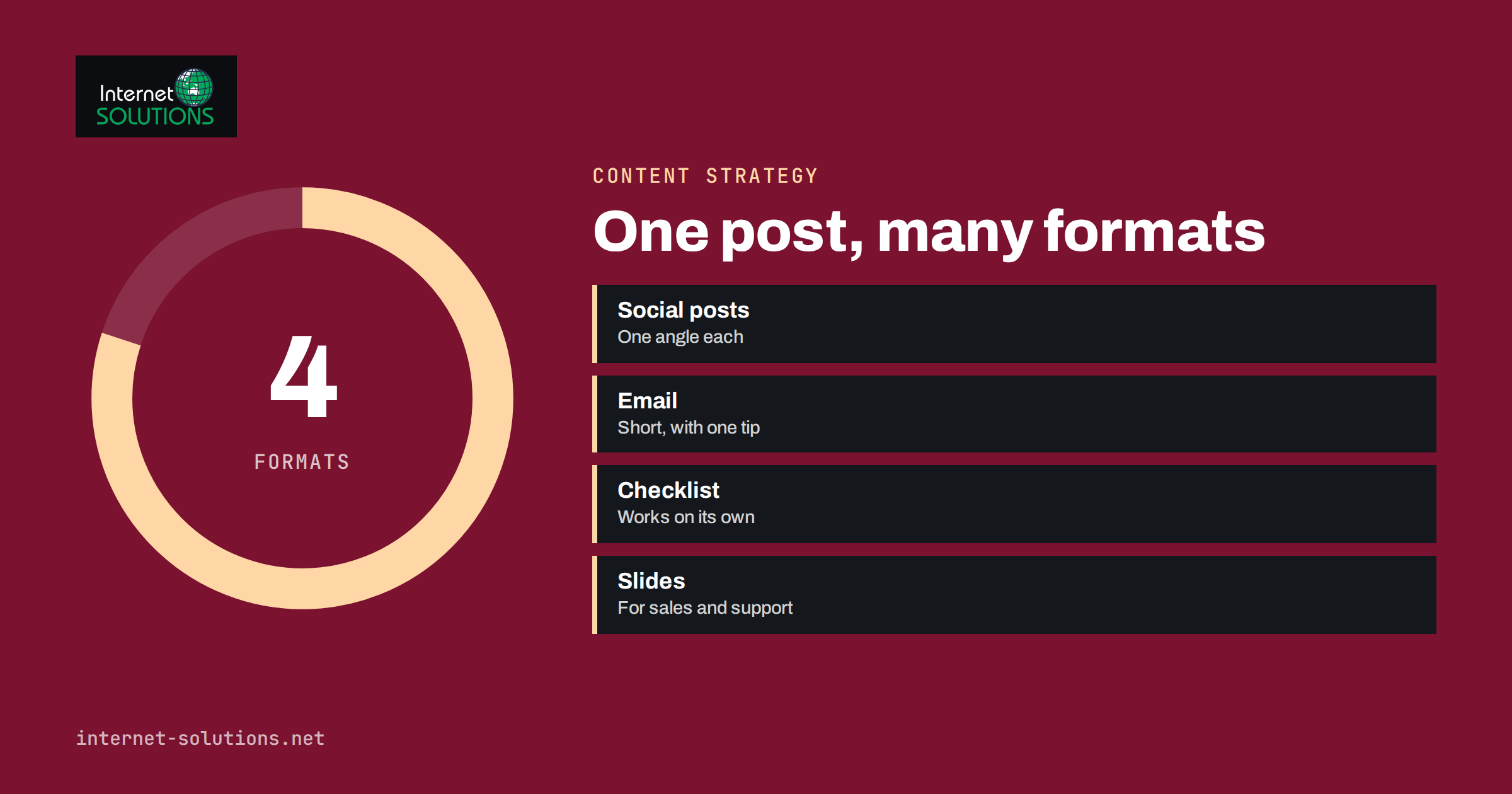
Content repurposing means taking something you have already made and giving it new forms, so that it reaches people who would never have found the original. A guide on your blog can become a short checklist, a handful of social posts, a section in your newsletter, a slide deck for a sales call or a set of answers for your help centre. The idea is simple, but many small teams do it badly: they copy the same text into every channel, or they never do it at all because the work looks bigger than writing something new.
This guide shows a practical way to repurpose content with a small team. It explains how to pick the right source pieces, which formats are worth making, how to adapt each one to its channel and how to keep the result honest and useful. It fits with the planning approach in our article on recycling your best posts without looking repetitive.
Why Repurposing Works
Creating a strong article takes research, writing, editing and often design. Most of that effort is spent on the idea and the substance, not on the container. If the substance is sound, the same material can serve different people in different situations, with far less extra work than starting again.
- Different people prefer different formats. Some read long guides; others scan a checklist or watch a short video.
- Channels have different audiences. The people who follow you on a professional network are not exactly the ones who open your newsletter.
- Timing matters. A post that was published months ago may now be exactly what a new follower needs.
- Repetition builds memory. A message seen in several forms is more likely to be remembered than one seen once.
- It protects your investment. Good content keeps working for longer when you present it more than once.
Repurposing does not mean publishing the same words everywhere. It means taking the same idea and shaping it to suit the place where it appears.
Choose the Right Source Content
Not every article deserves a second life. Pick pieces that are worth the extra effort.
| Source type | Why it repurposes well | Example outputs |
|---|---|---|
| Evergreen guides | Stay accurate for a long time | Checklists, social series, email sequence |
| Pages that already perform | Proven interest from search or visitors | Updated version, slide deck, short video |
| Frequently asked questions | Real customer demand | Help-centre entries, short answers for chat, social posts |
| Case studies | Concrete proof and stories | Quote cards, sales one-pager, webinar example |
| Data and original research | Unique facts others can cite | Charts, infographic, press note, talk |
To find candidates, look at your analytics for pages with steady traffic, check which articles get shared or linked and read the questions customers ask your team. Our guide to content audits explains how to rank your existing pages. Avoid repurposing time-sensitive news or anything that is out of date, since a new format will not fix old facts.
Break the Source Into Reusable Pieces
Before you create anything new, take the source apart. Read the article and mark the parts that can stand alone.
- The core question: what problem does the piece solve, in one sentence?
- The key points: three to seven takeaways that a reader should remember.
- Steps and lists: any sequence or checklist that can be reused as it is.
- Numbers and facts: specific data points, each with its source and date.
- Examples and stories: short scenes that illustrate a point.
- Quotable lines: a sentence that sums up an idea clearly.
- Questions and answers: real or likely questions from readers.
Keep these in one document next to the original article. It becomes your repurposing kit: every new format is assembled from the kit instead of from a blank page, and facts stay consistent across channels.
Formats Worth Making
Social posts
One article can produce several posts, each with a different angle: one on the main takeaway, one on a surprising number, one with a checklist and one that asks a question. Space them over days or weeks, and adjust the length and tone to the network. A professional network suits a short insight with a clear point of view; a community platform suits a question or a conversation starter. Tools that distribute posts automatically save time on the mechanics, and if you use PostRSS, our article on turning one RSS feed into many social channels shows how a single source can feed several targets, each with its own wording.
Email newsletter sections
A newsletter reader wants a short reason to click. Write a two or three sentence summary, add the single most useful tip from the article and link to the full piece. For subscribers, an email series that sends the best guide in short parts across a week often performs better than one long message. Our overview of e-marketing covers the wider planning.
Checklists and templates
Many guides contain a process that readers want to copy. Turn it into a one-page checklist or a template people can use, and offer it as a download or as a section at the end of the article. Make sure it works on its own without the reader needing to return to the guide.
Slides and sales material
The structure of a good article translates well to slides: one idea per slide, a headline that states the point and a simple visual. Sales and support teams can use short decks to answer common questions. Ask Mio lists ready-made jobs such as slide decks, one-pagers and SEO articles on its product page, which can give you a first draft of such material from a brief; check it carefully before you use it.
Images and graphics
Turn a comparison table, a process or a key number into a simple graphic. Make it readable on its own, with a title and your name or address in a small corner. Use text that is large enough for a phone screen. For shared links, correct Open Graph tags decide how the preview looks, as described by the Open Graph protocol, so set a custom image for each important page.
Video and audio
A short video of someone explaining the main point, or a voice recording read over a few slides, reaches people who do not read long articles. Keep each clip to one idea, add captions and avoid reading the article word for word.
Help-centre and chat answers
Questions and answers from your guides can feed your FAQ pages, help articles and the knowledge used by a chat assistant. This saves your team from repeating the same explanations, and keeps the answer consistent wherever customers meet it. Check each answer for accuracy and update it when your product or policy changes.
Adapt, Do Not Copy
The most common mistake in repurposing is cut-and-paste. A paragraph from a blog post often reads badly as a social post, and a social post makes a poor article. Adjust for each channel.
- Length: short for social posts, medium for email, long for guides.
- Opening: start with the point that matters most in that setting, rather than the introduction of the original.
- Tone: keep your voice, but fit the place: more formal for a professional network, more casual in a community.
- Call to action: one clear next step per piece, such as reading the guide, replying with a question or downloading the checklist.
- Format rules: links, hashtags and images are handled differently by each network, so check what works for each.
Search engines also reward original, helpful pages rather than duplicates. Google’s guidance on helpful, reliable, people-first content is a reminder that new versions should add value for their audience, instead of rewording the same text for its own sake. Avoid publishing near-identical articles on several pages of your own site, since they compete with each other.
Build a Simple Repurposing Workflow
A workflow that fits into the week keeps the habit alive.
- Select: each month, choose one or two source pieces from your list of candidates.
- Extract: create the kit: question, key points, steps, numbers, quotes and questions.
- Plan: decide which three or four formats make sense for this piece and in which channels.
- Create: make each version in a batch, so that you stay in the same mindset and reuse the same facts.
- Schedule: spread the versions over two to six weeks, rather than posting everything at once.
- Link back: each version should lead the reader to the full piece or to the next step.
- Measure: record clicks, replies and conversions by format, and keep the formats that work.
- Refresh: update the original when facts change, and revise the derived pieces to match.
If you use an assistant to speed up the drafting, treat its output as a draft. Our article on using Ask Mio AI for marketing work explains how to ask for results you can check, which matters even more when the same facts will be repeated in many places.
Keep Quality and Honesty
When you repurpose, errors spread as quickly as good ideas. Check every number and claim against its source before it goes into a new format, and remove statements that are no longer true. Give credit where you quote others, and do not take someone else’s text, images or data without permission. If a piece includes customer stories, make sure you still have consent to use them, especially in new contexts such as advertising or video.
Also avoid overpromising in short formats. A headline that is a simplified version of a careful guide can distort the message. Keep the nuance that matters, such as “usually” or “in many cases”, and let the link lead to the full explanation.
A Worked Example
Imagine a bookkeeping firm with a well-read guide called “How to prepare your records for year-end”. The team extracts a kit: the core question, a five-step checklist, three common mistakes and four questions clients ask every January. From that kit they create a printable one-page checklist, a three-part email series for clients, four short social posts that each focus on one mistake, a slide for the next client webinar and five new entries for the help page. The work takes an afternoon instead of a week, every version carries the same facts, and each one links back to the guide. Six weeks later the firm checks which formats brought visits and calls, and plans the next piece around the winners.
Measure What Repurposing Delivers
Judge repurposing by the results it brings, not by how many pieces it creates. Useful measures include visits to the original page from each channel, newsletter clicks, replies and shares, leads or sign-ups traced to each version, and time saved compared with writing new content. If a format produces little response after three or four tries, drop it or change the approach. If one format keeps working, such as a short checklist, make more of it.
Frequently Asked Questions
Is content repurposing the same as duplicate content?
No. Duplicate content means near-identical pages on the web. Repurposing creates new versions for different formats and channels, written to suit each setting. Avoid publishing the same text on several pages of your own site.
How many formats should I make from one article?
Three or four well-made versions are usually enough. More pieces take more time and may dilute the quality. Start with the formats your audience already uses.
How often can I repeat the same post on social media?
For evergreen content, repeating after a few weeks or months is common, as long as you change the wording or angle and the information is still accurate. Watch the response, and reduce frequency if people stop engaging.
Can I use AI to repurpose my content?
You can use it to draft summaries, outlines and variations, but a person should check the facts, tone and claims. Always keep your own expertise and examples in the result.
Which articles should I repurpose first?
Start with evergreen pieces that already bring traffic or that answer frequent customer questions. They have proven interest and will stay useful for longer.
How do I keep repurposed content consistent?
Build a kit from the original with facts, numbers and key lines, and use it for every version. When something changes, update the kit and then each derived piece.
The Bottom Line
Content repurposing is a way to get more value from work you have already done. Choose strong, evergreen sources, break them into reusable pieces, make a few formats that suit your audience and adapt each one to its channel. Keep facts checked, link back to the full piece, schedule over time and measure the results. With a simple monthly routine, a small team can reach more people without writing more articles.