

 English
 Lietuvių
 Latviešu
 Eesti
 Русский
 Polski
 Українська
 Deutsch
 Italiano
 Español
 Français
 Português
 Čeština
 Magyar
 Română
 Ελληνικά
 Türkçe
 日本語
 العربية
 हिन्दी
 Bahasa Indonesia
 Bahasa Melayu
 ไทย
 Tiếng Việt
 বাংলা
Data Retention for Small Businesses: How Long to Keep Records
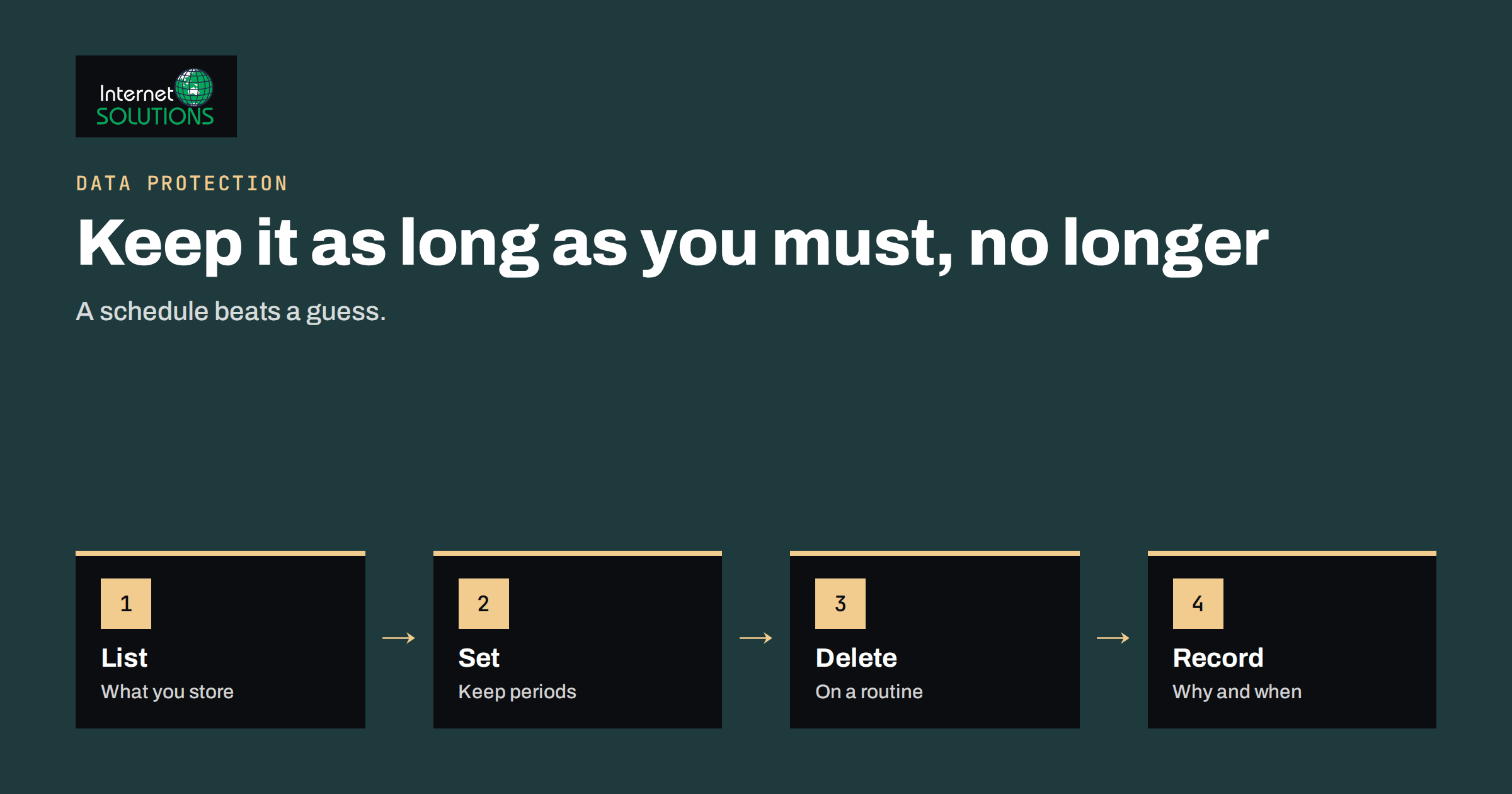
Data retention is the decision about how long a business keeps each kind of record and what happens when that time is over. Most small companies never make that decision. Invoices, customer lists, old emails, chat logs and backups simply accumulate for years because storage is cheap and deleting feels risky. The result is a quiet liability: more data to protect, more data to search when a customer asks what you hold, and more data to lose in a breach. A short, written retention schedule solves most of this in an afternoon.
This guide explains the principles behind retention, the typical categories of business records, how to set periods without giving legal advice you cannot back up, and how to delete data in a way that is safe and documented. Retention periods depend on your country and sector, so treat the examples as structure, and confirm the exact periods with your accountant or a lawyer.
Why Retention Matters
There are three reasons to care, and only one of them is legal. First, privacy law in Europe expects personal data to be kept no longer than necessary for the purpose it was collected. The principle is usually called storage limitation, and it sits next to data minimisation and accuracy in the core principles of the General Data Protection Regulation. Second, old data is a security risk: a breach of ten years of customer records is worse than a breach of two. Third, data you no longer need still costs money and attention, because it must be backed up, searched, migrated and protected.
On the other side, some records must be kept. Accounting, tax and employment laws set minimum periods. A good schedule therefore balances two duties: keep what the law and your business require, and delete the rest.
Start With an Inventory
You cannot set periods for data you have not listed. Walk through the business and write down where records live: accounting software, the email system, a CRM, a website database, chat tools, shared drives, laptops, phones, paper files and backups. For each place, note what kind of data it contains and who owns it. Do not aim for perfection; a one-page table is enough to start.
- List systems. Include old tools that nobody uses but that still hold data.
- List data types. Customers, suppliers, employees, leads, orders, support messages, website logs.
- Name an owner. One person is responsible for each record type.
- Note the reason. Why do you hold this: contract, legal duty, consent or legitimate interest?
Typical Categories and How to Think About Them
The table below shows common categories and the questions to ask. It deliberately avoids fixed numbers, because periods differ between countries. Accounting records are often kept for several years, and some countries require ten; employment and tax documents have their own rules.
| Category | Why you keep it | What sets the period | Typical action at the end |
|---|---|---|---|
| Invoices and accounting records | Legal duty, tax audits | National accounting and tax law | Delete or destroy after the legal period |
| Contracts and quotes | Proof of terms, disputes | Limitation periods for claims | Archive, then delete |
| Customer account data | Service delivery | Length of the relationship plus a short tail | Delete or anonymise |
| Marketing contacts | Consent | Until consent is withdrawn or contact is inactive | Remove inactive contacts |
| Job applicants | Hiring decision | Short period after the decision, unless the person agrees to more | Delete CVs |
| Employee records | Employment law, payroll | Employment and social security law | Delete after the legal period |
| Support emails and chat logs | Service quality, disputes | Your own rule, based on need | Delete or anonymise |
| Website and server logs | Security, debugging | Short, often weeks or months | Rotate and delete automatically |
How to Set a Period You Can Defend
For each category, write one sentence that explains the period. “Invoices are kept for the period required by national accounting law, confirmed with our accountant” is a strong sentence. “We keep customer emails forever, just in case” is weak. For categories where the law is silent, choose the shortest period that still serves a real need, such as answering warranty questions or defending a complaint, and write that need down.
Avoid copying a period from a template without checking it. A figure that suits one country can be too short or too long in another. Ask your accountant about financial records, and ask a lawyer when you are unsure about contracts or employment. If you operate in several countries, apply the longest legal requirement to the records it covers and a shorter period to everything else.
Email, Chat and Shared Drives
Email is the hardest place to apply retention because it mixes everything: invoices, contracts, newsletters and private chat. Two practical habits help. First, save business records out of the mailbox into the proper system, such as accounting software or a contract folder, so that the mailbox itself can be cleaned. Second, apply an automatic rule to routine mail, such as deleting newsletters and notifications after a set number of months.
Chat tools and customer support systems also hold personal data. If you use website live chat, decide how long transcripts stay available. Our article on live chat and GDPR covers what conversation data contains and how to handle it. Shared drives need the same treatment: archive finished projects into a read-only area and delete duplicates that nobody owns.
Backups Complicate Deletion
When you delete a record, it may still exist in backups. This is normal, as long as backups are protected, not used for everyday work and expire on a schedule. Document the backup retention period, and make sure restored data is cleaned again so that deleted records do not return. A reasonable pattern is to keep daily copies for a few weeks and monthly copies for a longer period, then let old copies roll off. Our guide to backup strategy for small offices explains how to structure copies, and it matters here because a backup that never expires is a retention policy by accident.
Marketing Lists and Consent
Marketing contacts are a special case because consent can be withdrawn at any time. Keep a record of when and how each person agreed, remove people who unsubscribe, and clean inactive contacts on a schedule. Contacts who have not opened a message in a long period are unlikely to become customers, and they harm deliverability. The rules for unsubscribes and sender identity are described in our guide to email marketing compliance.
Deleting Safely
Deleting is more than pressing a key. Plan how each type of data leaves your systems.
- Digital records. Delete from the live system, then check exports, spreadsheets and email attachments where copies hide.
- Paper. Use a cross-cut shredder or a certified destruction service for sensitive documents.
- Devices. Wipe or destroy drives from old computers, phones and printers before disposal or resale.
- Suppliers. If a provider holds data for you, ask in writing how deletion works at the end of the contract.
- Anonymisation. If you want to keep statistics, remove names and identifiers properly instead of just hiding them.
Keep a simple deletion log: what was deleted, when, under which rule and by whom. You do not need to log every email, only the batches and routines.
Legal Holds and Exceptions
A retention schedule can be paused. If a dispute, a tax audit or an official request is expected, records that relate to it must be kept even if their normal period is over. This is often called a legal hold. Write down who can order one, and how the deletion routines are told to skip the affected records. Also remember that individuals can ask you to erase their data; some records can be removed, while others must stay because of a legal duty, and your reply should explain which. Our upcoming guide on handling data subject requests shows the response steps.
A Worked Example
A small design studio has twelve years of email, a shared drive with every project since the start and a customer list in three spreadsheets. The owner spends one afternoon with the accountant. They list the systems, mark invoices and contracts as legal records with a period confirmed by the accountant and decide that project files stay for two years after delivery unless the client has a maintenance contract. Marketing contacts with no interaction for two years will be removed.
Over the next month, the studio moves invoices into accounting software, archives finished projects, deletes duplicate spreadsheets and sets a rule to delete routine notifications after six months. A one-page schedule is signed by the owner and stored with the privacy documents. When a former client later asks what the studio holds about them, the answer takes ten minutes, not two days, because the data is in known places.
A Simple Schedule You Can Copy and Adapt
To make the work concrete, here is the structure of a one-page retention schedule. Replace the placeholders with periods confirmed by your accountant or lawyer, and keep the reasons in the last column.
| Record | Location | Keep for | Reason | Owner |
|---|---|---|---|---|
| Issued and received invoices | Accounting software | Period set by national law | Accounting and tax duties | Finance |
| Signed contracts | Contract folder | Contract term plus the claim period | Proof of terms | Owner |
| Customer account records | Shop or CRM | While the account is active plus a short tail | Service delivery | Operations |
| Newsletter subscribers | Email tool | Until unsubscribe or long inactivity | Consent | Marketing |
| Rejected job applications | HR folder | Short period after the decision | Handling complaints about hiring | HR |
| Support emails and chats | Mailbox and chat tool | Period you define, often months | Service quality and disputes | Support |
| Server and website logs | Hosting | Weeks to a few months | Security and debugging | IT |
Print the schedule, sign it and store it with your other privacy documents. Then add three routines to the calendar: a quarterly deletion of expired records, a yearly review of the schedule and a check whenever you adopt a new tool that stores personal data. These three reminders are what turn a document into a habit.
Common Mistakes
- Keeping everything forever because storage is cheap.
- Deleting records that the law requires, such as invoices, too early.
- Copying a retention period from another country or sector without checking.
- Forgetting copies in backups, exports, laptops and spreadsheets.
- Having a schedule but no routine that applies it.
- Leaving ex-employees’ mailboxes and accounts active with no end date.
- Failing to document the reasons, which makes the schedule impossible to defend.
For the legal background, the European Commission explains the main principles on its data protection pages, and the GDPR overview is a readable summary of the regulation and its principles.
Frequently Asked Questions
Does GDPR set an exact retention period?
No. GDPR requires that personal data is kept no longer than necessary for its purpose. Specific periods come from other laws, such as accounting and employment rules, or from your own documented business need.
How long should I keep invoices?
It depends on national accounting and tax law, and some countries require several years. Ask your accountant for the exact period and write it into your schedule.
Can I keep customer data for marketing after they stop buying?
Only if you have a valid basis, usually consent, and only while it remains reasonable. Remove people who unsubscribe and clean long-inactive contacts regularly.
What about data in backups?
Backups can hold deleted records for a limited time. Protect them, keep them out of daily use, set an expiry and make sure restored data is cleaned again.
Do I need a written retention policy as a small business?
It is not always a formal legal requirement for small firms, but a short written schedule helps you apply the rules consistently and answer questions from customers or authorities.
Who should own the schedule?
Name one person, often the owner or office manager, who reviews it once a year, and one owner for each record type who applies it day to day.
The Bottom Line
A data retention schedule is a one-page decision: what you keep, why, for how long and how it is deleted. Build it from an inventory of systems, confirm legal periods with your accountant, choose the shortest defensible period for everything else and apply it with simple routines for email, files, marketing lists and backups. Write the reasons down, log deletions in batches and pause deletion when a dispute or audit is likely. Doing this once removes risk, cost and clutter, and makes every later privacy question easier to answer.