

 English
 Lietuvių
 Latviešu
 Eesti
Eesti Русский
 Polski
 Українська
 Deutsch
 Italiano
 Español
 Français
 Português
 Čeština
 Magyar
 Română
 Ελληνικά
 Türkçe
 日本語
日本語 العربية
 हिन्दी
 Bahasa Indonesia
 Bahasa Melayu
 ไทย
ไทย Tiếng Việt
 বাংলা
বাংলাDisaster Recovery Plan for Small Business: RTO, RPO and a Runbook
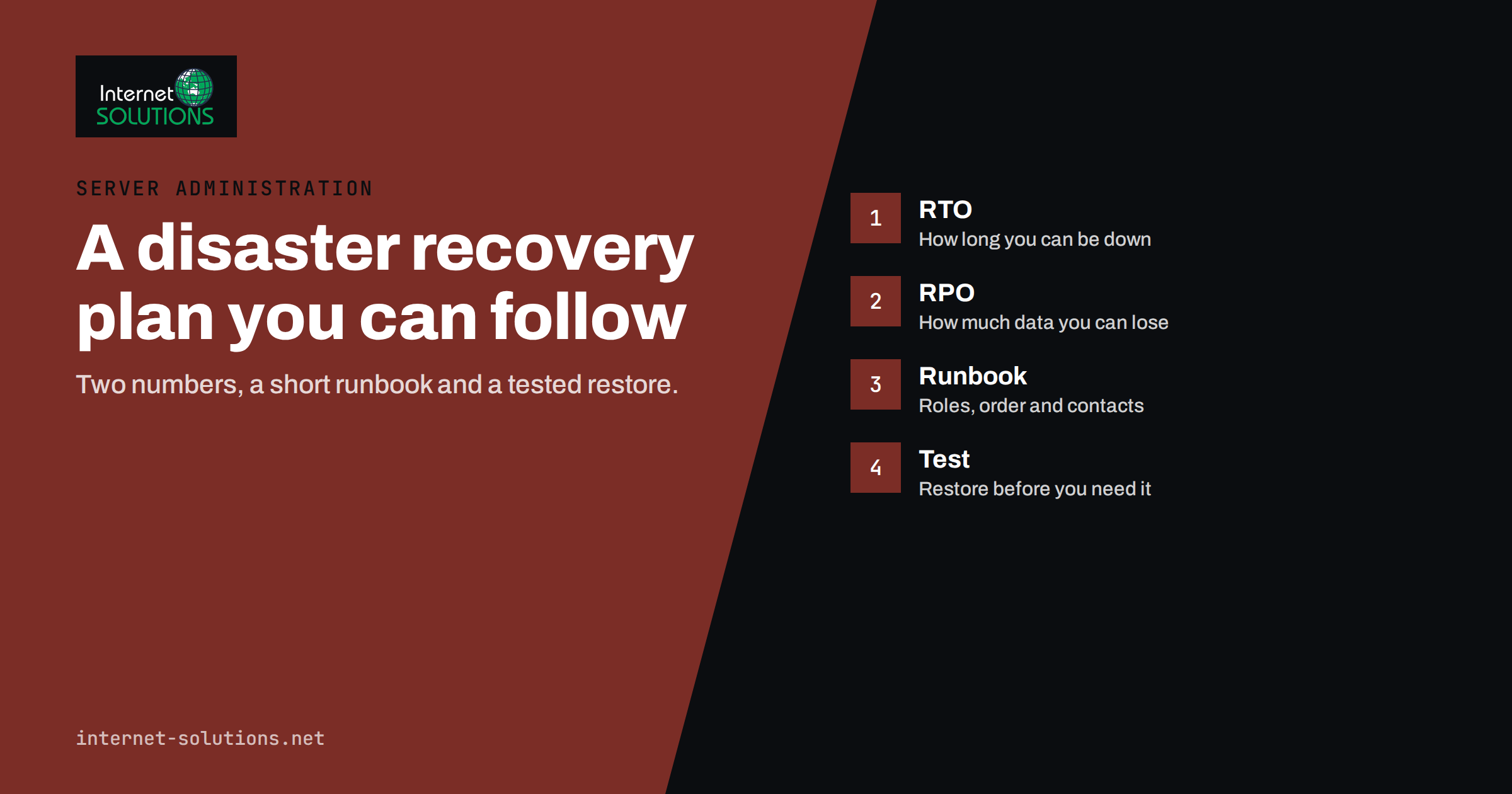
A disaster recovery plan answers one question before it becomes urgent: if our systems stop working tomorrow morning, who does what, in which order, and how long can we afford to wait? Most small businesses do not have an answer. They have backups, a hosting provider and a vague hope that someone technical will sort it out. When a server fails, ransomware encrypts the file share or a cloud account is locked, that vagueness turns a technical problem into days of lost trade.
This guide shows how to build a practical disaster recovery plan for a small business without enterprise tools or a dedicated IT department. It explains the two numbers every plan needs, RTO and RPO, how to decide what to recover first, how to write a runbook people can follow under stress and how to test the plan. It complements the technical advice in our articles on uptime, backups and monitoring and the services described on our server administration page.
Disaster Recovery, Backups and Business Continuity
These three terms are often mixed up, so it helps to separate them.
- Backups are copies of data. They are an ingredient, not a plan.
- Disaster recovery is the set of steps for restoring systems, data and access after something goes wrong.
- Business continuity is the wider question of how the business keeps serving customers while systems are down, including manual workarounds, communication and staffing.
A business can have excellent backups and still have no disaster recovery plan, because nobody has decided the order of restoration, nobody knows the passwords to the backup system and nobody has ever tried a restore. The plan connects the pieces.
Start by Listing What Could Go Wrong
You do not need to predict every disaster. You need a short list of scenarios that cover the realistic ways your business could lose access to systems or data.
- Hardware failure: a server, disk, laptop or network device stops working.
- Human error: someone deletes a folder, overwrites a database or misconfigures a system.
- Malware and ransomware: files are encrypted or systems are locked. See our practical plan for ransomware protection.
- Account loss: a cloud or email account is compromised, suspended or locked.
- Provider outage: your hosting, internet connection or a software-as-a-service vendor is unavailable for hours or days.
- Site loss: fire, flood or theft makes the office unusable.
- Key person unavailable: the only person who knows how something works is ill, away or has left.
For each scenario, note which systems are affected and how likely and damaging it would be. You will find that a handful of scenarios drive most of the planning.
Identify Your Critical Systems
List every system the business depends on, then rank by impact. Include obvious ones, such as the website, the online shop, email, accounting software and customer records, and less obvious ones such as the domain registrar, DNS, payment provider, phone system and the shared password manager.
For each system, record:
- what it does and which business processes need it,
- where it runs (on-premises, rented server, cloud service),
- who owns it and who can administer it,
- where the data lives and how it is backed up,
- what depends on it, and what it depends on.
The dependencies are the part people forget. Your website may depend on DNS, which depends on the registrar account, which depends on an email address, which depends on the mail service. If you restore the website first but nobody can log in to the registrar, the recovery stalls.
Keep this inventory current, because it becomes the backbone of the plan. If a device is already failing and data is at risk, our guide to what to do first after a drive failure covers the immediate steps.
RTO and RPO: The Two Numbers That Shape the Plan
RTO, the recovery time objective, is the longest period a system can be unavailable before the damage becomes unacceptable. RPO, the recovery point objective, is the maximum amount of data you can afford to lose, measured in time. If your RPO for the order system is one hour, you need backups or replication that capture changes at least hourly.
Setting these numbers forces useful conversations. What does one hour of downtime cost? What happens if we lose yesterday’s orders? Often the answers differ by system.
| System | Example RTO | Example RPO | Typical approach |
|---|---|---|---|
| Online shop and payments | A few hours | Minutes to an hour | Frequent database backups, tested restore, documented hosting steps |
| Company email | Hours | Near zero | Hosted service with provider redundancy and separate account recovery |
| Accounting software | One day | One day | Daily backup, export of key reports |
| Shared files | One day | A few hours to a day | Versioned cloud storage or nightly backup with an offline copy |
| Internal wiki or archive | Several days | One week | Weekly backup |
The figures above are examples to show the structure, not recommendations. Your own numbers depend on your revenue, contracts and tolerance. The key point is that tighter targets cost more, so spend where the business impact is greatest.
Design Backups to Meet the Targets
Once you know your RPO, choose backup frequency to match. A nightly backup cannot meet a one-hour RPO. A common rule of thumb is the 3-2-1 approach: keep at least three copies of important data, on two different types of storage, with one copy offsite. A growing recommendation is to add an offline or immutable copy that ransomware cannot modify.
- Keep backups separate from production. If the same credentials control both, an attacker or a mistake can destroy both.
- Back up configuration, not only data. Server settings, DNS records, firewall rules and application configuration are needed to rebuild a working system.
- Protect backup encryption keys and store them where you can reach them when everything else is down.
- Monitor backup jobs. A silent failure that lasts for months is a classic disaster.
Test restores, not just backups
A backup that has never been restored is an assumption. Schedule regular restore tests: pick a system, restore it to a separate environment and check that the data and the application work. Record how long it took, because that measurement tells you whether your RTO is realistic. Many businesses discover during the first test that the process takes three times longer than they assumed.
Write the Runbook
The runbook is the document people open during an incident. It must be short enough to use under pressure and specific enough to follow without guessing. Keep it somewhere accessible even if your main systems are down, for example a printed copy in a secure place plus a copy in a separate cloud account.
What to include
- Declaring an incident: who decides that this is a disaster and how the team is notified.
- Roles: an incident lead, a technical lead, a communications lead and a deputy for each.
- Contact list: staff mobile numbers, hosting and software support contacts, the registrar, the bank and key customers or suppliers. Use numbers that do not depend on the systems that are down.
- Priority order: which systems to restore first, based on RTO.
- Step-by-step recovery procedures for each critical system, written so that a competent person who has not done it before can follow them.
- Access information: where emergency credentials are stored, who can retrieve them and how.
- Verification: how to confirm that a restored system is correct and complete before reopening it.
- Communication templates: short messages for staff, customers and suppliers.
- Decision log: a place to record what was done and when, for later review and for insurers or regulators if needed.
Do not store the only copy of emergency credentials in the system that might fail. A password manager is excellent for everyday use, but make sure at least two trusted people can open it during an outage and that its recovery method is documented and tested.
Plan Communication
During an outage, silence does more damage than the outage itself. Decide in advance who talks to staff, who talks to customers and what you will say. Prepare a status message for the website or social channels that can be posted from a separate system, an email template for customers with open orders and an internal checklist for staff. Be honest about what you know, and avoid promising restore times you cannot guarantee.
If personal data may have been exposed, data protection rules can require notification to authorities within a fixed period. Know who in your organisation is responsible for that decision and ask a professional adviser for the rules that apply to you.
Test the Plan Regularly
A plan that has not been tested usually fails in the first real use. You do not need a full-scale drill to get value.
- Tabletop exercise: gather the team for an hour, describe a scenario such as “the main server is encrypted at 9 a.m. on a Monday” and walk through the runbook. Note unclear steps, missing contacts and wrong assumptions.
- Restore test: restore one real system from backup and time it.
- Access test: confirm that the people named in the runbook can actually reach the credentials and accounts they would need.
- After-action review: update the plan within a week while the lessons are fresh.
A good rhythm for a small business is a short tabletop exercise twice a year, a restore test for the most critical system every quarter and a review whenever something significant changes, such as a new provider, a new application or a staff change.
Use Standards as a Reference, Not a Burden
You do not need to follow a heavyweight standard, but good references exist. The US National Institute of Standards and Technology publishes a Contingency Planning Guide that explains the planning process in detail, and its small business cybersecurity resources offer simpler material. Use them to check that your plan covers the important areas, then adapt the ideas to your size.
Common Mistakes
- Assuming the cloud provider handles everything. Providers protect their platform, but account compromise, accidental deletion and misconfiguration are usually your responsibility.
- No offsite or offline copy. A fire, theft or ransomware attack can remove the production system and the backup in one event.
- Documentation that lives only on the server that failed.
- Single points of knowledge. One person knows how everything works.
- Forgetting the domain, DNS and email. They are small but critical dependencies.
- Setting RTO and RPO without checking cost. Targets must be achievable with your budget.
- Never updating the plan. Systems change; the plan must change with them.
A Simple Starting Plan for the Next Two Weeks
- Day 1 to 2: list scenarios and critical systems, including dependencies.
- Day 3 to 4: agree RTO and RPO for each critical system with the people who run the business processes.
- Day 5 to 7: check that backups match those targets, add an offsite or offline copy if missing and confirm backup monitoring.
- Week 2: write a first runbook of two to four pages, list contacts and emergency access, then run a one-hour tabletop exercise and fix what it reveals.
If you would rather have an experienced team review your setup, you can contact us to discuss a recovery plan for your servers and websites.
Frequently Asked Questions
What is the difference between RTO and RPO?
RTO is how long a system can be down before the impact is unacceptable. RPO is how much data, measured in time, you can afford to lose. A short RTO needs fast recovery methods, and a short RPO needs frequent backups or replication.
How often should a small business test its disaster recovery plan?
Run a short tabletop exercise at least twice a year and test restoring your most critical system every quarter. Also review the plan whenever your systems, providers or key staff change.
Are backups enough for disaster recovery?
No. Backups are necessary but not sufficient. You also need a recovery order, written procedures, access to credentials and accounts, trained people and tested restores, otherwise recovery can take far longer than expected.
Do I need a disaster recovery plan if everything is in the cloud?
Yes. Cloud providers keep their platforms running, but you can still lose access through compromised accounts, mistakes, billing problems or vendor outages. Plan for those, and keep independent backups of important data.
Where should the runbook be stored?
In more than one place that does not depend on the systems being recovered, for example a printed copy kept securely and a copy in a separate account that at least two people can access.
How much does disaster recovery cost?
It depends on your targets. Planning, documentation and tests cost mainly time. Faster recovery and lower data loss need more infrastructure, so set RTO and RPO according to the real cost of downtime for each system.
The Bottom Line
A disaster recovery plan is not a thick document; it is a set of decisions made calmly in advance. List the realistic scenarios, rank your critical systems and their dependencies, set RTO and RPO that the business can afford, build backups to match, write a short runbook, prepare communication and test everything on a schedule. The first version will be imperfect, and that is fine, because a tested two-page plan beats a perfect plan that does not exist when you need it.