

 English
 Lietuvių
 Latviešu
 Eesti
Eesti Русский
 Polski
 Українська
 Deutsch
 Italiano
 Español
 Français
 Português
 Čeština
 Magyar
 Română
 Ελληνικά
 Türkçe
 日本語
日本語 العربية
 हिन्दी
 Bahasa Indonesia
 Bahasa Melayu
 ไทย
ไทย Tiếng Việt
 বাংলা
বাংলাFacebook Ads Placements: Where Your Ads Appear and When to Limit Them
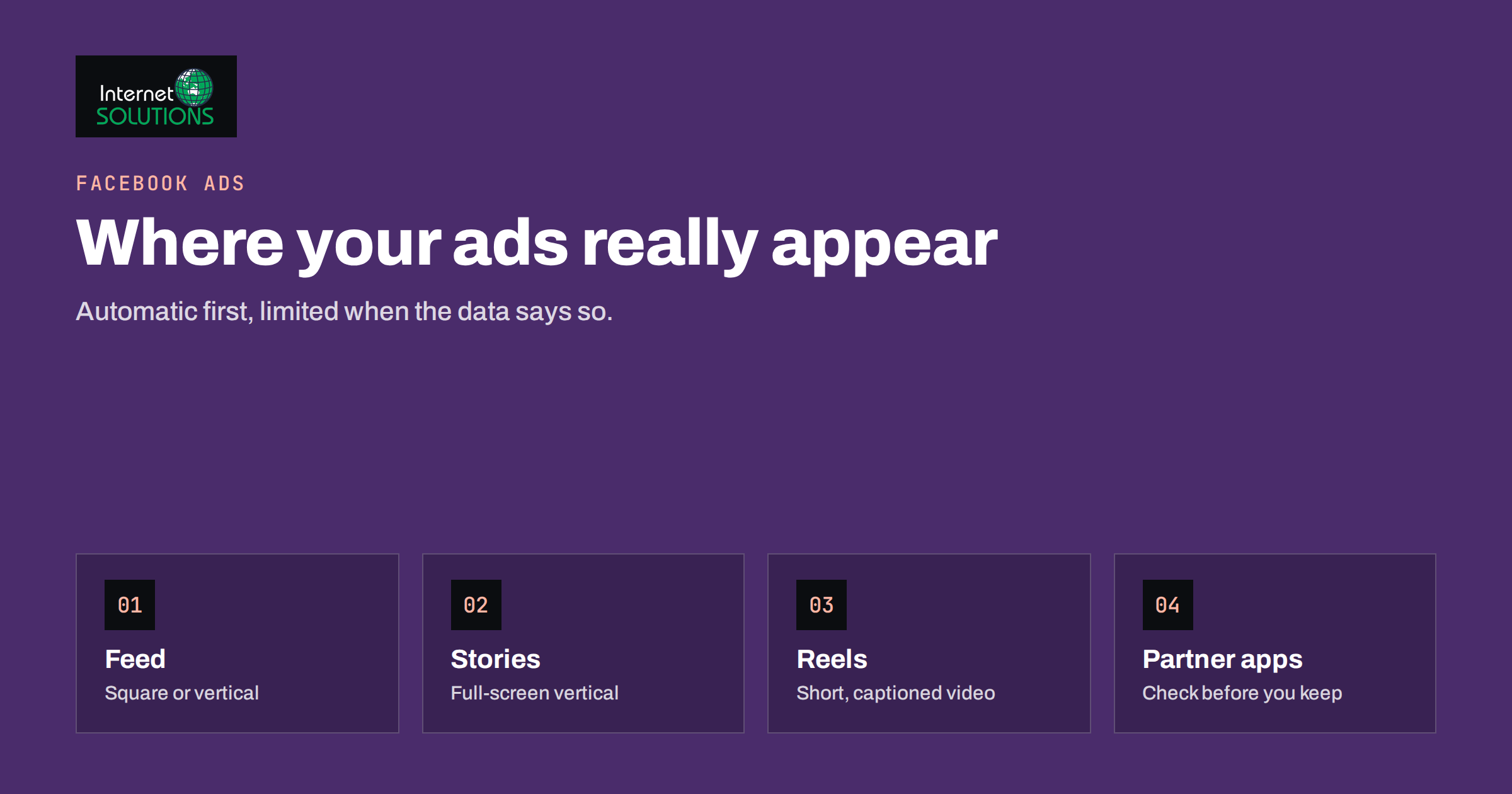
When you publish a Facebook ad, you are not buying one spot on one screen. Your ad can appear in the Facebook feed, in Stories and Reels, on Instagram, in Messenger, on partner apps and in several other places, each with its own shape, behaviour and audience mood. These locations are called placements, and the choice of placements affects how far your budget goes, which people see the ad and how the creative must be built.
This guide explains how placements work in Meta Ads Manager, why automatic placements are the sensible default, when it is worth limiting them, how to prepare creative for each format and how to read results by placement without drawing the wrong conclusions. It is written for business owners and marketers who run Facebook and Instagram campaigns themselves, and it complements our guides to creative testing on a small budget and campaign and ad set budgets.
What Placements Are
A placement is a location where an ad can be shown. Meta groups them by app and by surface. The names and the exact list change as Meta updates its products, so treat the examples below as the typical set and check Ads Manager for the current options.
- Facebook: the main feed, Stories, Reels, in-stream video, search results, Marketplace, the right-hand column on desktop and other surfaces.
- Instagram: the feed, Stories, Reels, Explore and profile feed.
- Messenger: the inbox and Stories.
- Audience Network: a set of third-party apps and sites that show Meta ads outside Meta’s own apps.
- Threads and other newer surfaces that Meta adds from time to time.
Each placement has its own format. A square image works in a feed, but a vertical full-screen video is what Stories and Reels expect. An ad that was designed for a feed and then stretched into a vertical format often looks cropped, with text under the interface elements and the key product out of frame.
Automatic Placements Are the Default for a Reason
Ads Manager offers two approaches. With automatic placements, now presented as Advantage+ placements, Meta decides where to show the ad in order to get the most results for your budget. With manual placements, you choose the exact locations yourself.
For most advertisers, automatic placements are the right starting point. Meta’s delivery system looks for the cheapest results across all available locations, and a wider pool of inventory gives it more room to find them. Restricting placements removes options and can raise costs, especially on a small budget where the system needs every bit of room to learn. Meta explains how delivery works with Advantage+ placements in its help centre, and the main message is that the system spreads spend to where it finds the best results for the optimisation goal.
The trade-off is control. Automatic placements may spend money in locations you would not have chosen, and they can favour cheap results that are not the best results for your business. That is when manual choices make sense.
When to Limit Placements
Limit placements for a reason, not out of habit. Good reasons include the following.
- The creative does not fit. If you only have square or horizontal assets and cannot produce vertical ones yet, exclude the full-screen placements until you can. A badly cropped ad wastes money and reflects on the brand.
- The results show a clear pattern. After enough data, a placement may deliver clicks or impressions with little business value. Remove it when you have evidence from your own conversions, not just from cost per click.
- The goal needs a particular experience. A video message that depends on sound and attention is better suited to feeds and Reels than to a tiny corner of a third-party app.
- Brand safety or context concerns. Some businesses prefer not to appear on partner apps and sites where they have limited control over the surroundings. Ads Manager offers tools to block certain categories and publishers, and you can exclude Audience Network altogether.
- The audience is specific. If your customers are older professionals who rarely use certain surfaces, the data may show it. Again, rely on measured outcomes.
Limiting placements is not a way to fix a weak offer. If results are poor everywhere, the problem is usually the audience, the message or the landing page, and our guide to landing pages for paid traffic is a better place to start.
Creative Requirements by Format
Creative is where placements become practical. A single ad can be set up in several ways, and the best results come from designing for the format instead of hoping one asset will fit all.
| Format | Typical shape | Design guidance |
|---|---|---|
| Feed | Square or vertical image or video | Clear subject, short text overlay, strong first line of copy |
| Stories | Full-screen vertical | Keep key content away from the top and bottom edges where the interface appears |
| Reels | Full-screen vertical video | Show the point in the first seconds, make it work with captions, keep a native look |
| In-stream and search | Horizontal video or image | Treat the first frame as a headline, since people arrive with other intent |
| Right column and small spots | Landscape or small image | Use simple images with little text, because the space is small |
The specifications for sizes, ratios and file limits are published in the Meta ads guide. They change, so check the guide before you commission assets. Where possible, produce at least two versions: a vertical one for full-screen placements and a square one for feeds.
Customising Assets by Placement
Ads Manager lets you assign different images or videos to different placements within the same ad, which is often better than creating separate ads. You might upload a square video for feeds and a vertical edit for Stories and Reels, with the same headline and text. This keeps the ad unified, so the learning data and social proof stay together, while each placement still shows a suitable format.
Copy matters as well. On a feed, people read primary text and headlines. In Stories and Reels, most of the message has to be in the visual itself and in captions or overlays, because the text fields are small or hidden. Write the visual message first and the text second when you plan vertical formats.
Reading Results by Placement
You can break down results by placement in Ads Manager and see how spend, impressions, clicks and conversions divide across locations. This report is helpful, but it needs careful reading.
- Cheap is not the same as good. Some placements deliver many cheap clicks that rarely convert. Judge placements by cost per result for your real goal, such as a lead or a purchase, not by cost per click.
- Look for enough data. A placement with a handful of results can look excellent or terrible by chance. Wait until each has a meaningful number of conversions.
- Remember interaction between placements. A person may see a Story, then click a feed ad later and convert. The attribution report may credit only the last touch, which can undervalue upper-funnel placements.
- Compare like with like. Different formats can differ in creative quality, and a weak vertical edit can make a placement look bad when the real problem is the asset.
Make decisions slowly. Remove a placement only after seeing consistent weak outcomes over a sensible period, and test the effect of the change instead of assuming it will help. Treat it as an experiment: change one setting, watch the result for a full week or more and keep the change only if cost per result improves. Our article on the learning phase explains why frequent edits can make results swing without any real cause.
Placements and Budget Size
The smaller the budget, the stronger the case for automatic placements. A small campaign already struggles to collect enough conversions for the system to learn, and every restriction narrows the pool further. As budgets grow and data accumulates, you can afford more control. At larger scale, advertisers often split campaigns by objective and use placement insights to guide creative production, building more vertical video for the surfaces that perform.
If you are comparing paid channels as a whole, our guide to Google Ads versus Facebook Ads for B2B budgets will help you decide how much to put into Meta in the first place.
Placements for Different Business Goals
The right balance depends on what the campaign is meant to achieve, and it helps to think about the goal before you open the placement settings.
- Lead generation. Lead quality matters more than volume. Some placements produce many form submissions that turn out to be accidental or low-intent. Compare placements by the share of leads that become real conversations, and if your sales team can tell you which leads were good, use that feedback to decide what to keep.
- Online stores. Catalogue and retargeting ads often work well across feeds, Stories and Reels because people recognise the products. Prospecting ads need strong vertical video to stand out in full-screen surfaces.
- Local businesses. Reach and frequency in a small area can be satisfied by automatic placements, but you should check that the ad is understandable at a glance, with the location and offer visible in the first second.
- Brand awareness. Video views and reach goals suit Reels, Stories and in-stream formats, where the creative has the most space to tell a story.
- App installs and traffic. Check that the destination loads fast on a phone, because most placements are mobile-first and slow pages waste the click.
Whatever the goal, remember that people use each surface in a different mood. Someone scrolling Reels expects entertainment and short stories, while someone browsing Marketplace is looking to buy. Creative that respects the mood of the place usually costs less than creative that interrupts it.
A Practical Setup Routine
- Start with automatic placements and a set of creative that works in feed and vertical formats.
- Prepare vertical versions of your best video or image, with safe margins and captions.
- Run long enough to gather results, avoiding edits during the learning period.
- Review the placement breakdown for cost per real result and look for consistent patterns.
- Exclude or limit only where the evidence is clear, or where the creative or brand context requires it.
- Test the change and record what happened for future campaigns.
If you would like help setting up or reviewing campaigns, our Facebook Ads service covers account structure, creative planning and reporting.
Frequently Asked Questions
What are Facebook ad placements?
Placements are the locations where your ads can appear, such as the Facebook feed, Stories, Reels, Instagram feed, Messenger and partner apps. Each placement has its own format and audience behaviour.
Should I use automatic or manual placements?
Start with automatic placements, which give the delivery system the most room to find results at a low cost. Switch to manual selection only when creative limits, brand concerns or clear data from your own conversions justify it.
Can I remove Audience Network?
Yes. In manual placements you can deselect it. Some advertisers exclude it for brand-safety reasons or because their results show weaker outcomes there. Decide with evidence from your own account.
Do I need different creative for each placement?
You need creative that fits each format. A vertical version for Stories and Reels and a square or horizontal version for feeds is a good minimum. Ads Manager lets you assign different assets to different placements within one ad.
Why is one placement spending most of my budget?
The delivery system sends more spend where it expects the cheapest results for your goal. That is not always the best place for your business, so compare placements by cost per real conversion before deciding whether to intervene.
Will limiting placements lower my costs?
Not necessarily. Fewer placements reduce the options available to the delivery system and can raise costs. Limit them to improve quality or fit, not as a general cost-saving step, and test the change before keeping it.
The Bottom Line
Placements decide where your Facebook and Instagram ads appear, and each location needs the right creative. Automatic placements are the best default because they give delivery the widest choice, especially on smaller budgets. Limit placements when your creative does not fit, when your own conversion data shows a clear pattern, or when brand context demands it. Build vertical and square versions of your best assets, read the placement report by cost per real result and change one thing at a time. That approach keeps the control where it helps and leaves the system free where it works better than guesswork.