

 English
 Lietuvių
 Latviešu
 Eesti
Eesti Русский
 Polski
 Українська
 Deutsch
 Italiano
 Español
 Français
 Português
 Čeština
 Magyar
 Română
 Ελληνικά
 Türkçe
 日本語
日本語 العربية
 हिन्दी
 Bahasa Indonesia
 Bahasa Melayu
 ไทย
ไทย Tiếng Việt
 বাংলা
বাংলাGoogle Ads Account Audit: A 10-Point Checklist to Find Wasted Spend
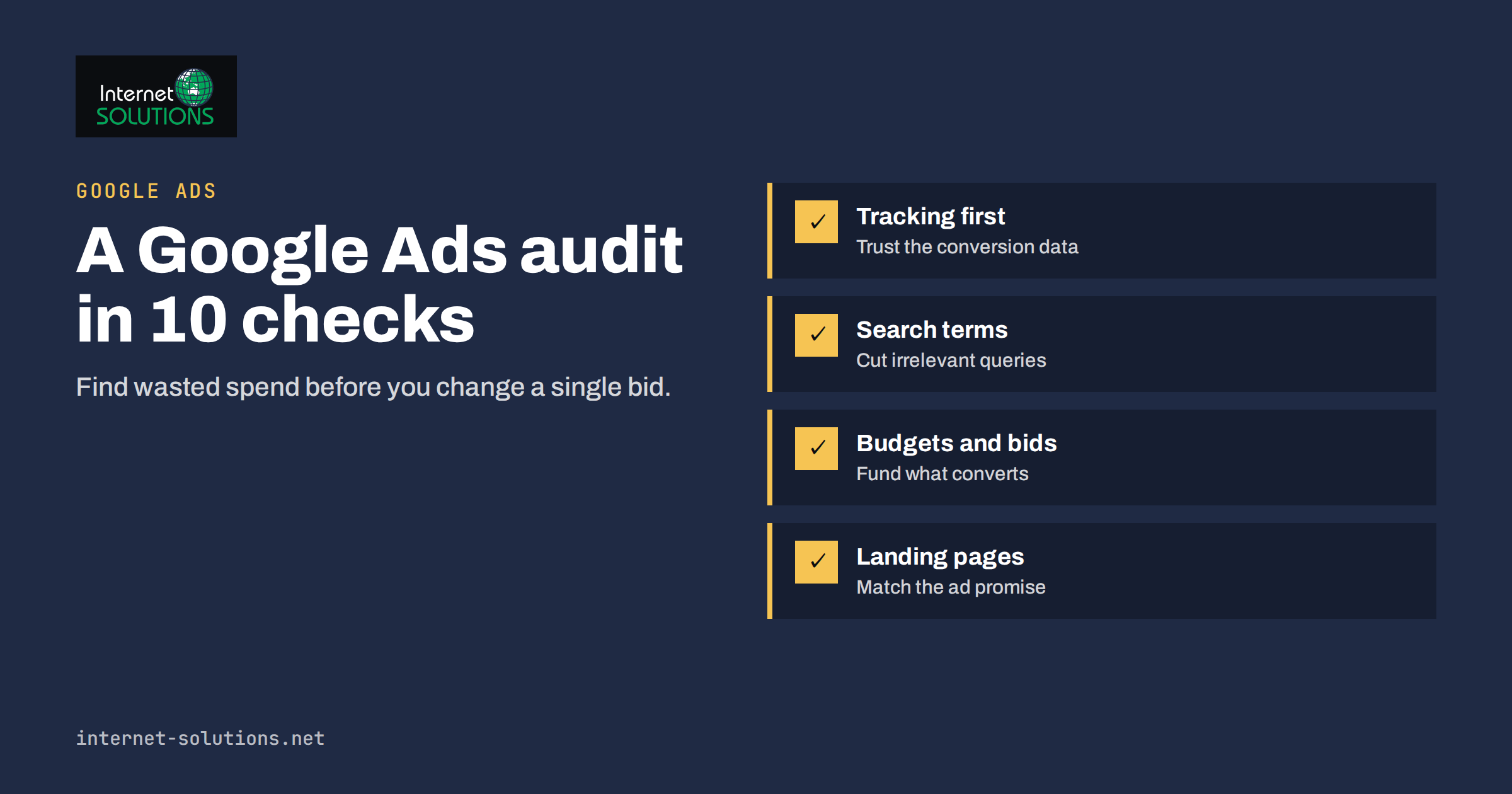
A Google Ads account audit is the quickest way to find out where your advertising budget is working and where it is simply leaking away. Accounts rarely break in one dramatic moment. They drift: a broad keyword starts matching irrelevant searches, a campaign limited by budget keeps losing its best hours, a conversion action that no longer fires keeps reporting zero, and an auto-applied recommendation quietly changes a setting nobody remembers approving. A structured audit turns that drift into a short, ranked list of fixes.
This guide gives you a practical 10-point checklist you can run in an afternoon, whether you manage your own account or inherit one from an agency. It explains what to look at, what a healthy result looks like and what to change first. It sits alongside the wider advice on our Google Ads service page and the other paid media articles in this blog.
Why Audit Before You Change Anything
The temptation with a poorly performing account is to start changing things immediately: raise bids, pause the worst campaign, add a few keywords. Without an audit, those changes are guesses, and guesses are expensive when every click costs money. An audit separates symptoms from causes. A high cost per lead might come from poor tracking, wrong location targeting, a weak landing page or a sensible account hit by an auction that has become more competitive. Each cause has a different fix.
An audit also protects you from a common trap: judging performance by the numbers the platform shows by default. Clicks, impressions and click-through rate are easy to read, but they say little about profit. The checklist below always works backwards from business outcomes, such as enquiries, orders and revenue, and then asks which settings stand between your budget and those outcomes.
Finally, an audit gives you a baseline. When you document the state of the account before changing anything, you can later tell whether a fix helped or whether performance moved for unrelated reasons such as seasonality.
Before You Start: Access, Date Range and a Baseline
Spend ten minutes on preparation, because a rushed start produces misleading conclusions.
- Get the right access. You need at least standard access to the account, and ideally read access to the linked analytics property and the website tag setup. Without them you cannot verify conversion tracking, which is the most important check.
- Choose a sensible date range. Use at least the last 90 days, and compare with the same period a year earlier if the business is seasonal. Very short ranges exaggerate noise, especially for low-volume accounts.
- Record the baseline. Write down spend, clicks, conversions, conversion value, cost per conversion and conversion rate for each campaign. A simple spreadsheet is enough.
- Know the goal. Ask what a conversion is worth to the business and what cost per conversion is acceptable. If nobody can answer, that is audit finding number zero.
The 10-Point Google Ads Account Audit Checklist
Work through the points in order. The early ones, tracking and goals, determine whether the later numbers can be trusted at all.
1. Conversion Tracking and Goals
Open the conversions section and list every conversion action. For each, check that it is recording recently, that it matches a real business outcome and that it is not counted twice. Typical problems include a thank-you page tag that fires on page load for both genuine and test submissions, phone-call tracking that counts any click on a number, and old actions left on “primary” so that low-value events steer bidding. Review how conversions are counted: for lead generation, counting one conversion per click is usually right, while for ecommerce, every purchase should count. Google explains the options in its help page on conversion counting. If you need a deeper walk-through of tags and events, see our guide to conversion tracking that holds up.
2. Account Structure and Campaign Goals
Check that each campaign has one clear job, such as brand protection, high-intent services, product shopping or retargeting. Mixed campaigns make budgets impossible to steer, because a cheap brand click and an expensive generic click share the same average. Look for campaigns that contain dozens of unrelated ad groups, ad groups with hundreds of keywords and campaigns with overlapping targeting that compete against each other in the same auction. Healthy structure is boring: a handful of campaigns, each with tightly themed ad groups.
3. Budgets and Bid Strategies
Look at the status column for “limited by budget”. A campaign that is limited while producing conversions at a good cost is a sign to move money towards it. A campaign that spends its full budget with poor results needs a different fix, not more budget. Then review bid strategies. Automated strategies such as target CPA or target ROAS need enough conversion data to learn; a campaign with a handful of conversions a month may behave erratically. Our article on how much to budget for Google Ads covers how to size spend against realistic volume.
4. Keywords and Match Types
Export the keyword list with cost, conversions and quality indicators. Flag keywords with a lot of spend and no conversions, keywords that are far too broad for your business and duplicate keywords across ad groups. Check the match type mix: broad match paired with strong conversion data and smart bidding can work well, while broad match with manual bidding and thin tracking often wastes money. For background, read our explanation of match types and negative keywords and Google’s own advice on building a keyword list.
5. The Search Terms Report
This is where wasted spend becomes visible. The search terms report shows the actual queries that triggered your ads. Sort by cost and read the top fifty rows by eye. Look for irrelevant intent (free, jobs, DIY, reviews when you sell services), the wrong location or product, and competitor names you do not want to target. Add clear negatives at campaign or account level, and add good new queries as exact or phrase keywords. Repeat this monthly; it is the single most reliable habit for improving a search account.
6. Ads and Assets
Each ad group should have at least one responsive search ad with varied headlines and descriptions that reflect the keywords and the landing page. Check ad strength, but do not chase “Excellent” for its own sake; relevance and honesty matter more. Make sure assets such as sitelinks, callouts, structured snippets and call extensions are present and approved. Compare ads inside an ad group: if one ad has had thousands of impressions and a far lower conversion rate, replace it with a new variant rather than letting it linger.
7. Targeting: Locations, Languages, Devices and Schedule
This section produces some of the cheapest wins. Check location targeting and, in particular, the option that controls whether you reach people in your locations or also people showing interest in them. For a local service business, presence-based targeting is often safer. Check language settings against the language of your ads and site. Review performance by device: if mobile traffic converts badly because the page is slow, the answer may be a page fix rather than a bid cut. Finally, review the hour and day report and compare it with your opening hours and call-handling capacity. Our article on location targeting and ad scheduling goes deeper.
8. Network and Auto-Applied Settings
Search campaigns can include search partners and the Display Network. Check whether these were switched on deliberately and how they perform separately. If display placements spend money without conversions, turn them off for that campaign. Then open the recommendations page and the change history. Look at which recommendations were applied automatically, and decide whether you want that to continue. The optimization score is a useful prompt, not a target; some recommendations serve Google’s revenue as much as yours, so judge each by its effect on your own results.
9. Landing Pages
Take the top ten landing pages by spend and open each on a phone. Check that the page matches the ad promise, loads quickly, shows a clear call to action above the fold and does not bury the form behind a menu. A good account can still lose money on a weak page. If several ad groups point to the same generic homepage, create specific pages for the main services. Our article on landing pages for paid traffic lists the fixes that matter most.
10. Quality Score, Impression Share and Competition
Finally, look at diagnostics. Quality Score components (expected click-through rate, ad relevance and landing page experience) point to specific weaknesses. Impression share lost to rank suggests ads or bids are not competitive; impression share lost to budget suggests you run out of money before the day ends. Use these numbers to decide where to invest effort, not as a report card. See our guide to improving Quality Score for practical steps.
Audit Findings: What to Fix First
Once you have worked through the checklist you will have a long list. Rank it by how much money it protects and how quickly you can fix it. The table below shows a typical order of priority.
| Finding | How to spot it | Typical fix | Priority |
|---|---|---|---|
| Broken or duplicated conversion tracking | Zero conversions despite leads, or conversions far above real enquiries | Repair the tag, remove duplicates, mark the right actions as primary | Immediate |
| Irrelevant search terms | High-cost queries in the search terms report with no conversions | Add negatives, tighten match types | High |
| Wrong location or language targeting | Clicks from regions you do not serve | Change location options and exclusions | High |
| Campaigns limited by budget while profitable | “Limited by budget” status with good cost per conversion | Reallocate budget from weak campaigns | High |
| Poor landing page match | High click-through rate but low conversion rate | Build pages per service, improve speed and forms | Medium |
| Weak or stale ads | Low click-through rate, one ad dominating | Write new variants with distinct angles | Medium |
| Auto-applied changes nobody reviewed | Unexpected entries in the change history | Switch off or review each automatic category | Medium |
| Display or partner spend without results | Network segment shows cost but no conversions | Turn off the network for that campaign | Medium |
How to Turn the Audit Into a Plan
Do not try to fix everything in one day. Large simultaneous changes make it impossible to know what worked, and they can reset the learning of automated bidding. A better approach is to make changes in batches over two to three weeks.
- Week one: repair tracking, add obvious negatives and fix location and language settings. These changes reduce waste without changing how the account is structured.
- Week two: reallocate budgets, replace the weakest ads and improve the top landing pages.
- Week three: adjust bid strategies and restructure campaigns where needed, then review the first results against your baseline.
Keep a simple change log with the date, the change and the reason. Google Ads keeps its own change history, but a human-readable note explaining why you made a change is what you will actually want in six months.
Common Mistakes During an Audit
- Auditing on too little data. Judging a keyword on five clicks leads to wrong decisions. Group by theme when volume is low.
- Cutting what feeds the funnel. A campaign that looks weak on last-click conversions may be introducing customers who convert later through another channel. Check assisted conversions before pausing.
- Following every recommendation. Treat automated suggestions as questions, not instructions.
- Ignoring the business side. If the sales team cannot answer calls, no setting will fix the cost per sale.
- Forgetting to repeat. An audit is useful once and valuable when repeated, so schedule a lighter review every month and a full one every six months.
When to Ask for Outside Help
If you have limited time, an account with large budgets or a history of inconsistent results, a second pair of eyes is worth the cost. A good reviewer will explain findings in plain language, show evidence from the account and separate quick fixes from larger projects. You can contact us if you would like a team that works with Google Ads and the surrounding website and tracking setup to review your account.
Frequently Asked Questions
How often should I run a Google Ads account audit?
Run a light check monthly, focusing on the search terms report, budgets and conversion tracking, and a full 10-point audit every six months or after any major change in your business, website or goals.
How long does a Google Ads account audit take?
For a small account with a few campaigns, expect two to four hours to review and a few more to implement the first fixes. Larger accounts with many campaigns and several markets take longer, mainly because of the search terms and landing page reviews.
What is the most common source of wasted spend?
Irrelevant search terms are the most common cause, followed by broken conversion tracking that makes automated bidding optimize for the wrong thing and by location or network settings that reach people you cannot serve.
Do I need special tools to audit an account?
No. The Google Ads interface, its reports and a spreadsheet are enough for a thorough audit. Scripts and third-party tools can save time on very large accounts, but they do not replace judgement about what a conversion is worth to your business.
Should I pause campaigns with no conversions?
Not automatically. First check that tracking works, that the campaign has had enough clicks to judge it and whether it plays a different role, such as brand protection or awareness. Pause only when the evidence shows it is spending without contributing.
Can I audit an account I do not manage every day?
Yes. In fact an outside view often finds more, because daily managers get used to old settings. Ask for read access, take a baseline and keep your first round of recommendations short and specific.
The Bottom Line
A Google Ads account audit is not about finding someone to blame; it is about finding the places where money leaves without producing customers. Start with tracking, because every other number depends on it. Then work through structure, budgets, keywords, search terms, ads, targeting, network settings, landing pages and diagnostics, rank the findings by the money they protect and fix them in small batches. Keep a change log, repeat a light version each month, and treat the platform’s recommendations as prompts to think rather than orders to follow. Done regularly, a 10-point audit pays for itself many times over.