

 English
 Lietuvių
 Latviešu
 Eesti
Eesti Русский
 Polski
 Українська
 Deutsch
 Italiano
 Español
 Français
 Português
 Čeština
 Magyar
 Română
 Ελληνικά
 Türkçe
 日本語
日本語 العربية
 हिन्दी
 Bahasa Indonesia
 Bahasa Melayu
 ไทย
ไทย Tiếng Việt
 বাংলা
বাংলাGoogle Ads Assets: Sitelinks, Callouts and Structured Snippets
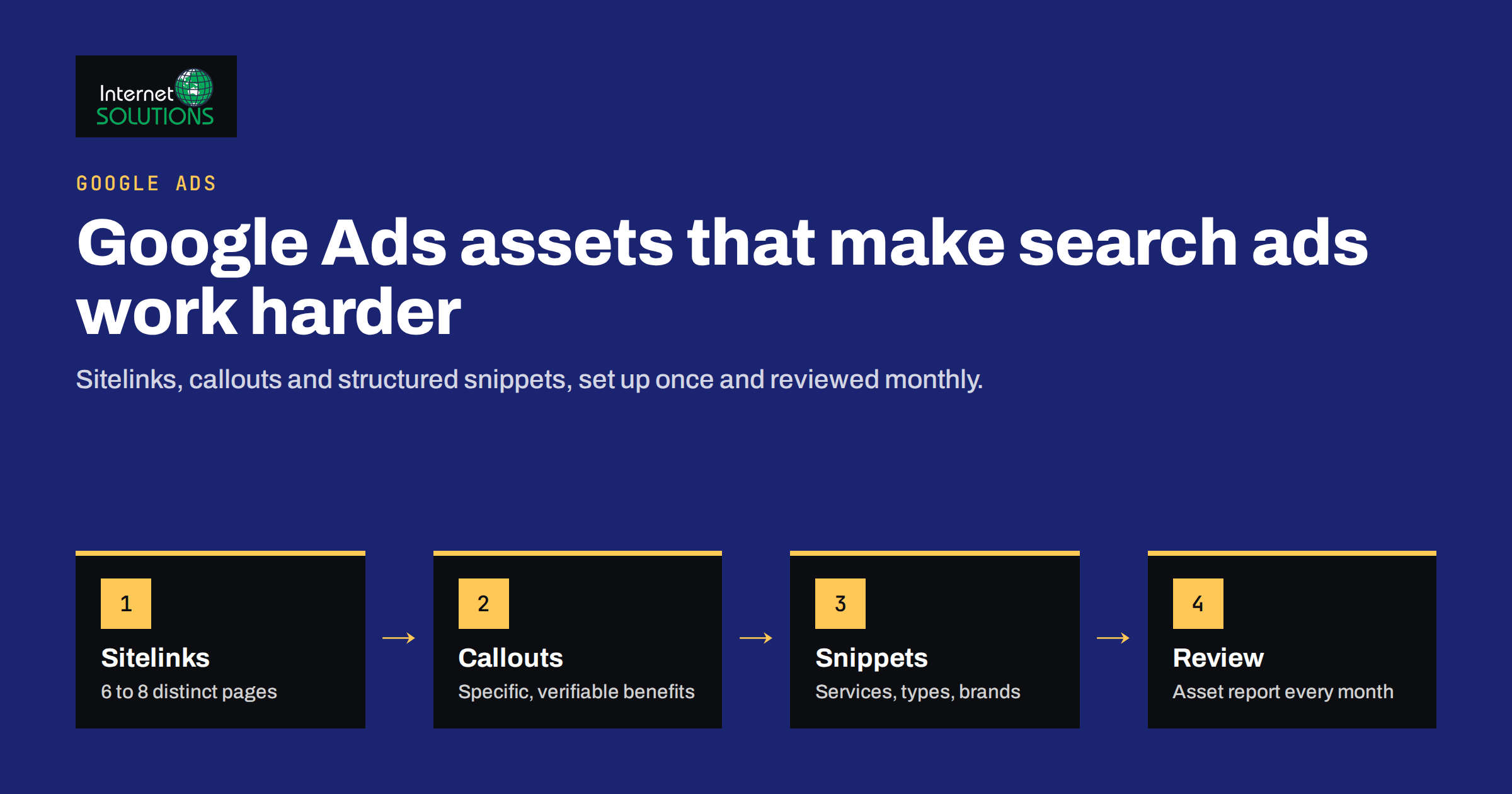
Google Ads assets are the extra pieces of information that can appear with your search ads: additional links, short benefit statements, lists of services, a phone number, your address, a price list and more. Until 2022 they were called ad extensions; the name changed, but the idea did not. Assets make an ad larger, more informative and easier to click, and they cost nothing extra to add. You still pay only for clicks.
Despite that, many small accounts run with the bare minimum: a couple of sitelinks added during setup and never touched again. This guide focuses on the three assets that matter in almost every search account, sitelinks, callouts and structured snippets, and explains how they work together, how to write them, how to organise them across campaigns and how to judge whether they are pulling their weight.
What Google Ads Assets Do for a Search Ad
A standard responsive search ad has headlines, descriptions and a display URL. Assets add more to that space. Google decides for each auction whether to show assets, which ones and how many, based on the expected impact on performance, your ad rank and the space available on the results page. In Google’s own overview of assets, they are described as a way to give people more reasons to choose your business, directly in the ad.
In practice, assets help in four ways:
- More screen space. An ad with sitelinks and callouts pushes competitors further down the page, especially on mobile.
- More relevance. A searcher looking for a specific service can jump straight to that page from a sitelink instead of landing on a general page.
- More information before the click. Callouts and snippets answer common doubts, such as delivery times, support hours or service range, so the clicks you pay for come from better-informed visitors.
- Better ad rank. The expected impact of assets is one of the factors Google considers when calculating ad rank, alongside bid and ad quality.
Sitelinks: Extra Doors Into Your Website
Sitelinks are additional links shown below the ad, each leading to a specific page. They can also carry two short description lines, which Google may show in some formats. Google’s guide to sitelink assets covers the current character limits and eligibility rules; the link text itself is short, so every word counts.
What makes a good sitelink
- A distinct destination. Each sitelink should open a different page that matches its text. Four sitelinks pointing to the same homepage add little and may be disapproved.
- A clear next step. “Pricing”, “Book a Consultation”, “Case Studies” and “Contact Sales” are more useful than vague labels like “Learn More”.
- Relevance to the campaign. A campaign for website development should show sitelinks for web projects, not for unrelated services.
- Descriptions filled in. Adding both description lines gives Google more format options and makes the sitelink more informative when it appears in the expanded layout.
How many to add
Add at least four sitelinks per campaign, and ideally six to eight, so Google can choose the most relevant combination for each search. On mobile, sitelinks often appear as a swipeable carousel, so a larger pool gives the system more to work with.
Callouts: Short Reasons to Choose You
Callouts are short, non-clickable phrases that appear in a line under the ad. They are ideal for the facts that make you an easy choice but do not deserve a full headline. Google’s help page on callout assets lists the rules, including a short character limit for each callout.
Good callouts are specific and verifiable:
- “Free Initial Consultation”
- “Support in English and Lithuanian”
- “Fixed-Price Quotes”
- “Next-Day Delivery”
- “In Business Since 2011”
Avoid empty phrases such as “Best Quality” or “Great Service”. They take up space without telling the searcher anything new, and superlatives that cannot be verified can cause disapprovals. Avoid repeating what is already in your headlines; the callout line is a chance to add information, not to echo it.
Structured Snippets: Show the Range of What You Offer
Structured snippets display a predefined header followed by a list of values, for example “Services: SEO, Google Ads, Web Development, IT Maintenance”. The header must be chosen from Google’s fixed list, which includes options such as Services, Types, Brands, Models, Courses, Destinations and Amenities. Google’s page on structured snippet assets lists all headers and the formatting rules.
Structured snippets work best when the values are concrete nouns that a searcher would recognise. A web agency might use “Services” with a list of its main offers; an online shop might use “Brands”; a training provider might use “Courses”. Add at least four values per snippet so it remains eligible even when space is tight, and keep each value short.
The most common mistake is to put marketing claims into a snippet. “Services: Fast, Friendly, Affordable” does not describe services and is likely to be disapproved. Keep the values factual and keep the claims for callouts.
Comparing the Three Core Assets
| Asset | Clickable | Best used for | Minimum to add | Common mistake |
|---|---|---|---|---|
| Sitelinks | Yes, each to its own page | Direct access to pricing, services, case studies, contact | 4, ideally 6 to 8 | Several sitelinks pointing to the same page |
| Callouts | No | Short benefits, guarantees, support details | 4, ideally 6 or more | Vague slogans and repeating headlines |
| Structured snippets | No | Listing services, types, brands or courses under a fixed header | 1 snippet with 4+ values | Marketing claims instead of factual values |
Other Assets Worth Considering
The three core assets suit almost every search campaign. Depending on your business, several others can add real value:
- Call assets add a phone number or call button, useful for service businesses where a call is the main conversion. Schedule them for hours when someone actually answers.
- Location assets show your address and distance, linked from a Google Business Profile. They matter for businesses that customers visit in person.
- Image assets add a small picture next to the ad on some placements. Use clear images of your product or work, not stock photos with text.
- Price assets list services or products with prices. They pre-qualify visitors, which can lower wasted clicks, but only if you are comfortable showing prices.
- Promotion assets highlight a time-limited offer with dates, so it disappears automatically when the offer ends.
- Lead form assets let people submit their details without visiting your website. They can work well for simple enquiries, but check lead quality carefully.
Account, Campaign or Ad Group Level?
Assets can be added at the account, campaign or ad group level. The more specific level wins: if an ad group has its own sitelinks, those are used instead of campaign-level or account-level sitelinks of the same type. This gives you a simple structure:
- Account level for facts that are true everywhere, such as general callouts about support or experience.
- Campaign level for assets specific to a service line or product category, such as sitelinks for the pages of that service.
- Ad group level only where a group targets a distinct intent and deserves its own sitelinks, for example a “pricing” ad group.
Keep track of what is set where. A frequent problem in inherited accounts is that old ad group sitelinks quietly override better campaign-level ones, so the improved assets never appear.
Writing Assets That Work Together
Think of the ad and its assets as a single message. The headlines state the main offer, sitelinks offer the next steps, callouts remove doubts and snippets show the range. A simple way to plan this is a small table per campaign with four columns: main promise, next steps, doubts to remove and range to show. Fill it in before writing anything.
For example, a campaign for website development might look like this:
- Headlines: custom websites and e-shops built for growth.
- Sitelinks: Portfolio, Pricing, Our Process, Request a Quote.
- Callouts: Fixed-Price Quotes, SEO-Ready From Day One, Ongoing Support Available.
- Structured snippet (Services): Corporate Sites, E-Shops, Landing Pages, Custom Systems.
Each element carries information the others do not, and together they answer most of the questions a buyer has before clicking. Make sure every page a sitelink points to loads quickly and matches the promise, because assets can raise the click-through rate, but the landing page decides whether the click turns into an enquiry.
Measuring Asset Performance
In the Assets section of Google Ads you can see impressions, clicks and other metrics for each asset. Read these numbers with care. Sitelink clicks show which destinations people prefer, which is genuinely useful. Callouts and snippets are not clickable, so their reported clicks are clicks on the ad while the asset was shown; compare them as a rough signal, not as precise attribution.
A practical review routine every month or two:
- Check which sitelinks receive clicks and which are rarely shown. Replace the weakest with alternatives.
- Look for disapproved or limited assets and fix them; they are easy to miss.
- Update promotions and seasonal callouts so they never show outdated information.
- Read the asset report alongside the Quality Score components; assets lift expected click-through rate, but they cannot fix a weak landing page.
When you change assets, change one type at a time and give the account a few weeks before judging the result. Search volume varies by week and season, so comparing a full month before and after a change is more reliable than looking at a few days. Keep a short change log with the date and what you replaced, so that later shifts in click-through rate or conversion rate can be traced back to a specific decision rather than guessed at.
Automatically created assets, which Google can generate from your website, are another factor. They can fill gaps, but they may also show text you would not have chosen. Review the account-level setting and the assets it creates, and switch off the types you prefer to control yourself.
A Quick Setup Checklist
- At least four, ideally six to eight, sitelinks per campaign, each leading to its own relevant page with descriptions filled in.
- At least four specific callouts, with no slogans and no repetition of headlines.
- At least one structured snippet with a correct header and four or more factual values.
- Call and location assets where they match how customers contact you.
- A check that ad group assets do not unintentionally override better campaign assets.
- A monthly review of the asset report, disapprovals and outdated promotions.
When we manage campaigns as part of our Google Ads service, a complete set of assets is one of the first things we check in any inherited account, because it is one of the cheapest improvements available.
Frequently Asked Questions
Do Google Ads assets cost extra?
No. There is no charge for adding assets. You pay for clicks as usual, including clicks on sitelinks; a call from a call asset is charged like a click.
Why are my assets not showing?
Google shows assets only when it expects them to help and when ad rank and space allow. Low ad rank, too few assets or disapprovals can all prevent them from appearing.
What is the difference between ad extensions and assets?
It is the same feature under a new name. Google renamed ad extensions to assets in 2022 and moved them into the assets section of the account.
How many sitelinks should a campaign have?
At least four, and ideally six to eight, each pointing to a different relevant page, so Google can choose the best combination for each search.
Can callouts include prices or discounts?
They can mention factual offers, but price assets and promotion assets are better suited for this, because they show the details in a structured way and can end on a set date.
Should I use automatically created assets?
They can fill gaps in small accounts, but review what they generate. If they show text that does not fit your brand, turn off those asset types in the account settings.
The Bottom Line
Google Ads assets are one of the few improvements that cost nothing and help almost every search campaign. Give each campaign a full set of sitelinks that lead to distinct pages, specific callouts that remove doubts, and structured snippets that show the range of what you offer. Organise them at the right level, review the asset report regularly and make sure every destination page lives up to the promise. If you would like an outside review of your account or help building a complete online advertising setup, get in touch with our team.