

 English
 Lietuvių
 Latviešu
 Eesti
Eesti Русский
 Polski
 Українська
 Deutsch
 Italiano
 Español
 Français
 Português
 Čeština
 Magyar
 Română
 Ελληνικά
 Türkçe
 日本語
日本語 العربية
 हिन्दी
 Bahasa Indonesia
 Bahasa Melayu
 ไทย
ไทย Tiếng Việt
 বাংলা
বাংলাClick Fraud and Invalid Traffic in Paid Ads: Spot It, Limit Waste
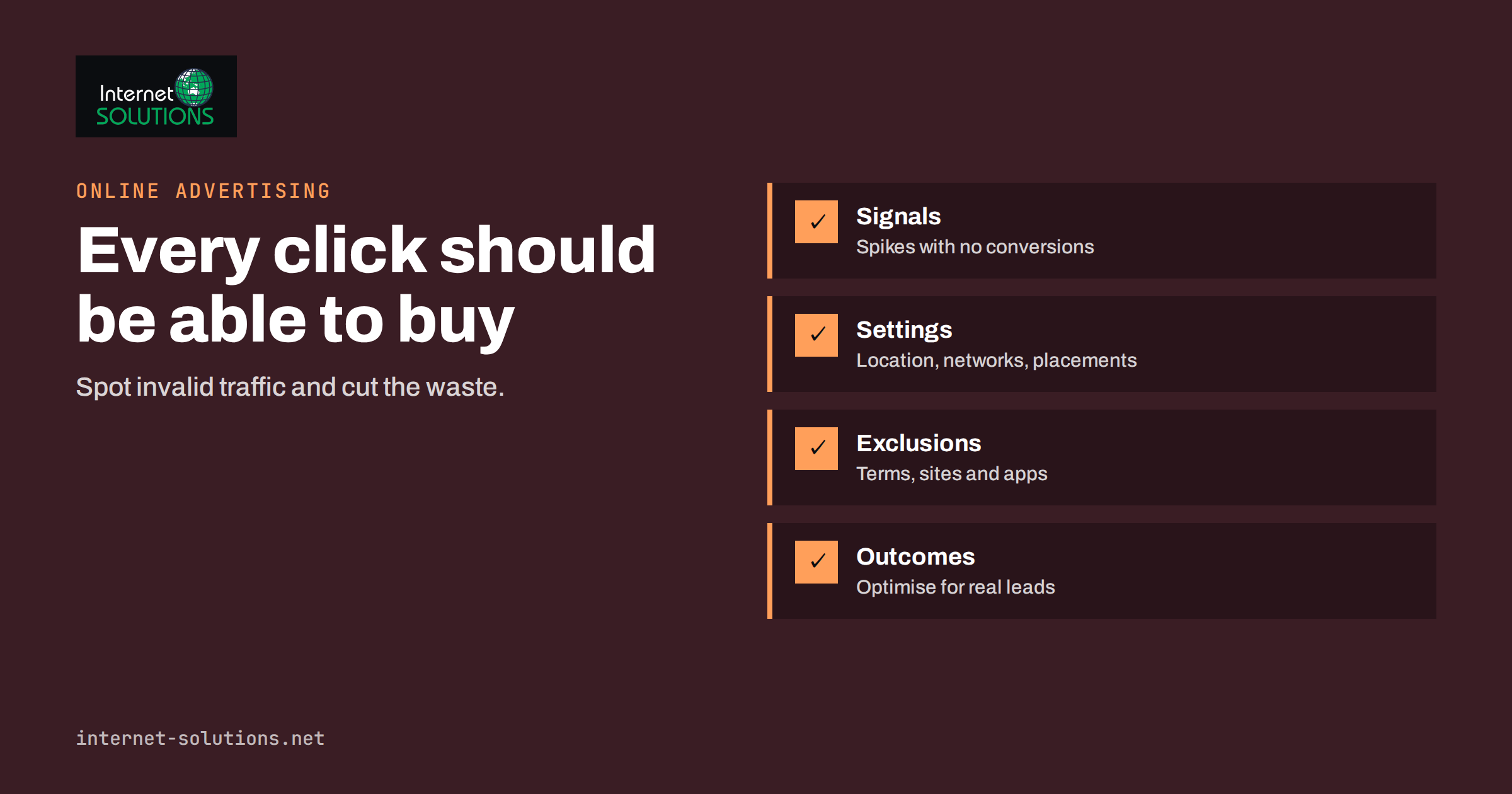
Click fraud is the part of paid advertising that nobody enjoys discussing: clicks that cost money but can never become customers. Some come from automated programs, some from careless accidental taps, some from sites that exist only to collect ad revenue and a few from people who click on purpose to drain a competitor’s budget. The broader term is invalid traffic, and every advertiser who spends money on search, display or social ads meets it sooner or later. The good news is that it is usually small, it can be measured and there are practical ways to limit the waste.
This guide explains what counts as invalid traffic, how the main advertising platforms deal with it, which warning signs to look for in your own data and which controls reduce exposure without hurting genuine customers. It is written for business owners and marketers who manage their own campaigns or review the work of an agency. It avoids scare stories: the aim is a calm, evidence-based routine, not a witch hunt.
What Counts as Invalid Traffic
Industry bodies such as the Media Rating Council and the Interactive Advertising Bureau separate invalid traffic into two broad kinds. General invalid traffic is the easy-to-detect kind: known crawlers, spiders, data-centre traffic and similar sources that platforms can filter with lists and routine checks. Sophisticated invalid traffic is harder: bots that imitate human behaviour, hijacked devices, fake browsing sessions and activity created to look genuine. You can read the definitions in the Media Rating Council material and the IAB guidelines.
Not all wasted clicks are fraud. A large share of poor-quality traffic is simply a mismatch between your ad and the people who see it. Someone who clicks on a plumber’s ad looking for a plumbing career, a customer in a country you cannot serve, or a child playing a mobile game and tapping an ad by accident all cost the same as a real prospect. Separating real fraud from poor targeting matters, because the fixes are different.
- Bots and scripts: automated clicks, often from data centres or compromised devices.
- Click farms and incentivised clicks: people or apps paid to click, with no interest in the offer.
- Publisher fraud: low-quality sites or apps in a display or partner network that inflate clicks or impressions to earn revenue.
- Competitor clicking: deliberate clicks by a rival or their agency. This is rarer than many advertisers fear and is hard to prove.
- Accidental clicks: ads placed next to buttons in apps or on small screens, producing taps that were not meant.
- Poor targeting: real people who were never in the market for your product.
How Platforms Handle Invalid Clicks
Large advertising platforms run their own detection systems and, in general, do not charge for traffic they identify as invalid. Google describes in its help centre how invalid traffic is detected and filtered, how clicks found to be invalid after the fact lead to credits on the account and where you can see the invalid click columns in reports. Other networks have comparable systems, although the details and the visibility they offer differ.
Platform filtering is a baseline, not a guarantee. The filters catch the obvious and a fair amount of the sophisticated activity, but they cannot know your business. They do not know that an ad group is attracting job seekers, that a placement produces nothing but one-second visits or that an unusual burst of clicks came from a city you do not serve. That layer of judgement is yours.
| Layer | Who handles it | What it catches | What it misses |
|---|---|---|---|
| Platform filtering and credits | The advertising network | Known bots, obvious automated patterns, many sophisticated cases found later | Low-quality real clicks, poor targeting, subtle abuse |
| Campaign settings | You or your agency | Wrong countries, irrelevant networks, junk placements, unsuitable devices | Fraud inside places you decide to keep |
| Analytics and conversion review | You or your agency | Sources with clicks but no engagement or sales | Fraud that mimics real behaviour well |
| Third-party protection tools | A specialist vendor | Repeat clickers, suspicious IP ranges, device patterns | Anything the tool cannot see; costs money; privacy obligations apply |
Warning Signs in Your Own Data
You do not need special software to spot most problems. A weekly look at a few reports usually reveals them. Watch for these patterns, and remember that one sign on its own proves nothing; several together deserve investigation.
- Clicks rise sharply while conversions and engagement do not. A day or a campaign with a large jump in cost and no change in enquiries is the classic red flag.
- Sessions last a second or two. Visitors who arrive and leave instantly, without scrolling or clicking, suggest automated visits or accidental taps.
- Traffic from places you do not serve. Clicks from countries or regions outside your targeting, or from data-centre cities, are worth a closer look.
- Unusual times. Spikes at three in the morning for a business that only trades in daytime may be automated.
- A gap between ad clicks and analytics sessions. Large differences, beyond the normal small gap caused by slow loading and blocked scripts, can mean that clicks are not turning into real page views.
- Odd placements or apps. In display and app campaigns, a few placements may deliver most of the clicks with the lowest quality.
- Repeated clicks from the same device or network. Logs or analytics that show several clicks in a short time from the same source are suspicious, although shared office networks can cause innocent repeats.
Compare the suspect traffic with your normal pattern rather than judging it in isolation. If a campaign has always had a high bounce rate because the page is slow, you have a landing page problem and not a fraud problem. Our checklist on landing pages for paid traffic covers how to tell the two apart.
Cutting Exposure Through Campaign Settings
Most of the waste you can control sits in settings that are easy to change. Review these first, because they reduce both fraud and ordinary irrelevant clicks.
- Location targeting: target people who are in or regularly in your area rather than anyone who shows interest in it, and exclude regions you cannot serve.
- Networks: check whether search partner sites and display expansion add real conversions for your account. If they do not, switch them off for search campaigns.
- Placement and app exclusions: in display campaigns, review the placement report, exclude sites and apps that bring clicks without engagement and use content and category exclusions where available. Our guide to display network ads explains the controls.
- Device and schedule: reduce bids or pause where data shows that certain devices or hours bring no business.
- Negative keywords: block irrelevant searches that attract curiosity, jobs or free-product seekers, using the search terms report.
- IP exclusions: exclude addresses that clearly abuse your ads, such as your own office and any proven repeat clicker. Use this sparingly; most abuse comes from addresses that change.
A regular review of search terms is one of the cheapest defences. Our routine for the weekly search terms review shows how to do it in about half an hour.
Measuring Properly: Conversions Over Clicks
Fraud thrives where advertisers judge results by clicks and cheap traffic. Fake clicks seldom produce phone calls, completed forms and purchases. If you measure and optimise toward real outcomes, automated bidding steers money toward sources that deliver them, and the fake clicks become less relevant to your results. This is why accurate conversion tracking is the most useful anti-fraud tool a small advertiser can have.
Track the actions that matter, import offline outcomes such as qualified leads or closed sales, and avoid counting low-value events such as page views as conversions. A form submission from a bot can still count as a conversion, so add basic spam protection to forms and review lead quality. Our article on conversion tracking that holds up covers the setup, and the guide to auditing a Google Ads account for wasted spend includes a quick check of invalid traffic along with other leaks.
Dealing With a Suspected Competitor
Many advertisers suspect a rival whenever results dip. In practice, the cause is usually more ordinary: a change in bids, seasonality, a new competitor ad or a broken landing page. Before accusing anyone, check the basics. If the evidence still points to deliberate clicking, collect it: dates, times, campaigns, search terms, locations and analytics data showing the visits. Report the pattern to the advertising platform through its support channel and ask for review. Do not click back at the competitor’s ads, which breaks the platform’s rules and wastes your money too. In serious cases, the legal route is slow and costly and rarely worth it for small budgets.
Third-Party Click Protection Tools
A market of vendors sells services that monitor clicks and block repeat offenders automatically. They can be useful for accounts with large budgets in categories that attract abuse, such as locksmiths, legal services or travel. For small budgets, the subscription may cost more than the waste it prevents, so estimate the potential saving first. If your invalid click rate is already low in the platform reports and your conversion costs are healthy, the benefit will be small.
- Ask what data the tool collects and where it is stored, because collecting visitor identifiers raises consent and privacy duties under laws such as the GDPR.
- Check that it works with your accounts through official integrations rather than risky workarounds.
- Run it for a trial period and compare cost per conversion before and after, not only the number of clicks blocked.
- Be sceptical of claims such as “30 percent of your budget is fraud”, which are rarely supported by your own data.
A Monthly Routine to Limit Waste
- Open the platform’s invalid click columns, where available, and note the rate and any credits received.
- Check cost per conversion by campaign, device, location and placement. Look for outliers that spend without results.
- Review the search terms and placement reports and add exclusions.
- Compare ad clicks with analytics sessions for each campaign and investigate large gaps.
- Inspect form and call leads for obvious spam and tighten form protection if needed.
- Record what you changed so that you can see its effect next month.
If you want an experienced second pair of eyes on your advertising accounts, our online advertising service includes account reviews, tracking setup and campaign management.
Frequently Asked Questions
How much of my ad budget is lost to click fraud?
It varies widely by industry, platform and campaign type. Search campaigns on large networks usually see a small share of invalid clicks, while display and app campaigns tend to see more. Your own platform reports and conversion data give a better answer than a general statistic.
Will Google refund fraudulent clicks?
Google filters invalid clicks automatically and credits the account for invalid activity it identifies, including cases found after the fact. You can contact support with evidence if you suspect more, but the platform decides what qualifies.
Can I tell if a competitor is clicking my ads?
Rarely with certainty. Look for repeated clicks from the same location or device at odd times with no engagement. Report evidence to the platform and exclude clear repeat sources, but check ordinary explanations first.
Do IP exclusions solve the problem?
Only partly. Many abusers use changing or shared addresses, and exclusion lists have limits. They help against a persistent single source but are not a complete defence.
Are display campaigns riskier than search campaigns?
Display and app placements generally carry more low-quality and accidental traffic because ads appear on many third-party sites and apps. Careful placement exclusions and conversion-based bidding reduce the risk.
Should I pay for a click fraud tool?
Consider one only if your spend is large and your data shows a real problem. For small budgets, platform filtering, tight targeting, exclusions and good conversion tracking usually deliver most of the benefit at no extra cost.
The Bottom Line
Invalid traffic is a cost of advertising that you can manage but not eliminate. Rely on the platform’s filtering as a baseline, then add your own judgement: tight targeting, exclusions, regular review of search terms and placements, and bidding based on real conversions. Look at the data every month, act on patterns rather than suspicions and spend on protection tools only when the numbers justify it. That keeps most of your budget working on people who can actually become customers.