

 English
 Lietuvių
 Latviešu
 Eesti
 Русский
 Polski
 Українська
 Deutsch
 Italiano
 Español
 Français
 Português
 Čeština
 Magyar
 Română
 Ελληνικά
 Türkçe
 日本語
 العربية
 हिन्दी
 Bahasa Indonesia
 Bahasa Melayu
 ไทย
 Tiếng Việt
 বাংলা
Live Chat for Salons, Spas and Beauty Studios: Bookings and Questions
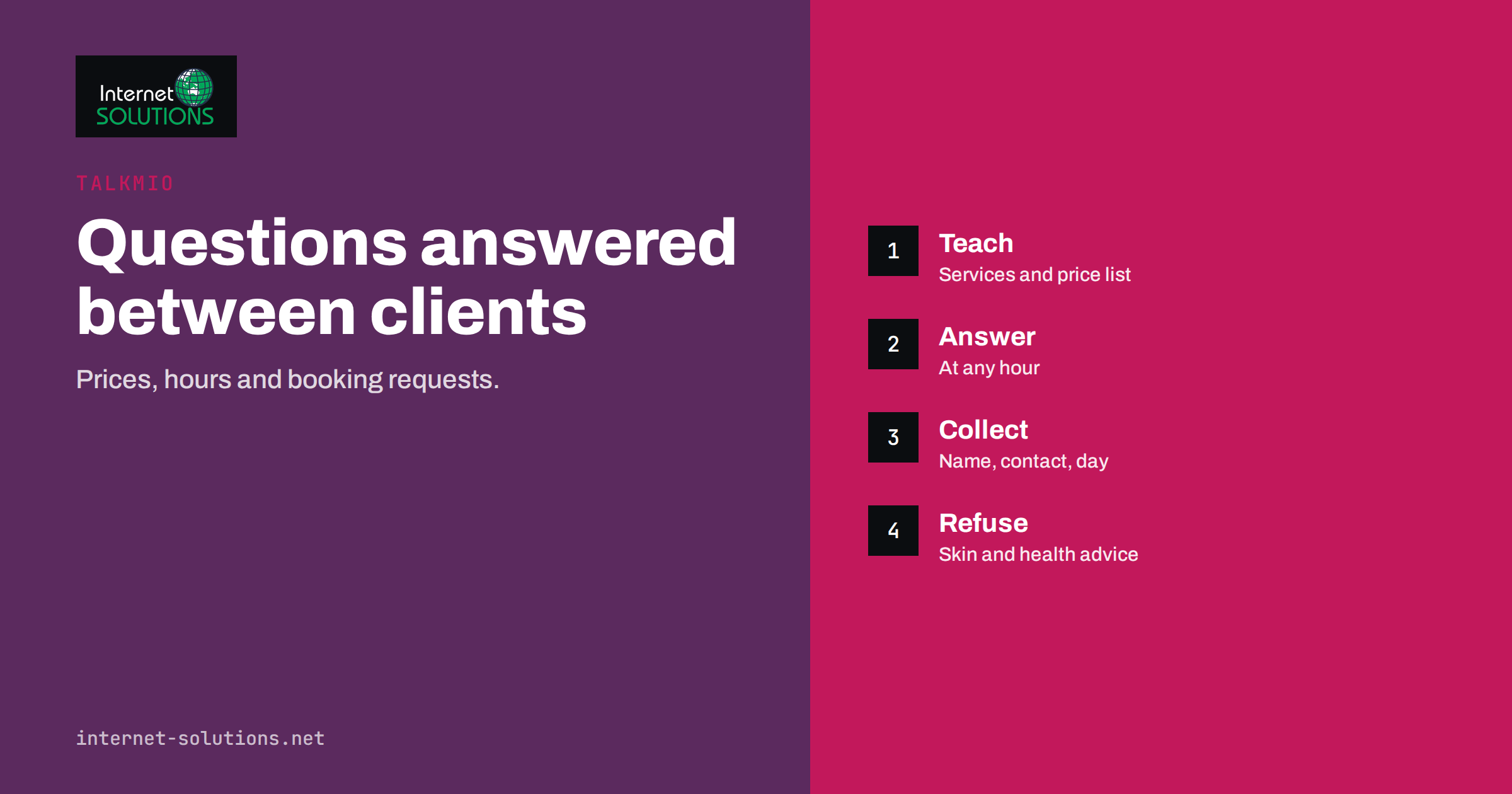
Live chat for salons, spas and beauty studios solves a very particular problem: the people who answer the phone are the same people who are busy with a client. Every call during a treatment is either missed or interrupts the work, and a visitor on your website who has a simple question, such as the price of a haircut or whether you have a free slot on Saturday, often leaves without asking. A chat widget with an assistant that answers from your own information can cover those moments, collect booking requests and pass real conversations to your team. This guide explains what to teach, what to refuse, how to handle booking requests and how to measure the result with Talkmio.
It is written for owners and managers of hair salons, nail studios, day spas, barbers, massage practices and beauty clinics. It covers general routines only. Health, skin and medical questions are a separate matter and need a person.
The Questions Visitors Actually Ask
Before setting up anything, look at the questions your reception already hears. For salons and studios, a small set repeats constantly.
- Prices and durations. How much is a cut and colour, how long does a manicure take, what does a facial cost.
- Opening hours and location. Are you open on Sundays, where do I park, are you near the station.
- Booking. Do you have a slot this week, how do I change an appointment, what is your cancellation policy.
- Preparation and aftercare. Should I come with clean hair, how long before a wedding should I book a trial.
- Gift vouchers and offers. Do you sell vouchers, is there a package for groups.
- Who does what. Which stylist handles curly hair, do you offer treatments for men.
Most of these have answers that do not change from day to day, which is exactly the kind of information a chat assistant can handle well. A few, such as free slots, depend on your calendar, and the assistant should hand them to a person or point to your booking page.
How Talkmio Fits a Salon
Talkmio is a live chat and inbox for websites. You add one line of code or install the WordPress plugin, point Mio at your website, add a few questions and answers or upload a price list, and Mio replies to visitors in their own language. When it is not sure, it tells the visitor that it is connecting them with a person, and the conversation appears in your inbox with the full history. There is no need for a developer, and setup takes minutes. Our Talkmio setup guide walks through the first day, and the overview of Talkmio lists the features.
For a salon, the practical advantages are that visitors get an answer at night or on a day off, the team sees what people ask and the first reply never depends on who is free. The assistant answers from your content only, in the way any online chat service answers from what it is given, so it never invents prices or policies. That makes the quality of your content the most important part of the setup.
What to Teach Mio
A salon’s knowledge fits on a few pages. Prepare it carefully, and keep it current.
- Price list with service descriptions. Include the starting price, what influences it, such as hair length, and the typical duration. Say clearly when a price is “from”.
- Opening hours, address and parking. Include holiday hours and what to do on arrival.
- Booking and cancellation policy. State how far ahead people should book, how to change an appointment and any fees for late cancellation.
- Preparation and aftercare notes. Short, practical points that you would tell a client at the desk.
- Staff and specialities. Names and focus areas, if you are happy to share them.
- Vouchers, packages and group offers. With dates and terms.
Then test it. Ask the assistant twenty real questions, including awkward ones, and compare the answers with what you would say. Our article on the Talkmio knowledge base explains how to test answers, and the guide to the widget setup shows how to set colours, greeting and business hours so that the widget matches your brand.
Handling Booking Requests
A chat assistant should not pretend to manage your calendar. It can gather what your team needs, so that the person who replies can confirm quickly. A good booking request collects the service wanted, the preferred days and times, the name and a phone number or email, and any note such as “first visit” or “allergic to a product”.
The pre-chat form and the questions in the conversation can capture this. Then the request goes to your inbox, where a team member checks the calendar and replies. If your booking system has an online page, the assistant can point to it and explain the steps. What matters is that the visitor knows what happens next and when. A message such as “We will confirm your appointment within two working hours” sets expectations, as long as you can keep it. Do not promise what you cannot do, and make sure someone watches the inbox at the times you say.
Out-of-hours enquiries are where this pays off most. A visitor who asks about a wedding party at ten at night receives an answer at once and leaves details, and your team calls in the morning. Our article on after-hours live chat goes further into this.
What the Assistant Should Refuse
Beauty and wellness businesses sit near health, and the assistant needs clear limits. Write them into the instructions and the answers you teach.
- No medical or skin diagnosis. If a visitor describes a rash, an allergy or a reaction, the assistant should suggest speaking to a doctor and offer to pass the message to the team.
- No promises of results. Avoid guarantees such as “this treatment removes wrinkles”. Describe what the treatment is, not an outcome.
- No advice about pregnancy, medication or conditions. These need a qualified person to assess.
- No quoting a price you have not published. For custom work such as bridal styling, ask for details and let the team quote.
- No collection of unnecessary personal data. Ask only what is needed to arrange the appointment.
Handling personal data also brings legal duties, and a chat widget should be mentioned in your privacy policy. Our guide to live chat etiquette shows how to write replies that clients trust, including the handover message.
Salon Tasks: Assistant or Person?
| Task | Assistant can handle | Needs a person | Note |
|---|---|---|---|
| Price and duration questions | Yes, from the published list | Custom quotes | Mark “from” prices clearly |
| Opening hours and directions | Yes | Rarely | Update before holidays |
| Booking request | Collects details | Confirms the slot | Set a reply-time promise |
| Change or cancel | Explains the policy | Makes the change | Link to the booking page if available |
| Product recommendations | Describes published products | Personal advice | Avoid health claims |
| Skin or health concerns | No | Yes, or refer to a doctor | Write the limit into the instructions |
| Complaints | Acknowledges | Resolves | Hand over quickly and politely |
Setting Up Handover and Staff Routines
The assistant is only half of the system. The other half is how your team responds. Decide who watches the inbox in the salon and when, and how a conversation is assigned. In a small studio, one person may own the inbox on weekdays and another at weekends. The inbox shows the full conversation history, so the person who takes over does not need to ask the visitor to repeat anything. The team can also use quick replies for common answers and internal notes for details such as a client’s preferred stylist, as described in our article on the Talkmio inbox workflow.
Make the handover polite. Visitors who have been chatting with an assistant should be told when a person takes over, and the first human message should refer to the earlier conversation. A short note, such as “Hi, this is Anna from the studio. I can see you asked about a colour appointment”, feels personal and saves time.
Measuring Results
Talkmio reports conversations per day, how much Mio solves alone, first-reply time and ratings. For a salon, a few simple measures tell you if the chat is working.
- Booking requests per week that come from chat, and how many become appointments.
- Common questions the assistant could not answer. Each one is a gap in your content to fill.
- First-reply time for conversations handled by staff, which shows whether the inbox is watched.
- Ratings and comments from visitors, which reveal tone problems.
Review these monthly, add new answers and update prices when they change. A salon that keeps its price list and policies fresh gets more value from the assistant than one that sets it up once and forgets it.
Privacy, Consent and Client Records
A chat conversation can contain names, phone numbers and sometimes sensitive details such as allergies. Treat it with the same care as a paper appointment book. Mention the chat in your privacy policy (the European Commission explains the basics of data protection), tell visitors what the information is used for, and keep it only as long as you need it to serve the client. Do not copy conversations into unprotected spreadsheets or personal messaging apps. If a client asks you to delete their details, have a simple routine for doing so. Staff should know not to ask for payment card numbers in the chat, because payments belong on a secure payment page, not in a message thread.
A Worked Example
A three-chair hair studio and nail bar receives about forty calls a week, many during appointments. The owner adds Talkmio to the website, uploads the price list and the booking policy, and writes a dozen questions and answers on bridal trials, colour correction and vouchers. She sets the business hours in the widget, adds a pre-chat form that asks for a name and a phone number and writes the limit: “We do not give advice on skin reactions; please speak to a doctor”.
In the first month, the assistant answers most price and hours questions on its own, and about twenty visitors leave booking requests outside opening hours. The receptionist replies to them each morning with a proposed time, and most turn into appointments. Reading the unanswered questions, the owner finds that visitors often ask about patch tests, so she adds a clear answer written by the stylist. Phone interruptions during appointments fall noticeably.
Common Mistakes
- Teaching the assistant an old price list.
- Promising confirmation times that nobody can keep.
- Allowing health or skin advice by chat.
- Asking for more personal data than needed.
- Never checking the questions the assistant could not answer.
- Leaving the inbox unwatched on busy days.
- Using a greeting that sounds cold instead of the salon’s own voice.
Frequently Asked Questions
Can Talkmio book appointments in my calendar?
Talkmio gathers the details of a booking request and passes the conversation to your team, who confirm it in your own system. If you have an online booking page, the assistant can point visitors to it.
What if a visitor asks something the assistant does not know?
Mio tells the visitor that it is connecting them with a person, and the chat appears in your inbox with the full history, so your team can take over without repeating questions.
Does the chat work outside opening hours?
Yes. The assistant answers at any hour from your content, and requests that need a person wait in the inbox until your team is back.
Can the assistant answer in other languages?
Mio answers visitors in their own language, which helps studios in tourist areas or with international clients. Check that your price list and policies are clear enough to translate well.
Is it appropriate to let an assistant answer questions about treatments?
Yes for descriptions you have written, such as duration and preparation. Questions about skin conditions, medication or health should go to a qualified person.
How much work is the setup?
Adding the widget takes minutes. Most of the effort is in preparing accurate prices, hours and policies, which is also useful for your website and staff.
The Bottom Line
Live chat for salons, spas and beauty studios gives visitors an answer when the team is busy or closed and turns more website visits into booking requests. Teach the assistant your real prices, hours and policies, set clear limits on health and skin advice, collect only the details you need and promise a reply time that you can keep. Watch the questions it cannot answer, improve the content each month and make the handover to a person friendly. The result is fewer interrupted appointments and more clients who feel looked after before they arrive.