

 English
 Lietuvių
 Latviešu
 Eesti
Eesti Русский
 Polski
 Українська
 Deutsch
 Italiano
 Español
 Français
 Português
 Čeština
 Magyar
 Română
 Ελληνικά
 Türkçe
 日本語
日本語 العربية
 हिन्दी
 Bahasa Indonesia
 Bahasa Melayu
 ไทย
ไทย Tiếng Việt
 বাংলা
বাংলাMultilingual Live Chat: Serving Visitors in Their Language
A visitor who cannot ask a question in their own language often does not ask at all. They leave, or they struggle through an automatic translation of your page and give up at the checkout. Multilingual live chat removes that barrier: the person writes in the language they think in, gets an answer they understand and feels that the business is ready for them. For companies that sell across borders, serve tourists or simply have customers from many backgrounds, it is one of the most practical improvements to customer service.
This guide explains how multilingual live chat works with Talkmio, where the AI answers and where your team steps in, how to prepare your content so that answers stay accurate, how to handle risks such as mistranslation and how to measure results. It builds on the ideas in our articles on chat triggers and rules and on multilingual support with Ask Mio.
Why Language Matters in Customer Chat
People are most comfortable, and most willing to buy, when they can read and write in their own language. A short question about delivery, price or a return is easy to ask in your native tongue and awkward in a foreign one. When the answer comes back in the same language, trust rises, misunderstandings fall and the conversation is shorter. When a business forces visitors to use another language, many simply leave, and you never see the lost enquiry.
The need is wider than many companies expect. Even a local business may serve international students, workers, tourists or neighbouring markets. An online shop that ships to several countries will receive questions in each of them, usually at times when the team is not working. A software company with a global trial audience receives support questions from every time zone.
The traditional solution, hiring staff for every language, is expensive and rarely covers all hours. Machine translation and AI-assisted chat change the economics: a small team can offer first answers in many languages, and human specialists step in only where they are needed. The result will not match a native speaker in every nuance, but it is far better than silence.
What Talkmio Offers for Multiple Languages
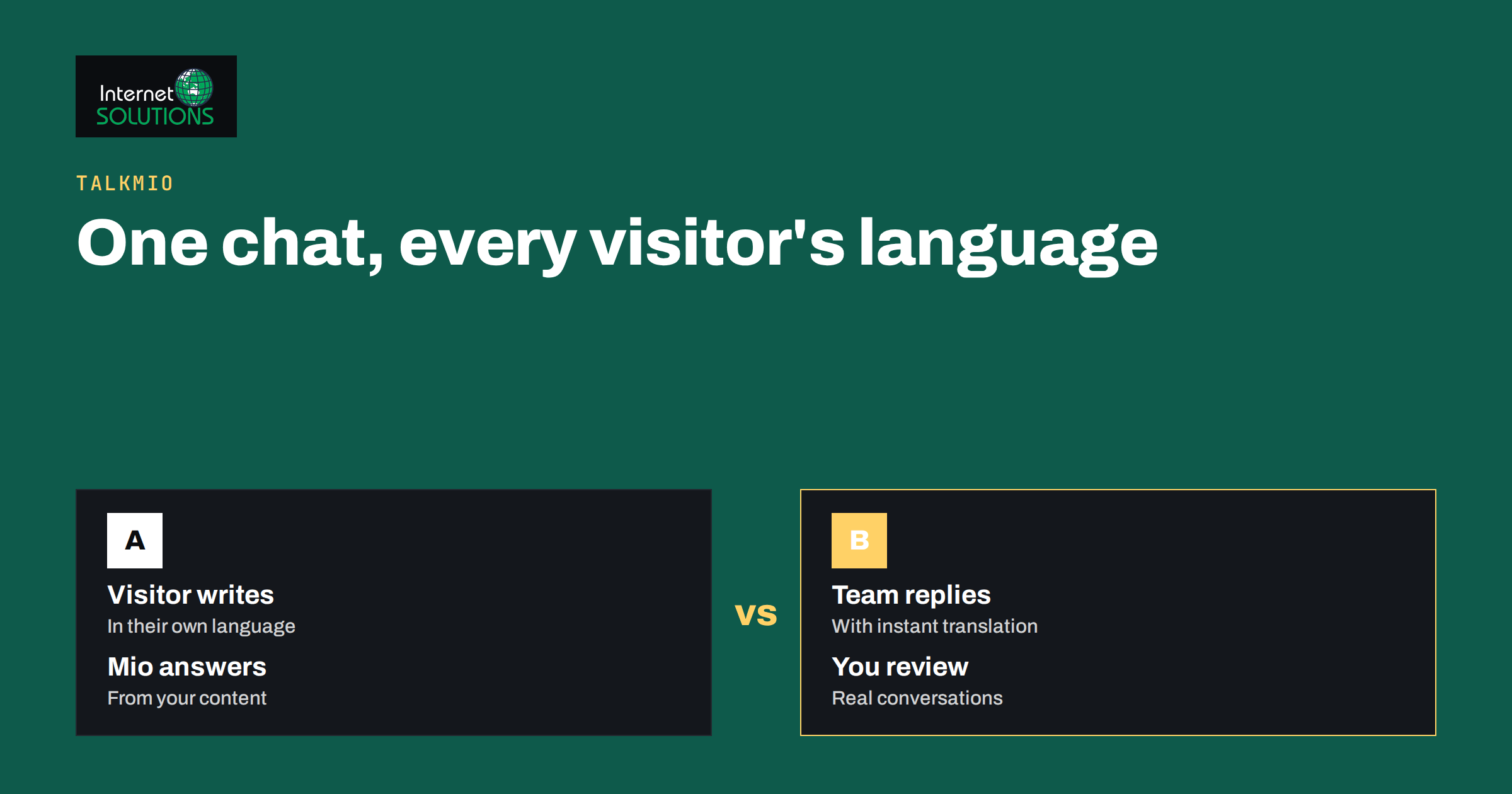
According to the Talkmio product description, Mio, the assistant, answers visitors in their language and supports more than thirty languages. It is trained on your pages, your questions and answers and the documents you upload, it does not invent prices or policies, and it hands the conversation to your team when a person is needed. Your team can take over any conversation with its full history, use AI-suggested replies and read and write with instant translation, so an agent does not have to speak the visitor’s language to help.
These features cover two separate jobs. The first is the first answer: the visitor asks a question, and Mio replies in the visitor’s language, using what you taught it. The second is the human handover: an agent sees the conversation, can translate it into their own language, replies in their own language and the reply reaches the visitor in theirs. Both jobs depend on the quality of your source content, which is why the next section matters.
| Situation | Who answers | What helps |
|---|---|---|
| Common question, answer exists in your content | Mio, in the visitor’s language | Clear, current knowledge base content |
| Question not covered by your content | Mio hands off to your team | A short handover message and notification to an agent |
| Agent does not speak the visitor’s language | Agent, using translation in the inbox | Instant translation of the conversation and replies |
| Sensitive topic such as a legal or billing dispute | A human agent, ideally a speaker of the language | Clear rules for when AI should not answer |
| Out of office hours | Mio first, human follow-up later | An expectation message and a way to leave contact details |
Prepare Your Content Before You Switch Languages On
An assistant can only be as good as the information it works from. Before you open the chat to many languages, review the content you give Mio. Make sure prices, delivery times, opening hours, return conditions and contact details are correct and current. Remove outdated pages and contradictory statements, because the assistant will repeat whatever it finds.
Write source content in clear, plain language. Short sentences, concrete numbers and consistent names for products and services translate far better than long, idiomatic marketing prose. Avoid jokes, slang and cultural references that do not travel. Where a term must stay in its original form, such as a product name, say so. If you have a glossary of key terms, add it to the knowledge base as a short page.
Decide which language your source content is written in. Many companies write in one main language and rely on the assistant to answer in others. That works well for questions that map directly to the content, but you should test it with real questions in the languages that matter to you. If an important market justifies it, add pages or answers written natively in that language, especially for prices, legal terms and delivery rules.
Test in the Languages Your Customers Use
Do not guess; test. Make a list of the twenty questions customers ask most, from “Do you deliver to my country?” to “How do I return an item?”, and ask each in each target language. If you do not speak the language, ask a colleague, a friend or a native-speaking contractor to review the replies. Check that numbers, currencies, dates and names appear correctly, and that the tone is polite and natural for the culture.
Record problems and fix their sources. If the assistant gives a wrong delivery time, the cause is often an out-of-date or ambiguous source page. If it mishandles a product name, add a note or a Q&A that spells it out. If the answer is correct but sounds stiff, consider whether the source text itself is stiff. Repeat the test after changes and again every few months.
Also test the handover. Ask a question the assistant should not answer, such as a request about an individual order or a complaint, and check that the visitor is told a person will help and that your team receives the conversation with the history. A good handover is more valuable in a foreign language than in the home language, because the visitor has less patience for repeating themselves.
Help Your Team Work Across Languages
With instant translation in the inbox, an agent can read a message in an unfamiliar language and reply in their own, with the visitor seeing the reply in theirs. This works best when agents follow a few habits. Write short, clear sentences without idioms. Avoid humour and abbreviations. Use quick replies for standard answers so that they are consistent and tested. Check names, numbers and links before sending, because errors in those cannot be recovered by tone.
AI-suggested replies can save time, but they are suggestions, not decisions. An agent should read each draft, adjust it to the situation and remove anything that the business cannot promise. For sensitive messages, consider having a native speaker or a trusted translation service review the reply before it is sent. Keep a short internal note on the conversation so that a colleague can pick up where you left off.
Talkmio’s inbox features, such as quick replies, internal notes and conversation history, make this routine easier, and our guide to the Talkmio inbox workflow shows how to set them up. Decide who handles which languages and what happens when nobody is available, so that visitors are never left without a clear next step.
Know the Limits of Machine Translation
Translation technology is good and improving, but it is not perfect. It can mistranslate technical terms, miss tone, handle names badly and blur the difference between formal and informal address. Mistakes are more likely in less common languages, specialised vocabulary and short, ambiguous messages. Treat the assistant as a fast, capable first responder, not as a certified translator.
Set rules for high-stakes topics. Legal terms, contract conditions, health or safety information, refunds and complaints should not rest on an unchecked automatic translation. Decide which topics go straight to a person, and write them into your chat rules. Where precision matters, such as a price or a delivery deadline, make the answer short and quote the exact figure from your own page.
Be open with customers. A short note that replies may be translated automatically, and an easy way to ask for a person, builds trust and sets realistic expectations. People are generally forgiving of small language slips when they get a helpful answer quickly, and much less forgiving of confident wrong information.
Keep Your Website and Chat Consistent
Live chat is one part of a multilingual experience, and the rest of your site should support it. If your site offers several languages, make sure the chat widget appears on each of them, and that the greeting and any buttons match the page language. Proper language declarations in the page code, as explained in the W3C guidance on language declarations, help browsers and tools treat each page correctly.
Keep the content of different language versions aligned. If the English page says delivery takes two days and the German page says four, the assistant and your customers will notice. Google’s documentation on localized versions of your pages and our guide to international SEO and hreflang explain how to structure multilingual sites so that search engines and visitors reach the right version.
Think about the whole path, not only the chat window. Visitors who start a conversation in their language expect forms, emails and receipts in that language too. Where you cannot offer that, say so clearly and offer an alternative, rather than switching language without warning.
Respect Privacy and Local Rules
Chat conversations contain personal data, and customers in different countries may be protected by different laws. Tell visitors what you collect and why, link to your privacy information from the chat, and avoid asking for more than you need. Do not ask visitors to send sensitive details such as full payment card numbers or identity documents in chat. Our guide to live chat and GDPR explains how to handle conversation data responsibly.
Check any local requirements for the markets you serve, for example rules on consumer information, languages for contracts or complaints procedures. Chat does not change what the law expects of your business, and a polite chat answer cannot replace required formal information. When in doubt, point visitors to the correct page or to a person who can help.
Measure What Multilingual Chat Achieves
Define success before you start. Useful measures include the number of conversations by language, the share that the assistant solves without a human, first-reply time, visitor ratings and, for sales sites, the number of conversations that lead to a purchase or an enquiry. Talkmio’s reports cover conversations per day, how much Mio solves alone, first-reply time and ratings, which gives a base to compare languages.
Read a sample of conversations in each language every month, or ask a native speaker to do so. Numbers show how many chats happened, but only the text shows whether the answers were right and the tone was good. Look for repeated questions that the assistant could not answer, and add them to the knowledge base. Look for complaints about misunderstanding, and trace each one to its source.
Use the findings to decide where to invest. If a language produces many conversations and good results, consider adding native-written content or a team member who speaks it. If a language produces few conversations, you may not need more than the current setup. The aim is to put human effort where it creates most value.
A Simple Rollout Plan
Start with your two or three most important languages. Review and clean the source content, add a short glossary and test the top twenty questions in each language. Set the rules for handover and for topics that always go to a person. Brief your team on translation habits and on how to use quick replies and internal notes.
Launch quietly, perhaps on a limited set of pages, and review conversations weekly for the first month. Fix wrong or awkward answers at the source, and add missing questions. When quality is stable, extend to more languages and more pages. Keep a regular review in the calendar so that the setup does not decay as your products and prices change.
Frequently Asked Questions
Does Talkmio really answer in the visitor’s language?
The product description states that Mio answers visitors in their language and supports more than thirty languages. Test the languages that matter to you with real questions before relying on them, and review the replies with a native speaker.
Do my agents need to speak every language?
No. The inbox offers instant translation, so an agent can read and reply in their own language. For sensitive or complex topics, it is still wise to involve a native speaker or a trusted translator.
Which language should my knowledge base be written in?
Write it clearly in the language your team knows best, and test answers in other languages. For important markets, add native-written pages for prices, delivery, returns and legal terms.
Can the assistant make mistakes in translation?
Yes, as any machine translation can. Keep source text plain, quote exact figures from your own pages, send high-stakes topics to a person and review conversations regularly to find and fix errors.
How do I know which languages to support first?
Look at your visitor countries in analytics, the languages of your support emails and the markets you want to grow. Start with the languages that already generate questions or revenue.
Is multilingual chat compatible with GDPR?
It can be, if you handle the data responsibly: explain what you collect, link to your privacy information, collect only what you need and avoid sensitive details in chat. Check requirements in each market you serve.
The Bottom Line
Multilingual live chat is about making visitors feel understood. Talkmio can answer in the language of the visitor, from content you control, and let your team reply through translation. The quality depends on your preparation: clean, plain source content, tests in real languages, clear rules for handover and a habit of reading real conversations. Start with a few languages, fix problems at the source and expand when quality is stable. The reward is fewer lost enquiries and customers who feel welcome from the first message.