

 English
 Lietuvių
 Latviešu
 Eesti
 Русский
 Polski
 Українська
 Deutsch
 Italiano
 Español
 Français
 Português
 Čeština
 Magyar
 Română
 Ελληνικά
 Türkçe
 日本語
 العربية
 हिन्दी
 Bahasa Indonesia
 Bahasa Melayu
 ไทย
 Tiếng Việt
 বাংলা
PostRSS for Professional Services: Law, Tax and Consulting
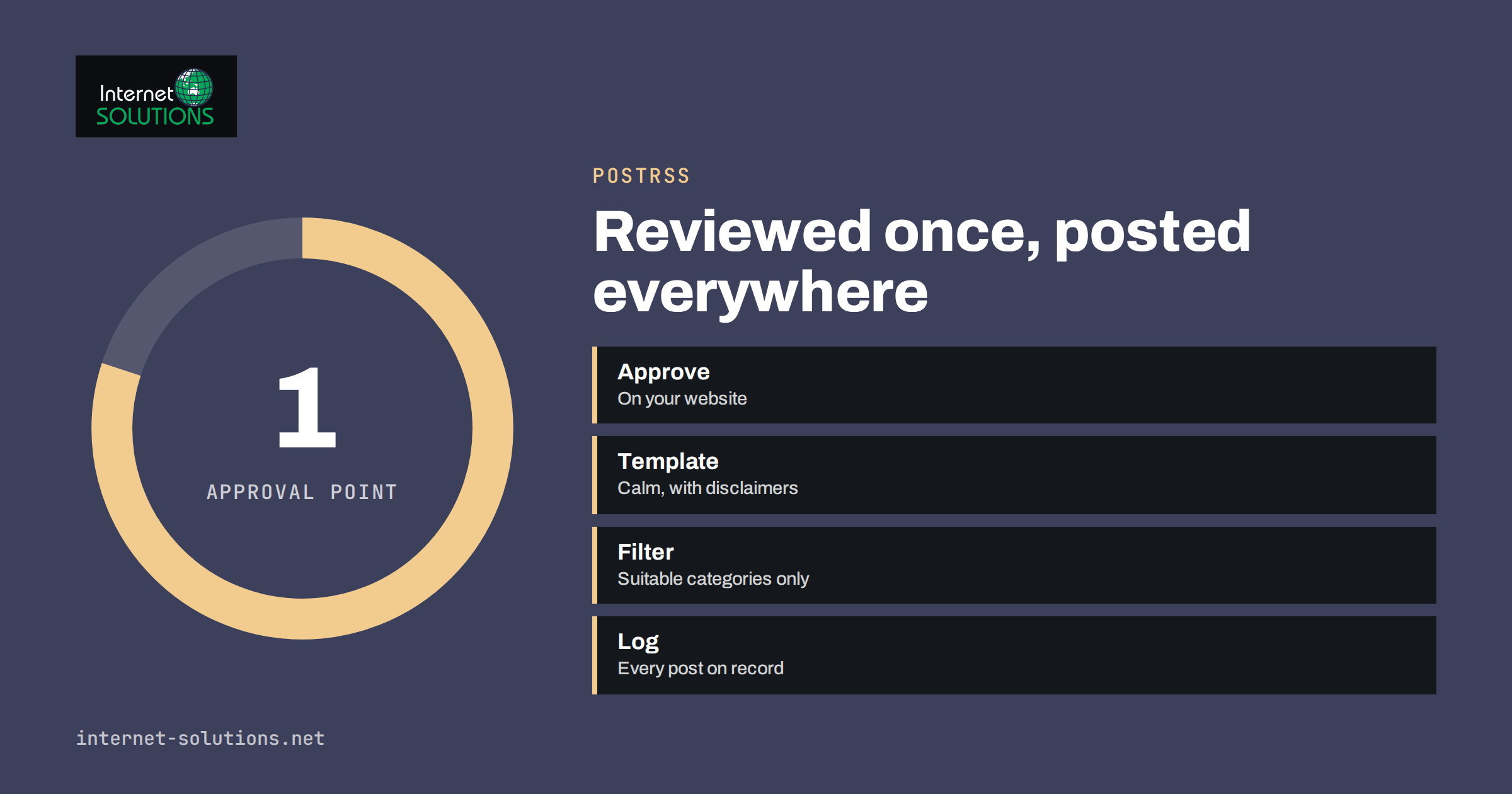
PostRSS for professional services firms deals with a particular tension. Law practices, accountancies, tax advisers, architects, engineers and consultancies publish useful articles, guides and news on their websites, and they know that the same material would reach more people on LinkedIn, Facebook and other networks. At the same time, their reputation rests on accuracy, confidentiality and compliance with the rules of a professional body, and a careless post can do more harm than a silent social media account. The usual result is a compromise nobody likes: the website is updated, the social profiles are neglected, and the occasional post is written in a rush by whoever has ten minutes.
PostRSS can resolve that tension, because it reads the feed that your website already produces and publishes each new item to your networks with an image, a caption template and a link back to the full article. Nothing is posted unless it has first been published on your website, which means the website’s normal review process becomes the control point. This article explains how law, accounting, consulting and similar firms can set this up responsibly, what to publish and what to keep out, how to write templates that fit regulated work, and how to measure whether the stream brings enquiries. It sticks to features described on the PostRSS site: feeds, CSV uploads, images, templates, filters, schedules, evergreen republishing, tracked links and a posting log. It is not legal or professional advice.
Why a Feed Suits Professional Firms
A feed-driven workflow fits professional services for four reasons.
- One approval point. Every article goes through the firm’s usual review before it appears on the website. PostRSS then posts what has been approved, using the text of the article and a template you wrote once. There is no second, informal channel where unreviewed statements slip out.
- Consistency. The wording around each link is fixed by the template, so the firm’s tone and disclaimers appear on every post without anyone having to remember them.
- A durable record. The website is the source of truth, and PostRSS keeps a log of what was posted, where and when, which helps if a regulator or a client asks.
- Time saved on the repetitive part. Partners and associates write the article once. They do not rewrite it five times for five networks.
The trade-off is discipline at the source. The title, the summary and the featured image of each website article become the post, so they must be accurate, and suitable for a public audience on their own.
Know Your Professional Rules First
Professional advertising and communication rules differ by country and by profession. Lawyers, accountants, auditors, financial advisers, architects and others may be restricted in how they describe results, compare themselves with competitors, use client names, solicit work or use words such as “specialist” and “expert”. Some rules apply to social media explicitly. Before you automate anything, read the rules of your own regulator or professional body. In Europe, for example, the Council of Bars and Law Societies of Europe is a starting point for lawyers, and for accountants, the International Federation of Accountants links to national bodies. The final authority is always your national regulator and your own compliance officer.
As a general principle, automation does not change the rules. A post is an advertisement or a communication in the same way as any other, and the firm remains responsible for it. That is why the setup below focuses on control.
What to Publish, and What to Keep Out
| Content | Suitability for automatic posting | Notes |
|---|---|---|
| Explanatory guides on laws, rules and processes | High | Include a date and a note that it is general information |
| News about regulatory changes | High | Check accuracy and update or remove when the rules change |
| Checklists and templates | High | Make clear they are not individual advice |
| Firm news, new hires, events and webinars | High | Check consent for names and photos |
| Commentary on current events | Medium | Review for tone and for any statements about named parties |
| Case results and client wins | Low | Often restricted; needs client consent and rule checks |
| Anything about a named client or matter | Not suitable | Confidentiality and privilege |
| Fee offers and promotions | Medium | Subject to advertising rules in many professions |
Because PostRSS can post from a specific category or tag of your website, you can keep the stream limited to the safe types and leave everything else out. A “Guides” category and a “News” category might be connected, while “Case results” stays off the feed. If your website has a mix of content, our article on keyword filters and hashtags explains how to control what goes to which channel.
Setting Up the Workflow
- Define who approves what. Name the person responsible for each type of article, and require that approval happens before the status changes to published. The feed contains only published content, so this is your gate.
- Prepare the feed. Use the RSS or Atom feed of the relevant categories. If your site uses WordPress, the PostRSS plugin can publish from the admin without feed addresses, as described in our article on the PostRSS WordPress plugin.
- Choose the networks. A company page on a professional network is the obvious first choice, and a business page on a general network can follow. Be selective: quality of presence matters more than the number of networks. PostRSS supports many networks, and availability depends on the plan, so check the current list on its site.
- Write the templates. Use the title, a short summary and the link, plus fixed words that carry your tone and any required wording.
- Choose the schedule. Spread posts during working hours, and avoid late-night posting that looks automated. PostRSS can post immediately, at chosen hours or spread through the day.
- Test on a private or low-stakes target first. Publish a test article, and check how each network displays the image, the title and the link.
- Review the log weekly. The posting log shows each post, error and retry in one place. Our guide to posting history and auditing explains how to use it as a record.
Templates That Suit Regulated Work
A professional caption should be calm, specific and useful. A reliable pattern is one line that states what the reader will learn, one line of context and the link. For example: “New guide: what changes for small businesses when the reporting thresholds are updated. General information, not advice. Read the guide:” followed by the link. You can add a standard closing phrase such as “General information only” where your rules call for it. Avoid superlatives, promises of outcomes and phrases that imply a guaranteed result.
Keep hashtags to a few that describe the topic. Avoid tagging individuals or clients unless they have agreed. If your firm uses different tones on different networks, create separate targets and templates, so that a formal note for one audience is not posted unchanged to another. The article on PostRSS message formats describes the available fields.
Images and People
The featured image of each article becomes the picture of the post, and PostRSS carries it from your feed. Professional firms often default to stock photographs of handshakes and skylines, which look like every other firm. Better choices are simple, branded graphics with the article’s topic, a diagram, a photograph of the author or a clear illustration. Avoid showing client documents, screens with personal data or identifiable people without permission. Remove location and camera metadata from photographs. Authors’ names and short bios on the articles build trust, because readers see who is speaking.
Evergreen Guides and Corrections
Professional content ages, and wrong information is worse than none. PostRSS can republish evergreen articles on a schedule, which is useful for guides that remain valid, such as a checklist for starting a company or a guide to a process. Only mark articles as evergreen when you commit to reviewing them periodically. Add a “last reviewed” date on the page, and remove an article from the evergreen list as soon as the rules change. If an error appears in a published article, correct the article and note the correction, and consider whether the social posts that carry the old summary need attention on the networks themselves. Our article on evergreen content recycling explains how to avoid repetition.
Measuring What Matters
For professional services, the goal is rarely a high number of likes. It is a steady flow of the right people reading the firm’s work and a few of them making contact. PostRSS adds campaign tags to links automatically, so analytics can show which network and which article brought a visitor. Track visits to the articles, visits that continue to a service or contact page, and enquiries that mention the article or arrive after reading it. Look at the network where senior decision-makers are active, and judge by quality, not volume. Review once a month, expand the topics that bring serious enquiries and reduce those that only attract casual attention. Check engagement to find questions that deserve a new article, and make sure that someone replies to comments promptly, since automation publishes but people converse.
A Worked Example
A small accounting firm with six staff publishes two articles a month on its website: a guide for small businesses on a tax or reporting topic, and a news note when a deadline or rule changes. The partners approve every article before publishing. The firm connects the “Guides” and “News” categories to PostRSS, with a company page on a professional network and a business page on a general network.
The template uses the article title, one sentence of summary and the link, followed by “General information, not individual advice.” Posts go out at nine or ten in the morning on working days. The firm marks three timeless guides as evergreen, and schedules a quarterly review of each. Case results and client stories are not in the feed, and the one webinar announcement is posted by hand after a compliance check. After six months, the analytics show that the guide on invoicing rules brings most visits, and that three new clients mention reading it. The partners spend about fifteen minutes a month on social media, mostly reading comments, and the firm now has a consistent public voice instead of an occasional rush post.
Common Mistakes
- Feeding every website category into social networks, including content that should not be advertised that way.
- Failing to check the professional rules for advertising and social media.
- Using headlines that overpromise, such as “guaranteed” results.
- Marking outdated articles as evergreen.
- Posting about named clients or matters.
- Ignoring comments and questions that follow posts.
- Choosing too many networks and then letting them go stale.
Frequently Asked Questions
Can automatic posting comply with professional advertising rules?
The rules apply to the content, not to the method. If the articles and templates comply, and every article is approved before publication, automatic posting can fit within them. Confirm with your regulator or compliance officer.
Can I post only some articles?
Yes. Connect specific categories or tags, or use filters, so that only suitable content is posted. Everything else stays on the website only.
What about comments and messages on the networks?
People should handle them. Decide who monitors the accounts and how quickly they reply. Do not give individual advice in public comments, and move conversations to a proper channel.
Is there a way to try it without commitment?
PostRSS offers a free plan with one target and ten posts a month, with no card needed, which is enough to test with one network.
Will the posts look automated?
They look consistent, which suits professional work. Good titles, a clear summary, a relevant image and occasional personal posts from partners keep the presence human.
How can I learn more about the tool?
Visit the PostRSS page for features, plans and the list of supported networks.
The Bottom Line
For law, accounting, consulting and similar firms, PostRSS turns the website into the single, reviewed source for social posts. Publish only suitable categories, approve each article before it goes live, write calm templates with any required wording, choose a few networks, review the posting log and measure enquiries, not likes. Check your professional rules first, keep client matters out of the feed and keep evergreen guides under regular review. The result is a consistent public presence that costs minutes, not hours, and does not compromise the standards your clients expect.