

 English
 Lietuvių
 Latviešu
 Eesti
 Русский
 Polski
 Українська
 Deutsch
 Italiano
 Español
 Français
 Português
 Čeština
 Magyar
 Română
 Ελληνικά
 Türkçe
 日本語
 العربية
 हिन्दी
 Bahasa Indonesia
 Bahasa Melayu
 ไทย
 Tiếng Việt
 বাংলা
PostRSS Free Plan: A 30-Day Test With One Target and Ten Posts
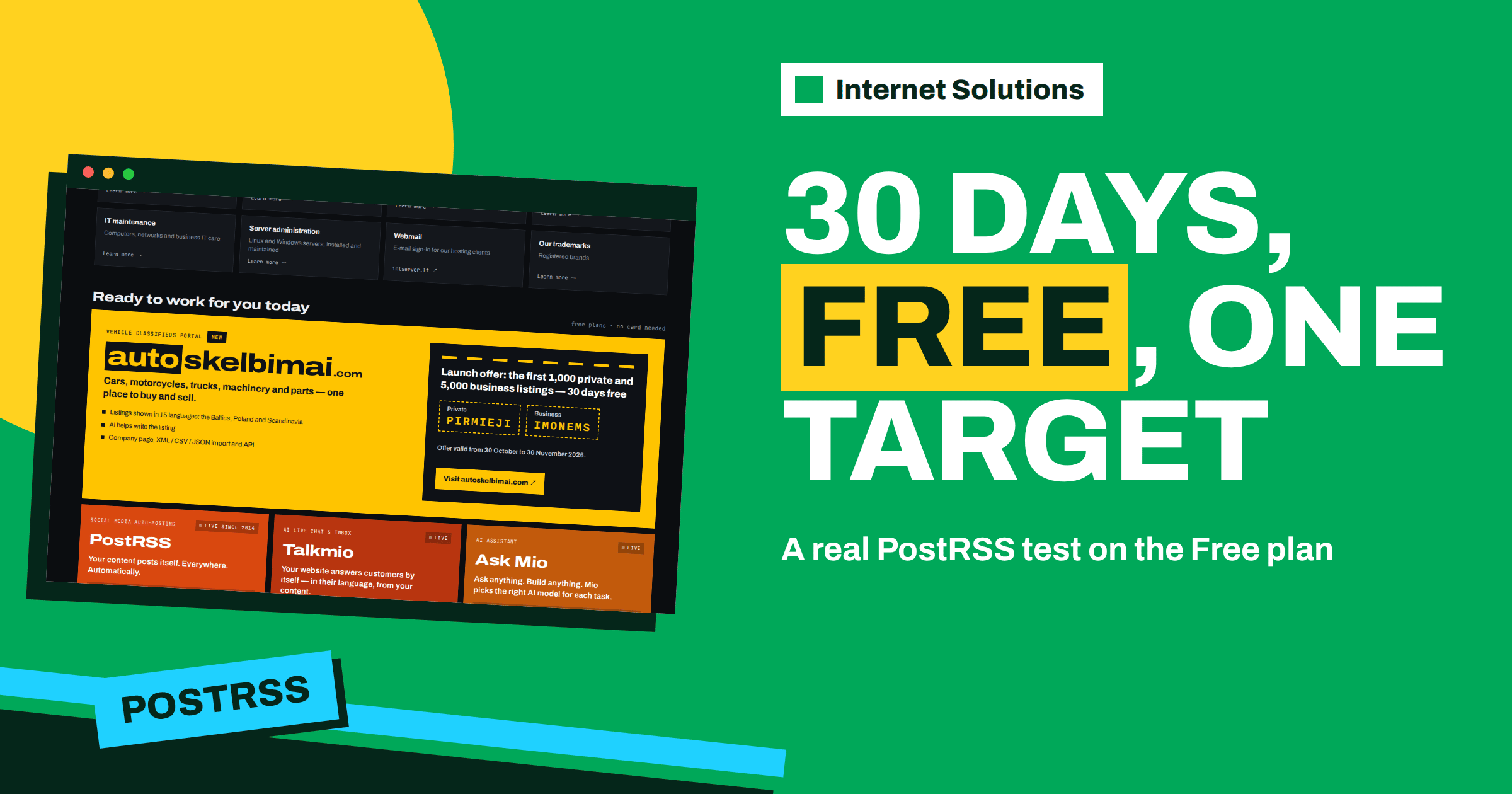
The PostRSS free plan is the easiest way to find out whether automatic social posting fits the way you publish. It costs nothing, asks for no card, and gives you one connected target and ten posts a month. Ten posts sounds small, and it is, but a month is long enough to learn the three things that matter before you pay for anything: whether your feed produces good posts, whether the network you chose brings visitors, and how many posts a month you really need. This guide shows how to turn the free allowance into a proper 30-day test.
PostRSS is a software product built and run by Internet Solutions, the same team behind this website. It reads an RSS or Atom feed and publishes each new item to the social networks you connect. You can read the product overview on the PostRSS page; this article is about getting the most from the free plan specifically.
What the free plan includes
At the time of writing, the pricing page lists the Free plan as follows. Limits can change, so always check postrss.com/pricing for the current numbers before you rely on them.
| Item | Free plan |
|---|---|
| Price | $0 per month, no card needed |
| Posts per month | 10 |
| Targets | 1 |
| Posts per target | 10 |
| Networks available | 4: a Facebook Page, a Telegram channel, Bluesky or Mastodon |
| Support | E-mail and chat |
Two definitions explain the numbers. A target is one connected destination: a Facebook Page, a Telegram channel or any other account or channel you post to. A post is one item published to one target. If one article went to three targets, it would use three posts from the monthly allowance. On the free plan there is only one target, so each new article from your feed uses exactly one of your ten posts.
Why a 30-day test beats a quick look
Most people open a new tool, connect an account, see one post go out and decide whether they like it. That tells you almost nothing. Social posting is a rhythm, not a single event. In thirty days you see how often your feed produces new items, how the posts look next to your usual content, whether the audience on the chosen network reacts, and whether the work saved is real.
The free plan is well suited to this because the limit forces discipline. With only ten posts, you cannot post everything, so you decide what is worth posting. That decision is useful information for any later plan.
Step 1: Choose the one target that matters most
The Free plan lets you connect one target from four networks. The choice is the most important decision of the test, so make it on purpose.
- Facebook Page: best if your customers are already following your business on Facebook. PostRSS posts to Pages only; Facebook Groups and personal profiles cannot be automated, because Meta closed that publishing API in April 2024.
- Telegram channel: best for news-like content and audiences who prefer messengers. Posts arrive as channel messages with the link and image.
- Bluesky: a good fit if your audience includes technical readers, writers or journalists who moved there.
- Mastodon: useful for open-source, privacy-minded and community audiences.
Pick the place where your readers are, not the place you find most convenient. If you are unsure, choose the network where you already get some reaction when you post by hand. A test on a network with no audience measures nothing.
Step 2: Pick the feed and check what it will send
PostRSS watches an RSS 2.0 or Atom feed (the format is described by the RSS Advisory Board), and most blogs, shops and news sites already have one. Before you connect it, open the feed address in a browser and look at the last five items. Ask three questions:
- Do the titles read well on their own, outside the context of your site?
- Does every item have an image, either in the feed or in the page’s Open Graph tags? PostRSS takes the picture from the feed item or from the page’s Open Graph tags, so a post can carry the real image.
- Does the feed contain only items you want to share? If it mixes news, product updates and internal notes, plan to use a keyword filter.
If you do not know your feed address, our guide to finding your RSS feed URL covers the common platforms. When the feed is a bit messy, the article on keyword filters and hashtags shows how to post only what fits.
Step 3: Decide how old items are handled
By default, PostRSS posts only new items. It can also catch up older items if you set a date to post from. On a free plan with ten posts a month, switching on catch-up for a blog with hundreds of old articles would use the allowance in minutes of review and leave nothing for new content. For the test, leave older items alone and let the plan work on what you publish during the month.
If you do want to try the old-content question later, the explanation in our guide on old feed items describes what gets posted and what waits.
Step 4: Set the template before the first post
Each post is built from the item title, the item description, the page title or your own static text. PostRSS offers nine combinations. The default may be fine, but a ten-post test deserves a deliberate choice, because you do not have posts to waste on a poor template.
Some practical guidance:
- Use the item title alone when titles are already specific and complete sentences.
- Add the description when titles are short or when the summary adds a reason to click.
- Add static text, such as a one-line call to action, only if it will not look repetitive across ten posts.
- Add a UTM parameter to every link, for example
utm_source=postrss, so your analytics shows what the network brought. The guide on UTM parameters for auto-posted traffic has examples.
Our article on message formats compares the combinations in more detail.
Step 5: Plan the ten posts
The allowance is ten per month, and a post is counted whenever an item is published. So the plan has to match your publishing frequency. Here is how it works out for typical publishers:
| You publish | Posts used in a month | What it means for the test |
|---|---|---|
| 1 article a week | About 4 to 5 | The free plan covers the month with room to spare |
| 2 articles a week | About 8 to 9 | Fits, but there is little margin |
| Daily | About 30 | The allowance ends after about ten days |
| Irregularly, in bursts | Varies | Use filters so the best items use the allowance |
If your feed produces more than ten items a month, use the test to learn which type of item deserves the allowance. A keyword filter, for example to include only items with “guide” or “case study” in the title, lets you test one kind of content at a time. At the end of the month you can compare results and choose a plan that fits your actual volume.
Step 6: Measure what happened
A test without measurement is only an experiment you cannot read. Keep a simple sheet with one row per post and these columns:
- Date and time of the post.
- Article title.
- Reactions or comments on the network.
- Visits from your analytics, using the UTM parameter you added.
- Any problem, such as a wrong image or a cut-off title.
PostRSS also keeps a posting history that shows what was posted, where and when, with links to every post. That history is the audit trail for the test; the guide on posting history describes how to read it. Compare it with your sheet at the end of the month.
Questions the sheet should answer
- Did posts with an image get more reaction than posts without?
- Which kind of article brought the most visits?
- Did the posting time matter? On the free plan you will not have exact time windows, but you can still see whether morning or evening posts did better in the history.
- How much time did you save compared with posting by hand?
What the free plan does not include
The free plan is a real, working plan, but it has deliberate limits. Knowing them in advance prevents disappointment:
- Only one target, so a second Page or channel needs a paid plan.
- Only four networks. The wider list, including LinkedIn, Pinterest, Threads and many team chats, starts on paid plans.
- CSV file sources are part of Professional and above, as are posting windows and exact times on chosen days, which are paid-plan features.
- Instagram is among the networks still being tested at the time of writing, and Facebook Groups cannot be automated at all.
None of these stops a useful trial. They are simply the next questions to answer if the first month goes well.
When to move to a paid plan
Moving up makes sense when the test shows a clear need rather than just curiosity. Typical signals are:
- You were forced to skip items you wanted to post because the ten posts were used.
- One network showed a good response and you now want to add a second.
- You need a network that is not among the four on the free plan, such as LinkedIn.
- You want to publish a larger volume, or run several feeds.
The Start plan raises the allowance to 500 posts a month and widens the list of networks; the Professional plan adds more targets and further networks; and the Professional Plus plan includes all 66 networks. The pricing page shows prices and limits in full and notes a 20% saving with an annual subscription, so read it directly before you decide. Upgrade or cancel at any time, so a short paid month is also a reasonable next test.
If you run client pages, agencies have their own way of organising accounts, described in our article on PostRSS for agencies.
Common mistakes during a free-plan test
- Connecting the wrong target. Check that the Facebook Page, not a personal profile, is selected.
- Turning on catch-up too early. It can use the allowance before the test starts.
- Judging on one post. Wait for at least five or six posts before drawing conclusions.
- Forgetting the image. Items without an image usually perform worse and look unfinished.
- Not tracking visits. Without a UTM parameter you will only see platform metrics, which show attention but not site traffic.
Frequently Asked Questions
Do I need a card for the PostRSS free plan?
No. The free plan needs no card, and you can upgrade or cancel any time.
What counts as a post on the free plan?
Each item published to one target counts as one post. With one target on the free plan, one new feed item uses one of your ten monthly posts.
Which networks can I use on the free plan?
The free plan posts to one target: a Facebook Page, a Telegram channel, Bluesky or Mastodon.
Do I need to install anything on my website?
No. If your site has an RSS feed, and most do, PostRSS reads it from outside. WordPress, PrestaShop and OpenCart also have official plugins if you prefer them.
Can I post to Facebook Groups?
No. PostRSS posts to Facebook Pages only, because Meta shut down the Facebook Groups publishing API in April 2024.
What happens when the ten posts are used?
The allowance is monthly, so it renews with the new month. If you regularly reach the limit, that is a clear sign to look at a paid plan.
The Bottom Line
The PostRSS free plan is a small but complete trial: one target, ten posts a month, no card. Choose the network where your readers already are, check your feed before you connect it, leave older items alone, set a deliberate template, add a UTM parameter and keep a simple sheet of results. After thirty days you will know whether automatic posting saves you time and whether the audience responds, and you will have the numbers to choose a plan if you decide to grow. You can start from the PostRSS overview and read the live pricing on postrss.com.