

 English
 Lietuvių
 Latviešu
 Eesti
 Русский
 Polski
 Українська
 Deutsch
 Italiano
 Español
 Français
 Português
 Čeština
 Magyar
 Română
 Ελληνικά
 Türkçe
 日本語
 العربية
 हिन्दी
 Bahasa Indonesia
 Bahasa Melayu
 ไทย
 Tiếng Việt
 বাংলা
PostRSS Plans and Networks: Which Plan Includes Which Channels
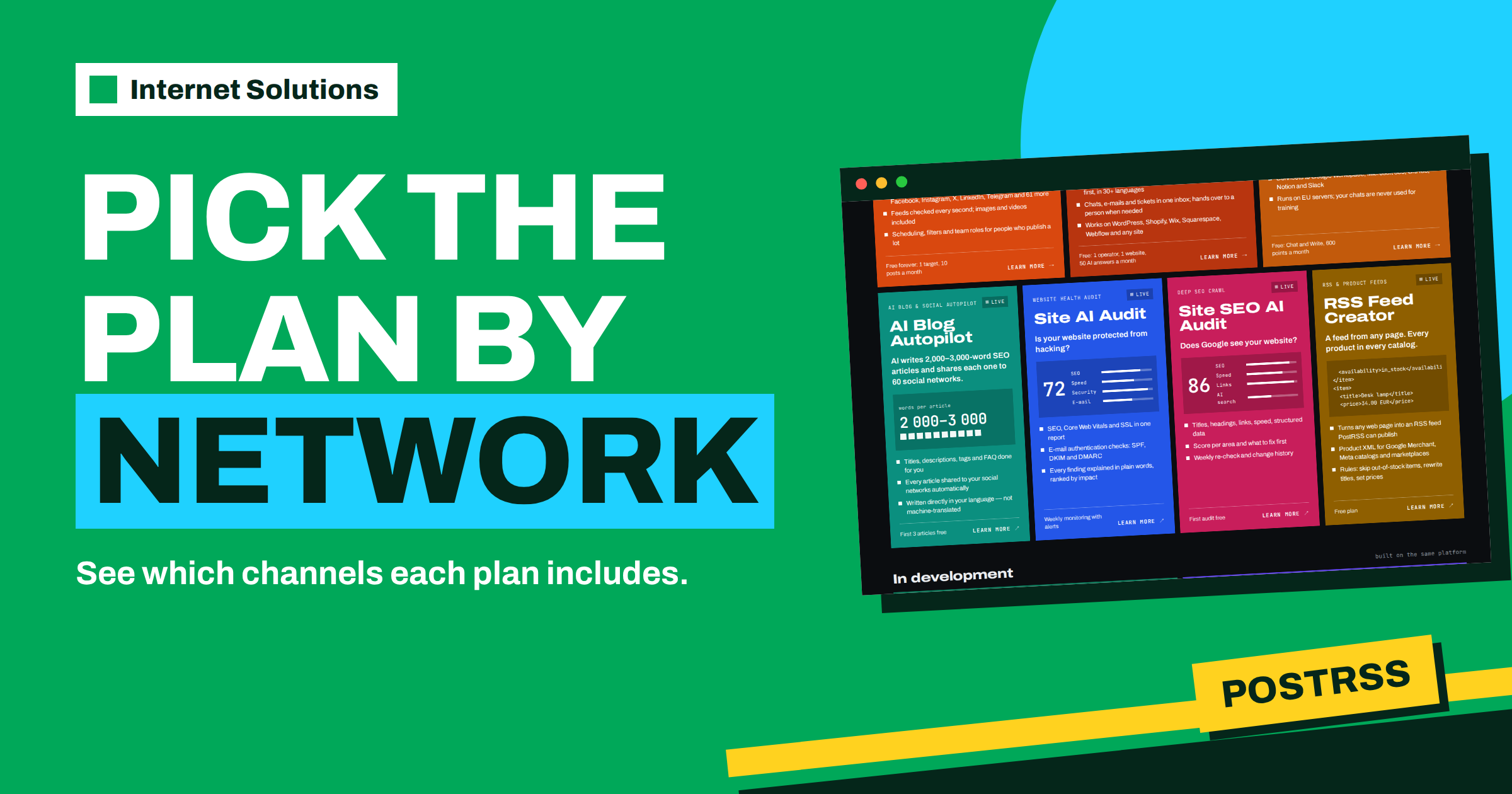
PostRSS plans look like a simple ladder of prices, but the ladder has two rungs that people often miss. The first is volume: how many posts a month and how many social accounts you can connect. The second is reach: which networks each plan includes. A business that only wants its new articles on a Facebook Page and a Telegram channel needs a very different plan from one that wants every article on a dozen channels, including professional networks, forums and team chat. This guide concentrates on the second rung. It shows which channels come with which plan, what the status labels on the pricing page mean, and how to choose a plan from the channels you actually need instead of from the price alone.
PostRSS is the social media auto-posting service that Internet Solutions has run since 2014. You add a target, which is a social account or page, connect a source such as an RSS feed, and new items are posted automatically. You can read about the service on our PostRSS page. All numbers below were taken from the live PostRSS pricing page when this article was written. Plans and networks change, so check the current pricing page before you decide.
Two things every plan has in common
Before the differences, the similarities. Every plan posts automatically, and every plan includes e-mail and chat support. On the personal plans, a feed is checked every five minutes; the larger business plans check every minute. The difference between plans, as the pricing page puts it, is how much and how often you post, and which networks you can use. Those are the two levers we compare here.
The plans at a glance
| Plan | Price per month | Posts per month | Targets | Networks |
|---|---|---|---|---|
| Free | $0 | 10 | 1 | 4 |
| Start | $5 | 500 | 1 | 35 |
| Professional | $10 | 10,000 | 10 | 62 |
| Professional Plus | $20 | 30,000 | 20 | 66 |
| Ultimate | $40 | 125,000 | 50 | 66 |
| Enterprise | $100 | 1,000,000 | 100 | 66 |
The larger Enterprise plans above this follow the same pattern with more targets and posts, and the Professional plan and above add CSV upload. Notice what the table says about networks: the number grows in steps, not smoothly. It jumps from 4 to 35 between Free and Start, from 35 to 62 between Start and Professional, and from 62 to 66 between Professional and Professional Plus. After that, the network list does not grow. From Professional Plus upward, you pay for volume, not for more channels.
Free: the four networks that cost nothing
The Free plan includes one target, ten posts a month, and four networks: a Facebook Page, a Telegram channel, Bluesky and Mastodon. That is a real set of channels, and it is enough for a proper test. The limits are on volume, not on features, which is why the free plan suits a 30-day trial with one target and a small number of posts. Our article on the PostRSS free plan explains how to use that allowance well.
A note about Facebook belongs here. PostRSS posts to Facebook Pages. Personal Facebook profiles cannot be auto-posted to because of Meta’s API rules, and Facebook Groups cannot be auto-posted by any tool since Meta retired the Groups API in April 2024. You can share from your Page to your groups by hand. The article on Facebook Pages and automated publishing goes through what is and is not possible.
Start: from four networks to thirty-five
The Start plan at $5 a month raises the post limit to 500 but keeps a single target. Its main feature is breadth. Compared with Free it adds channels in several families.
- Chat and team messaging: Discord, Matrix, Mattermost, Rocket.Chat, Zulip, Zoom Team Chat, Webex, Pumble, Flock, RingCentral Team Messaging, Zoho Cliq, Twist, Stoat and Chatwork.
- Publishing platforms and blogs: WordPress, Blogger, Ghost, WriteFreely, Telegraph, Micro.blog, Dreamwidth and DEV (Forem).
- Open and federated networks: Misskey, Pixelfed, Nostr and Lemmy.
- Link and reading tools: Tumblr, Instapaper, Readwise Reader, Are.na and Discourse.
- Webhook: a general output that can feed tools such as Slack, Microsoft Teams, Zapier, Make and n8n.
The Start plan suits a company with one main channel but a wish to reach different audiences from the same feed, for example an internal team chat for staff, a community forum for customers and a federated network for a technical audience. It is also the plan to watch if the webhook matters to you, because the webhook turns a new article into input for an automation. Our guide on choosing an auto-posting tool describes how to weigh features, limits and support when comparing tools.
Professional: the professional and regional networks
Professional costs $10 a month and is the plan where the numbers change shape: 10 targets, 10,000 posts per month, a limit of 2,000 posts per target, and 62 networks. It also adds CSV upload as a source. The new networks fall into groups.
- Professional networks: LinkedIn profile, LinkedIn company page, and Microsoft Viva Engage.
- Visual and social networks: Pinterest boards, Threads, Reddit, TikTok and DeviantArt.
- Messaging and regional networks: LINE, Viber, VK, OK.ru, BAND, MAX, Draugiem.lv, Bale, Eitaa and Rubika.
- Asian business chat and blog platforms: Feishu / Lark, DingTalk, WeCom, Hatena Blog, Livedoor Blog, FC2 Blog and Qiita.
- Website platforms and chat: Webflow CMS, Wix Blog and Google Chat.
For most European and North American businesses, the reason to choose Professional is LinkedIn, Pinterest and Threads, together with the multiple targets. Ten targets mean ten connected accounts or pages, which matters to an agency or to a company with several brands. The agency case has its own article: PostRSS for agencies describes how client feeds and pages can be managed in one account. For businesses in Latvia, Eastern Europe or East Asia, the regional networks in this plan may decide the choice by themselves.
What the status labels mean
On the live pricing page some networks carry a label. A label such as “being tested” means a network has been built and assigned to a plan but is waiting for the network’s own approval. At the time of writing, the VK profile, OK.ru and BAND are labelled that way on the Professional plan. Reddit is labelled as temporarily unavailable. TikTok works as a draft that you publish in one tap, according to PostRSS’s own network status note. The practical rule is simple: if a network is the reason you are buying a plan, look at its label first, and do not choose a plan for a network that is not yet live.
Professional Plus: X, Instagram, WeChat and Google Business Profile
Professional Plus costs $20 a month. It brings 20 targets, 30,000 posts per month, 3,000 posts per target and 66 networks, adding four networks to the Professional list: X (Twitter), Instagram, WeChat and Google Business Profile. These are among the most requested names in any conversation about social media automation, so it is worth being precise about them. Instagram and Google Business Profile are labelled as being tested, which means they are built and awaiting the network’s approval, and the label shows on the pricing page. X and WeChat carry no such label at the time of writing. If your decision rests on X, read our article on posting to X with PostRSS, which covers short posts, link cards and a natural posting rhythm.
Because the network list stops growing at this point, the plans above Professional Plus are volume plans. Ultimate at $40 raises the allowance to 125,000 posts a month and 50 targets, with 5,000 posts per target, and adds phone support. The Enterprise plans start at $100 and add feed checks every minute, extra team users, and much larger numbers of targets and posts. A single blog or a single brand will rarely approach those limits, and the right plan is usually the cheapest one that includes your channels.
How to choose a plan from your channels
Work through the following steps, in this order.
- List the channels you want. Write the names, not the categories: “Facebook Page, LinkedIn company page, Telegram channel”.
- Find the cheapest plan that includes all of them. A single channel on the Professional list moves the whole requirement to Professional, even if everything else is on Start.
- Check the status label of each channel. Do not depend on a channel that is being tested or temporarily unavailable for something critical.
- Count your targets. One target is one social account or page. Three brands with Facebook and LinkedIn each means six targets.
- Estimate your posts. Count articles per month multiplied by the channels you post to, since each channel receives its own post.
- Add headroom. A plan that is just big enough will be too small after the next campaign.
Three examples
| Situation | Channels | Plan to look at first |
|---|---|---|
| A local shop with a blog, testing the idea | Facebook Page, Telegram channel | Free, for a 30-day test |
| A software team that wants articles in team chat, a forum and a federated network | Discord, Discourse, Mastodon, Matrix, webhook | Start, at $5 |
| A B2B company that wants articles on LinkedIn and Pinterest from several brands | LinkedIn company pages, Pinterest boards, Threads, Facebook Pages | Professional, with 10 targets |
In each case, the plan follows from the channel list. The shop does not need 35 networks, and the B2B company cannot do its job on Start because LinkedIn is not in that plan.
A word about sources
Plans also touch the source side. In PostRSS a source can be an RSS or Atom feed, a CSV file or a WordPress site. Feeds and WordPress sites are available on every plan, while CSV upload begins with the Professional plan. A CSV source is useful when your content is not a blog at all, for example a list of products, events or offers kept in a spreadsheet. If you only publish a blog with a feed, the source never decides your plan, and the channel list does all the work.
Upgrading later
You do not have to guess perfectly. Start on the plan that covers your first channels, watch what is posted and how it performs, and move up when the evidence says so. Our setup guide from feed to first published post shows how quickly a first result appears, and the posting history in the app shows what went where. If the first target works well, adding a second channel is a decision about plan, not about effort.
Frequently Asked Questions
Which PostRSS plan includes LinkedIn?
LinkedIn profile and LinkedIn company page are included from the Professional plan, at $10 a month, and in every plan above it. The Free and Start plans do not include LinkedIn.
Which networks does the Free plan include?
The Free plan includes four networks: a Facebook Page, a Telegram channel, Bluesky and Mastodon. It allows one target and ten posts a month.
Do bigger plans include more networks?
Up to a point. The number of networks rises from 4 to 35 to 62 to 66 across Free, Start, Professional and Professional Plus. From Professional Plus upward every plan has the same 66 networks, and the higher plans add volume, targets and support instead.
What does “being tested” mean next to a network?
It means the network is built and assigned to a plan but is waiting for the network’s own approval. Check the label on the pricing page before buying a plan for that network.
Can PostRSS post to my personal Facebook profile or to a Facebook Group?
No. Facebook Pages are supported. Personal profiles cannot be auto-posted to under Meta’s API rules, and Meta retired the Groups API in April 2024, so no tool can auto-post to Facebook Groups. You can share from your Page to your groups by hand.
How often is my feed checked?
Every five minutes on the personal plans and every minute on the Enterprise plans, according to the pricing page.
The Bottom Line
Choose a PostRSS plan from your channel list, not from the price list. Free covers four networks for a proper trial. Start opens up chat, blog and federated networks and the webhook. Professional adds LinkedIn, Pinterest, Threads and many regional networks, together with ten targets. Professional Plus adds X, Instagram, WeChat and Google Business Profile, and everything above it is about volume and support. Look at the status label of any network that matters to you, and remember that the pricing page is the source of truth for current limits. If you would like help deciding, or want PostRSS set up as part of a wider marketing plan, the team at Internet Solutions will gladly help.