

 English
 Lietuvių
 Latviešu
 Eesti
Eesti Русский
 Polski
 Українська
 Deutsch
 Italiano
 Español
 Français
 Português
 Čeština
 Magyar
 Română
 Ελληνικά
 Türkçe
 日本語
日本語 العربية
 हिन्दी
 Bahasa Indonesia
 Bahasa Melayu
 ไทย
ไทย Tiếng Việt
 বাংলা
বাংলাSecurity Incident Response Plan for Small Businesses: First 24 Hours
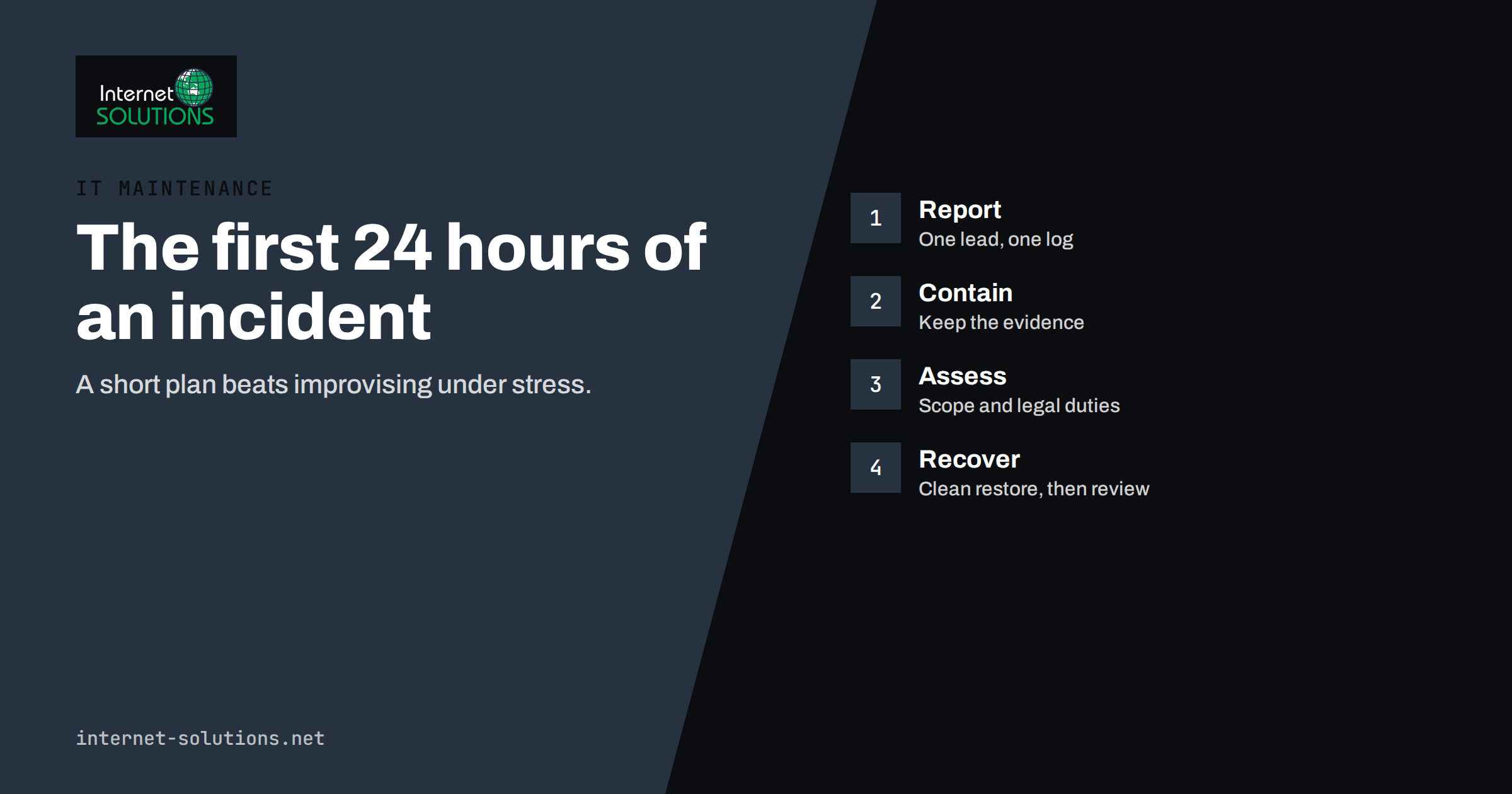
Every business that uses email, cloud services or a website will face a security incident sooner or later. It may be a stolen password, a customer database exposed by a plugin, a laptop left on a train or a ransom note on a file server. What separates a bad day from a business-threatening one is rarely the attack itself. It is how quickly and calmly people respond in the first hours, and whether anybody knows what to do.
An incident response plan is a short document that answers that question in advance. This guide explains what such a plan should contain for a small business, what to do in the first twenty-four hours and how to keep the plan alive. It does not replace professional help for serious breaches, but it will make your response faster and your decisions better. It connects with our guides to ransomware protection and disaster recovery planning.
What Counts as a Security Incident
An incident is any event that threatens the confidentiality, integrity or availability of your data or systems. Small businesses most often meet these types:
- Account compromise: a mailbox, social account, cloud login or admin panel used by someone who should not have access.
- Phishing and fraud: staff tricked into entering credentials, opening malware or paying a fake invoice.
- Malware and ransomware: software that steals, locks or destroys data.
- Website compromise: injected code, defaced pages, spam content or a site flagged as dangerous.
- Lost or stolen devices: laptops, phones or storage with business data.
- Data exposure: files shared publicly by mistake, a misconfigured storage bucket or an email sent to the wrong group.
- Insider mistakes or misuse: accidental deletion, or deliberate misuse by someone with access.
Not every event is an incident. A failed login attempt is routine, while a successful login from an unfamiliar country at night deserves attention. Your plan should say who decides whether something is an incident and how that person can be reached at any time.
The Four Stages of a Response
Most frameworks, including those from the UK National Cyber Security Centre and the US National Institute of Standards and Technology, describe the same cycle in different words. The NCSC’s collection on incident management and NIST’s publication on incident response recommendations are worth reading when you want more depth. In plain terms, the stages are:
- Prepare: the contacts, tools, backups and rules that exist before anything happens.
- Detect and assess: notice something is wrong, confirm it and decide how serious it is.
- Contain, remove and recover: stop the damage, clear the cause and restore normal service.
- Learn: record what happened, fix the weak points and update the plan.
What to Prepare Before Anything Happens
The most valuable work happens on a quiet day. A small business can cover the essentials in an afternoon.
Roles and contacts
Name an incident lead and a deputy. The lead makes decisions and keeps a log; the deputy covers holidays and sickness. List who handles IT, who speaks to customers, who talks to the press if needed and who has authority to spend money on emergency help. Keep a printed or offline copy of phone numbers, because email and shared drives may be unavailable during an incident.
Inventory of what matters
Know your important systems and data: where customer information lives, which accounts have administrator rights, which services handle payments and which suppliers host your website and email. You cannot protect or restore what you have not listed. An up-to-date asset list pays off here, and our guide to uptime, backups and monitoring describes how to keep one.
Backups that actually restore
Backups are the final line of defence. Keep at least one copy that is offline or immutable, so that an attacker or ransomware cannot encrypt it, and test restoring on a schedule. A backup that was never restored is an assumption.
Logging and alerts
Switch on logging for email, cloud storage, firewalls, servers and the website, and keep logs long enough to investigate. Logs that are deleted after a few days make it impossible to say what the attacker accessed.
External help
Decide in advance whom you will call: your IT provider, your cyber insurer’s helpline, a forensic specialist, your lawyer and, where relevant, your bank and payment provider. Check what your insurance policy requires, since some policies demand notification within a short period or the use of approved responders.
The First Hour: Stay Calm and Contain
When something looks wrong, people tend to act fast and in different directions. The plan should slow that down just enough to avoid making things worse.
- Tell the incident lead. One person coordinates. Everyone else reports what they see and does not improvise.
- Write down the facts. Time, who noticed, what was seen, which system, any messages on screen. Start a log and keep adding to it.
- Contain without destroying evidence. Disconnect an infected computer from the network by unplugging the cable or disabling Wi-Fi, but do not switch it off or wipe it unless advised, since memory and files may contain evidence.
- Change credentials from a clean device. If an account may be compromised, reset the password and sign out all sessions from a device you trust, and review forwarding rules and recent activity.
- Isolate affected systems. Block the compromised account, disable the affected server’s network access or put the website into maintenance mode if it is serving harmful content.
- Do not pay or negotiate yet. If it is ransomware or extortion, do not contact the attacker before you have taken advice.
Avoid deleting anything that may be evidence, and avoid announcing details to the wider team until you know what happened. Rumours spread faster than facts.
Hours Two to Eight: Assess and Understand
Once the immediate danger is limited, work out the scope. Questions to answer:
- What exactly was affected: accounts, devices, servers, websites or data stores?
- What type of data is involved, and does it include personal information, payment details or confidential contracts?
- How did the attacker get in: a phished password, an unpatched system, a stolen device?
- Is the attacker still present, and can you see signs of other compromised accounts?
- Is the business still able to operate, and which services must be restored first?
Check sign-in logs, mail rules, recent file changes and security alerts. Look for common persistence tricks: new administrator accounts, new forwarding rules, unknown scheduled tasks and unfamiliar plugins on the website. If you cannot answer these questions confidently, bring in specialist help now, rather than after another day of uncertainty.
Classify the incident by impact, for example low, medium or high, so that your response matches the problem. A single phishing email that nobody clicked is a lesson; a compromised admin account with access to customer data is an emergency.
Hours Eight to Twenty-Four: Recover and Communicate
Remove the cause and restore carefully
Remove malware or unauthorised access, close the entry point and rebuild from known-good sources. For a compromised server, rebuilding from a clean image or restoring from a backup taken before the incident is usually safer than trying to clean it. Check the backup is clean before you restore, and patch the vulnerability before reconnecting the system.
For websites, a defaced or infected site needs the same discipline: restore clean files, update the platform and plugins, change all passwords and keys, remove unknown users and check for backdoors. Our article on website malware and blacklisting lists the steps in detail.
Decide who must be told
Legal duties differ by country and by the kind of data involved. In the European Union and the United Kingdom, a personal data breach that is likely to risk people’s rights and freedoms must be reported to the supervisory authority within seventy-two hours of becoming aware of it, and affected individuals may need to be informed without undue delay when the risk is high. Other regions have their own rules, and contracts with customers, banks or insurers may add duties. The plan should state who decides, which regulator and which contractual contacts apply, and where the template notices are kept. Take legal advice if you are unsure.
Communicate clearly
Prepare short, factual messages for staff, customers and partners: what happened, what data may be affected, what you are doing and what they should do, such as change a password or watch for suspicious messages. Avoid speculation and avoid blaming individuals. If customers might receive phishing messages that use leaked information, warn them early. A single, consistent spokesperson prevents contradictory statements.
Learn From the Incident
Within two weeks of recovery, hold a review without blame. Go through the log and ask what worked, what was slow and what was missing. Typical findings are simple: no one knew the lead’s phone number, backups were older than believed, multi-factor authentication was missing on one account, or a supplier could not be reached after hours.
Record specific corrective actions, each with an owner and a date, for example enabling multi-factor authentication everywhere, shortening patch times, adding a log source or running a phishing exercise. Update the plan, the contact list and the asset inventory. Small improvements after each incident build resilience, and staff training such as our advice on phishing awareness for small teams addresses the most common cause.
A One-Page Plan Template
| Section | What to write |
|---|---|
| Purpose and scope | Which systems, people and locations the plan covers |
| Roles | Incident lead, deputy, IT contact, communications lead, legal contact, with phone numbers |
| Severity levels | Short definitions of low, medium and high, with examples |
| First-hour checklist | Report, log, contain, change credentials, isolate, preserve evidence |
| Escalation | When to call the IT provider, insurer, lawyer, bank and authorities |
| Notification | Legal duties, deadlines, template messages and who approves them |
| Recovery | Order of system restoration, backup locations and restore instructions |
| Review | Meeting date, owner of actions, plan update schedule |
Keep the plan short enough to be used under stress, ideally a page or two, with detailed procedures attached separately. The NCSC’s small organisations guide to cyber security offers practical background for businesses without a security team.
Practise Before It Is Real
A plan that nobody has read will not help. Once a year, run a thirty-minute tabletop exercise: describe a scenario, such as a mailbox takeover that sends invoices to customers, and ask each person what they would do. Note gaps, and fix them. Test a restore from backup, check that the contact numbers work and make sure staff know how to report a suspicious message and to whom. Our IT maintenance service can help prepare the plan, test the backups and stand by when you need help.
Frequently Asked Questions
Does a small business really need an incident response plan?
Yes. A small business has fewer people to improvise with and less margin for downtime. A short plan with named roles, phone numbers and a first-hour checklist is enough to make the response faster and calmer.
Should I turn off an infected computer?
First disconnect it from the network. Switching it off can destroy evidence held in memory, so follow the advice of your IT provider or responder. If you cannot reach anyone and the damage is spreading, disconnecting and then powering down may be the safer choice.
Do I have to report every incident to the authorities?
No. Duties depend on the country and the type of data. Personal data breaches that pose a risk to individuals usually trigger reporting duties, often with a short deadline. Record every incident internally and take legal advice on external notification.
Should I pay a ransom?
Authorities generally advise against it, since payment does not guarantee recovery and can encourage further attacks. Before any decision, get professional and legal advice, check your backups and consider reporting to the police.
How often should the plan be updated?
Review it at least once a year and after every incident, change of staff, new supplier or major system change. Contact numbers should be checked every quarter.
Who should be the incident lead in a very small company?
Usually the owner or the most senior person who can make decisions quickly, supported by an external IT provider. Choose a deputy and make sure both can be reached outside office hours.
The Bottom Line
A good incident response plan is brief and specific. Decide who leads, keep contacts and backups ready, log everything, contain first and investigate second, restore from clean sources, meet your legal duties and communicate honestly. Afterwards, fix what the incident revealed and practise once a year. You cannot prevent every incident, but with a plan you can make the first twenty-four hours count, and limit what the incident costs your customers and your business.