

 English
 Lietuvių
 Latviešu
 Eesti
Eesti Русский
 Polski
 Українська
 Deutsch
 Italiano
 Español
 Français
 Português
 Čeština
 Magyar
 Română
 Ελληνικά
 Türkçe
 日本語
日本語 العربية
 हिन्दी
 Bahasa Indonesia
 Bahasa Melayu
 ไทย
ไทย Tiếng Việt
 বাংলা
বাংলাWriting Better AI Prompts at Work: A Practical Guide With Ask Mio AI
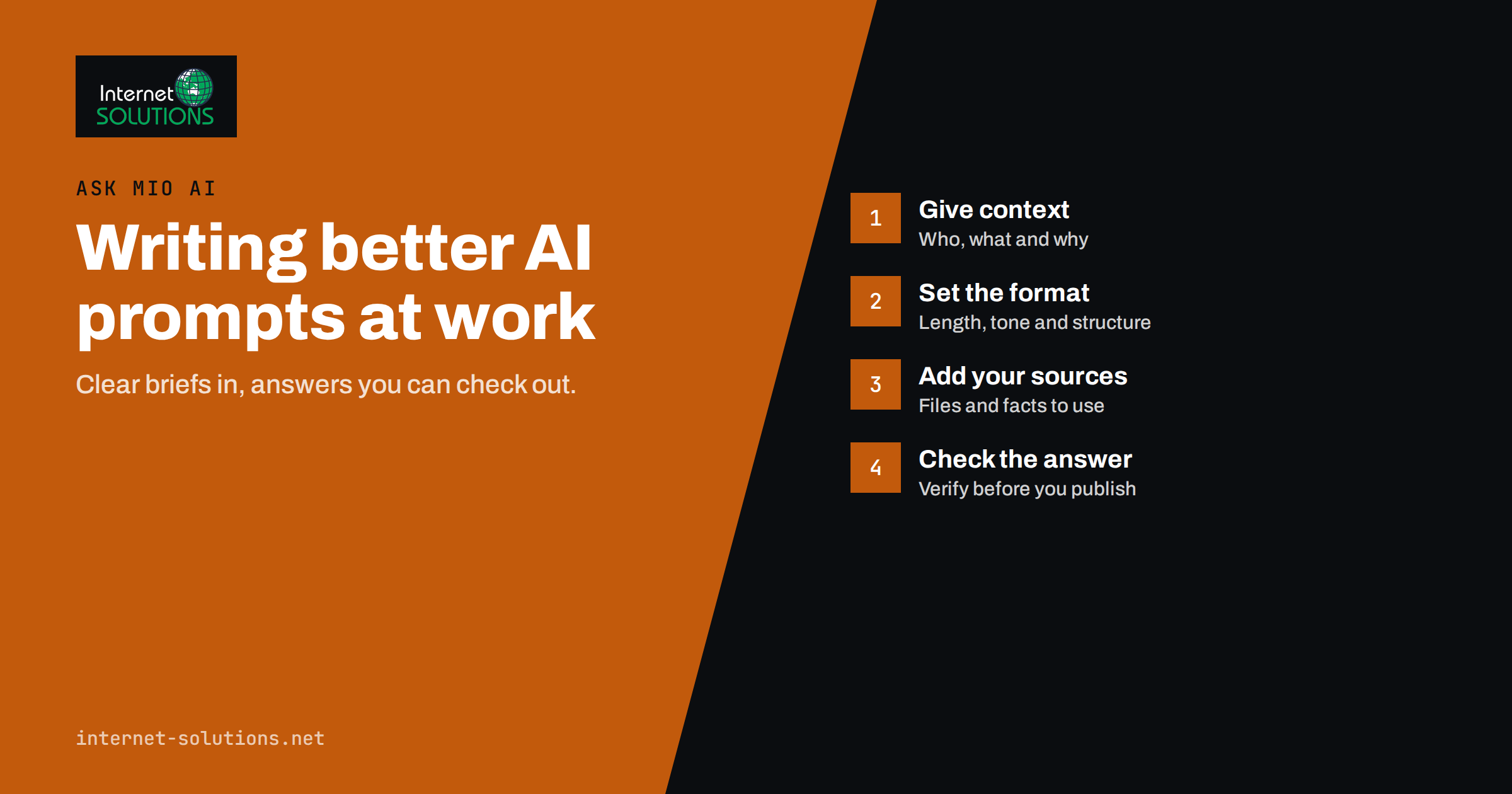
Most disappointing answers from an AI assistant start with a disappointing question. “Write a blog post about our services” produces something generic because the assistant knows nothing about your services, your customers or what you consider good. The same assistant, given a clear brief, can produce a useful first draft in minutes. The difference is not a secret formula. It is the same thing that makes a good brief for a colleague or a freelancer.
This guide shows how to write better AI prompts for everyday work: emails, marketing copy, research, summaries, spreadsheets and code. It uses Ask Mio AI, the assistant we build, for concrete examples, but the principles work with any modern assistant. It also covers the part that matters most in a business: checking the answer before anyone relies on it.
Why Prompts Matter More at Work
At home, a vague answer is mildly annoying. At work, it costs time and can cause harm: an email with the wrong tone to a key client, a summary that misses the clause that matters, a figure that was never checked. Good prompts reduce those risks in three ways.
- They supply context the assistant cannot guess: your company, your audience, your constraints.
- They define the output, so you get something you can use rather than something you must rewrite.
- They make answers checkable, by asking for sources, assumptions and clear separation between facts and suggestions.
The Anatomy of a Good Work Prompt
A reliable prompt usually has five parts. Not every task needs all of them, but when an answer disappoints, one of these is almost always missing.
| Part | What it answers | Weak example | Stronger example |
|---|---|---|---|
| Role and goal | What are we trying to achieve? | “Write an email.” | “Write a follow-up email to a client who has not paid an invoice, to get payment without damaging the relationship.” |
| Context | What does the assistant need to know? | (nothing) | “The client has worked with us for three years, the invoice is 20 days overdue, it is their first late payment.” |
| Sources | What material must it use? | (nothing) | “Use the attached invoice and our payment terms from the contract.” |
| Format | What should the output look like? | (nothing) | “Under 120 words, friendly but clear, subject line included, no apologies.” |
| Checks | How will we trust it? | (nothing) | “List any assumption you made that I should verify.” |
Written together, the stronger prompt is still only four sentences. It takes a minute longer to write and saves several rounds of corrections.
Give Context the Assistant Cannot Guess
An assistant knows a lot about the world and nothing about your business unless you tell it. The most useful context is usually:
- Audience. Who will read this? A technical buyer, a first-time customer, a colleague in finance?
- Purpose. What should the reader do or understand afterwards?
- Constraints. Legal wording that must not change, words you never use, a length limit, a deadline.
- Examples. A previous email or article you liked is worth more than any description of tone.
Stop repeating yourself with projects and instructions
If you give the same background every day, put it somewhere permanent. In Ask Mio AI you can group chats into projects with their own instructions and files, so a “Newsletter” project always knows your audience, tone and recent issues. Ask Mio also has a memory of what matters to you, which you can see and control. The result is shorter prompts and more consistent answers.
Be Specific About the Output
Most rewriting happens because the format was left open. State it up front.
- Length: “three bullet points”, “under 150 words”, “one paragraph per option”.
- Structure: “a table with columns for option, cost, risk and recommendation”.
- Tone: “plain, direct, no marketing language” or “warm and informal, as if to a long-standing customer”.
- Language: Ask Mio answers in your language and works in more than 25 languages, so you can ask for a draft in one language and a version in another.
- Deliverable type: sometimes you do not want text at all. Ask Mio’s ready-made jobs produce things like a slide deck, a spreadsheet or a one-page flyer from a short form, which is often faster than describing the file in a prompt.
Ground Answers in Your Own Sources
The single biggest improvement in accuracy comes from giving the assistant the material it should use, instead of relying on its general knowledge.
Attach the documents
Attach the contract, the price list, the meeting notes or the report. Then ask specifically: “Using only the attached contract, list the termination conditions and quote the clause numbers.” Ask Mio can analyse PDFs and documents, and files you upload stay searchable in later chats, so it can find the right paragraph by meaning and quote it.
Use research mode with sources for current facts
For anything that changes, such as regulations, market prices or a competitor’s offer, ask the assistant to search the web and cite its sources. In Ask Mio, Research mode does web search with cited sources, so you can open each link and confirm the claim. Treat an uncited factual claim as a hypothesis, not a fact.
Connect accounts only when you need them
Ask Mio can read your own files and accounts, such as Google Drive, Gmail, Microsoft 365 or GitHub, when you ask it to. That is powerful for tasks like “summarise last week’s emails from this supplier”, but connect only what the task needs.
Use Roles and Experts Deliberately
Telling an assistant to act as a specialist changes the questions it asks and the risks it points out. Ask Mio includes 39 ready experts, such as a legal assistant, accountant, marketing strategist, SEO specialist and copywriter, that you can turn on for a whole chat, and you can create your own expert with its own instructions.
Use this deliberately. A “legal assistant” review of a supplier contract will flag different issues from a “copywriter” review of the same text. But an expert persona does not make the assistant a qualified professional. For legal, financial, medical or safety decisions, use the answer to prepare better questions for a real professional, not to replace one.
Iterate Instead of Starting Over
The first answer is a draft. Improve it in the same conversation, where the assistant still has the context.
- Point to specifics. “Paragraph two is too formal; make it sound like we speak to customers on the phone.”
- Ask for options. “Give me three different subject lines: one direct, one curious, one benefit-led.”
- Ask it to critique itself. “What would a sceptical customer object to in this text?”
- Tighten. “Cut this by a third without losing the price or the deadline.”
When a conversation goes in circles, start a new one with a better first prompt that includes what you learned. Long, confused threads rarely recover.
It also helps to save the prompts that worked. When a prompt produces a result you would happily send, copy it into a shared document or turn it into a reusable skill, with a note on when to use it. Ask Mio’s skill creator lets you name a skill, describe when it applies and what it must do, so the next person on the team starts from a proven brief instead of a blank box.
Check the Answer Before You Use It
AI assistants can be confidently wrong. They may misread a document, mix up figures or fill gaps with plausible guesses. A simple review routine catches most problems:
- Verify every number, date, name and quote against the source.
- Ask for assumptions. “What did you assume that I have not told you?” often reveals the weak point.
- Open the cited sources. Check that they say what the answer claims.
- Read it as the recipient. Would a customer, a regulator or your manager find anything misleading or careless?
- Keep a human signature. Whoever sends or publishes the result is responsible for it.
The US National Institute of Standards and Technology’s AI Risk Management Framework is a helpful reference for organisations that want a more formal approach to trustworthy AI use, and the European Commission’s overview of the EU regulatory framework for AI explains obligations that may apply to your business.
Protect Confidential Information
Good prompts contain context, and context can be sensitive. A few rules keep that safe:
- Share only what the task needs. A summary of a contract rarely requires customers’ personal data.
- Remove or replace personal details when they are not relevant.
- Use a business account with clear data terms rather than personal free tools for company work. Ask Mio is hosted in the EU and lets you see and control what it remembers.
- Agree internally which kinds of data may never be pasted into any AI tool.
- Be careful with actions. In Ask Mio, the assistant can email your own address for routine reports, but messages to anyone else always wait for your confirmation. Keep a person in the loop for anything that leaves the company.
Prompt Templates for Common Tasks
These templates are starting points. Replace the brackets with your details.
Email reply
“Draft a reply to the email below. Goal: [what you want]. Relationship: [new lead, long-term client]. Tone: [friendly, formal]. Must include: [facts, dates]. Keep it under [length]. Flag anything you are unsure about.”
Meeting summary
“Summarise the attached notes for [audience]. Give decisions, open questions and action items with owners and dates, in three short sections. Do not add anything that is not in the notes.”
Marketing copy
“Write [format] for [product or service] aimed at [audience] who care about [need]. Use these facts only: [facts]. Avoid [claims or words]. Give two versions with different angles.” For a deeper look at marketing work, see our guide to using Ask Mio AI for SEO briefs, ad copy and research.
Research question
“Research [question]. Use current sources and cite each claim. Separate established facts from opinions. End with what remains uncertain.”
Spreadsheet help
“I have a sheet with columns [list]. Write a formula that [goal]. Explain it in one sentence and show one worked example.”
Rolling Better Prompting Out to a Team
Individual skill helps; shared habits help more. Collect prompts that work in a shared document or as reusable skills, agree on the review routine above, and hold a short monthly session where people share one good and one bad result. For a broader view of where an assistant fits in a small company, read what an AI assistant actually does for a small team, and see the Ask Mio AI product page for its modes, tools and experts.
Frequently Asked Questions
What makes a good AI prompt at work?
A clear goal, the context the assistant cannot guess, the sources it should use, a specific output format and a request to state assumptions. Most weak answers are missing one of these.
How long should an AI prompt be?
As long as it needs to be. Two to five sentences cover most work tasks. Put recurring background into project instructions so everyday prompts can stay short.
How do I stop an AI assistant from making things up?
Give it the documents to use, ask it to rely only on them, request cited sources for current facts, and verify every number, name and date before using the answer.
Do I need to choose which AI model to use in Ask Mio AI?
No. You pick a mode such as Chat, Write, Research, Code or Design, and Ask Mio picks a suitable model for each task.
Is it safe to paste company documents into an AI assistant?
Share only what the task needs, remove irrelevant personal data and use a business tool with clear data terms. Agree internally which information must never be shared with any AI tool.
Can AI-written text be published without editing?
It should not be. Treat AI output as a draft: check facts, adjust tone and make sure a responsible person reviews anything that goes to customers or the public.
The Bottom Line
Better AI prompts are really better briefs. State the goal, give the context and sources, define the format and ask the assistant to show its assumptions. Keep recurring background in projects, use experts and research modes deliberately, and iterate in the same conversation rather than starting over. Above all, check every answer before it leaves your hands. Used this way, an assistant such as Ask Mio AI becomes a fast, reliable first-draft partner rather than a source of confident mistakes.