

 English
 Lietuvių
 Latviešu
 Eesti
Eesti Русский
 Polski
 Українська
 Deutsch
 Italiano
 Español
 Français
 Português
 Čeština
 Magyar
 Română
 Ελληνικά
 Türkçe
 日本語
日本語 العربية
 हिन्दी
 Bahasa Indonesia
 Bahasa Melayu
 ไทย
ไทย Tiếng Việt
 বাংলা
বাংলাTalkmio Knowledge Base: What to Teach Mio and How to Test Answers
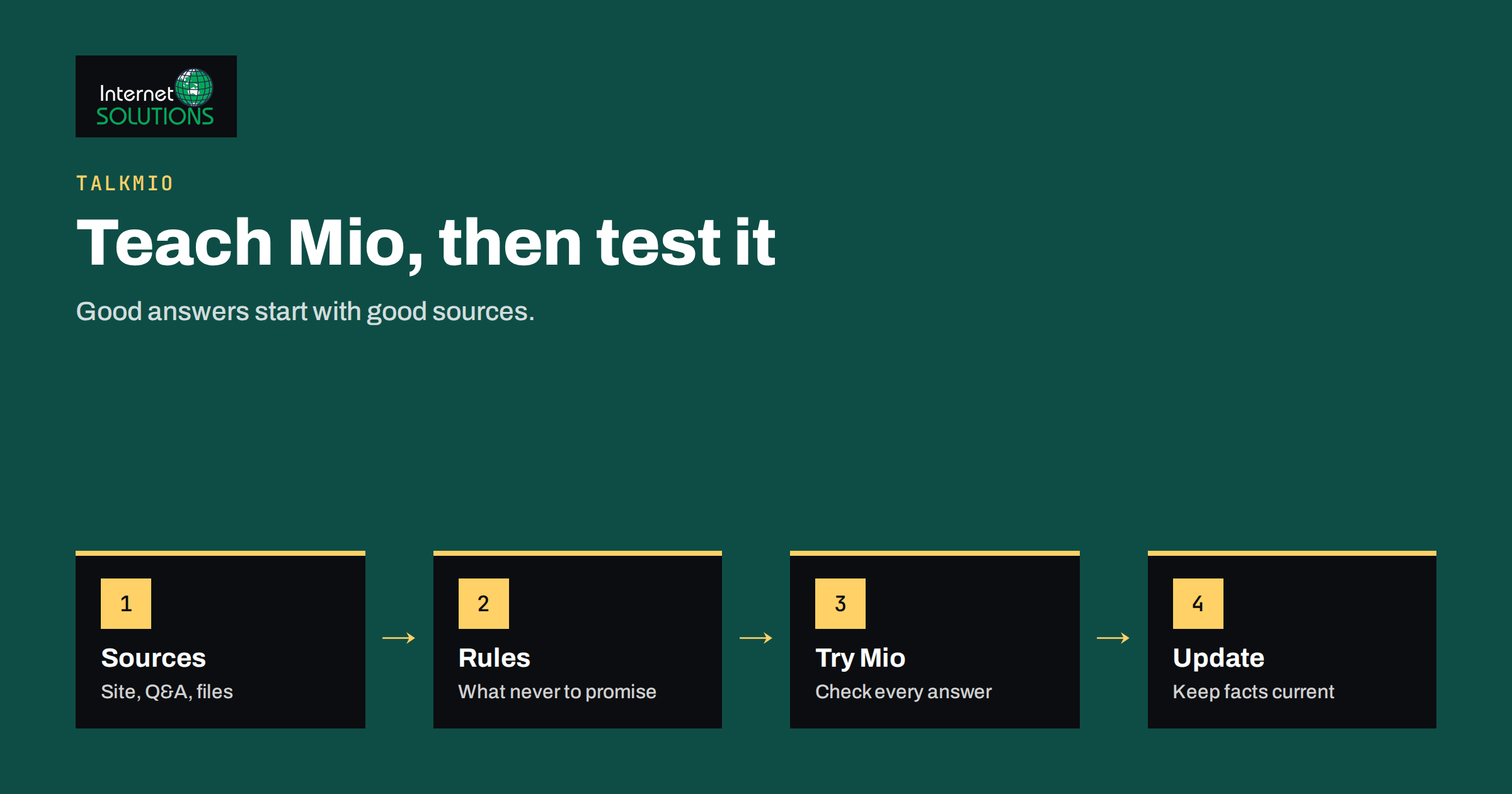
The Talkmio knowledge base is the single place where Mio, the assistant inside Talkmio, learns what it is allowed to say. Every answer a visitor receives comes from the content you give it, which makes the quality of that content the biggest factor in how useful your live chat is. A well-prepared knowledge base lets Mio resolve routine questions on its own and hand the rest to your team with the full conversation history. A neglected one produces vague answers, frequent handovers and a team that stops trusting the assistant.
This guide explains what you can add, how to organise it, what to write in the business instructions, how to test answers before going live and how to keep everything current. The details of the screens follow the Talkmio documentation. For the product overview, see our page on Talkmio.
How Mio Uses Your Content
Mio answers visitors from your content only. It reads your website, your questions and answers and the files you upload, then replies in the language the visitor writes in. Questions in one language can find answers written in another, so a Lithuanian question can be answered from an English FAQ. When Mio cannot answer from the content, or when a visitor asks for a person, complains or asks about a specific order, it hands the chat to your team.
This design has two consequences. First, Mio is only as correct as your sources. If your price list is outdated, the answer will be outdated. Second, a gap in the knowledge base is not a failure of the assistant but a signal: it shows a question your visitors ask that your site does not answer. Treat each handover caused by missing content as a task for your content list.
It also means you stay in control. You decide which sources exist, what the assistant must never promise and when a person takes over. Nothing needs to be invented, and nothing should be.
The Kinds of Sources You Can Add
In the Talkmio app, open Mio AI and then Knowledge base. You can add several kinds of source, and each suits a different job.
| Source type | Best used for | Tips |
|---|---|---|
| Your website | Broad coverage of public pages on the same domain | Mio reads every public page on the domain and respects robots.txt; clean up outdated pages first |
| Single pages | Important pages on another address, or a page you want to refresh on its own | Use for policy pages or a partner page that sits outside the main domain |
| Q&A pairs | Exact answers to frequent questions | Write the question the way visitors ask it; keep answers short and precise |
| Free text | Notes that do not exist on the site, such as opening hours exceptions | Date the note in your own records so you know when to review it |
| Files | Price lists, manuals, brochures and terms | PDF, DOCX, TXT, MD, CSV and HTML are accepted, up to 15 MB each |
Sources can be re-read on demand with the Re-read action, which is useful after you change a page. The number of pages Mio can keep depends on your plan, so on a large site it pays to be selective rather than adding everything.
Audit Your Website Before You Point Mio at It
If Mio reads your whole website, it reads the contradictions too. Before you add the site as a source, spend an hour checking the pages visitors rely on most. Prices, delivery times, return rules, opening hours, contact details and service areas should be correct and consistent across pages. If the site says one thing in the footer and another in the FAQ, Mio cannot know which one is right.
Look for old news posts, expired offers and duplicate pages. Remove them or mark them clearly with dates. Old pages that you cannot delete can be excluded using robots.txt, which Mio respects. Our article on robots.txt and XML sitemaps explains how to control what crawlers see.
Check that the important text is actual page text. Information locked inside images, such as a price table saved as a picture, cannot be read as text. If it matters, add the same information as text on the page or as a Q&A pair.
Write Q&A Pairs That Work
Q&A pairs are the most precise tool you have. Use them for questions that come up again and again, for which you want one exact answer. To find candidates, read your recent conversations, your support inbox and the questions your sales team hears on calls. Ten to thirty well-chosen pairs often cover the majority of routine questions.
Write each question in the words a customer would use, not in internal language. “Do you deliver on Saturdays?” is better than “Weekend shipment policy”. If the same answer applies to several phrasings, add the most common variants as separate questions or mention them in the answer.
Make the answer complete but short. State the fact first, then the condition, then the next step. For example: what the delivery time is, which areas it covers and where to find the tracking link. Avoid marketing language. A visitor asking about a refund wants the rule, not a slogan.
Include what to do when the answer does not apply. If the standard delivery time is two to four working days but remote areas take longer, say so and tell the visitor to contact the team for those addresses. This helps Mio hand over correctly instead of guessing.
Use Files for Price Lists and Manuals
Documents are a good way to give Mio detailed material without rewriting it. A price list in CSV or PDF, a product manual in DOCX or a terms document in TXT can all be added, up to 15 MB each. Keep the files tidy. A well-structured document with headings and short paragraphs is easier to use than a scanned image of a brochure.
For price lists, make sure each line is self-explanatory. A row that says only “Standard” with a number is hard to use. A row that names the product, the unit, the price and whether tax is included is clear. If prices change often, plan to replace the file every time, and note the date in your records.
For long documents, think about whether visitors will ask about all of it. A 200-page manual may contain a handful of sections that matter for chat. Extract those sections into a shorter file or into Q&A pairs, and keep the long document for the cases where detail is needed.
Do not upload anything that should not be shared with visitors. Mio answers from what you give it, so internal margins, staff notes and personal data do not belong in the knowledge base. Review each file as if a visitor could ask about every line.
Write Business Instructions
Business instructions tell Mio what you sell, what tone to use and what it must never promise. They are short, but they set the boundaries for every conversation. Think of them as a briefing for a new colleague who has read all your material but has never spoken to a customer.
A useful set of instructions covers four things. First, who you are and what you offer, in two or three sentences. Second, the tone: friendly and plain, formal, brief or detailed. Third, the rules that must never be broken, such as never quoting delivery dates, never giving legal advice and never promising refunds outside the written policy. Fourth, the topics that always go to a person, for example order-specific questions, complaints and custom quotes.
The documentation gives a good example of such a rule: never quote delivery dates, and hand order questions to the team. Write your rules in the same plain way. Specific rules work better than general ones. “Do not discuss competitor prices” is clear. “Be careful with sensitive topics” leaves too much room.
Keep the instructions short enough to be read in a minute, and revisit them whenever your business changes. If a test shows that Mio crosses a line, add a rule, then test again. Our wider notes on training an assistant, in the article on training Ask Mio on your knowledge base, use similar principles and may give you more ideas for your own rules.
Test With Try Mio Before You Go Live
Talkmio includes a Try Mio function that lets you ask questions and see the result before any visitor does. For each answer you see the reply, the knowledge pieces that were used and how long it took. This is the most valuable part of the setup, because it shows not only what Mio says, but why.
Prepare a test list of twenty to fifty questions. Use real ones from your inbox, chats and sales calls. Include easy questions, such as opening hours, medium ones, such as how to return an item, and hard ones, such as a request that combines two policies. Add a few traps: a question about a product you do not sell, a request for a discount that you do not offer and a question about an order number.
For each test, check three things: is the answer correct, does it come from the right source and does it stay inside your rules? If the answer is wrong, look at which pieces were used. Often the cause is an outdated page, a contradiction between two sources or a missing Q&A pair. Fix the source, use Re-read if the source is a web page and ask the question again.
Test in the languages you serve, too. Because Mio can find answers across languages, a question in German can use an English source, but the quality depends on how clearly the source is written. Plain, short sentences translate better than long, complicated ones, and the plain language guidelines are a good model for writing them. Our article on multilingual live chat with Talkmio covers this in more detail.
Decide When a Person Takes Over
A good knowledge base also defines the limits of automation. Mio hands over when it cannot answer from your content, when the visitor asks for a person, complains or asks about a specific order. The conversation gets a needs-human badge, and you receive a browser notification in the Inbox. If nobody is online, an email and a push notification on the mobile app go out. Once a person replies, Mio stays out of that conversation.
Use this behaviour to your advantage. If a topic needs judgement, such as a refund exception, a technical diagnosis or a custom price, do not add detailed content for it. Instead write a rule that sends it to your team, and add a Q&A pair that explains what the visitor should expect, such as a reply within working hours.
Make sure your team knows what a handover looks like and how fast they are expected to reply. Setting a response time target in the settings marks conversations without a first reply as overdue, which helps you notice delays. Our guide on live chat staffing and response times offers rules of thumb for coverage.
Keep the Knowledge Base Current
A knowledge base is not finished when you launch. Business facts change, and the base must change with them. Build a few habits that keep it accurate.
- Weekly: read a sample of conversations, especially those that were handed over, and note questions Mio could not answer.
- After every change to prices, policies or hours: update the source, use Re-read for web pages, replace changed files and re-run your key test questions.
- Monthly: review the Q&A pairs and remove the ones that are no longer true. Add new pairs for recurring questions.
- Each quarter: repeat the full test list and check that no rule has been broken by new content.
Assign an owner. When several people can edit sources but nobody is responsible, errors survive. A named owner, even a part-time one, makes sure that content changes get reflected in the chat. Keep a short change log of what you added or removed and when, so you can trace an unexpected answer back to its cause.
Use the reports to see where to spend effort. The Talkmio reports show the share of conversations answered by Mio alone, hand-offs and first-reply time. If the share answered alone is low, look at the topics of the hand-overs and fix content first. If it is high but customers complain, read the conversations to see whether the answers are accurate and kind. Our article on chat transcripts describes what to look for.
Common Mistakes
The first mistake is adding the whole website without cleaning it. Old pages and contradictory information produce confident but wrong answers. Clean first, then connect.
The second is writing instructions that are too vague or too long. A few clear rules beat a page of general advice, and long instructions are hard to maintain.
The third is skipping tests. If you go live without checking the answers to your twenty most common questions, you are testing on real customers. Try Mio exists to prevent this.
The fourth is forgetting about updates. Prices change, products end, opening hours move for holidays. If the knowledge base does not follow, Mio keeps repeating old facts. Put content updates on the same checklist as your website updates.
The fifth is hiding the handover. Visitors need to be able to reach a person for matters that need one. Make sure your team is notified, the Inbox is checked, and the offline behaviour, where the visitor leaves an email, works as you expect.
Frequently Asked Questions
What sources can I add to the Talkmio knowledge base?
You can add your website, single pages, Q&A pairs, free text and files in PDF, DOCX, TXT, MD, CSV or HTML format, up to 15 MB each. The number of pages Mio can keep depends on your plan.
Can Mio answer in languages other than the one my content is written in?
Yes. Mio replies in the language the visitor writes in, and questions in one language can find answers written in another. Test your main languages to confirm the quality for your content.
What happens if Mio cannot find an answer?
It tells the visitor it is connecting them with a person, and the chat appears in your Inbox with the full history. If your team is offline, the visitor is asked for an email address and your reply goes out by email.
How do I stop Mio from promising things I cannot deliver?
Use the business instructions to state what it must never promise, for example delivery dates, and add a rule that sends order questions to your team. Then test with questions that try to cross those lines.
How do I update the knowledge base after changing a page?
Use the Re-read action for web sources, replace changed files and edit Q&A pairs directly. Afterwards, ask your key test questions again in Try Mio.
Do I need to write a lot of content before I start?
No. Start with the pages visitors use most and a short list of Q&A pairs for frequent questions. Then read real conversations and fill the gaps they reveal.
The Bottom Line
The Talkmio knowledge base is where chat quality is decided. Clean your website first, add Q&A pairs for the questions you hear most, upload tidy price lists and manuals, write short, specific business instructions and test everything in Try Mio before visitors see it. Then keep the base alive with weekly reading of real conversations and updates whenever a fact changes. Mio will answer from what you give it, and hand over to your team when that is not enough. For help setting up live chat on your site, contact our team through the contact page.