

 English
 Lietuvių
 Latviešu
 Eesti
Eesti Русский
 Polski
 Українська
 Deutsch
 Italiano
 Español
 Français
 Português
 Čeština
 Magyar
 Română
 Ελληνικά
 Türkçe
 日本語
日本語 العربية
 हिन्दी
 Bahasa Indonesia
 Bahasa Melayu
 ไทย
ไทย Tiếng Việt
 বাংলা
বাংলাAsk Mio for HR and Recruiting: Job Ads, Interviews and Feedback
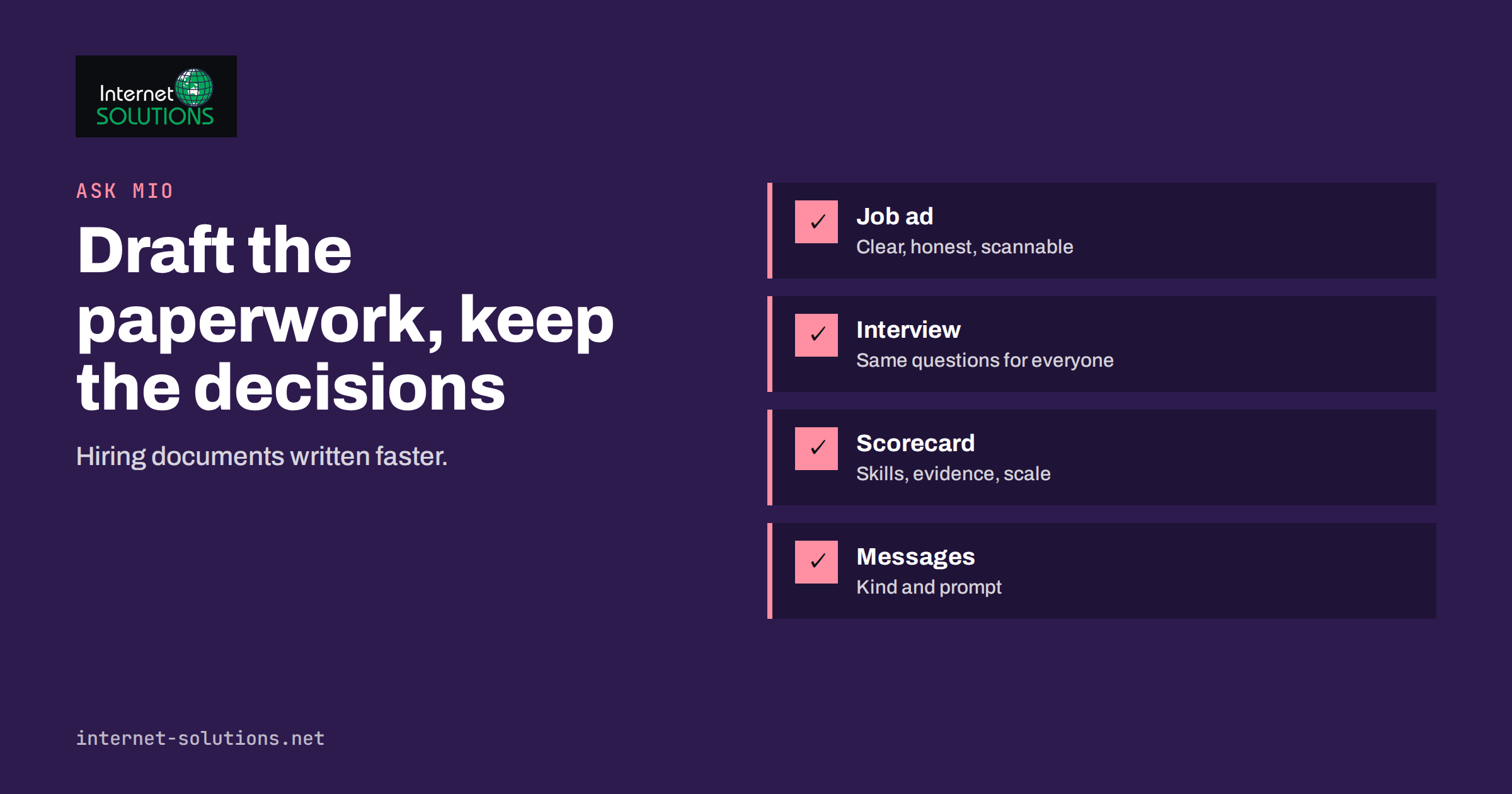
Ask Mio for HR and recruiting is a practical use of an AI assistant for small teams that have no HR department. In many businesses, the person who writes a job ad is also the one who answers e-mails, interviews candidates and handles payroll questions. A good assistant cannot make hiring decisions, and it should not, but it can draft the documents around them: the advertisement, the interview plan, the scorecard, the rejection letter and the onboarding checklist. This guide shows how to use Ask Mio for those tasks, what to keep out of the prompt, and how to review the output so that the process stays fair, accurate and yours.
Ask Mio includes an HR and recruiting expert that you can switch on for a whole chat. It is built for job ads, interview questions and feedback, and it works alongside the Write mode, projects with their own instructions and the Translator for multilingual hiring. The sections below turn those features into a routine you can follow.
What an AI Assistant Can and Cannot Do in Hiring
It helps to separate drafting from deciding. An assistant is very good at the first and should have no part in the second.
- Good uses: writing a first draft of a job description, turning a list of duties into clear language, preparing interview questions linked to the skills you need, creating a scoring sheet, drafting polite messages to candidates, summarising your own interview notes and suggesting onboarding steps.
- Poor uses: ranking candidates without human review, judging a person by a photograph or name, inferring protected characteristics, or deciding who gets an interview on the strength of one automated score.
In many places, using automated tools to filter or rank candidates falls under data protection rules and employment law, and some jurisdictions treat it as a high-risk activity. This article is general guidance, not legal advice, so check the rules of the country where you hire. The safest position is simple: the assistant helps people write and think, and a person makes every decision about another person.
Start With the Role, Not the Template
The quality of a job ad depends on how well you understand the job before you write anything. Spend ten minutes preparing a short brief, and paste it into the chat. A useful brief answers these questions.
- What problem does this role solve in the first six months?
- What are the five most important duties, in order?
- Which skills are needed on day one, and which can be learned?
- What does the working arrangement look like: location, hours, travel, tools?
- What can you honestly offer: salary range, development, schedule, team?
- How does the selection process work, and how long does it take?
With this information, ask Mio to draft the advertisement in your tone and at a set length. Tell it what to leave out as well. For example: “No clichés such as rockstar or ninja, no unrealistic lists of requirements, and no statements about age, gender or family status.” The result will be a clearer first draft than a generic template, and you will spend your time editing rather than inventing.
Writing the Job Ad
A job ad is a sales page for a position, so it should do four things: attract the right people, discourage the wrong fit, be honest and be easy to scan on a phone. A reliable structure is the following.
| Section | What it should contain | What to ask Mio |
|---|---|---|
| Headline | The exact job title people search for | Suggest three plain titles that candidates would search for |
| Introduction | Two or three sentences on the company and the role | Write it in a friendly, direct tone, under 60 words |
| Responsibilities | Five to seven specific duties | Turn my notes into short bullet points with action verbs |
| Requirements | Must-have and nice-to-have, separated | Separate essentials from extras and flag anything unrealistic |
| Offer | Pay information, schedule, benefits, growth | Present these clearly; do not invent benefits I did not list |
| How to apply | Steps, timeline, contact | Write a short, welcoming closing paragraph |
Two points deserve extra attention. First, ask Mio to check the requirement list for items that are really preferences. Long lists discourage capable people, particularly those who tend to apply only when they meet every point. Second, read the final text yourself for anything that sounds like a promise you cannot keep. The assistant writes fluently, and fluent text can overstate. Everything about pay, hours and benefits must match your real offer.
If you recruit in more than one language, the Translator in Ask Mio keeps formatting and meaning. Have a native speaker read the final version, because job titles and legal terms differ between countries. You can also ask the assistant to flag wording that may exclude people, such as unnecessary gendered terms, and then decide what to change.
Interview Questions Linked to Skills
Unstructured interviews depend on mood and chemistry. A structured interview asks every candidate the same questions in the same order and scores the answers against the same criteria. It is fairer and gives better information. Ask Mio is useful for building the structure.
A good prompt lists the skills the role needs and asks for a small number of questions for each, with a mix of types.
- Experience questions: “Tell me about a time you handled an angry customer. What did you do and what happened next?”
- Situational questions: “Two urgent tasks arrive at the same time. How do you decide what to do first?”
- Skill checks: a short practical task related to the job, such as writing a reply to a sample enquiry or correcting a short spreadsheet.
- Motivation questions: what the candidate wants from the role and why they are changing jobs.
Ask the assistant for follow-up probes for each question, such as “What was your role exactly?” and “What would you do differently now?”, and for a description of what a weak, an acceptable and a strong answer look like. These anchors turn opinions into comparable scores. Also instruct it to avoid questions about age, marital status, family plans, health, religion, origin or other protected matters, and to avoid questions that are only a proxy for them. Review the list again after the draft, because a careful human check is part of the process.
Scorecards and Interview Notes
A scorecard is a simple table with the skills in rows and a rating scale in columns, plus space for evidence. Ask Mio to produce one from your list of requirements, with a scale of one to four and a one-line description of each level. During the interview, write notes; afterwards, you can paste your own notes into the chat and ask for a summary organised by skill, without a recommendation. The point is to make your notes easier to compare, not to outsource the judgement.
If your notes include personal details, remove what is not needed. Use initials or a candidate number rather than a full name, and leave out contact information. Our guide on what to keep out of your prompts explains a simple rule of thumb: share only what the task needs. Your Ask Mio chats are never used to train AI models, but good habits still apply, and your candidates trust you with their data. The European Data Protection Board publishes guidance on how personal data may be processed.
For more on keeping notes useful, the same method used in meeting notes with Ask Mio works for interviews: capture decisions, evidence and follow-ups in a consistent format.
Messages to Candidates
Candidates remember how they were treated long after they forget the job ad. Prompt replies, clear timelines and respectful rejections protect your reputation as an employer. Ask the assistant to prepare a small set of templates that you then personalise.
- Acknowledgement: confirms that the application arrived, explains the process and gives a date for the next update.
- Invitation: gives the time, place or link, the duration, who they will meet and what to prepare.
- Rejection after screening: short, kind and clear, without false promises to keep the application on file unless you really do.
- Rejection after interview: a few sentences of genuine feedback, if your policy allows it, based on the scorecard and not on impressions.
- Offer: states the role, start date, pay and conditions precisely, and is reviewed by whoever handles contracts.
When you ask for feedback wording, give the assistant the real reasons, expressed neutrally: “The role needs strong experience with X, and the other candidate had more.” Then ask it to rewrite the message politely. It should not invent reasons, and you should not accept a message that says something untrue.
Onboarding and the First Weeks
Hiring does not end when the offer is accepted. A new employee who has a clear plan for the first week is productive sooner and more likely to stay. Ask Mio to turn your own notes into a welcome message, a first-week schedule, a list of people to meet and a checklist for equipment and accounts. The technical side of that list, including accounts, devices and access, is covered in our IT checklist for onboarding and offboarding.
The same assistant can help with a thirty-sixty-ninety-day plan: goals for each period, how progress will be reviewed and what support the person can expect. Keep it realistic and specific. A good plan has a few outcomes, not a long list of tasks.
Using Projects to Keep Hiring Organised
Ask Mio lets you group chats into projects with their own instructions and files. A hiring project is a natural fit. Create one project per role, and put in it the brief, the final job ad, the scorecard and the interview plan. Add project instructions such as: “Write in a warm and direct tone, avoid clichés, never ask about protected characteristics, and never rank or score candidates.” Every new chat in the project then starts with those rules. Our article on projects and memory in Ask Mio explains how to set them up and how to control what the assistant remembers.
If you hire often, you can go one step further and write a skill that holds your standard procedure, for example “prepare a hiring pack from a role brief”. The guide to Ask Mio skills shows how, and the advice on writing better prompts helps with the first version.
Checks Before Anything Goes Out
Treat every output as a draft. A short review routine catches most problems.
- Facts: are pay, hours, location, dates and benefits exactly right?
- Fairness: does any sentence exclude or discourage people for reasons unrelated to the work?
- Legality: does the text comply with the rules of your country on advertising roles, pay transparency and data handling? If in doubt, ask a professional.
- Tone: does it sound like your company and treat candidates as adults?
- Privacy: does the prompt or the stored material contain personal data you no longer need?
If you want an extra check on factual statements, the routine described in our guide to fact-checking AI answers applies here as well. For official guidance on handling applicants’ data, see the European Commission’s data protection pages.
Frequently Asked Questions
Can Ask Mio choose the best candidate for me?
It should not. Use it to draft ads, questions, scorecards and messages, and to organise your own notes. The decision about a person belongs to people, and some jurisdictions restrict automated decisions in hiring.
Is it safe to paste a candidate’s CV into the chat?
Only if you need to and you have a lawful reason to process it. Remove details that are not required, such as contact data and photographs. Ask Mio does not use chats to train AI models, but data minimisation is still the best habit.
Can the assistant write job ads in several languages?
Yes. Ask Mio works in more than 25 languages and has a translator that keeps formatting. Ask a native speaker to check job titles and legal terms before you publish.
How do I avoid biased wording in an ad?
State the real requirements, remove unnecessary descriptors, and ask Mio to flag wording that might discourage groups of people. Then review the flagged text yourself and keep what is justified by the work.
Can it help with performance reviews as well?
Yes, for wording and structure: review templates, goal lists and clear feedback sentences. As with hiring, the evaluation itself must come from a manager who has seen the work.
Does the HR expert replace a lawyer or an HR consultant?
No. It explains and drafts in plain language, but contracts, dismissals, disputes and complex cases need a qualified professional who knows your local rules.
The Bottom Line
Ask Mio for HR and recruiting saves time on the writing that surrounds hiring: job ads, structured interview questions, scorecards, candidate messages and onboarding plans. Give it a clear brief, keep personal data to a minimum, store your rules in a project, review every draft for accuracy, fairness and legality, and keep all decisions about people in human hands. Used that way, it makes a small team look organised and considerate without taking away the judgement that hiring depends on. You can see what the product offers on the Ask Mio page.