

 English
 Lietuvių
 Latviešu
 Eesti
Eesti Русский
 Polski
 Українська
 Deutsch
 Italiano
 Español
 Français
 Português
 Čeština
 Magyar
 Română
 Ελληνικά
 Türkçe
 日本語
日本語 العربية
 हिन्दी
 Bahasa Indonesia
 Bahasa Melayu
 ไทย
ไทย Tiếng Việt
 বাংলা
বাংলাAsk Mio for Sales Teams: Outreach, Call Prep and Follow-Ups
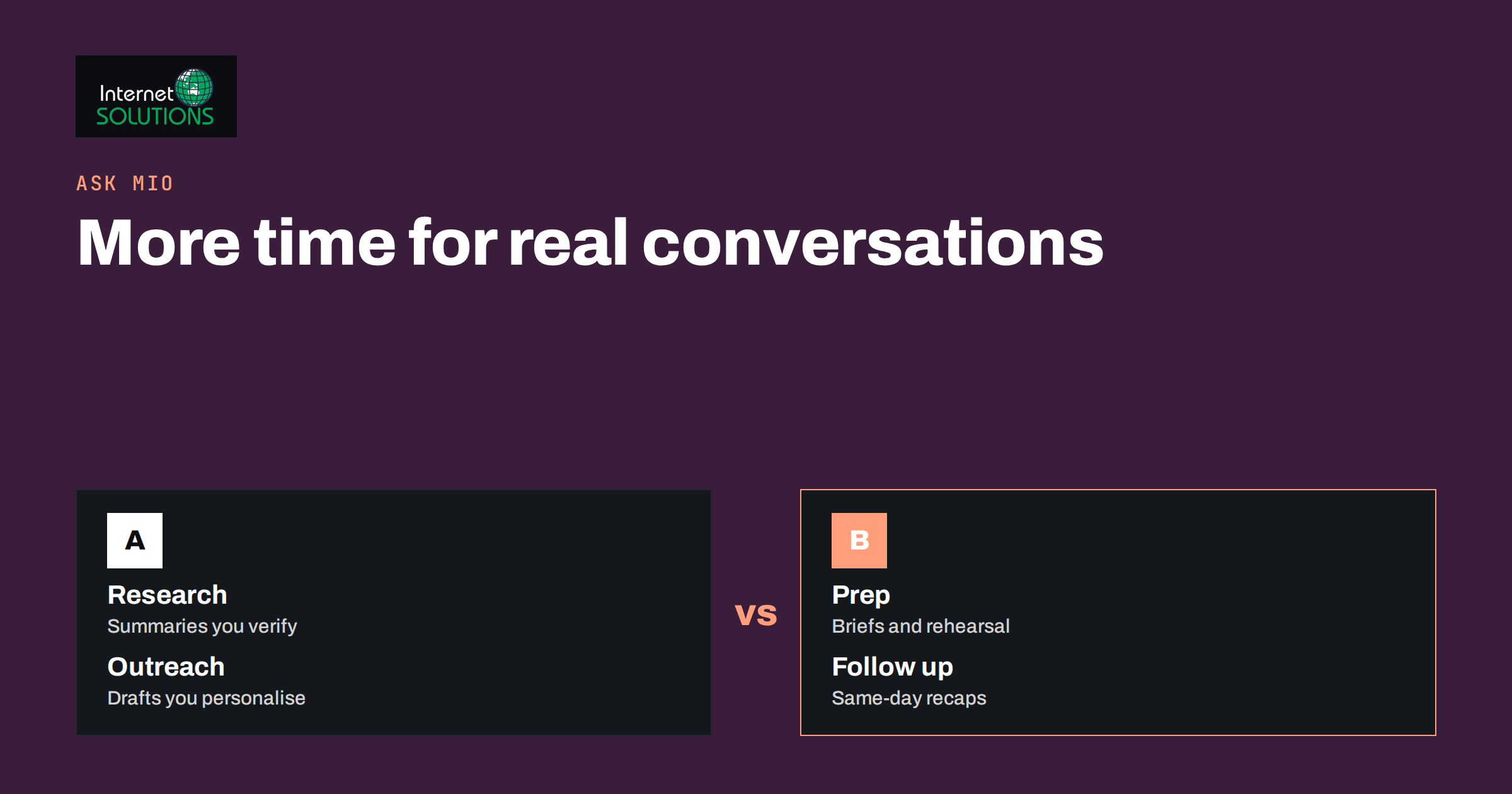
Ask Mio for sales teams is about taking the writing and preparation that surround every deal and doing them faster, without handing the relationship itself to a machine. Sales people spend a large share of their week on work that is not selling: researching a prospect before a call, drafting the first email, rewriting a proposal, summarising a meeting and chasing a reply. Ask Mio, the AI assistant from Internet Solutions, can draft, structure and check much of that work in one place, while the salesperson keeps the judgement, the tone and the final send button.
This guide shows how a small sales team can use Ask Mio for outreach, call preparation, follow-ups, quotes and pipeline notes. It describes the modes, experts and ready-made jobs that fit each task, gives example prompts, and explains the rules that keep the output accurate and compliant. It does not promise higher conversion rates. It shows where the time goes and how to get it back.
Where a Salesperson’s Time Goes
Most selling work falls into five blocks, and each has a different relationship with an AI assistant.
- Research: understanding the company, the person and the likely problem before contact.
- Outreach: writing the first messages and the sequence that follows.
- Conversations: preparing for calls and demos and capturing what was said.
- Follow-up: thank-you notes, summaries, answers to objections and reminders.
- Paperwork: proposals, quotes, internal updates and CRM notes.
An assistant helps most with the blocks where text is the product: outreach, follow-up and paperwork. It helps less, and needs more checking, in research where facts matter. The conversations themselves remain human.
The Tools Inside Ask Mio That Matter for Sales
Ask Mio lists its built-in capabilities on its features page, and several apply directly to selling. You do not choose an underlying model; Mio picks one for each task.
| Ask Mio capability | What it does | Sales use |
|---|---|---|
| Sales coach expert | Outreach, objection handling and follow-ups | Draft sequences, rehearse objections, review a pitch |
| Copywriter expert | Sales copy, headlines and landing pages | Subject lines, one-pagers, offer wording |
| Negotiation advisor expert | Prepares for supplier, client and salary talks | Plan concessions and responses before a price discussion |
| E-mail reply job | A polite, ready-to-send reply in the right tone | Answer inbound questions quickly |
| Meeting notes to summary job | Turns notes or a transcript into decisions, tasks and a follow-up e-mail | Same-day recap after a call |
| Quote or invoice draft job | A draft with positions and totals as a PDF | Prepare a first version of a quote |
| Research brief and web tools | Web search with sources, and a web page reader | Company and market background with links to check |
| Projects and memory | Groups chats with instructions and files | One project per account or deal |
For the way these pieces fit together, see our overview of Ask Mio and the explanation of how tools and experts extend one assistant.
Prospect Research You Can Verify
Research is the area where an assistant is most useful and most dangerous. It can summarise a company website in a minute, but it can also state something confidently that is not true. The rule is simple: let Mio gather and structure, and let a person verify before anything is used in a message.
A research routine
- Give Mio the company’s website address and ask it to read the page and summarise what the company sells, to whom and in which markets.
- Ask for a list of three or four likely priorities for a company of that type, labelled clearly as hypotheses, not facts.
- Use Research mode to find recent news, with sources, and open the links yourself.
- Ask for questions you could ask the prospect, based on the hypotheses.
Never paste claims from a summary into an email unless you have confirmed them at the source. Our article on fact-checking AI answers at work gives a routine that fits well here.
Outreach That Sounds Like a Person
Outreach fails when it is generic. An assistant makes generic messages easy to produce, so the discipline lies in adding specifics only you know. A good first message is short, refers to something real about the recipient and makes one small, clear request.
A prompt structure that works
- Who you are and what you sell, in two sentences.
- Who the recipient is, including their role and one verified fact about their company.
- The single outcome you want, such as a short call or a reply with a yes or no.
- Constraints: length, tone, language and anything to avoid, such as hype or claims you cannot prove.
- Output: three subject lines and two versions of the email, so you can choose and edit.
Ask for variations rather than one answer, then combine the best parts. Read the result aloud. If it would sound odd in your own voice, change it. Avoid invented numbers, fake case studies and flattering statements that you cannot support, because one false line can destroy trust. Do not promise terms, prices or delivery times that your company has not agreed to.
Sequences and follow-ups
For a sequence of three or four messages, ask the Sales coach to propose the purpose of each step: introduction, a useful resource, a short question and a polite close. Then write each one separately. Space the messages sensibly, and stop when someone says no.
Compliance Is Not Optional
Cold outreach is regulated, and the rules differ by country and by whether the recipient is a person or a company. In many places an unsolicited message to an individual requires a legal basis and a clear way to opt out, and business-to-business email is treated differently from consumer email. The UK regulator, for example, explains the principles in its guidance on direct marketing and electronic communications. Check the rules for your own country and your recipients’ countries, keep a record of consent or the legal basis, honour opt-outs immediately and do not buy lists of unknown origin.
An assistant will happily write a message that breaks the rules. The responsibility stays with you. If you are unsure, ask your legal adviser, and do not rely on a generated answer to settle a legal question.
Preparing for Calls and Demos
Preparation is where a few minutes of structure pay off. Create a project for the account, with the company summary, notes from earlier contact and your own instructions, such as the tone and the offer. Then ask Mio to prepare the following:
- A one-page brief: who will attend, their roles, what is known, what is unknown and the goal of the call.
- Discovery questions: open questions that uncover the problem, the budget process and the decision makers.
- Likely objections: price, timing, existing supplier, internal priorities and risk, with an honest response to each.
- A next-step proposal: the specific action you will ask for at the end of the call.
Use the Sales coach to rehearse. Ask Mio to play the sceptical buyer and answer the way you would, then ask it to critique your answer for clarity and evasiveness. This rehearsal is particularly valuable for new team members who have not yet heard every objection.
After the Call: Notes, Summaries and Follow-Ups
Speed matters after a conversation. A same-day recap shows that you listened and keeps the deal moving. The meeting notes job takes rough notes or a transcript and returns decisions, tasks and a follow-up email. Our guide to turning meeting notes into a summary explains the format in detail.
- Paste or attach your notes, and tell Mio who attended and what was agreed.
- Ask for decisions, open questions, tasks with owners and dates, and a draft thank-you email.
- Check every date, number and commitment against your own notes.
- Send the email yourself, and copy the summary into your CRM.
Be careful not to record or process a call unless the participants know about it and the law allows it in the relevant countries.
Quotes, Proposals and Paperwork
Quotes and proposals mix fixed content with details specific to a customer. Mio can draft the structure, the explanation of scope and the standard terms wording, and it can produce a quote or invoice draft with positions and totals as a PDF. Use it for the first version, then review it against your price list and contract template. Never let an assistant decide prices, discounts or legal terms, and never send a draft without reading every number. See our article on Ask Mio for paperwork for practical templates.
Ask Mio also includes everyday tools that are useful in quoting: a currency converter that uses official ECB rates for a given date and a calculator that evaluates arithmetic exactly. For totals, taxes and conversions, ask Mio to use the tools instead of calculating in the text, and then check the result against your own system.
Keeping the CRM Clean
CRM data is only as good as the notes behind it. Ask Mio to turn rough notes into a consistent record: summary, stage, next action, date, decision makers and risks. Use the same template for every deal so that reports are comparable. Do not paste confidential customer data into any tool unless your policy allows it. Our guide to AI at work and data privacy lists what to keep out of prompts, such as passwords, payment details and sensitive personal data.
What Not to Delegate
- Judgement about the buyer: whether a prospect is a good fit and how much to invest in the deal.
- Promises: prices, discounts, delivery dates, guarantees and contract terms.
- Relationships: messages to long-standing customers that need genuine personal tone.
- Facts about people: anything personal or sensitive about an individual.
- Final sending: every message that leaves your company should be read and approved by a person.
A Weekly Routine for a Small Team
- Monday: prepare account briefs for the week’s calls and demos in their projects.
- Daily: draft replies to inbound questions with the E-mail reply job and edit them.
- After every call: create a summary and a follow-up draft within the same day.
- Midweek: review sequences and ask for variations on messages that received no replies.
- Friday: ask Mio to summarise the pipeline notes into a short update for the manager, then verify it against the CRM.
The aim is to protect the time that only a person can use well, which is talking with customers. For an explanation of how this approach fits with your wider marketing, see the overview of the sales process and adapt each stage to your own business.
Frequently Asked Questions
Can Ask Mio write cold emails for me?
It can draft them, and the Sales coach and Copywriter experts are designed for this kind of work. You are still responsible for accuracy, tone and legal compliance, so edit every message and make sure you are allowed to contact the recipient.
Does Ask Mio know my prospect’s company?
Not by itself. You can ask it to read the company’s web page or search the web with sources, and then you should verify the claims. Treat anything unverified as a hypothesis.
Can it help me with objections?
Yes. Ask for likely objections and honest responses, or ask Mio to role-play the buyer so that you can practise. Use your own knowledge of the product to correct any inaccurate answers.
Can Mio read my email or calendar?
Ask Mio can connect to accounts such as Gmail, Google Calendar and Drive when you choose to connect them and ask it to read something. Review the permissions, connect only what you need and read our guide to connectors before enabling them.
Will AI-written outreach hurt my reputation?
Generic, careless messages will, whether a person or an assistant wrote them. Messages that are specific, accurate and respectful are fine. Keep volume low, personalise properly and stop when asked.
Is it safe to paste customer data into Ask Mio?
Follow your company policy and applicable data protection law. Keep out anything you are not allowed to share, and prefer short, relevant excerpts over entire customer files.
The Bottom Line
Ask Mio for sales teams works best as a fast, careful assistant for the text around selling: research summaries you verify, outreach drafts you personalise, call briefs and rehearsals, same-day follow-ups, quote drafts and tidy CRM notes. Keep prices, promises and legal judgement with people, respect the rules for contacting prospects and read everything before it is sent. Used that way, it gives your sales team back hours each week to spend on conversations that win business.