

 English
 Lietuvių
 Latviešu
 Eesti
Eesti Русский
 Polski
 Українська
 Deutsch
 Italiano
 Español
 Français
 Português
 Čeština
 Magyar
 Română
 Ελληνικά
 Türkçe
 日本語
日本語 العربية
 हिन्दी
 Bahasa Indonesia
 Bahasa Melayu
 ไทย
ไทย Tiếng Việt
 বাংলা
বাংলাCustomer Match: Using Your Customer List in Google Ads and Meta
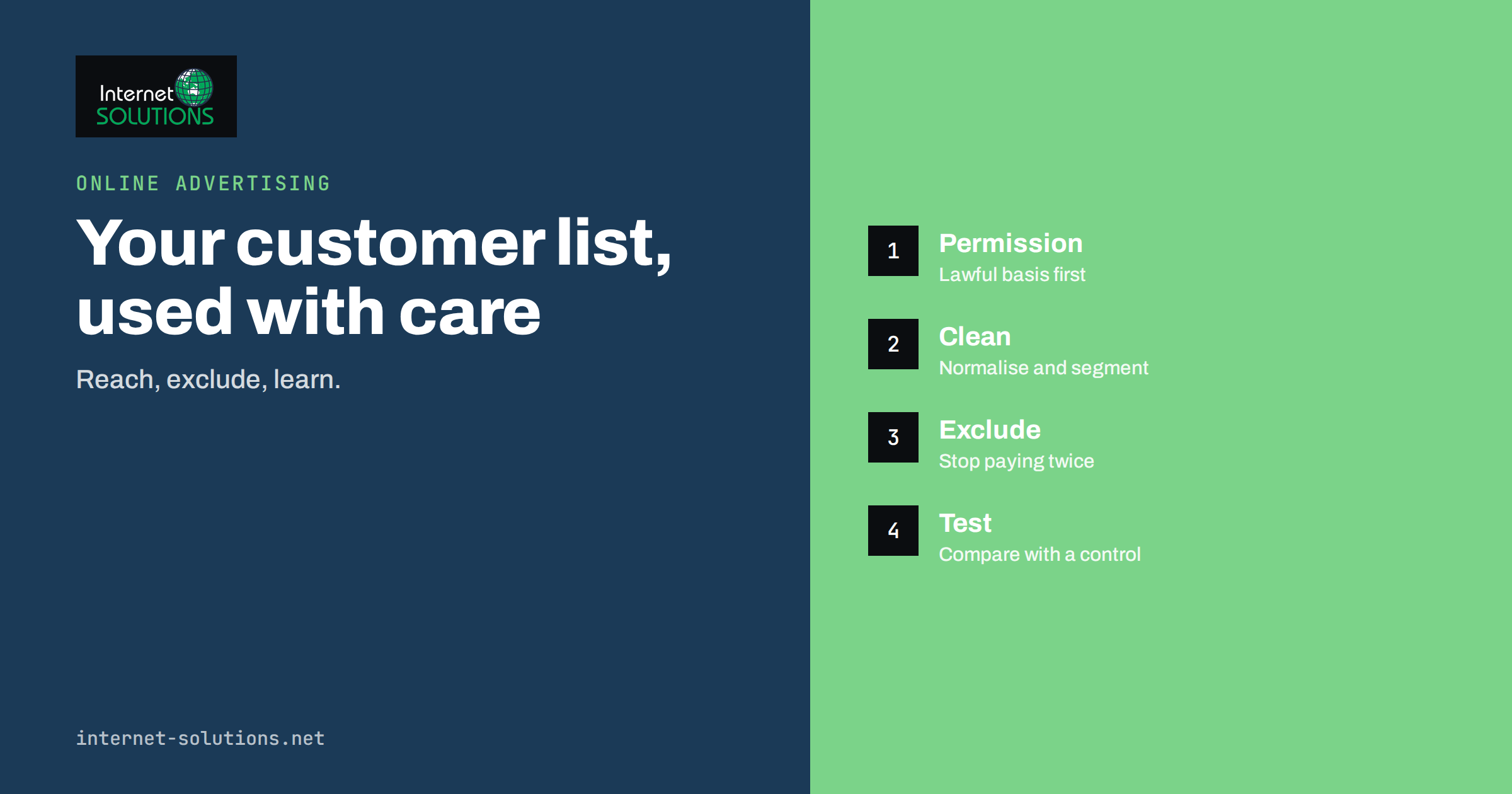
Customer Match is a feature that lets you use your own customer list to reach, exclude or learn from people in your advertising. In Google Ads it carries that name. In Meta’s advertising system the same idea appears as a custom audience made from a customer list. You upload contact details you already hold, such as email addresses, the platform matches them against its own accounts, and you can then show ads to those customers, leave them out of campaigns meant for new people, or use them as a starting point for finding similar audiences. It is one of the few ways to turn data you own into better targeting without relying on third-party cookies.
This guide explains how customer-list targeting works, what it is good for, how to prepare a list, which legal and ethical points to settle before uploading anything, how to run the first campaigns and what results to expect. It is written for business owners and marketers, with no technical background needed.
How Customer-List Targeting Works
You start with a file, usually a spreadsheet, containing identifiers for people who have a relationship with your business: email addresses, phone numbers and sometimes names and postal codes. Before the data leaves your computer or inside the upload tool, it is normalised and hashed, which means converted by a one-way function into a string of characters that does not reveal the original. The platform hashes its own users’ details in the same way and compares the two sets. Where they match, the person is added to your audience. You never see which individual accounts matched, only how many.
Google explains the process in its help article on Customer Match, and Meta describes the equivalent in its documentation on creating a custom audience from a customer list. Both stress that you must have the right to use the data and that the audience can only be used in line with their policies.
Hashing is a technical safeguard, not a legal permission. It does not make personal data anonymous in the eyes of data protection law, and it does not replace the need for a lawful basis.
What You Can Do With a Customer List
Reach existing customers
Show a message to people who have already bought: a new product, a service renewal, an accessory, a loyalty offer. They already know you, so the message can be shorter and more specific.
Exclude existing customers
This is often the most profitable use. A campaign that offers a new-customer discount should not be shown to people who already pay full price. Excluding your list stops wasted spend and avoids annoyed customers.
Win back lapsed customers
Split your list by time since the last purchase and show a different message to those who have not bought in a year. Pair it with a reason to return, not just a generic reminder.
Find similar people
Platforms can use a high-quality customer list as a seed to find new people with similar characteristics. Meta’s lookalike audiences work this way, and our guide on choosing lookalike seeds explains why the quality of the list matters more than its size. On Google, audience signals and optimised targeting use first-party lists as a hint for where to look.
Improve smart bidding
For lead-generation businesses, lists of qualified customers can show the algorithm what a good outcome looks like. That works best when combined with conversion tracking that reflects real sales; see our article on offline conversion import.
Is Your Business a Good Fit?
Customer-list targeting works best for businesses that have a meaningful list and repeat purchases or upsell opportunities: online stores, subscription services, training providers, B2B suppliers, clinics and local service firms. It works poorly where the list is tiny, the data is old, or the customers rarely buy again. There are also minimum audience sizes, which differ by platform and campaign type, and below them the audience cannot be used. Google also sets eligibility requirements for Customer Match based on account history and policy compliance. Check the current rules in the help pages before planning a campaign around it.
Legal and Ethical Preparation
Before uploading a single address, settle these questions. They matter more than any technical detail.
- Lawful basis. Under the GDPR, for example, you need a valid basis for sharing customer data with an advertising platform for targeting. In many cases that means consent, which must be specific and informed. Whether existing relationships and legitimate interest can justify it depends on your market and facts. Ask a qualified adviser rather than guessing.
- Privacy notice. Your notice should say that you use customer data for advertising and that it may be shared with platforms in hashed form.
- Source and purpose. Do not upload lists you bought, borrowed from a partner or collected for a different purpose such as order delivery.
- Opt-outs. People who have withdrawn consent or unsubscribed from marketing must be excluded. Update the audience regularly so it never contains them.
- Sensitive categories. Platforms restrict targeting based on sensitive characteristics such as health or financial hardship. A list of people from a medical or similar service may be unsuitable.
- Sector rules. Regulated sectors have additional restrictions on advertising and data use.
Our article on cookie consent and website privacy compliance covers the related duties on your site. Treat customer lists with the same care, and record who approved the use and when.
Preparing the List
A good list is clean, current and relevant. Poor data produces low match rates and wasted effort.
- Collect the right fields. Email address is the most widely matched, followed by phone number. Name and postal code can improve matching where the platform accepts them.
- Remove junk. Delete invalid addresses, role addresses such as info@ and obvious typos. See email list hygiene for a method.
- Normalise formats. Lower-case emails, remove spaces and use international phone formats. Inconsistent formatting is a common reason for low match rates.
- Segment before upload. Create separate lists for active customers, lapsed customers, high-value customers and leads. Different groups need different messages.
- Use the most valuable seeds for lookalikes. Repeat buyers or the top spenders usually make a better seed than everyone who ever signed up.
- Refresh regularly. Replace the list monthly or automate the update, so new customers are excluded and unsubscribed people removed.
- Protect the file. It contains personal data. Store it securely, share it with as few people as possible and delete spare copies.
Comparing Google and Meta
| Aspect | Google Ads Customer Match | Meta customer list audience |
|---|---|---|
| Where ads can appear | Search, Shopping, Display, YouTube and Gmail, depending on campaign type | Facebook, Instagram and other Meta placements |
| Typical identifiers | Email, phone, name and address | Email, phone, name and other customer fields |
| Main use cases | Reach and exclude customers, find similar behaviour through signals | Reach and exclude customers, build lookalike audiences |
| Eligibility | Account and policy requirements apply | Policies apply, including rules on data rights |
| Match quality depends on | Proportion of customers signed in to Google accounts | Proportion of customers with matching Meta accounts |
| Best for | Intent-driven search and shopping campaigns | Visual, social-led campaigns and lookalikes |
For the channel details, see our pages on Google Ads and Facebook Ads.
Running Your First Campaigns
1. Start with exclusions
Upload your customer list and add it as an exclusion to your new-customer campaigns. This is low risk and usually pays back at once, because you stop paying for clicks from people who already bought.
2. Add one focused campaign
Choose one clear goal, such as selling an accessory to buyers of a product or renewing a service. Write a message that acknowledges the relationship: “Thanks for choosing us. Here is what customers add next.”
3. Set sensible frequency and budget
Lists are small, so a high budget saturates them quickly and annoys people. Start modestly, and watch how often the same person sees the ad.
4. Compare with a control
Where possible, hold back a portion of the list from the campaign and compare their purchases with those who saw the ads. That is the cleanest way to measure whether the campaign created extra sales or simply reached people who would have bought anyway.
5. Review and iterate
Look at conversions, revenue per customer, unsubscribe or complaint signals and the audience size trend. If the audience shrinks or match rates are poor, revisit your data quality.
What to Expect
Match rates vary a great deal. They depend on the quality of your data, the identifiers you provide and how many of your customers use the same email address on the platform. Do not assume that most of your list will match. A partial match is normal, and it means the audience covers only part of your customers. Results also depend on the offer: a relevant message to loyal customers usually performs better than a broad promotion. Be wary of any provider that promises specific returns from list targeting.
Examples for Different Kinds of Business
Online store
Segment buyers by product category and send accessory or refill offers three to six weeks after purchase. Exclude all buyers from the first-purchase discount campaign. Use the top spenders as a seed for similar audiences.
B2B supplier
Business email addresses match less often than personal ones, because people sign in to platforms with private accounts. Use phone numbers as well where you may, and expect smaller audiences. The strongest use is often exclusion and renewal reminders rather than scale.
Local service business
A list of past clients can support reminders for seasonal services, reviews and referrals. Keep the message personal and avoid frequent repetition, since the audience is small and people remember who contacted them.
Subscription or software company
Separate trial users from paying customers and from cancelled ones. Offer upgrades to active users, help content to trial users and a reason to return to those who left. Exclude paying customers from every acquisition campaign.
Common Mistakes
- Uploading a list without a lawful basis or without telling customers in your privacy notice.
- Failing to remove unsubscribed people when the list is refreshed.
- Using the same message for buyers and for prospects.
- Uploading a single huge list instead of segments.
- Letting the list go stale for a year.
- Judging success by platform-reported conversions alone, without comparing to a control.
- Emailing the file around unprotected.
Frequently Asked Questions
Is Customer Match the same as remarketing?
No. Remarketing targets people who visited your website, using cookies or similar signals. Customer Match targets people on your own list, using details you hold. They can complement each other. Our guide to Google Ads remarketing explains the former.
Can I upload leads who never bought?
You can, if you have the right to use their data for advertising. Keep leads in a separate list from customers so each gets a suitable message.
How large must the list be?
Platforms set minimum audience sizes, and they differ by platform and campaign type. Check the current requirements in the help pages. Very small lists often cannot be used at all.
Is hashing enough to make it private?
No. Hashing protects the data in transit and limits what the platform can see, but you still need a lawful basis, transparent notices and a way to honour opt-outs.
How often should I update the list?
Monthly is a reasonable minimum for most businesses, more often if you have frequent sales or unsubscribes. Automated updates from your shop or CRM are better than manual uploads.
Will it work without a large budget?
Yes, because exclusions and small, focused campaigns to existing customers cost little. The savings from not advertising to the wrong people often exceed the cost of the effort.
The Bottom Line
Customer-list targeting lets you use what you already know about your customers to spend advertising money more intelligently: reaching customers with relevant offers, excluding them from campaigns meant for newcomers and giving platforms good examples to learn from. Settle the legal basis first, clean and segment the data, begin with exclusions, test one focused campaign against a control and keep the list fresh. Handled responsibly, it turns your own records into one of the most reliable audiences you can buy attention for.