

 English
 Lietuvių
 Latviešu
 Eesti
Eesti Русский
 Polski
 Українська
 Deutsch
 Italiano
 Español
 Français
 Português
 Čeština
 Magyar
 Română
 Ελληνικά
 Türkçe
 日本語
日本語 العربية
 हिन्दी
 Bahasa Indonesia
 Bahasa Melayu
 ไทย
ไทย Tiếng Việt
 বাংলা
বাংলাAsk Mio for Accountants and Bookkeepers: Checks, Summaries and Drafts
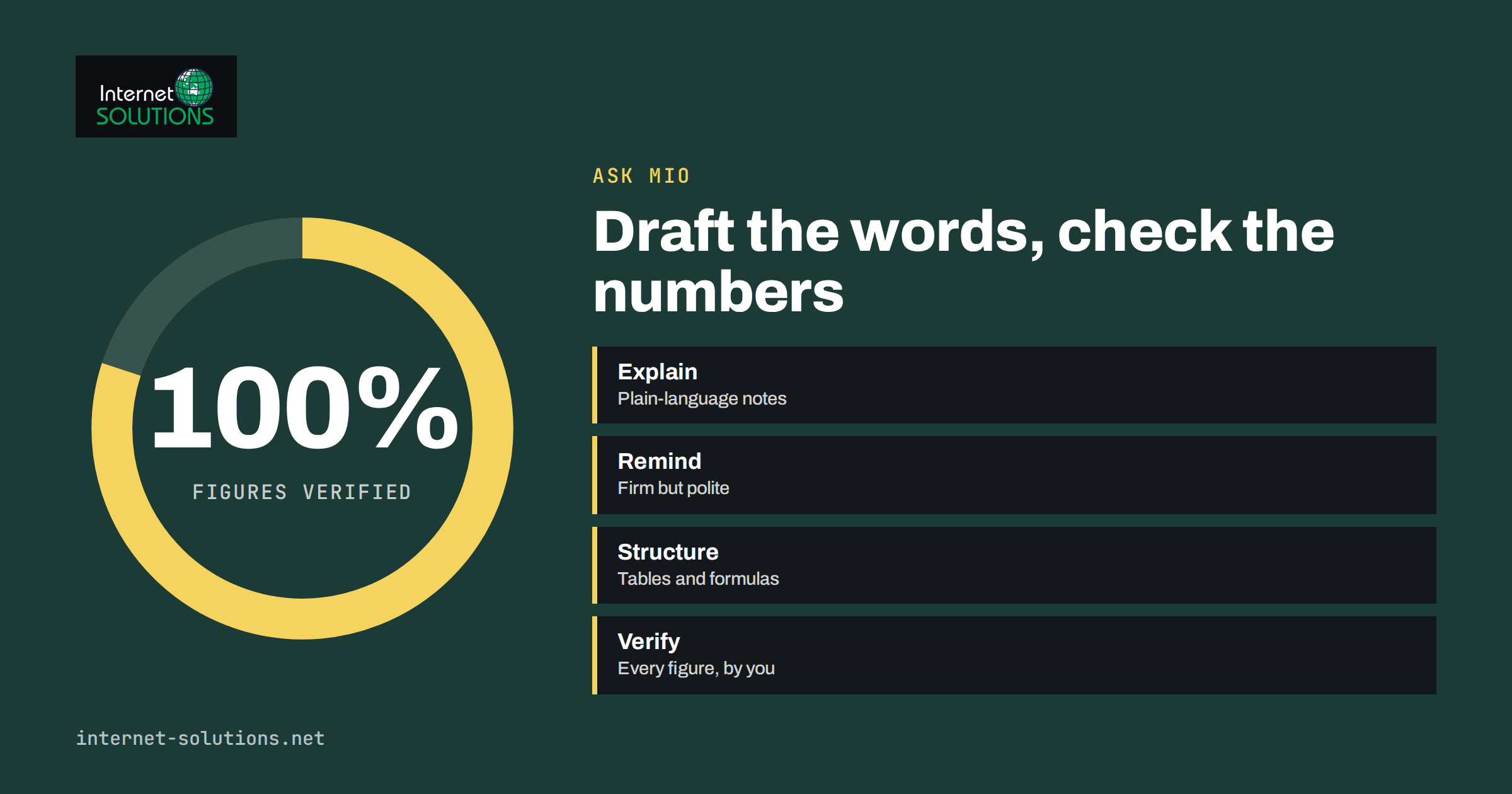
Ask Mio for accountants and bookkeepers is best understood as a fast, tireless assistant for the writing, summarising and structuring that surrounds the numbers. Much of a bookkeeper’s week is not entering transactions at all. It is explaining a VAT treatment to a client in plain words, chasing missing receipts, summarising a long email thread before a call, turning a messy export into a clean table and drafting a reminder that is firm without being rude. These tasks eat hours, and they are exactly what an AI assistant is good at, as long as you treat its output as a draft and keep the professional judgment where it belongs.
This article describes which parts of Ask Mio suit an accounting practice or an in-house finance role, how to build a safe routine around them, how to handle client confidentiality and where the limits lie. It does not give tax or accounting advice, and neither does the assistant: rules differ by country and change often, so every technical conclusion must be checked against current official sources and your own expertise.
Where an Assistant Helps in a Finance Role
Ask Mio offers an Accountant expert, described as helping with bookkeeping, VAT, invoices and simple financial models, and a Financial analyst expert for budgets, cash flow and unit economics. It also has ready-made jobs such as a spreadsheet or table builder, an analysis job for data you paste or attach, and a quote or invoice draft that produces a PDF. A calculator and a currency tool using official ECB rates help with exact arithmetic and conversions, and a code sandbox can run calculations on larger data sets on plans that include it. For longer documents, document memory lets you ask questions of a file you uploaded earlier.
The free plan includes Chat and Write modes with a monthly allowance of points, which is enough to test the writing and explanation tasks. File uploads, memory, code execution and research with cited sources belong to paid plans, so check current plans on the Ask Mio website before you design a workflow around them.
Eight Tasks Worth Trying
1. Client explanations in plain language
Give the assistant the technical answer you have already worked out and ask for a version for a client with no accounting background. Specify the length, the tone and what the client must do next. This is the safest use, because you supply the substance and the assistant supplies the wording.
2. Reminders and follow-ups
Missing documents, unpaid invoices and approaching deadlines generate endless short messages. Ask for three versions at different levels of firmness, then pick one. Keep a reusable template for each situation.
3. Summaries of threads and meetings
Paste notes or a thread and ask for decisions, open questions and next steps, with owners and dates. The meeting notes job turns raw notes into a summary and a follow-up email.
4. Spreadsheet structure and formulas
Describe the layout you need, such as a monthly cash-flow table with a rolling twelve months, and ask for the structure and the formulas. Then test the formulas on sample numbers you can verify by hand.
5. Data clean-up and first-pass analysis
For an export with inconsistent names, dates or categories, ask for a plan to clean it and, on plans with file upload, let Mio propose a summary. Our article on AI data analysis with CSV and Excel files explains the workflow and the checks.
6. Quote and invoice drafts
The quote and invoice draft job produces a PDF with positions and totals. Use it for estimates and templates, then check the numbers, tax lines and legal wording against your own system, because an invoice has legal requirements that vary by country. The article on Ask Mio for paperwork covers the details.
7. Policy and procedure drafts
Expense policies, month-end checklists, onboarding notes for new clients and internal how-to guides are time-consuming to write. Ask for a first draft with sections, then edit it to match what your team actually does.
8. Preparing for a conversation
Before a difficult client meeting, describe the situation in general terms and ask for the questions the client is likely to ask and a short, calm answer to each. It works like a rehearsal partner.
Numbers Need a Different Standard
A language model predicts plausible text, and plausible is not the same as correct. When the task involves numbers, tax rates, thresholds or dates, apply stricter rules.
- Never accept a figure you have not checked. Recalculate totals, percentages and conversions independently, or ask Mio to use its calculator and code tools and then verify the result yourself.
- Treat tax rules as unverified until you have confirmed them against the tax authority or a reliable professional source for the right country and year. The European Commission’s taxation and customs union portal is a starting point for EU rules, and national authorities publish the binding detail.
- Do not use it as the final authority on classification, compliance or filing positions. Those are your professional responsibilities.
- Keep an audit trail. Save the prompt, the output and your check when a draft influences a client deliverable.
- Use research with sources on plans that include it, and open the sources. Our article on fact-checking AI answers at work sets out a routine.
Suitability by Task
| Task | Suitability | Main risk | Your check |
|---|---|---|---|
| Client email in plain language | High | Oversimplifying a rule | Read against your original conclusion |
| Reminder templates | High | Wrong tone | Choose the version that fits the client |
| Meeting and thread summaries | High | Missed detail or invented action | Compare with the source notes |
| Spreadsheet structure | Medium to high | Formula errors | Test with known numbers |
| Data clean-up | Medium | Silent changes to data | Keep the original, compare before and after |
| Tax or VAT treatment | Low as a source | Wrong or outdated rule | Confirm with official sources |
| Invoice drafts | Medium | Missing legal fields or tax errors | Check against your accounting system |
| Final figures for filing | Not suitable | Professional liability | Use your accounting software and your judgment |
Client Confidentiality
Financial data is among the most sensitive that a business handles. Your clients trust you with bank details, salaries, tax numbers and commercial secrets, and professional rules and data protection law often impose duties on how you handle them. Build a few habits before you start.
- Minimise what you paste. Replace names with labels, round figures when exact values are irrelevant and remove identifiers such as account numbers and tax IDs.
- Know the product’s data terms. Ask Mio states that chats and files are not used to train AI models and that you can export or delete them, but read the terms and the privacy policy yourself and decide whether they meet your client agreements.
- Use connectors deliberately. Ask Mio can read your Drive, mail or Microsoft 365 files when you allow it. Connect only what you need and review access regularly.
- Tell clients when it matters. If your engagement terms or local rules require it, mention how AI tools are used in your process.
- Follow your professional body’s guidance. Many publish advice on AI use for members.
Our guide on what to keep out of your prompts lists the categories of data to avoid.
A Month-End Routine With an Assistant
- Day one: paste the list of open items for each client, without sensitive identifiers, and ask for a prioritised list of requests with due dates.
- Midweek: draft reminder messages for missing documents. Edit and send them from your normal email system.
- Before close: ask for a checklist tailored to the client type and compare it with your standard checklist, adding anything you missed.
- After close: summarise the key movements in plain language for each client, based on figures from your accounting software, and check every number in the draft.
- End of month: save the prompts that worked as reusable skills or notes, and retire the ones that did not.
Ask Mio lets you create your own skills, with instructions that persist, which is useful for a house style such as “write client emails in short sentences, include a clear deadline and no jargon”. Details are in our article on Ask Mio skills.
A Worked Example: A Plain-Language Quarterly Summary
Take a small client who receives quarterly figures from you and rarely reads them. You export the key numbers from your accounting software: revenue, main cost lines, cash at the end of the quarter and the movement against the previous quarter. You paste them, with the client’s name replaced by a label, and ask for a one-page summary in plain language: what went up, what went down, what to watch next quarter and two questions the owner might want to discuss. The assistant produces a readable draft in a minute.
Now the professional part begins. You check every figure against your software, remove any comment that implies a cause you have not confirmed, and add the one insight that only you can give, such as the fact that a rise in costs was a one-off equipment purchase. You also decide what not to say. The finished page goes to the client under your name. The assistant saved the blank-page problem and the formatting, while you provided accuracy, context and responsibility. The same pattern works for budget reviews, cash-flow warnings and year-end preparation letters.
Setting Up a Practical Workspace
Create one project in Ask Mio for each type of recurring work rather than one per client: reminders, summaries, policy drafts and spreadsheet help. Add instructions to each project that describe your tone, the jurisdictions you work in and the rules you never want the assistant to break, such as “never state a tax rate as fact; say that it must be confirmed”. Add reusable examples of good output so that new drafts start close to your standard. When a client-specific task arises, use a fresh chat with anonymised details and delete it when the work is done. This keeps sensitive information out of long-lived memory and keeps your own materials tidy.
Finally, agree a short internal rule if you work in a team: who may use the assistant, for what, with what data, and how the output is reviewed. A one-page rule written now saves awkward conversations later and makes it easier to answer a client who asks how you use AI.
What It Will Not Replace
- Professional judgment. Classification, materiality, risk and ethics are yours.
- Your accounting system. Ledgers, reconciliations and filings belong in the software built for them.
- Client relationships. A thoughtful phone call still beats the best email.
- Up-to-date knowledge. The assistant can be out of date, so use current official sources for rates and deadlines.
Frequently Asked Questions
Can Ask Mio do my bookkeeping?
No. It is not an accounting system. It can help with the writing, summarising and structuring around the work, and with spreadsheets and drafts, but entries, reconciliations and filings belong in your accounting software.
Is it safe to paste client data?
Minimise and anonymise what you paste, check the product’s terms against your client agreements and your professional rules, and avoid highly sensitive identifiers. The safest data is the data you did not enter.
Can it tell me the correct VAT rate?
Do not rely on it for that. Rates and rules differ by country, product and date, and change over time. Confirm with the tax authority or a trusted professional source.
Which plan do I need?
The free plan covers Chat and Write for drafts and explanations. File uploads, memory, research with sources and code execution are available on paid plans. Compare the current options on the Ask Mio website.
Can it read my spreadsheets?
On plans with file upload you can attach spreadsheets or paste tables and ask for a summary or analysis. Always compare the result with the original data.
Will it learn my firm’s style?
You can set instructions and create skills that describe your preferred tone and structure, so that drafts start closer to what you would write.
The Bottom Line
Use Ask Mio to speed up the language-heavy parts of finance work: client explanations, reminders, summaries, checklists and spreadsheet structures. Keep the numbers, the tax positions and the final deliverables under your own control and check every figure. Minimise the data you share, understand the product’s terms and follow your professional body’s advice. Done carefully, it returns hours each month that you can spend on analysis and on clients. To see the modes, experts and plans, visit the Ask Mio page, and for everyday helpers such as currency and working-day calculations, read Ask Mio everyday business tools.