

 English
 Lietuvių
 Latviešu
 Eesti
 Русский
 Polski
 Українська
 Deutsch
 Italiano
 Español
 Français
 Português
 Čeština
 Magyar
 Română
 Ελληνικά
 Türkçe
 日本語
 العربية
 हिन्दी
 Bahasa Indonesia
 Bahasa Melayu
 ไทย
 Tiếng Việt
 বাংলা
Ask Mio for Real Estate Agents: Listings, Replies and Follow-Ups
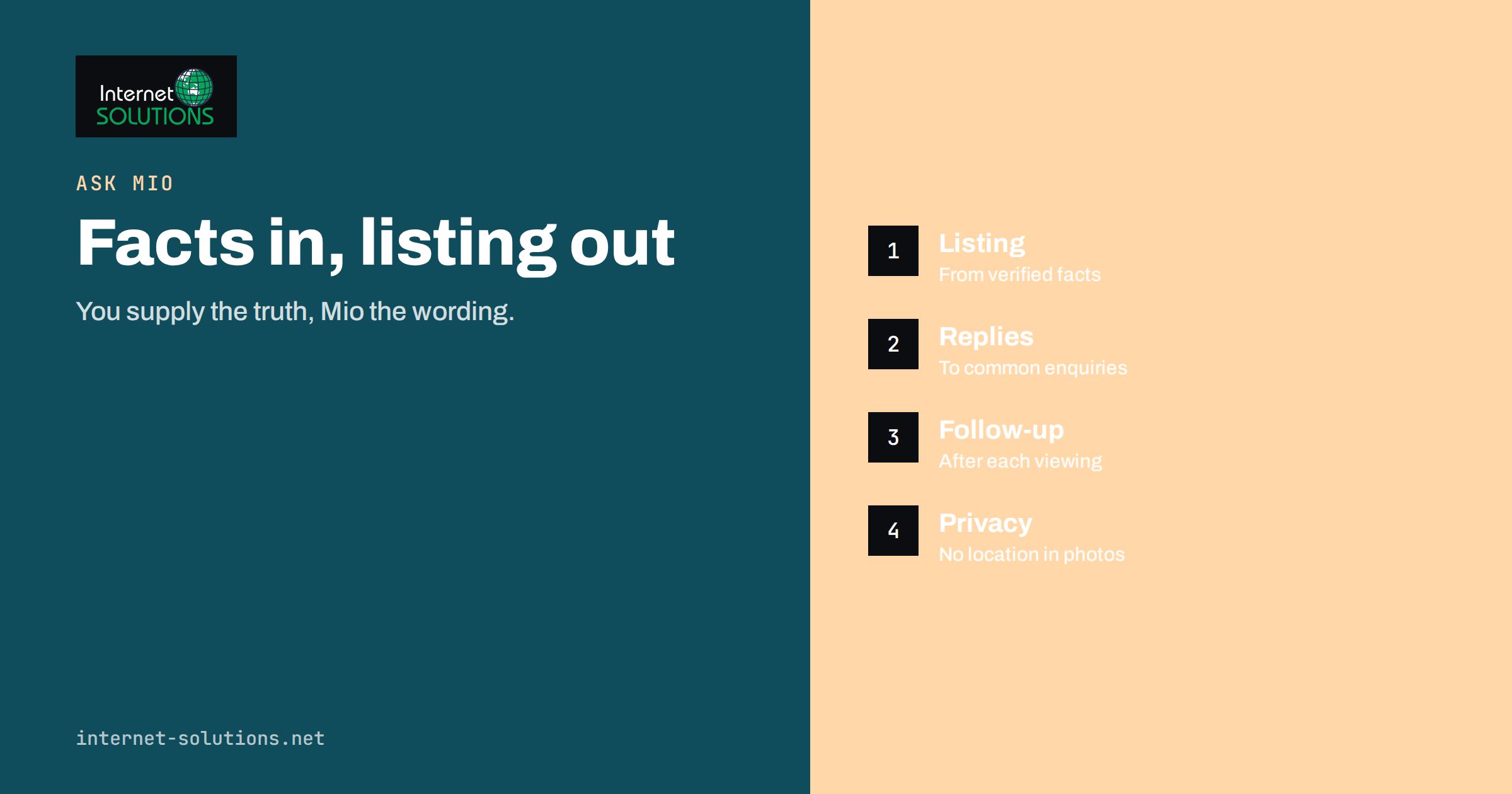
Ask Mio for real estate agents is a practical idea because so much of an agent’s day is writing. A listing needs a description that is accurate and attractive. Every enquiry needs a quick, friendly reply. Viewings need confirmations, reminders and follow-ups. Owners want updates, buyers want comparisons, and every property needs a checklist that nothing was forgotten. None of this work is glamorous, and all of it competes with the part that only a person can do: walking through a home, reading a buyer’s hesitation and negotiating a deal.
Ask Mio is an AI assistant that offers chat, writing, research, code and design in one place, with a library of experts and ready-made jobs. This article shows how an estate agency or an independent agent can use it for the written side of the job, how to keep facts and legal duties firmly in human hands, and which features are worth trying first. It does not provide legal advice, and the rules for advertising property differ by country, so treat every output as a draft that you check before publishing or sending.
What Ask Mio Offers an Agent
Ask Mio includes an expert called Real estate advisor, described on the Ask Mio website as helping with listings, prices, rent yields and checklists. Around it sit several tools and ready-made jobs that fit property work well:
- Write mode for listing descriptions, newsletters, neighbourhood guides and social posts, in more than twenty-five languages.
- Ready-made jobs such as website page copy, e-mail reply, social media pack, flyer or one-pager in PDF form, spreadsheet or table, and meeting notes to summary.
- A calculator and a currency tool that uses official ECB rates, useful for yields, commissions and conversions for foreign buyers.
- A photo privacy tool that removes location and camera data from pictures you upload.
- Document memory and file upload on plans that include them, so that you can ask questions about a long document you stored earlier.
- Connectors to services such as Google Calendar, which can show free slots for viewings, when you choose to enable them.
The free plan includes a monthly allowance of points and covers Chat and Write modes. Features such as research with sources, file upload and code execution belong to paid plans, so check the current plan details on the Ask Mio website before building a routine around them.
Six Tasks Where It Saves Time
1. Listing Descriptions
A good listing leads with what a buyer actually values, then lists facts clearly. Give Mio the verified facts as bullet points: type, size, rooms, floor, year, heating, parking, condition, nearby services and the asking price. Tell it the audience, the tone and the length, and ask for three versions. Then compare each statement against your property file. The assistant supplies phrasing, structure and variety, and you supply the truth. A rule that works well is to forbid invention: tell Mio to use only the facts you provided and to mark any gap with a question rather than filling it.
2. Replies to Enquiries
Portals and websites generate repeated questions: Is it still available? Are pets allowed? What are the monthly costs? When can I view it? Keep a document with approved answers, and ask Mio to draft replies that use it. The E-mail reply job produces a polite, ready-to-send message in the right tone, which you can adjust before sending. For multiple languages, ask for the same reply in the buyer’s language, then check key terms such as dates, prices and conditions.
3. Viewing Confirmations and Follow-Ups
After a viewing, a prompt follow-up often decides whether the buyer stays interested. Paste your short notes, without personal details that you do not need to share, and ask for a friendly follow-up that thanks the buyer, answers questions that came up and suggests a next step. The Meeting notes job can turn rough notes into a summary and a follow-up e-mail, which is useful for longer owner meetings.
4. Property Comparisons and Market Notes
When you prepare a valuation conversation, ask for a structure: what to compare, which questions to ask the owner and how to present the reasoning. Ask Mio can build a comparison table from facts you provide. It cannot know your local market’s latest prices, so supply real figures from your own data, and treat any number it adds on its own as unverified. On plans with research mode, it can search the web and cite sources, which you should open and read.
5. Marketing Material
The Social media pack job writes posts for Facebook, LinkedIn, X and Instagram from one idea, such as a new listing or an open day. The Flyer job produces a designed one-page PDF, and the Image or poster job can create banners. For connecting your website listings to social networks automatically, see our article on PostRSS for real estate, which takes the posts out of your hands once the text is approved.
6. Checklists and Internal Procedures
Onboarding a new listing, preparing a viewing, handing over keys and closing a file all benefit from a written checklist. Ask Mio to draft one, then edit it to match your agency’s real process and local requirements. A checklist that your team has tested is worth more than one that sounds impressive.
Facts, Fairness and Legal Duties
Property advertising is a regulated area. Many countries require specific information in listings, such as energy performance data, the price including or excluding fees, and a truthful description of the property. Consumer protection rules prohibit misleading claims, and anti-discrimination rules limit what you may say about the people you wish to attract. In the European Union, for example, the rules on energy performance of buildings and on unfair commercial practices apply, and national laws add further detail. An assistant does not know which rules apply to your listing, and it may produce attractive but unsupported phrases such as “quiet street” or “recently renovated” if you do not give it facts.
Use these safeguards:
- Give facts, not adjectives. Provide verified details and let Mio write the sentences.
- Forbid unsupported claims. Instruct it not to add features, distances, prices or dates you did not supply.
- Check legally required elements yourself. Energy class, fees, reference numbers and disclaimers must come from your documents and your local rules.
- Avoid discriminatory wording. Review texts for phrases that describe the preferred type of buyer or tenant rather than the property.
- Keep the final approval human. The agent is responsible for the advertisement, not the tool.
Our guide on fact-checking AI answers at work describes a routine for verifying what an assistant writes, and it fits listing work well.
Client Data and Photo Privacy
Agents handle personal information: names, phone numbers, financial situations, family circumstances and sometimes identity documents. Keep that data out of prompts whenever the task does not need it. Replace names with roles (“the buyer”, “the owner”), and remove identifiers from notes before pasting them. Our article on AI at work and data privacy lists what to keep out of prompts, and your agency’s own privacy rules take priority.
Photos carry hidden information too. Pictures taken on a phone may include GPS coordinates, which can reveal the exact location of an empty property or the owner’s home address. Ask Mio’s photo privacy tool removes location, camera serial number and author data from photos you upload. Our guide to photo privacy before you publish explains why this matters and how to check the result.
How Suitable Is Each Task?
| Task | Suitability | Main risk | Your check |
|---|---|---|---|
| Listing description from your facts | High | Invented features or exaggeration | Compare every claim with the property file |
| Replies to common enquiries | High | Wrong price or availability | Confirm against the current listing status |
| Viewing follow-up e-mail | High | Mixing up buyers or details | Read names, dates and promises before sending |
| Social posts and flyers | Medium to high | Missing legal information | Add required data from your own documents |
| Comparison tables | Medium | Unverified figures | Use your own market data |
| Contract summaries | Low as a source | Missing a clause or misreading | Have a lawyer or the notary review |
| Valuations and price advice | Not suitable alone | False confidence | Use your market knowledge and recognised methods |
A Weekly Routine for a Small Agency
A small team can fit Ask Mio into the week without changing how it works. On Monday, create a project for the agency with standing instructions: tone of voice, the languages used, what must never be invented and how prices are written. Mio’s projects keep instructions and files together, so you do not repeat them in every chat. On new listings day, paste the verified facts and generate three descriptions and a social media pack, then pick, edit and verify. During the week, use reply drafts for enquiries and short follow-ups after each viewing. On Friday, ask for a summary of open items from your notes, with next steps for each owner and buyer. Review the results, and store the best texts as templates.
Measure the effect in simple terms. How many minutes did a listing description take before and after? How quickly do you answer new enquiries? How many corrections do you make per text? If corrections are frequent, improve the instructions and the fact sheets you provide, because poor input is the main cause of poor output.
A Worked Example
An agent takes on a two-bedroom flat on the third floor of a building with a lift. She writes down the verified facts: sixty-four square metres, renovated kitchen in the previous year, balcony facing the courtyard, a storage room in the basement, and monthly building costs from the administrator’s statement. She asks Mio for three descriptions of about one hundred and fifty words, with the instruction to use only those facts and to list questions for anything missing. The assistant replies with three drafts and two questions, one about heating type and one about parking.
The agent answers the questions, removes a phrase that called the courtyard “peaceful” because she has not visited at rush hour, and adds the energy class from the certificate. She then asks for a short reply template for the three most common enquiries and a follow-up for viewings. The whole preparation takes well under an hour, and every statement in the advertisement is one she can prove.
Common Mistakes
- Letting the assistant fill in details that the property file does not contain.
- Publishing a text without checking prices, dimensions and energy data.
- Pasting client names, financial situations or identity documents into prompts without need.
- Using generic copy for every listing, which makes your advertisements indistinguishable and weakens search visibility.
- Treating the assistant as a source for local prices or legal rules.
- Skipping a photo privacy check on images of empty or occupied homes.
Frequently Asked Questions
Can Ask Mio write listing descriptions in several languages?
Yes. Write mode works in more than twenty-five languages, and the Translator expert keeps meaning and formatting. Always have key terms and numbers checked by someone who reads the target language.
Will it know the market price of a property?
No. It does not hold your local transaction data. You can give it figures and ask it to organise them, or use research mode on plans that include it, but valuation remains your professional judgment.
Is it safe to paste client details?
Share only what the task needs, and use roles instead of names where possible. Follow your agency’s privacy policy and local data protection rules, and read the Ask Mio privacy information before deciding what to include.
Can it help with contracts?
Ask Mio offers a contract and document check that gives a plain-language summary with risky clauses highlighted. Treat it as a reading aid, not as legal advice, and have a lawyer or notary review binding documents.
Does it replace my listing portal or CRM?
No. It helps with writing and thinking. Your portal, website and customer records remain the systems of record.
How do I start without spending money?
Create a free account and try the Real estate advisor expert in Chat or Write mode with one real listing. The free plan includes a monthly allowance of points, which is enough to test a weekly routine.
The Bottom Line
Ask Mio gives real estate agents a fast way to draft listings, replies, follow-ups and checklists, as long as the facts come from you and the final check stays with you. Give it verified details, forbid invention, remove personal data you do not need to share and review legally required information against your own documents. Used that way, it frees hours each week for viewings and negotiations. To see the full list of experts and tools, visit the Ask Mio page.