

 English
 Lietuvių
 Latviešu
 Eesti
Eesti Русский
 Polski
 Українська
 Deutsch
 Italiano
 Español
 Français
 Português
 Čeština
 Magyar
 Română
 Ελληνικά
 Türkçe
 日本語
日本語 العربية
 हिन्दी
 Bahasa Indonesia
 Bahasa Melayu
 ไทย
ไทย Tiếng Việt
 বাংলা
বাংলাBacklink Audits and the Disavow Tool: When to Act and When Not To
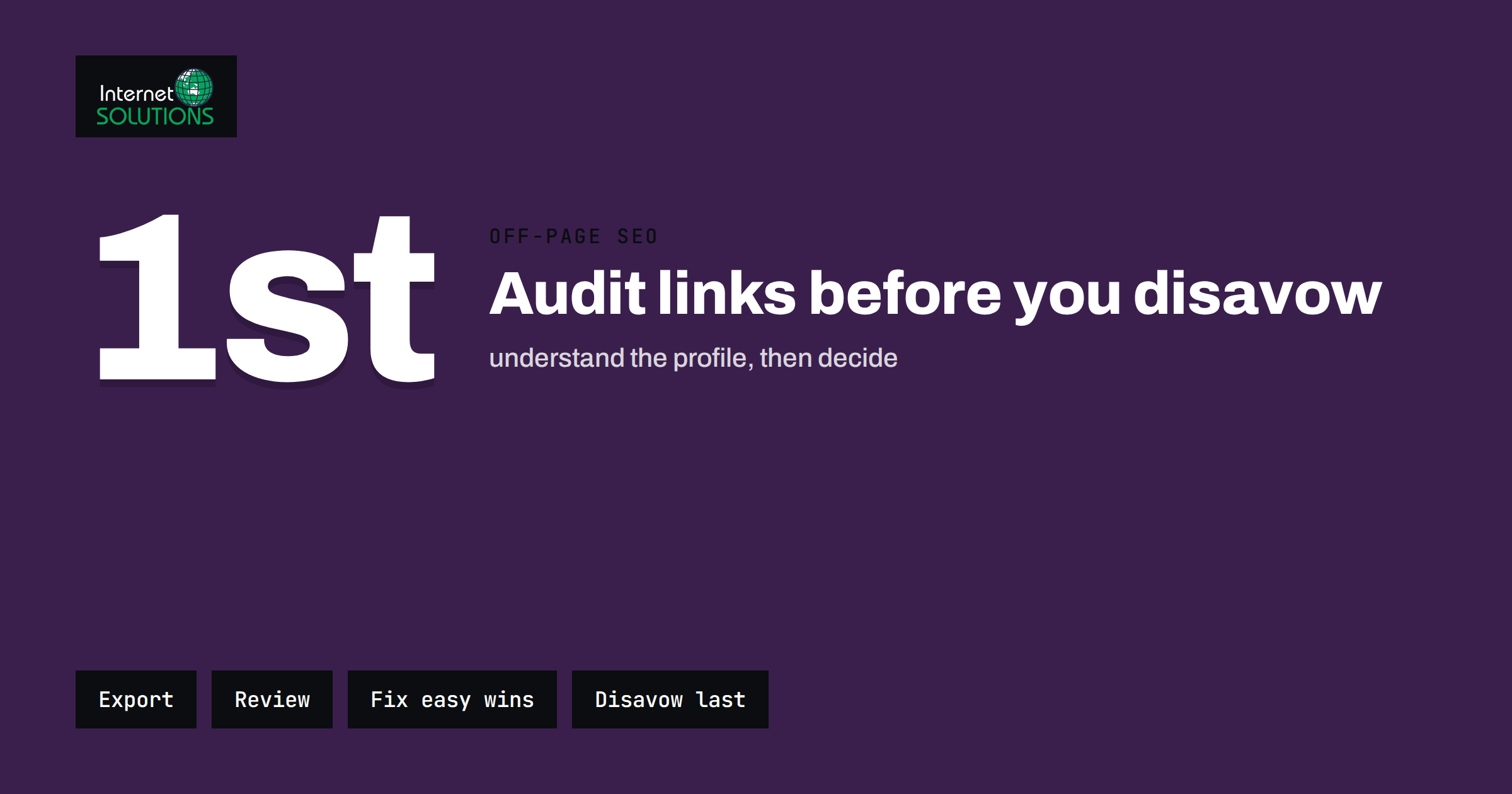
A backlink audit is a structured review of the links that point to your website from other sites. Done well, it tells you which links help, which are harmless noise and which, rarely, put you at risk. Done badly, it ends with a business owner pasting hundreds of perfectly normal domains into a disavow file and quietly removing support that the site was benefiting from. The difference lies in knowing what a bad link actually is, how search engines treat it and when a formal request is justified.
This guide explains how to run a backlink audit with the free tools you already have, how to separate real problems from cosmetic ones, when the disavow tool is appropriate and how to build and maintain the file correctly. It complements our practical notes on link building that does not get you penalised and sits within our wider off-page SEO work.
What a Backlink Audit Is For
An audit has three practical goals. The first is to understand your link profile: who links to you, to which pages, with which anchor text and from what kind of sites. The second is to find risks, meaning links that were bought, exchanged at scale, generated automatically or planted by someone you do not know. The third is to find opportunities, such as pages that earn links without effort, mentions that lack a link and broken inbound links that waste authority.
Notice that only one of those goals concerns removal. In most audits the opportunities are worth far more than the risks. A business with a few hundred honest links and a handful of odd ones does not have a link problem. It usually has a content, visibility or outreach problem, and the audit is a good way to see that clearly.
It also helps to be precise about why you are auditing. Common triggers are a drop in organic traffic, a manual action message in Google Search Console, a website migration, taking over a domain with an unknown history, a new SEO agency or a regular yearly check. Each of these calls for a slightly different depth, but the method below works for all of them.
How Search Engines Treat Bad Links Today
For many years, owners feared that any low-quality link could hurt them. That fear came from the period when link spam could trigger algorithmic demotions. Since then, Google has stated that its systems are designed to ignore most spammy links instead of punishing sites for them, and its own guidance says that most sites do not need to use the disavow tool. You can read the current wording in Google’s disavow help page.
That does not mean links never matter for risk. Google’s spam policies describe link spam, including buying or selling links that pass ranking credit, excessive link exchanges and large-scale article or directory campaigns with keyword-rich anchors. A site that clearly takes part in such schemes can receive a manual action, which is visible in the Manual actions report in Search Console. That message is the strongest signal that action is needed.
So the working rule is simple. If there is no manual action and no evidence that you or your agency created manipulative links, random junk pointing at your site is almost always something to monitor rather than disavow. If there is a manual action for unnatural links, or you have a clear history of paid or manipulative link building, a careful clean-up is justified.
Gather Your Link Data
Start with data you control. The Links report in Google Search Console shows top linked pages, top linking sites and top linking text for your verified property. It is a sample, not a complete list, but it is the data Google itself shares with you and it is free. Export it regularly so that you can compare changes over time.
Next, add a second source if you can. Many SEO tools provide their own backlink indexes, and no single index is complete. Combining two sources reduces blind spots, because a link missing from one often appears in the other. Keep a record of which export came from which tool and on what date, so that your notes make sense in six months.
Finally, use your own site data. Analytics referral reports show which links actually send visitors, which is a useful measure of link quality that has nothing to do with tool scores. Server logs can reveal crawlers hitting pages that only strange sites link to. If you have recently migrated, compare old URLs that still receive links with your redirect map, as described in our guide to 301 redirects for SEO.
Build a Review Sheet
Put the combined data in a spreadsheet, with one row per linking domain rather than per link. Reviewing at domain level makes the job manageable, because a spam network may produce thousands of links from a few dozen domains. Useful columns are the linking domain, the number of links, the target pages on your site, the dominant anchor text, the first date seen, whether the link is followed or marked with a link attribute, and a column for your own judgement.
Add a simple status column with a short set of values: keep, monitor, investigate and act. Starting with everything as monitor avoids the temptation to make quick decisions on incomplete evidence. You move rows only when you have reviewed the site.
Sort first by anchor text. Natural profiles contain brand names, bare URLs, generic phrases such as “click here” or “this article” and a long tail of varied descriptions. An unnatural profile shows many links with identical commercial anchors, such as the same service and city phrase repeated hundreds of times. That pattern is more informative than any quality score from a tool.
Signals That a Link Is Worth Investigating
No single signal proves that a link is harmful. Look for combinations. The list below describes patterns that justify a closer look, together with the harmless explanations you should rule out first.
| Signal | Why it can matter | Harmless explanation to check first |
|---|---|---|
| Many links with the same keyword-rich anchor | Looks like coordinated link building | A partner or directory that uses your service name as its standard link text |
| Links from pages that exist only to hold links | Typical of paid placements and link farms | Genuine resource pages or old business directories |
| Sudden spike of links from unrelated sites | May indicate paid campaigns or a spam attack | A press mention, a viral post or a scraper that copied a popular article |
| Sites in unrelated languages or topics with no audience | Low editorial value | International coverage that you did not know about |
| Links in comment, forum or profile spam | Automatic and untrusted | Real participation you made yourself in a relevant community |
| Links to pages that return errors | Wasted authority rather than risk | Old URLs after a redesign; fix with redirects, not disavow |
Visit a sample of the suspicious domains yourself. A site that looks abandoned, filled with unrelated text and outbound links to casinos or pills is a different case from a small local blog that mentions you in a list. When in doubt, the blog stays. A wrongly disavowed good link does more damage than a harmless junk link left in place.
Common Cases and What to Do
Scraper and spam sites that copy your content and link back are the most common source of odd links. They are ignored by search engines in the vast majority of cases, and chasing them consumes time with no result. Leave them unless you are in a manual action situation.
Negative SEO, meaning a competitor deliberately pointing spam at your site, is discussed often and proven rarely. If you see a sudden flood of obviously artificial links and you also notice a ranking or manual action problem, document the dates and consider a disavow file. If nothing else changes, continue to monitor.
Links from a previous agency are a more realistic risk. If your site once paid for guest posts, directory submissions or private blog network links, those may be the cause of a penalty. Ask the agency for a list of what was built. Try to have the worst links removed at source, and use the disavow file for the ones you cannot remove.
Broken inbound links are an opportunity. When a good site links to a URL that no longer exists, redirect that URL to the closest relevant page. This recovers value without any outreach. Our article on broken links and 404 errors explains how to find these cases.
Unlinked mentions are another quick win. Search for your brand name with and without quotes and look for articles that mention you without linking. A short, polite message asking for a link to your homepage or a relevant page often works, because the author already thinks you are worth mentioning.
Try Removal Before Disavowal
When you have a manual action or a real history of paid links, the preferred order is removal first, disavowal second. Contact the site owner using the contact details on the site or in domain records, explain the link you want removed and keep a note of every attempt with the date. Many owners of low-quality sites do not respond, but a documented attempt is useful if you later submit a reconsideration request.
Be careful with messages that sound like templates. Some spam site owners ask for payment to remove links. Do not pay. Record the request, and move the domain to your disavow list instead.
When the cleanup is part of a recovery from a manual action, your reconsideration request should explain what happened, what you removed, what you could not remove and how you will prevent a repeat. Reviewers read many requests, and plain facts are more convincing than long arguments.
When the Disavow Tool Is Appropriate
Use the disavow tool when at least one of these is true: you have a manual action for unnatural links; you or a previous provider created manipulative links that you cannot get removed; or you have evidence of a large, artificial link pattern that matches the descriptions in the spam policies. Do not use it as routine hygiene, as a way to reduce numbers in a third-party score or as a reaction to a single odd link.
The tool applies to a specific Search Console property, so make sure you select the right one, including the correct protocol and subdomain version where relevant. If you manage a site that is accessible with and without a subdomain prefix, the file should be uploaded to the property that represents the version Google uses as canonical, and you should read the current help page for how Google handles variations.
Remember that disavowal is a suggestion to Google, not a command, and that its effect takes time because the links need to be recrawled. Do not expect a visible change within days.
How to Build the Disavow File
The file is a plain text file saved in UTF-8 with one entry per line. Lines starting with a hash symbol are comments. You can disavow a single URL by listing it in full, or an entire domain with the prefix domain:, for example domain:spam-example.com. Domain-level entries are usually the better choice for spam networks, because they cover new pages on the same site as well.
Google’s documentation lists size limits, which at the time of writing are a maximum file size of 2 MB and a maximum of 100,000 lines, including comments and blank lines. Check the help page before uploading, since limits can change. If your file approaches these numbers, you are probably including far too much and should review your approach.
Use comments generously. A short note above each group, such as the date, the source of the links and the reason, makes the file understandable to the next person. A good file is short, dated and traceable. A typical structure looks like this:
- A header comment with the site, the date of the review, the author and the reason for the file.
- A group of domains from a former agency, with the date of the campaign if known.
- A group of domains from an automated spam pattern, with the date range during which the links appeared.
- A group of individual URLs where only specific pages are a problem.
Keep your own copy of every version you upload. When you upload a new file it replaces the old one, so your new file must include all entries you still want, not only new ones. Store the file in a shared location with version history and write down who is allowed to change it.
Keep the Process Going
A backlink audit is not a one-time project. Schedule a lighter review every quarter. Export the Search Console links data, compare with the last export, and look only at new linking domains and big changes in anchors. This takes an hour for most small sites and catches problems while they are small.
Pair the review with positive work. Every quarter, note the pages that gained links and ask why. If a guide, a tool or a data page earned links, plan more content in the same direction. The best protection against a messy profile is a steady flow of good links that dilutes the occasional bad one. Our notes on building authority without spammy links describe practical ways to do that.
Also check how you link out. Google’s guidance on qualifying outbound links explains when to mark paid or user-generated links with the appropriate attributes. A site that is careful with its own outbound links is better placed to ask others to be careful with theirs.
Mistakes to Avoid
The most common mistake is disavowing based on a tool’s “toxicity” score alone. These scores are estimates built on the tool’s own rules, and they often flag legitimate directories, small local sites and old forums. Treat them as a starting list to inspect, never as a list to submit.
The second is disavowing the whole profile in a panic after a traffic drop. Most traffic drops come from content quality, technical changes, search intent shifts or competitors, not links. Check indexing, redirects, page speed and recent site changes first. Our guide on why Google is not indexing your pages can help rule out technical causes.
The third is uploading a file with the wrong format, such as a spreadsheet exported with extra columns, or entries with typing errors. A broken line can be ignored without warning. Open the file in a plain text editor and read it before upload.
The fourth is forgetting to review the file later. Domains change owners, and a once-spammy domain may become a legitimate site. Review your file once a year and remove entries that no longer apply, if you have a reason to think they are now harmless.
A Simple Audit Routine You Can Repeat
- Export links from Search Console and, if available, one other source.
- Merge them into a sheet at domain level and add the target page and anchor.
- Sort by anchor text and by first-seen date to spot patterns and spikes.
- Visit a sample of suspicious domains and note whether they look real.
- Check Search Console for manual actions and note the date you checked.
- Fix opportunities first: redirect broken inbound links and request links for unlinked mentions.
- Contact owners for links that are clearly manipulative and that you can trace to your own work.
- Only then, if a manual action or clear manipulation exists, build and upload a disavow file with comments.
- Write a short summary with dates, decisions and next review date.
Frequently Asked Questions
Should I disavow every low-quality link pointing to my site?
No. Google says its systems ignore most spammy links and that most sites do not need the disavow tool. Reserve it for a manual action or a clear history of manipulative links that you cannot remove.
How often should I run a backlink audit?
A light check every quarter is enough for most small business sites, with a deeper review after a migration, a ranking drop with no technical cause, a manual action or a change of SEO provider.
Can a competitor ruin my rankings by pointing spam links at me?
It is possible in theory, but rare in practice, because search engines are built to ignore most obvious spam. If you see an unusual spike together with a ranking problem, document it and consider a disavow file. Otherwise keep monitoring.
Does the disavow file remove links from other sites?
No. It only asks Google not to count the listed links when assessing your site. The links remain on the other sites, and it can take time for Google to recrawl them and apply the file.
Should I disavow at URL level or domain level?
Use domain-level entries for sites that exist mainly to spam, since new pages on the same site would otherwise need new entries. Use URL-level entries when only one page on an otherwise normal site is a problem.
Will disavowing links bring back lost traffic quickly?
Do not expect fast results. Recovery after a manual action depends on a successful reconsideration request, and link changes need time to be recrawled. If traffic dropped for other reasons, a disavow file will not fix it.
The Bottom Line
A backlink audit is mostly about understanding, not deleting. Gather data from Search Console and one more source, review at domain level, look for patterns in anchors and timing, and fix the easy wins such as broken inbound links and unlinked mentions. Keep the disavow tool for real cases: a manual action for unnatural links or a documented history of manipulative links you cannot remove. When you do use it, build a short, commented file, keep every version and review it once a year. If you want a second pair of eyes on your link profile, our team can include a link review in a wider SEO analysis of your site.