

 English
 Lietuvių
 Latviešu
 Eesti
Eesti Русский
 Polski
 Українська
 Deutsch
 Italiano
 Español
 Français
 Português
 Čeština
 Magyar
 Română
 Ελληνικά
 Türkçe
 日本語
日本語 العربية
 हिन्दी
 Bahasa Indonesia
 Bahasa Melayu
 ไทย
ไทย Tiếng Việt
 বাংলা
বাংলাEmail Marketing Compliance: Consent, Unsubscribes and Sender Rules
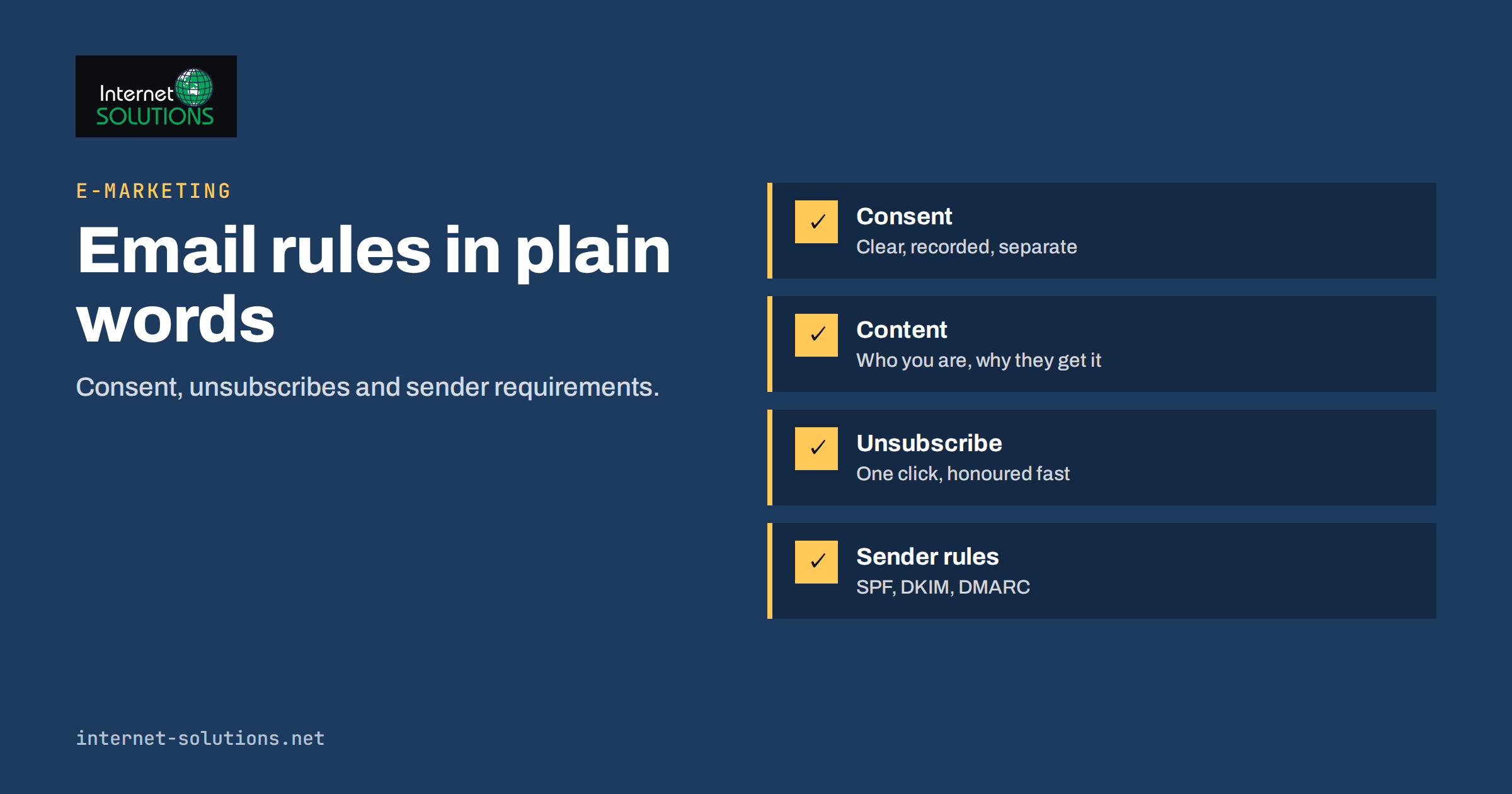
Email marketing compliance is the set of legal and technical rules that decide whether your campaigns may be sent, whether they reach the inbox and whether you can prove that every recipient asked to hear from you. It covers consent, identification, unsubscribe handling and the sender requirements that mailbox providers enforce. For a small business, the rules look intimidating, but the practical routine is short: collect clear permission, keep a record of it, make leaving easy, authenticate your mail and honour every request quickly.
This guide explains the main rules in plain language, how consent differs between customers and strangers, what to put in each message, how to handle unsubscribes and what the large mailbox providers now require from bulk senders. It is general information, not legal advice, and requirements vary by country and by the kind of message, so check your own situation with a qualified adviser. It fits into our wider e-marketing work.
Why Compliance Is Also a Deliverability Issue
It is tempting to treat compliance as a legal chore and deliverability as a technical one. In practice they are the same subject. Mailbox providers measure how recipients react: complaints, unsubscribes, bounces and engagement. Senders who mail people who never asked for it see more complaints and worse inbox placement. Senders who collect clear permission and send relevant messages see fewer complaints and better results.
That connection has become stronger. Large providers now publish explicit rules for senders who mail in volume, and several of those rules mirror legal principles: make unsubscribing easy, identify yourself and keep complaints low. A programme that follows consent rules usually also satisfies most of the technical expectations, and the reverse is also true.
So compliance is not a cost that reduces results. It is part of what makes an email programme worth running. A smaller, consented list that opens your messages is worth more than a large one that mostly ignores them.
The Rules in Brief
Different regions use different models. The table summarises the broad approaches that apply to most small businesses that email customers in Europe, the United Kingdom and the United States. It is a simplified overview.
| Region or rule | Basic approach | Practical meaning |
|---|---|---|
| EU: GDPR and ePrivacy rules | Opt-in for marketing to individuals, with a limited exception for existing customers | Get clear, recorded permission; offer an easy opt-out in every message |
| United Kingdom: UK GDPR and PECR | Similar to the EU, with a soft opt-in for existing customers | Same routine; see the regulator’s direct marketing guidance |
| United States: CAN-SPAM Act | Opt-out model with content and honesty rules | No misleading headers or subjects, a postal address, a working opt-out that you honour promptly |
| Mailbox provider rules | Technical and behavioural requirements for bulk senders | Authentication, one-click unsubscribe, low complaint rate |
If you send to people in several countries, the safest approach is to follow the strictest rule that applies, which in most cases is the opt-in model. That also keeps your processes simple, because you do not need different flows for different visitors.
Consent: What Counts and What Does Not
Under the General Data Protection Regulation, consent has to be freely given, specific, informed and unambiguous, expressed by a statement or a clear affirmative action. The full text is available in the regulation on EUR-Lex. In practice that leads to a few clear rules for email signups.
- No pre-ticked boxes. The visitor must take an action, such as ticking an empty box or pressing a button whose label makes the purpose clear.
- Be specific. Say what you will send and roughly how often, such as a monthly newsletter or product news. Do not hide marketing in general terms and conditions.
- Keep it separate. Do not bundle newsletter consent with a purchase, a download or a contact request. The person should be able to do the first without agreeing to the second.
- Make withdrawing as easy as giving. If subscribing takes one click, unsubscribing should take no more.
- Keep proof. Store the address, the date and time, the form or page used, the wording shown and the source, so you can show how and when the person agreed.
Bought lists and scraped addresses do not give you consent. Sending to such lists is risky legally and harmful practically, since they contain traps, inactive addresses and people who will report you. Our guide to email list hygiene explains the damage that bad addresses do.
Customers, Prospects and the Soft Opt-In
The rules are different for people who have already bought from you. In the European Union, the ePrivacy rules allow, under conditions, marketing to existing customers for similar products or services without new consent, as long as the person was given a clear chance to refuse when their details were collected and is offered the same chance in every message. National laws implement this, so the exact conditions differ. The UK has a comparable rule known as the soft opt-in.
The conditions are narrow. The contact must have come from a real sale or negotiation for a sale. The marketing must be about your own similar products or services. The person must have had a simple way to opt out at the beginning and must have one in every message. A person who only browsed, downloaded a free guide or entered a competition has not necessarily become a customer in this sense.
If you are unsure, ask for consent. A short message to existing customers that invites them to subscribe to your newsletter, with a clear button, is simple and gives you stronger proof than relying on an exception. Business-to-business rules vary again, since some countries treat messages to company addresses differently from messages to individuals, so check the local rule where you send.
What Every Marketing Email Must Contain
Most laws and provider rules point to the same content checklist. Build it into your template so that nobody has to remember it for each campaign.
- A truthful “From” name and address that identify your business. Do not imitate another sender.
- A subject line that reflects the content. Misleading subjects can breach the law as well as erode trust.
- A clear indication that the message is an advertisement or marketing, where the local rules require it.
- Your business identity and a valid postal address. This is an explicit requirement in the United States and is good practice elsewhere.
- A visible unsubscribe link in the body, working without login and without extra steps.
- A reason for receiving the message, for example “You are receiving this because you subscribed on our website on the date of signup”.
- A link to your privacy information, explaining how you handle personal data.
Keep the unsubscribe link readable. Hiding it in tiny grey text or placing it far below a long footer invites complaints to the provider instead of unsubscribes to you. A recipient who cannot find the link will press the spam button, which hurts you more than an unsubscribe.
Handling Unsubscribes Properly
Unsubscribe handling is where many small senders fail. The rule is simple: when someone opts out, stop quickly and keep them out. Some laws set explicit time limits, such as ten business days in the United States, but a good target is immediate or within a day. Mailbox providers expect speed too.
Make the process frictionless. One click from the email to a confirmation page is enough. Do not ask the person to log in, to type their address again or to explain why. An optional question about the reason is acceptable if it comes after the unsubscribe is done. Do not send a “sorry to see you go” series of messages that look like more marketing.
Keep a suppression list. When a person unsubscribes, add the address to a list that every future import and campaign checks. Without it, a re-imported spreadsheet can bring back people who opted out, which is a common source of complaints and legal trouble. Keep the suppression record even when you delete other data, because it is what protects the person’s choice.
Offer a preference choice where it helps. Many people prefer fewer messages over none, so a link to choose topics or frequency can keep a subscriber you would otherwise lose. The one-click unsubscribe must still exist alongside it.
Sender Requirements From Mailbox Providers
Since early 2024, the largest providers have asked more from senders who mail in volume. Google’s email sender guidelines describe the current expectations. In summary, bulk senders to Gmail addresses are expected to authenticate mail with SPF and DKIM, publish a DMARC policy, use a valid reverse DNS setup, keep the spam complaint rate low, and provide one-click unsubscribe for marketing and subscribed messages. Yahoo published a similar set of expectations. Because the details change, read the current guidelines instead of relying on a summary, including ours.
One-click unsubscribe uses mail headers defined in a technical standard, RFC 8058. Mailbox providers show an unsubscribe button next to the sender name when these headers are present and valid. Most reputable email platforms add them for you, but check that your platform does, and that it processes requests promptly.
Keeping the complaint rate low is as much a content problem as a technical one. The providers publish thresholds, and they are low. Send to people who asked, send what they expect, avoid sudden jumps in volume and remove inactive addresses. If you are starting a new sending domain, follow a gradual plan, as described in our guide on email warm-up.
Signup Forms That Hold Up
Compliance begins at the form. A signup form that is clear about what the person gets, and that records the proof, saves trouble later. Place the consent wording right next to the button, use an unticked box where it is a separate choice and describe the content and frequency in a sentence. Link to your privacy information.
Think about double opt-in. In a double opt-in, the new subscriber receives an email with a confirmation link and is added only after clicking it. This reduces typos, blocks people from subscribing others, keeps spam traps out of the list and creates strong proof of consent. It adds one step, and some people do not complete it, but for many businesses the quality gain outweighs the loss. Some countries and sectors effectively expect it.
Review every place where addresses enter your list: website forms, checkout, event sign-up sheets, support tools and integrations. Each one should record the source and the consent wording. Our article on lead magnets and signup forms shows how to build a list in a way that supports compliance.
Records and Data Rights
Under data protection law, people can ask what you hold about them, ask you to correct it and ask you to erase it. Be ready to answer. Know where your email list data lives: your email platform, your CRM, spreadsheets, backups and any connected tools. If you cannot say where a subscriber’s data is, you cannot respond to a request in time.
Decide how long you keep data. Inactive subscribers who have not opened anything for a long time are both a deliverability risk and a data minimisation question. A regular clean-up, with a re-engagement message before removal, helps on both counts. Keep the suppression list and the proof of consent for as long as the law and your own risk analysis suggest, and document the retention period.
Be careful with processors. Your email platform processes personal data on your behalf, so you usually need a data processing agreement, and you should know where the data is processed and which sub-processors are involved. This belongs in your internal records, even if the provider handles most of the paperwork.
A Practical Compliance Routine
- Map every source of email addresses and write down how consent is collected at each.
- Fix forms: unticked boxes, clear wording, separate consent, a link to privacy information and recorded proof.
- Decide whether to use double opt-in and apply it consistently.
- Update your email template with sender identity, postal address, reason for receiving the message and a visible unsubscribe link.
- Check that one-click unsubscribe headers are active and that requests are processed immediately.
- Maintain a suppression list that all imports and campaigns check.
- Authenticate your domain with SPF, DKIM and DMARC and monitor your complaint rate.
- Clean the list regularly, remove inactive contacts after a re-engagement attempt and never use purchased lists.
- Document your processes, review them yearly and ask a qualified adviser about points specific to your countries and sector.
None of these steps is expensive, and together they protect you from the most common problems. If you want help reviewing signup forms, templates and technical settings, our team can include them in an e-marketing review.
Frequently Asked Questions
Do I need consent to email my existing customers?
It depends on the country. Under EU and UK rules, a limited exception can allow marketing about similar products to existing customers if they had a clear chance to opt out and get one in every message. When unsure, ask for consent.
Is double opt-in required?
Not everywhere, but it is a strong practice. It confirms the address, protects against fake signups and provides clear proof of consent. Many businesses use it for those reasons.
How fast must I process an unsubscribe?
Laws and provider rules set time limits that vary, but the safe approach is to process requests immediately or within a day, and to keep the address on a suppression list so that it is never mailed again.
Can I email a list I bought?
You should not. A purchased list does not give you valid consent, carries legal risk and usually contains inactive addresses and spam traps that damage your sending reputation.
What do Gmail and Yahoo expect from bulk senders?
They expect authentication with SPF, DKIM and DMARC, low spam complaint rates and easy one-click unsubscribe for marketing mail. Read the providers’ current sender guidelines, since the details can change.
Are transactional emails covered by the same rules?
Messages that only deliver what the person requested, such as an order confirmation or a password reset, are treated differently from marketing. Do not add promotional content to them without checking the rules, because that can turn them into marketing messages.
The Bottom Line
Email marketing compliance comes down to a few habits: ask clearly, keep proof, identify yourself, make leaving easy and keep your technical setup in order. The same habits that keep you within the law also keep you out of spam folders. Review your forms, your template and your unsubscribe handling this month, fix what is missing and put a yearly review in the calendar. Treat this article as a starting point and confirm the details for your own markets with a qualified adviser.