

 English
 Lietuvių
 Latviešu
 Eesti
Eesti Русский
 Polski
 Українська
 Deutsch
 Italiano
 Español
 Français
 Português
 Čeština
 Magyar
 Română
 Ελληνικά
 Türkçe
 日本語
日本語 العربية
 हिन्दी
 Bahasa Indonesia
 Bahasa Melayu
 ไทย
ไทย Tiếng Việt
 বাংলা
বাংলাFacebook Ads Rejections and Restrictions: Prevention and Appeals
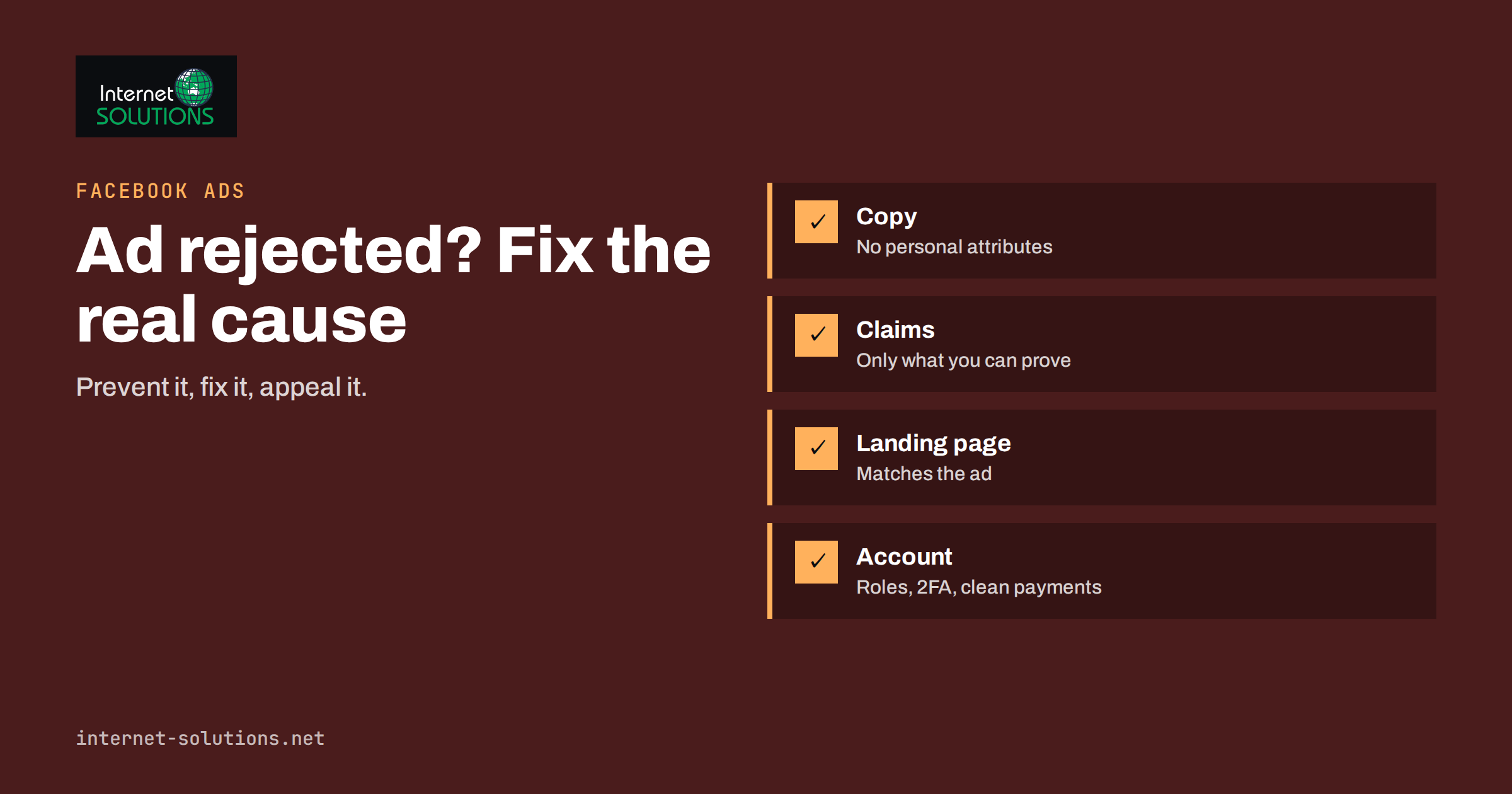
Facebook ads rejections are among the most frustrating problems in paid social, because they usually arrive at the worst moment: a campaign is ready, a deadline is close, and a notice says the ad does not follow the advertising standards. Most rejections are not personal and not permanent. They come from automated review systems that match your ad, image, landing page and account history against a long list of rules, and they can usually be fixed or appealed. The harder problem is an account restriction, where the whole advertising account loses the ability to run ads. That is slower to resolve and far more costly, so prevention matters more than appeals.
This guide explains why ads get rejected, which categories cause the most trouble, how to write and structure ads to pass review, how to respond when something is rejected, and how to protect your ad account and business assets. The platform’s rules change over time, so treat this as a working method and always check the current wording in Meta’s own advertising standards before you launch anything sensitive.
How Ad Review Works
Every ad is checked before it runs, mostly by automated systems, with human reviewers involved in some cases and in appeals. The review looks at the ad text, the headline, the image or video, any text inside the image, the destination page after the click and, in some cases, the history and behaviour of the account and page that placed it. Ads can also be reviewed again after they start running, particularly when users report them or when the system detects a change in the landing page.
Two practical consequences follow. First, a rejection can be triggered by something outside the ad itself, such as a landing page that makes claims the ad does not, a checkout with missing business information, or a domain with a poor reputation. Second, an ad that was approved yesterday can be flagged tomorrow, so the absence of a rejection is not a guarantee. Monitor delivery and account notices as part of your regular routine, not only at launch.
The Most Common Reasons for Rejection
Personal attributes and implied knowledge
Ads must not suggest that you know something personal about the viewer. Text such as “Are you struggling with debt?” or “Because you are single” asserts or implies a characteristic about the person reading it. The safer pattern is to talk about the offer or the situation in general terms: “Plans for people who want to reduce debt” rather than “Your debt is crushing you”. This policy catches many small businesses because natural, direct copywriting often sounds like a statement about the reader.
Health, body and before-and-after claims
Ads that imply unrealistic results, show before-and-after images, or promote products with exaggerated body or health claims are among the most frequently rejected. Sensitive health topics receive extra scrutiny. If you operate in wellness, beauty or fitness, base claims on what a product does rather than what a customer’s body will become, and avoid imagery that focuses on perceived flaws.
Misleading, exaggerated or unverifiable claims
Phrases such as “guaranteed results”, “the best in the world” and unrealistic income promises attract review. Claims should be accurate and supportable on the landing page. If you quote a figure, make sure the page shows where it comes from.
Landing page problems
The destination must work, load reasonably, match the ad and be usable on a phone. Pages that are under construction, show an error, auto-download files, trap the visitor with pop-ups or do not match the offer will cause problems. The page should also show who you are: contact details, a privacy policy and clear terms for what is being sold. Our guide to landing pages for paid traffic covers the points that help both approval and conversion.
Special ad categories
Ads about credit, employment, housing, and social issues, elections or politics must be declared in the matching special category, with limited targeting options. Running such an ad without the declaration is a common cause of rejection and of account warnings. If your business touches any of these, declare the category even if you are unsure; the restricted targeting is a smaller problem than a restricted account.
Prohibited and restricted content
Some products cannot be advertised at all, such as illegal items and certain weapons. Others are restricted, such as alcohol, gambling, online pharmacies, cryptocurrency products and financial services, and may require permission, age or location limits or prior authorisation. Check the list for your category before building a campaign around it.
Image and text issues
Graphic or shocking images, misleading buttons that look like interface elements, low-quality or distorted visuals, and images that suggest functionality that does not exist can all trigger review. Our article on creative testing on a small budget shows how to build a pipeline of acceptable creative so one rejection does not stop a test.
Rejection Causes at a Glance
| Cause | Typical sign | Usual fix | Risk level |
|---|---|---|---|
| Personal attributes in copy | Ad rejected, text addresses the viewer’s traits | Rewrite to describe the offer, not the person | Low, easy to fix |
| Exaggerated or health claims | Ad rejected, sensitive imagery or promises | Remove promises, use neutral imagery, add evidence on page | Medium |
| Landing page mismatch or fault | Rejection mentions destination | Fix page, align claims and offer, add business details | Medium |
| Missing special category | Ad rejected or targeting limited | Declare the category and rebuild targeting | High if repeated |
| Restricted product without permission | Ad rejected or account flagged | Apply for permission or stop advertising the product | High |
| Circumvention of review | Account restricted | Do not do it; appeal through official channels | Severe |
Write Ads That Pass Review the First Time
A few habits prevent most rejections. Describe the product, the offer and the benefit, not the reader’s body, finances, relationships or beliefs. Use the same words the landing page uses so the ad and the destination tell one story. Keep claims you can support, and show support on the page: ratings, statistics with sources, terms and conditions. Avoid text-heavy images with unusual formatting, and avoid before-and-after layouts in sensitive categories altogether.
Prepare the landing page before the ad. Check that it loads quickly, works on a phone, shows your business name, contact details and a privacy policy, and states clearly what is being sold. If the page collects personal data, make sure your consent and cookie handling are correct; our guide to cookie consent and GDPR compliance explains the essentials.
Run a short internal review before each launch. One person writes, another checks every ad against a short checklist covering claims, personal attributes, imagery, the landing page and the special categories. That second pair of eyes catches the mistakes the author no longer sees.
What to Do When an Ad Is Rejected
- Read the stated reason. Open the notice and note which policy is cited and what it says about the element in question.
- Check the whole chain. Review the text, image, headline, video, landing page and any redirect. The cause is not always the part you suspect.
- Fix and resubmit if the notice is correct. An edited version goes through review again. This is faster than an appeal and often succeeds.
- Request a review if you believe the decision is wrong. Use the review option on the ad, explain briefly and factually why the ad complies, and point to the page content if relevant. Do not argue or complain; keep the message short and clear.
- Do not duplicate the same rejected ad repeatedly. Submitting copies of a rejected ad to get it through is treated as an attempt to avoid review and can lead to restrictions.
- Keep a log. Record the ad, the reason, the change and the outcome. Patterns show which kinds of copy or imagery your account struggles with.
If an appeal fails, change the ad rather than escalating the same wording. Writing a new ad that describes the offer differently is usually quicker than winning an argument.
Account Restrictions and How to Avoid Them
Individual ad rejections are routine. A restriction on the advertising account is different: it stops all campaigns, and recovery can take days or weeks. The usual triggers are repeated policy violations, attempts to bypass review, suspicious payment activity, unusual sign-in behaviour, disputed or failed payments, and the use of accounts flagged for earlier violations.
Reduce the risk by building a clean structure.
- Use a business account. Run advertising from a business portfolio you control, not from a personal profile that also holds family photos and old posts.
- Give access through roles. Add agencies and colleagues as partners or users with the right permissions, instead of sharing logins.
- Turn on two-factor authentication for every administrator, and keep at least two trusted administrators so access is not lost with one person. Our guide to multi-factor authentication and password managers explains how to do this without slowing the team down.
- Complete business verification where the platform asks for it, using documents that match the legal name and address shown on your website.
- Keep payments healthy. Use a valid payment method with enough balance or limit, and resolve failed payments promptly.
- Do not cloak. Showing the reviewer a different page than the public sees is a serious violation.
- Keep one record of who runs what. A short document listing pages, ad accounts, pixels and administrators makes recovery much easier if something goes wrong.
If the Account Is Restricted
Stay calm and avoid creating new accounts to continue advertising, because that can be treated as evasion and make the situation worse. Check the notice for the stated reason, confirm that your business details and payment method are correct, and use the official appeal process within the platform’s business support tools, whose current steps are described in the Meta Business Help Centre. Provide the information requested, such as identity or business documents, and keep a copy of everything you submit. While waiting, make sure organic channels and email are working so the business does not depend on a single paid source.
Recovery is easier when your measurement and audiences are portable. Keep customer lists, creative files and campaign settings stored outside the platform, so a restriction costs you days, not months of rebuilding. Our Facebook Ads service includes this kind of account hygiene, and our guide to targeting options shows what to rebuild first if you start again.
Frequently Asked Questions
Why was my Facebook ad rejected when it looks fine?
The review also checks the landing page, the image text and the account history. A mismatch between ad and page, a restricted topic, or wording that implies personal characteristics are common hidden causes.
Should I appeal or edit a rejected ad?
If the notice is correct, editing and resubmitting is usually faster. Appeal when you are sure the ad complies, and keep the request short and factual.
Can I duplicate a rejected ad to get it approved?
No. Submitting copies of an ad that was rejected is treated as trying to avoid review and can lead to account restrictions. Change the ad properly instead.
What is a special ad category?
It is a declaration required for ads about credit, employment, housing and social issues, elections or politics. Targeting options are limited, and failing to declare the category can lead to rejection or restriction.
How do I protect my ad account from being disabled?
Use a business account, give access through roles, enable two-factor authentication, keep payments healthy, avoid repeated violations and never try to bypass review.
What should I do if my account is restricted?
Read the stated reason, verify your business and payment details, use the official appeal process and avoid creating new accounts. Keep customer lists and creative files outside the platform to recover faster.
The Bottom Line
Most Facebook ads rejections come from a small set of causes: copy that addresses the reader’s personal traits, exaggerated or health-related claims, landing pages that do not match or do not identify the business, and undeclared special categories. Write ads that describe the offer, prepare the page first, and review every launch against a short checklist. When a rejection arrives, read the reason, fix the real cause and resubmit rather than duplicating or arguing. Protect the account itself with a business structure, role-based access, two-factor authentication and healthy payments, and keep your assets stored where a restriction cannot take them away.