

 English
 Lietuvių
 Latviešu
 Eesti
Eesti Русский
 Polski
 Українська
 Deutsch
 Italiano
 Español
 Français
 Português
 Čeština
 Magyar
 Română
 Ελληνικά
 Türkçe
 日本語
日本語 العربية
 हिन्दी
 Bahasa Indonesia
 Bahasa Melayu
 ไทย
ไทย Tiếng Việt
 বাংলা
বাংলাGoogle Ads Seasonality Adjustments and Data Exclusions
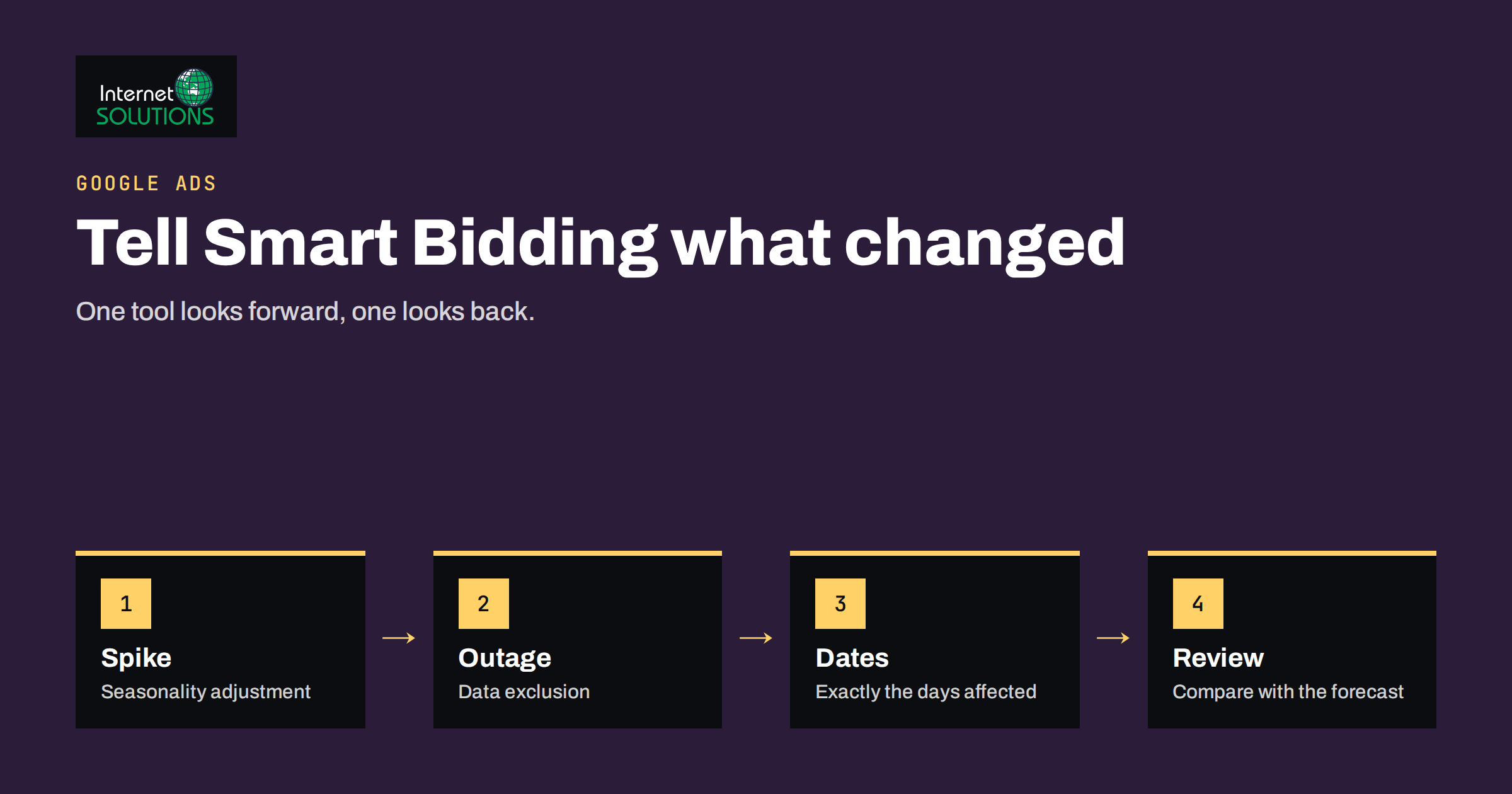
Google Ads seasonality adjustments and data exclusions exist for a simple reason: automated bidding learns from the past, and the past is not always a fair guide to the near future. Smart Bidding strategies such as Target CPA and Target ROAS look at your recent conversion data and predict what each auction is worth. If a one-day sale is about to triple your conversion rate, or a broken tag silently removed three days of conversions, the system can draw the wrong conclusions and spend too little, too much or in the wrong places. Two tools let you tell the algorithm what is going on: seasonality adjustments and data exclusions.
This guide explains what each tool does, when to use one, the other or neither, how to set realistic values, what mistakes to avoid and how to review the result. It is written for advertisers who already run campaigns with automated bidding and want to protect results around promotions, holidays, outages and tracking problems.
Why Smart Bidding Needs Context
Smart Bidding relies on the relationship between signals, such as device, location, audience, time of day and search query, and conversions. It trains on your recent history and applies what it learns to each auction in real time. This works very well when conditions are stable. It struggles in two situations.
- The future will differ from the past. A planned flash sale, a product launch or a short holiday peak will change conversion rates for a few days. The model does not know that a promotion is coming, so it bids based on the old, lower rate and misses volume.
- The past contains corrupted data. If conversion tracking broke, a website went down or a checkout failed, the recorded conversions are lower than reality. The model learns that your traffic converts poorly and may pull back, even after the problem is fixed.
These are different problems with different solutions. The first calls for a seasonality adjustment, which looks forward. The second calls for a data exclusion, which looks backward. Confusing them is the most common error. For more on how the strategies themselves work, read our overview of Google Ads bidding strategies.
Seasonality in the general sense, meaning regular and predictable changes that repeat over a year, is something the algorithm learns from your history. The tool described here is for something narrower: short events that are unusual enough that the history does not describe them.
Seasonality Adjustments: Telling Google a Spike Is Coming
A seasonality adjustment tells the bidding system that conversion rates will change by a stated percentage during a short, defined window. You enter the start and end of the period and the expected change in conversion rate, and the system adjusts bids to match during that window, then returns to normal.
Use it when all of the following are true.
- The event is short. Google’s guidance suggests keeping the window brief, a matter of days rather than weeks. Longer periods are not an adjustment but a new normal that the model will learn on its own.
- You expect a clear change in conversion rate. A sale with a large discount, a free-delivery weekend or a promotion that makes the offer much more attractive qualifies. A small tweak does not.
- The change is not already visible in the data. If it has happened before and the model has learned it, you may not need an adjustment.
- You can estimate the effect. You need a reasonable figure for the expected change in conversion rate, ideally from a previous event.
The adjustment affects conversion rate expectations only. It does not change order value, so if a sale lowers your average order value, a Target ROAS strategy may need separate consideration.
Data Exclusions: Removing Bad Data from the Model
A data exclusion tells the system to ignore a past period when learning. You choose a start and end date, optionally limit the exclusion to certain campaigns or bid strategies, and Google leaves those days out of its calculations.
Use it when:
- conversion tracking failed, for example a tag was removed during a site update, a consent banner blocked tags or a checkout page changed;
- the website or checkout was unavailable, so clicks could not convert;
- a bug caused conversions to be double counted or not counted;
- an unusual external event, such as a major outage, distorted traffic and behaviour.
Do not use a data exclusion for ordinary variation, a poor week or a result you dislike. Excluding performance because it was weak defeats the point: the model should learn from real conditions. Also remember that a data exclusion does not repair missing conversions; it only prevents the model from learning from days that were wrong. If the missing conversions can be recovered, for example through offline conversion import, that is usually better than excluding the period.
Which Tool for Which Situation
| Situation | Right tool | Why | Typical setting |
|---|---|---|---|
| Two-day flash sale with a big discount | Seasonality adjustment | Conversion rate will rise briefly | Window of the sale, modest percentage from past events |
| Black Friday weekend | Seasonality adjustment, if rates jump beyond what the system has seen | Short peak, known dates | Four to five days at most, tested on prior years |
| Tracking tag broken for three days | Data exclusion | Past data is wrong | Exactly the affected days |
| Website down for a day | Data exclusion | Clicks could not convert | The outage period, plus any recovery hours |
| Quiet summer for a seasonal business | Neither | A long, predictable pattern the model learns | Adjust budgets and targets instead |
| New product launch over a week | Often neither | No history to adjust; use a looser target to gather data | Review manually |
| Poor performance after a bad ad | Neither | It is real data; fix the ad | Pause or improve the ad |
How to Estimate the Percentage
The number you enter for a seasonality adjustment matters, and a wild guess can do harm. A method that works for most advertisers:
- Find a comparable past event. Pick a previous sale or holiday of similar size.
- Compare conversion rates. Calculate the conversion rate during the event and in the two weeks before it, using the same campaigns.
- Express the change as a percentage. If the rate went from 2 percent to 3 percent, that is a 50 percent increase.
- Be a little cautious. Round down. An underestimate costs some volume; a large overestimate can burn budget on traffic that does not convert.
- Have no history? Start small. Use a small value and a cap on budget, then watch the first day closely.
Whatever you choose, record the reasoning. After the event you will want to compare predicted and actual conversion rates, and the notes will make the next adjustment better.
Setting Them Up in Practice
Both tools are found in the shared library of the account, within bid strategies. Create the adjustment or exclusion, name it clearly with the event and the dates, choose the applicable campaigns or bid strategies and save. Because they work on bid strategies, a few practical points help.
- Create the seasonality adjustment before the event. Do it with enough lead time that it is active when the window starts, and check the status afterwards.
- Apply it only to relevant campaigns. A sale on one product line should not alter bidding for unrelated campaigns.
- Name things consistently. “Spring sale 2026, +30 percent, 3 days” will make sense a year later. “Test 2” will not.
- Remember the exclusion’s scope. If you exclude data for a specific strategy and later move campaigns to another one, check that the new one is covered.
The platform describes its own behaviour in the official documentation, and the details can change, so read the current Smart Bidding help page before relying on any particular limit.
A Worked Example
Imagine an online shop that normally converts 2 percent of paid clicks. Last November it ran a three-day sale with a 25 percent discount, and the conversion rate rose to 3.2 percent, an increase of 60 percent. This year it plans a similar sale. The marketer sets a seasonality adjustment for the three sale days with a value of around 40 percent, deliberately below last year’s figure because this year’s discount is slightly smaller. A week earlier, a developer updated the checkout, and the conversion tag stopped firing for two days before anyone noticed. After fixing the tag, the marketer adds a data exclusion for exactly those two days. The two tools handle two different problems, and both are documented with dates and reasons so the next person to open the account understands why bidding behaved as it did.
What to Do Besides Adjusting Bids
Bidding tools are only part of the answer to a peak period. Prepare the rest of the account so the extra demand turns into sales.
- Budget. Raise daily budgets ahead of the event so campaigns do not run out by early afternoon. Our guide to budgeting for Google Ads helps size them.
- Creative and assets. Update headlines and sitelinks to mention the offer, and schedule them to end with the promotion.
- Landing pages. Make sure the page shows the offer, loads fast and carries the same message as the ad. See our checklist on landing pages for paid traffic.
- Stock and delivery. Confirm that promoted items are available. Selling out in the first hour wastes the budget you have just raised.
- Tracking. Test conversions before the start, not after. Place a test order and confirm that it appears.
- Monitoring. Plan to check performance several times a day during the event.
Checking Whether It Worked
After the event, review the results with a clear question: did the adjustment improve the outcome compared with what would have happened without it? You cannot run both versions, so use sensible comparisons.
- Compare the actual conversion rate with the predicted one. A large gap means your estimate was off.
- Check spend pacing. Did the budget run out too early or leave money unspent?
- Compare cost per conversion or return on ad spend with the previous event, accounting for the size of the discount.
- Look at the days after the event. A dip following a spike is normal, but a sustained drop suggests the window was too long or the offer pulled sales forward.
- Note what you learned and update the template for next time.
If you are testing bigger changes, use the platform’s experiment tools rather than guessing. Our guide to Google Ads experiments shows how to test safely.
Common Mistakes
- Setting a long seasonality window. Adjustments are for short bursts, not for months.
- Entering a huge percentage that the website cannot deliver.
- Using data exclusions to hide weak performance.
- Forgetting to exclude tracking outages, which then teach the model that traffic converts badly.
- Changing targets, budgets and creative all at once, so nobody can tell which change mattered.
- Leaving an adjustment active after the event because the end date was entered incorrectly.
- Applying one adjustment across all campaigns when only some are affected.
If you would rather have an experienced team plan promotions and keep an eye on the account, our Google Ads service covers campaign setup, monitoring and reporting.
Frequently Asked Questions
What is the difference between a seasonality adjustment and a data exclusion?
A seasonality adjustment looks forward and tells the system that conversion rates will change during a short future window. A data exclusion looks backward and tells it to ignore a past period whose data was unreliable.
How long should a seasonality adjustment last?
Keep it short, generally a few days at most. For longer patterns, such as a slow summer, rely on the algorithm’s learning and adjust your budgets and targets instead.
Should I use an adjustment for every sale?
No. Use it when you expect a clear and unusual change in conversion rate. Small promotions or events that the account has handled well before may not need it.
Can a data exclusion fix missing conversions?
No. It only stops the system from learning from the affected days. If the conversions can be recovered or imported, restore them; if not, exclude the period.
Do these tools work with manual CPC bidding?
They are designed for automated bidding strategies that use conversion data. With manual bidding you control the bids yourself, so adjust them directly.
What should I do if conversions stopped tracking but I noticed days later?
Fix the tag first, confirm that conversions appear again, then add a data exclusion for the affected dates. Note the dates in your account log so reports are interpreted correctly.
The Bottom Line
Smart Bidding is only as good as the data and context it receives. Use a seasonality adjustment for short, well-understood bursts where conversion rates will change, estimate the percentage from a comparable past event and stay cautious. Use a data exclusion when tracking or the website failed and the history became untrustworthy. Do not use either tool to cover up weak results, and combine them with sensible budgets, updated creative, working landing pages and careful monitoring. Keep notes after every event, and each promotion will be easier to plan than the last.