

 English
 Lietuvių
 Latviešu
 Eesti
 Русский
 Polski
 Українська
 Deutsch
 Italiano
 Español
 Français
 Português
 Čeština
 Magyar
 Română
 Ελληνικά
 Türkçe
 日本語
 العربية
 हिन्दी
 Bahasa Indonesia
 Bahasa Melayu
 ไทย
 Tiếng Việt
 বাংলা
Live Chat for Clinics and Health Practices: Appointments With Talkmio
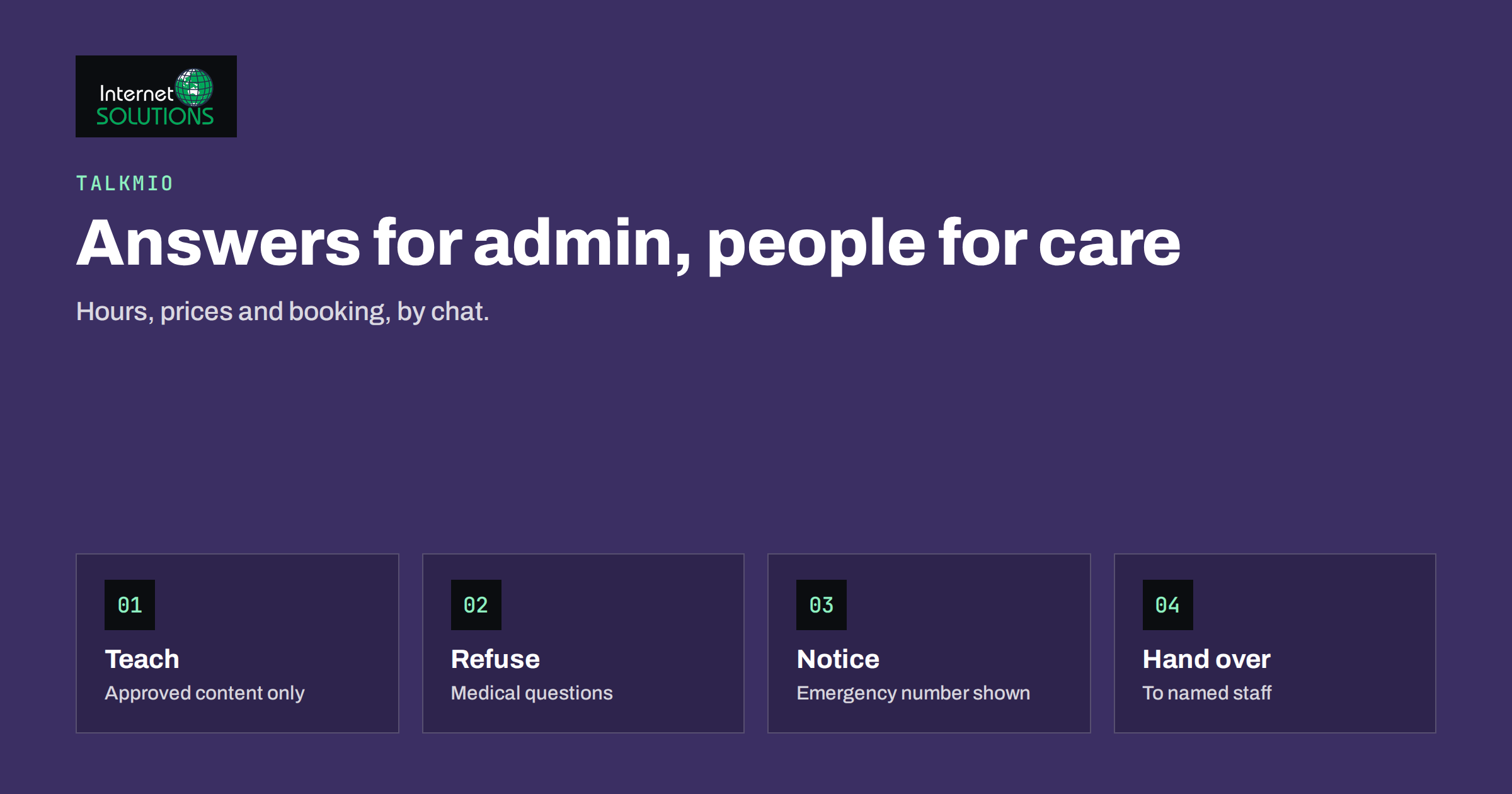
Live chat for clinics has an unusual job. A visitor to a clinic website is often worried, in a hurry or unsure where to start, and the questions are practical: Are you open on Saturday? Do you take new patients? How much is a first appointment? Where do I park? Can I bring my child? What should I prepare? Those questions deserve a fast, accurate answer, and in many practices they get one only during reception hours, by telephone, while the receptionist is already dealing with the person at the desk. At the same time, a health practice has duties that most businesses do not: it must never give medical advice by an unsupervised chat, it must handle personal data with extra care, and it must make sure that someone with an urgent problem is sent to the right help.
This article explains how a clinic, dental practice, physiotherapy centre, veterinary surgery or similar service can use Talkmio on its website for the administrative side of patient contact, what to teach it, where to draw firm lines, how to handle hand-over to staff, and how to keep data protection in view. It is not legal or medical advice. Professional rules and privacy laws differ by country and profession, so involve your data protection officer or adviser before you switch on any new channel.
What Talkmio Does for a Practice
Talkmio places a chat widget on your website. An AI assistant called Mio answers visitors from the content you give it: your website pages, a list of questions and answers, and documents such as PDF, Word or text files. It replies in the language the visitor writes in, supports more than thirty languages and, according to the Talkmio site, is designed not to invent prices or policies. When it is not sure, or when the visitor needs a person, it hands the conversation to your team, and the full history appears in your inbox. If nobody is online, the visitor can leave an email address and your reply goes out as an email. Customer emails can also become numbered tickets, so that questions that arrive outside the chat are tracked too.
For a practice, that means the repetitive administrative questions can be answered at any hour, from material you have approved, while everything personal, clinical or urgent goes to a human. Setup uses one line of code or a WordPress plugin, and there is a free plan for one operator and one website with a monthly allowance of AI answers, which is enough to test the idea before you decide.
What Patients Actually Ask
Before you configure anything, read the last fifty emails, voicemails and reception notes and group the questions. Most practices find that a small set of topics covers the large majority.
- Opening hours and location: holiday hours, parking, public transport, accessibility, entrances.
- Booking: how to book, how far ahead, cancellation and rescheduling rules, what happens if you are late.
- Prices and payment: price of a first visit or a standard service, accepted payment methods, insurance or reimbursement information.
- Preparation: what to bring, what to wear, whether to fast, how to prepare a child or a pet.
- Services offered: which treatments you provide, which you do not and who performs them.
- Documents and results: how to request a referral, a certificate or a copy of records, and how long it takes.
- Policies: new patients, languages spoken, children, accompanying persons, masks and hygiene rules.
Anything in this list that is hard to find on your website is also a content gap, and the chat questions will show you exactly where. Our article on what chat transcripts reveal about your website explains how to use them to improve the pages.
Drawing the Line: What the Chat Must Not Do
The most important design decision is what Mio should not answer. Write these rules down, add them to the knowledge base and test them before launch.
- No diagnosis, no treatment advice, no interpretation of symptoms or test results. The answer should be a polite hand-over: “I cannot advise on medical questions. I can connect you with our team, or you can call the practice during opening hours.”
- No dosing, medication or emergency guidance. A visible message should say that anyone with an urgent or life-threatening problem must call the local emergency number immediately and not wait for a reply in a chat.
- No promises about outcomes, waiting times or availability that the booking system has not confirmed.
- No collection of health details in the widget. The chat is for administrative questions. If a visitor starts describing symptoms or sending identity numbers, the assistant should stop and direct them to a secure channel or a phone call.
- No payment details in chat. Payments happen through your normal secure process.
Place the emergency notice in the widget greeting and on the contact page, and review it with your clinical lead. Professional rules in your country may require specific wording, so check them rather than assuming.
Teaching Mio About Your Practice
The quality of the answers depends on the content you provide. Spend your effort here.
- Connect your website so that Mio reads your service, price, team, location and policy pages.
- Add a question-and-answer set for the topics above, written in plain, specific sentences. “The first appointment lasts 45 minutes and costs the amount shown on the price page” is better than “see our prices”.
- Upload documents such as a patient information leaflet, preparation instructions or a price list, so that the chat uses the same wording as your printed material.
- Write the hand-over rules for anything clinical, urgent, financial or involving a complaint.
- Keep content current. Holiday closures, price changes and new services must be updated immediately, because an outdated answer from a chat feels like an official statement.
Our guide to the Talkmio knowledge base shows how to test answers before going live. Ask Mio the twenty most common questions, in the languages you serve, and also test the questions that it must refuse, such as “Is this rash dangerous?” and “How much of this medicine can I take?”. Check that the reply is a calm hand-over and not an attempt to help.
Handing Over to the Team
Decide in advance who watches the inbox, at which hours, and what happens when nobody is available. A clinic that opens at eight and closes at five should tell patients clearly what happens at night: the chat can answer the administrative questions, and anything else will be answered on the next working day. Set that expectation in the widget greeting, and use the business hours feature so that the widget shows when people are online. The article on chat staffing and handoff rules offers a framework, and the principles in our guide to after-hours live chat fit a front desk that closes in the evening.
| Situation | Without chat | With Talkmio | Your action |
|---|---|---|---|
| Patient asks about opening hours at 22:00 | Waits for morning or searches the site | Instant answer from the hours page | Keep the hours page accurate |
| Visitor from abroad writes in another language | Email, delay, translation by hand | Reply in the visitor’s language | Test main policies in your key languages |
| Visitor asks if a symptom is serious | Phone call or no answer | Polite hand-over and emergency notice | Define and test the refusal |
| Patient wants to move an appointment | Phone call at a busy time | Explains the rule and hands over or links to the booking page | Decide who changes bookings |
| Complaint about a visit | Email or phone to the manager | Hand-over to a named person | Assign an owner and a response time |
Data Protection and Privacy
Health information is among the most sensitive personal data. Under the General Data Protection Regulation in Europe, data concerning health belongs to a special category with stricter conditions, described in Article 9, and other countries have their own health privacy rules. The safest design is to avoid collecting health data in the chat at all. If a conversation includes it by accident, treat it according to your policy and delete it where your obligations allow.
Work through these points with your data protection adviser:
- Privacy notice. Tell visitors that the chat is run by a provider, what is stored and for how long, and link to your privacy policy before the conversation starts.
- Purpose limitation. Use the chat for administrative questions only, and say so in the greeting.
- Agreements with the provider. Check the processing terms that apply to the service, and review where conversations are stored and how you can export or delete them. Talkmio states that conversations belong to you and that you can export or delete them at any time.
- Access. Limit who can see conversations, and use individual accounts, not a shared login.
- Retention. Decide how long chats are kept and delete them on schedule.
- Children and vulnerable people. Be extra careful, and keep guidance for staff on handling messages from minors.
Our article on live chat and GDPR covers the general points, and the European Data Protection Board publishes guidance that your adviser can use. Your national supervisory authority and professional body remain the final reference.
A Worked Example
A physiotherapy practice with three therapists receives about twenty calls a day, and a third of them ask about hours, prices, parking and cancellation. The manager writes a one-page guide with approved answers, adds the price list and the preparation leaflet, connects the website and sets the opening hours. She adds a rule that any question about pain, injuries, exercises or medication goes to a hand-over with a message about calling the practice, and she puts an emergency notice in the greeting.
Before launch, she tests thirty questions in two languages. Two replies were too confident about opening hours on public holidays, so she adds a holiday list. During the first month, the chat handles most administrative questions without staff, the reception receives fewer calls in the morning rush, and the hand-overs arrive with the conversation history, so that the receptionist can reply without asking the patient to repeat. The manager reads the transcripts weekly, and adds three new answers and corrects one page that people found confusing.
Common Mistakes
- Letting the assistant answer questions about symptoms or medication.
- Failing to display an emergency notice.
- Collecting health details or identity numbers through the chat widget.
- Launching without testing the refusal cases.
- Leaving outdated holiday hours and prices in the knowledge base.
- Not deciding who answers hand-overs, and when.
- Ignoring the privacy notice and retention rules.
Frequently Asked Questions
Can the chat book appointments?
It can explain how booking works, link to your booking page and hand over to staff who make the booking. Treat it as the friendly layer in front of your booking system, and do not promise availability that the system has not confirmed.
Will it give medical advice?
It should not, and you should configure and test it so that medical questions lead to a hand-over and an emergency notice. The assistant answers from the content you provide, and you should never teach it clinical guidance.
Is it suitable for veterinary and dental practices?
Yes. The administrative questions are similar: hours, prices, preparation and policies. The same rules about not giving clinical advice and handling urgent cases apply.
What languages does it support?
Talkmio replies in the language the visitor writes in, including Lithuanian, English, German, Polish, Russian, Spanish, French and more than twenty-five others. Check your key policies in each language that matters to your patients.
Do I need consent for the chat?
That depends on your country, your setup and your cookie and privacy practices. Discuss it with your data protection adviser, and make sure the privacy notice describes the chat accurately.
How much does it cost to try?
There is a free plan with one operator, one website and a monthly allowance of AI answers, with no card needed. Paid plans add operators, websites, AI answers, the email channel and reports.
The Bottom Line
For a clinic or health practice, live chat works best as a fast, accurate administrative assistant: it answers questions about hours, prices, preparation and policies from approved content and hands everything clinical, urgent or personal to your team. Define what the chat must refuse, display an emergency notice, keep health data out of the widget, test the answers in your languages and agree who responds to hand-overs. To see how the tool works and what the plans include, visit the Talkmio page.