

 English
 Lietuvių
 Latviešu
 Eesti
Eesti Русский
 Polski
 Українська
 Deutsch
 Italiano
 Español
 Français
 Português
 Čeština
 Magyar
 Română
 Ελληνικά
 Türkçe
 日本語
日本語 العربية
 हिन्दी
 Bahasa Indonesia
 Bahasa Melayu
 ไทย
ไทย Tiếng Việt
 বাংলা
বাংলাLive Chat Metrics: First-Reply Time, AI Resolution and Ratings
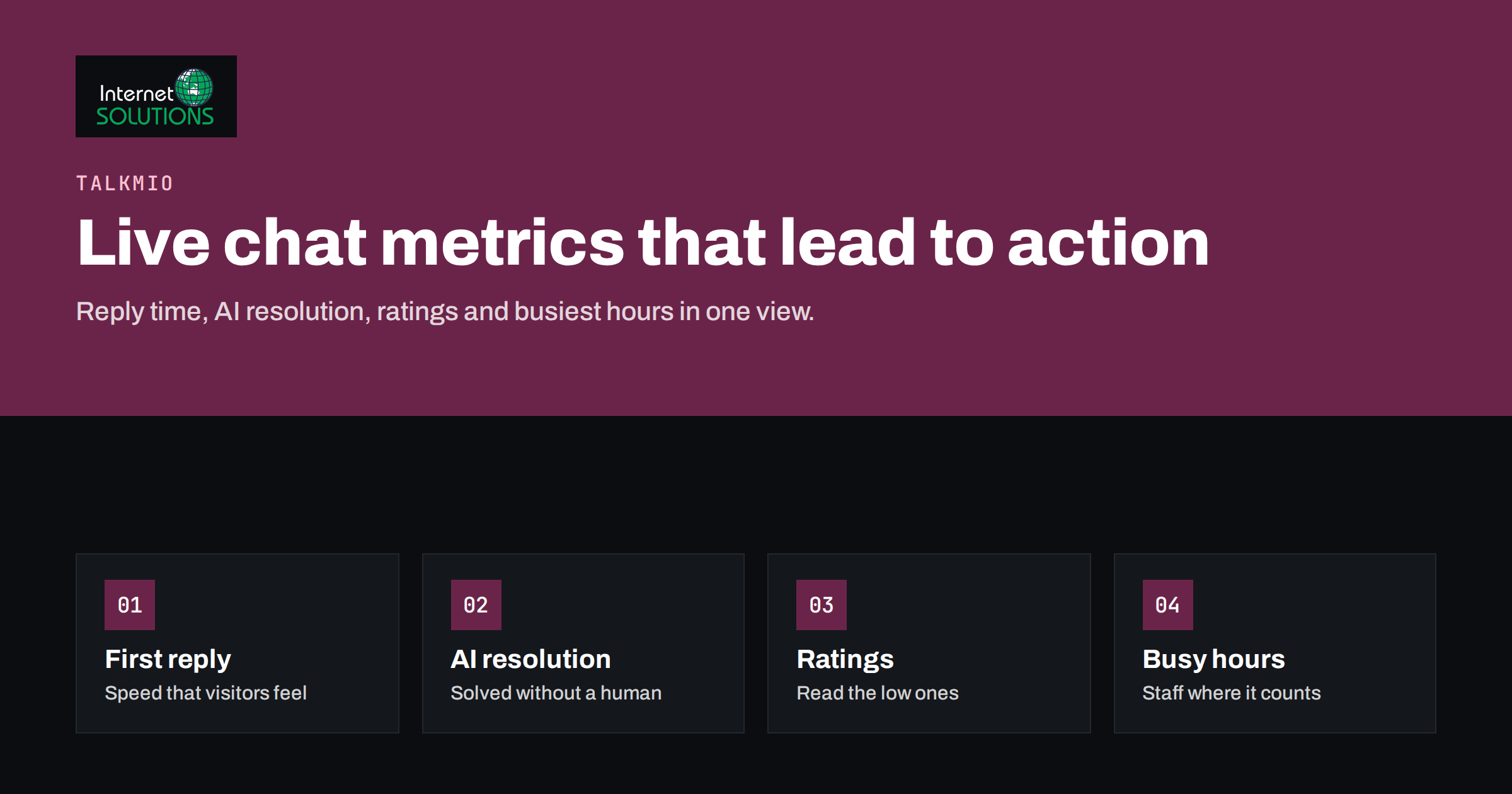
Live chat metrics tell you whether your chat is helping customers or quietly frustrating them. A chat widget that looks busy can still be failing: visitors wait too long for a first reply, the AI assistant answers easy questions but hands over everything else, ratings drift downward and the team is overloaded at the same hours every week. Without numbers, these problems surface only as lost sales and vague complaints. With the right handful of metrics, they become specific, fixable issues.
This article explains which live chat metrics matter most for small and medium teams, how to read them without being misled, and how to turn reports into concrete changes. Examples refer to the reports in Talkmio, the AI live chat and help desk built by our team, which show conversations per day, how much the AI assistant solves alone, first-reply time, ratings, busiest hours and team performance. The principles apply to any chat tool.
Why a Few Metrics Beat Many
Chat platforms can produce dozens of numbers. Most teams do better watching five or six closely than skimming twenty. Each metric should answer a question that leads to a decision:
- Are visitors getting a fast first response?
- How many questions are resolved without a person?
- Are customers satisfied with the help they receive?
- When is demand highest, and are we staffed for it?
- How is the team performing, and where does it need support?
- What are people asking about, and what does that say about our website?
If a number does not change what you do, it is not worth reviewing every week.
First-Reply Time
First-reply time measures how long a visitor waits between sending the first message and receiving the first response. It is the metric visitors feel most directly. Research on interface response times by the Nielsen Norman Group shows how quickly people lose focus when they wait without feedback; in chat, a long silence often means the visitor has already left the tab.
How to Read It
- Look at the distribution, not only the average. An average of one minute can hide many chats answered instantly and a few that waited ten minutes. Those few are the ones that cost customers.
- Separate AI and human replies. When an AI assistant answers first, first-reply time drops to seconds. Track the time until a person joins for handed-over conversations separately, because that is where waits now happen.
- Compare by hour. First-reply time usually rises during the busiest hours. That points to staffing, not to individual operators.
How to Improve It
- Let the AI assistant handle the first response, so every visitor gets an immediate answer or acknowledgement.
- Staff the busiest hours more heavily and use notifications so operators see new chats quickly.
- Prepare quick replies for common questions so operators can respond faster without sounding robotic.
- Set honest expectations outside working hours: let visitors leave an email and say when you will reply.
Our article on live chat staffing and response times covers coverage planning in more depth.
AI Resolution Rate
When an AI assistant answers first, a key question is how many conversations it resolves without a human. Talkmio’s reports show how much Mio, its AI assistant, solves alone. This number has two sides:
- A rising rate means more visitors get immediate answers and your team handles fewer repetitive questions.
- A rate that seems too high deserves a closer look. If visitors give up rather than asking for a person, the conversation may count as resolved when it was not.
How to Read It
Combine the resolution rate with ratings and with a sample of transcripts. Read some conversations the AI handled alone each week and ask whether the visitor actually got what they needed. Also look at the questions that were handed over: they show where the AI lacked information.
How to Improve It
Mio answers from your website, FAQ and documents you upload, and hands conversations to your team when it is not sure. The most effective improvement is therefore better source content:
- Add clear answers to questions that are often handed over, either on your website or as Q&As in the knowledge base.
- Upload current price lists, delivery terms and product information.
- Remove or update outdated pages that lead to wrong answers.
- Keep handoff easy. A good AI assistant knows when to pass a conversation to a person, and that is part of success, not a failure.
Ratings and Satisfaction
Ratings, typically collected when a chat ends, are the most direct signal of how customers experienced the help. Customer satisfaction measures are useful but noisy, so read them carefully.
How to Read Them
- Response rate matters. If only a small share of visitors rate chats, the ratings may represent the very happy and the very unhappy.
- Read the low ratings. Each poor rating is a short case study. Was the answer wrong, slow, unfriendly or simply not what the customer wanted to hear?
- Separate the product from the service. A customer unhappy about a delivery delay may rate the chat poorly even if the operator was excellent.
- Watch trends, not single weeks.
How to Improve Them
Low ratings usually trace back to a few causes: waiting, wrong or vague answers, a tone that feels dismissive, or a problem the team cannot solve in chat. Address each with the matching fix: staffing, content, coaching or a clear escalation path. Our article on live chat etiquette helps with tone and wording.
Volume and Busiest Hours
Conversations per day and busiest hours show demand. They are the basis for staffing, and they also reveal what drives chat volume.
- Daily volume rising after a campaign, product launch or website change is expected. Rising without an obvious cause may signal a problem, such as a confusing page, a payment issue or a delivery delay.
- Busiest hours tell you when to have the most people available, when to schedule breaks and meetings, and when AI-first handling matters most.
- Weekday patterns help plan rotas and decide whether weekend coverage is worth it.
If many conversations arrive when the team is offline, look at how those visitors are handled. Our guide to after-hours live chat explains how to capture those leads.
Team Performance
Team reports show how conversations are distributed and handled by each operator. Use them to support people, not to rank them publicly.
- Workload balance: if one operator handles far more chats than others, routing or schedules may need adjusting.
- Reply speed and ratings by operator: large differences usually point to training needs, unclear processes or different types of conversations assigned to different people.
- Handoffs and transfers: frequent transfers between operators suggest unclear ownership of topics.
Review individual numbers in one-to-one conversations, together with transcript examples, and focus on what would help the operator do better.
Topics and Questions
Numbers tell you how well chat works. Conversation topics tell you why people need it. Group chats by subject, for example pricing, delivery, technical problems, account access and pre-sale questions, and watch how the mix changes. Topics that grow are opportunities to improve your website, product or communication. If many visitors ask the same question, the answer probably belongs on the relevant page, where it helps everyone, including people who never open the chat.
Connecting Chat Metrics to Business Results
Support metrics matter most when they link to outcomes the business cares about. A few connections are worth making:
- Pre-sale conversations and orders. Compare how often visitors who chat before buying go on to order, and whether faster replies increase that rate. For online stores, pre-sale chats about delivery, sizes or stock are often the most valuable conversations of the day.
- Leads captured. Count conversations that end with a contact address or a booked call, especially outside working hours.
- Support load. Track how many conversations the team handles per week as AI resolution improves. The time saved can go into harder cases or proactive work.
- Repeat contacts. If the same customer returns with the same problem, the first answer did not solve it. Repeat contacts are a strong quality signal.
- Website changes. When you add an answer to a page because many visitors asked about it, watch whether chat volume on that topic falls.
These links do not need a complex analytics project. A monthly comparison of chat data with orders, leads and support workload is usually enough to show where chat creates value and where it needs work.
Live Visitors as a Leading Indicator
Talkmio also shows who is on your site right now, with country, page, device, source and past conversations. Watching live visitors during a campaign or launch gives an early signal of demand before chat volume rises, and it lets the team start a conversation with a visitor who seems stuck, for example on a pricing or checkout page.
Turning Metrics Into a Weekly Routine
A short weekly review keeps metrics useful:
| Metric | Question to ask | Typical action |
|---|---|---|
| First-reply time | Did any hours have long waits? | Adjust staffing or notifications for those hours |
| AI resolution | Which questions were handed over most? | Add or improve answers in the knowledge base |
| Ratings | What do the low ratings have in common? | Fix content, coach on tone, clarify escalation |
| Volume | Did volume change unexpectedly? | Investigate pages, campaigns or incidents |
| Busiest hours | Do schedules match demand? | Move shifts or breaks |
| Team performance | Is anyone overloaded or struggling? | Rebalance routing, offer support |
Keep a simple log of what you changed and when, so you can see whether the change helped in the following weeks.
Reporting to Management
Managers rarely need every chart. A monthly summary with a few headline numbers, a trend for each and two or three insights is more useful: for example, “AI resolution rose after we added delivery information; first-reply time on Monday mornings is still too long; pricing questions doubled after the price change.” In Talkmio, reports are part of paid plans, and the Ultimate plan and above add reports export, according to the current pricing page, which helps when you want to combine chat data with other business numbers.
Common Mistakes
- Celebrating averages while a minority of visitors wait far too long.
- Pushing AI resolution as high as possible without checking whether visitors were actually helped.
- Ignoring rating response rates and treating a handful of ratings as representative.
- Using team metrics to blame individuals instead of fixing processes.
- Collecting numbers without acting on them. A metric reviewed every week but never acted on is noise.
Frequently Asked Questions
What is a good first-reply time for live chat?
As fast as possible. With an AI assistant answering first, the initial reply can be immediate; for conversations handed to a person, aim to keep waits short during staffed hours and set clear expectations outside them.
What does AI resolution rate measure?
The share of conversations the AI assistant resolves without a person joining. In Talkmio, reports show how much Mio solves alone.
How can I raise AI resolution without frustrating visitors?
Improve the content the assistant answers from, keep handoff to a person easy and review samples of AI-only conversations to confirm visitors were helped.
How many chat ratings do I need before trusting them?
Enough to see a trend over several weeks. Read the comments behind low ratings rather than relying only on the average.
Should I compare operators by their numbers?
Use individual numbers privately, together with transcripts, to support improvement. Differences often reflect the type of conversations each person handles.
Which Talkmio plans include reports?
According to Talkmio, paid plans add reports, and reports export is included from the Ultimate plan. Check the current pricing page for details.
The Bottom Line
The right live chat metrics turn a busy inbox into a system you can improve. Watch first-reply time by hour, AI resolution together with ratings and transcripts, satisfaction with attention to low ratings, volume and busiest hours for staffing, and team performance for support and coaching. Review them weekly, act on what they show and record what you changed. Most improvements come from better source content, staffing that matches demand and clear handoff rules. If you have questions about Talkmio, contact our team.