

 English
 Lietuvių
 Latviešu
 Eesti
Eesti Русский
 Polski
 Українська
 Deutsch
 Italiano
 Español
 Français
 Português
 Čeština
 Magyar
 Română
 Ελληνικά
 Türkçe
 日本語
日本語 العربية
 हिन्दी
 Bahasa Indonesia
 Bahasa Melayu
 ไทย
ไทย Tiếng Việt
 বাংলা
বাংলাMicrosoft Advertising: Import Google Ads Campaigns, Find Extra Reach
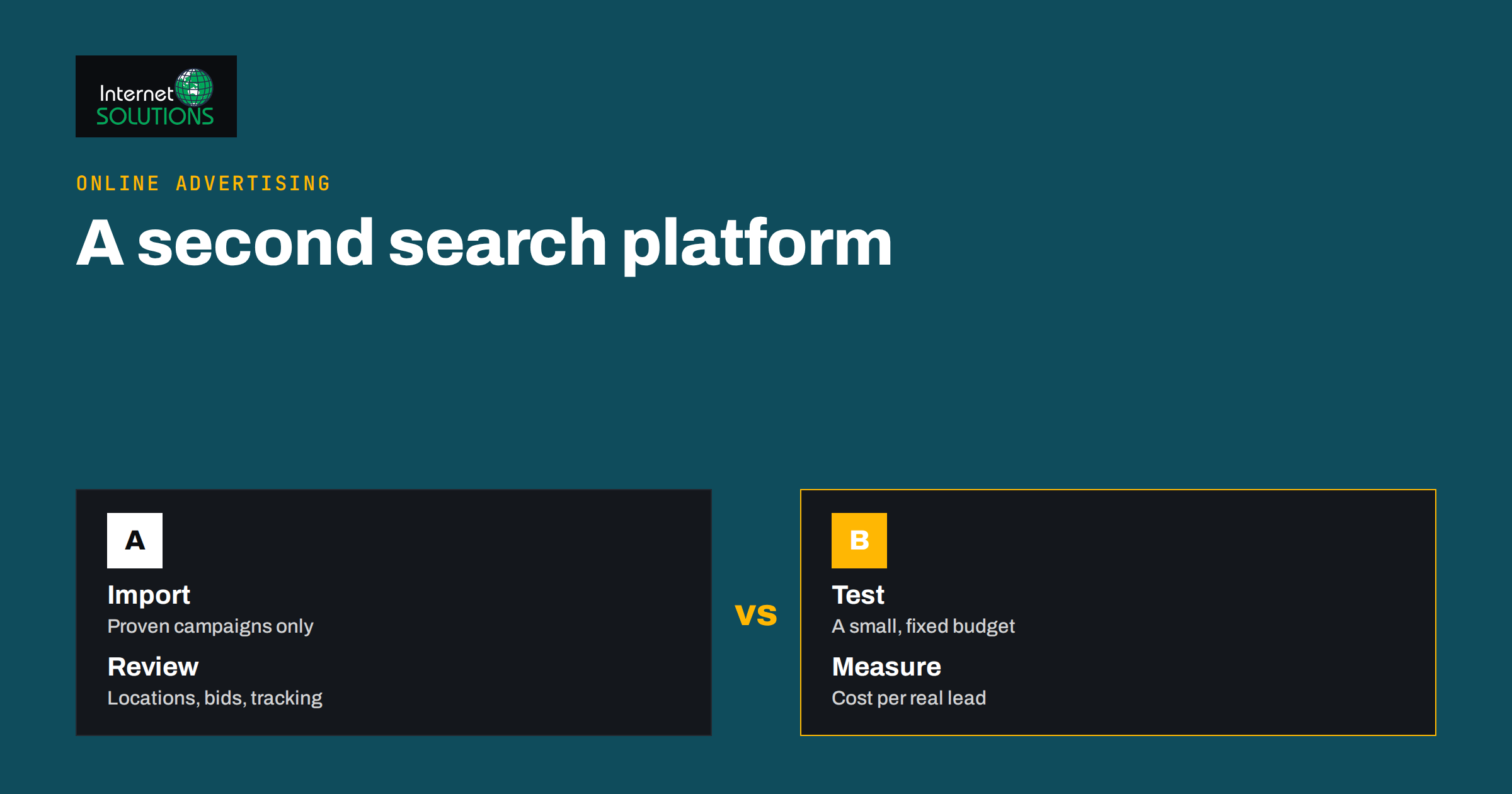
Microsoft Advertising is the second search advertising platform that many small businesses never test, usually because one platform already takes enough time and budget. That is understandable, but it also means a channel with real buyers and often lower competition goes unused. The platform shows text ads on Bing search results and on partner properties, and it includes an import tool that copies campaigns from Google Ads, so a first test can be live in an afternoon rather than a week.
This guide explains when Microsoft Advertising is worth testing, how the import from Google Ads works, which settings to check before and after importing, how to measure whether the extra channel pays for itself and how to keep two accounts manageable. It stays practical on purpose: platforms change their menus and features regularly, so always confirm the current details in the official documentation before you rely on a specific option.
When Microsoft Advertising Is Worth Testing
A second search platform makes sense when the first one is working and well measured. If your Google Ads campaigns do not yet track conversions properly, fix that first, because you will not be able to tell whether the new channel works. Our guide to conversion tracking that holds up describes the setup you want in place before spending anything elsewhere.
The test tends to be most attractive for particular kinds of business:
- B2B and professional services. Many office users work on managed computers where the default browser and search engine are set by the company, which can raise the share of business searchers on this platform.
- Businesses with high-value leads. Even a small extra volume of enquiries justifies the effort when each lead is worth a lot.
- Advertisers priced out of competitive auctions. Where clicks on one platform have become expensive, a smaller audience with fewer bidders can deliver a better cost per lead, although this is never guaranteed.
- Older or desktop-heavy audiences. Audience mix differs between platforms, and your own data should settle the question.
It is less attractive for businesses with tiny budgets who cannot spread spend, for campaigns that depend on formats the platform does not offer in your region and for anyone who lacks the time to review a second account. In those cases, improving the first account is usually the better use of effort; see our 10-point Google Ads account audit.
What You Are Actually Buying
Microsoft Advertising runs search ads on Bing and partner sites, plus other formats such as shopping and audience-based ads, depending on region and eligibility. For a small business, the part that matters first is search: someone types a query, your text ad can appear, and you pay when they click. The mechanics resemble Google Ads: you choose keywords and match types, write ads, set bids and budgets, add assets such as sitelinks and callouts and measure conversions.
Two practical points deserve attention. First, search volume is lower, so keywords that would produce thousands of impressions elsewhere may produce hundreds here. That is normal and means you need patience before judging results. Second, because the audience and the competition are different, the best-performing keywords and ads may not be identical to the ones on your main platform. Treat the imported campaigns as a starting point and expect to adjust them.
How the Import From Google Ads Works
The import tool connects to your Google Ads account, lets you choose which campaigns to bring across and recreates them in Microsoft Advertising with their ad groups, keywords, ads and many settings. You can run it once, or schedule it to repeat so that later changes in Google Ads are carried over automatically. The official Microsoft Advertising guides describe the current steps and any limits.
Import is a convenience, not a guarantee that everything matches. Some features exist on only one platform, some settings translate differently and some campaign types may not be supported at all. Always review the result in the new account instead of assuming it is a perfect mirror.
Before you import
- Clean the source account. Pause or remove campaigns, keywords and ads that do not perform. Importing waste simply spreads it. Use the account structure principles of clear campaigns and naming so the import is tidy.
- Choose a limited set of campaigns. Start with one or two search campaigns that already convert profitably, not the whole account.
- Set up conversion tracking. Create the tracking tag or equivalent in the new account and test it before spending.
- Decide the budget. Choose a test amount you can afford to lose, and a test period long enough to gather meaningful data.
- Check your landing pages. The same pages will receive visitors from a different audience, so make sure they load quickly and work on every device.
After you import
- Review locations and languages. Confirm that targeting matches your intended market and that no location settings were broadened by the import.
- Check bids and budgets. Imported values reflect another platform’s pricing. Lower the budget if it is too high for a test and revisit bids as data arrives.
- Review keywords and match types. Make sure negative keywords were imported and that match types behave as you expect. Our explanation of match types and negative keywords is a useful reference.
- Check ads and assets. Confirm that headlines, descriptions, final addresses and sitelinks came across and meet the platform’s editorial rules.
- Verify tracking. Run a test conversion if possible and confirm it appears in the reports.
- Look at the schedule setting. Decide whether recurring imports should overwrite changes you make in the new account. If you intend to optimise the new account separately, turn recurring imports off or limit what they update.
Comparing the Two Platforms Practically
| Area | What to expect | What to do |
|---|---|---|
| Search volume | Usually smaller than on the largest search platform | Judge by cost per conversion, not by total clicks |
| Competition and clicks | Often fewer bidders for the same query, but results vary by industry | Start with modest bids and adjust as data arrives |
| Audience | Different mix of devices, ages and workplaces | Check device and demographic reports after a few weeks |
| Features | Many are similar, some are different or arrive at different times | Confirm availability in current documentation |
| Imported settings | Most basics come across, some do not translate exactly | Review every campaign after the import |
| Management time | Another account to check | Schedule a short weekly review |
Bidding and Budgets for a Small Test
Resist the urge to start with complex automation. With little data, automated bidding has little to learn from, and results can swing widely. A manual or simple strategy with a daily budget you control is often the best way to start. Once you have gathered enough conversions, you can move toward automated approaches; our overview of bidding strategies explains the options and the data each one needs, and much of the thinking carries over.
Set the budget so that the campaigns can actually run in the hours that matter. A budget so small that it is exhausted by mid-morning gives a distorted picture. Equally, avoid committing so much that a poor result hurts. A common approach is a fixed test budget over four to eight weeks, with the decision rule agreed in advance: for example, continue if the cost per lead is within an acceptable range, pause if it is clearly worse and there is no sign of improvement.
Measuring Whether It Pays
The question is not whether the new platform gets clicks; it is whether it brings customers at an acceptable cost. Measure these in order:
- Tracking works. Compare conversions recorded in the platform with leads in your own system. Differences of a few percent are normal; large gaps mean a tracking problem.
- Cost per conversion. Compare it with your main platform and with what a lead is worth to you.
- Lead quality. Ask sales or the owner whether leads from this source are real, relevant and ready to talk. A cheap lead that never answers the phone is not cheap.
- Incremental effect. Check whether total enquiries rose, or whether you simply shifted some from one platform to another. Brand searches are the usual place where numbers overlap.
- Trend. Look at weekly results rather than single days, since small volumes fluctuate.
If you track revenue or lead value, calculate return on spend. If you do not, at least write down an estimate of what an average lead is worth so that the decision is based on numbers rather than a feeling.
Keeping Two Accounts Manageable
The danger of a second platform is neglect: a forgotten account keeps spending without anyone checking it. Build a light routine:
- A weekly fifteen-minute review of spend, conversions and search terms.
- A monthly check of ads, assets, budgets and any policy notices.
- A shared note of what was changed and why, so that results can be explained later.
- Consistent campaign naming across both platforms to make comparisons easier.
- One person responsible for each account, even if that person is you.
Review search terms in both accounts, since the same keyword can attract different queries on each platform. Our weekly search terms routine works equally well here: add irrelevant queries as negatives, and look for good queries to promote into their own ad groups.
Common Mistakes
- Importing everything. Bring across proven campaigns only.
- Judging too early. A few days of low volume says very little.
- Leaving scheduled imports running unnoticed. They may overwrite deliberate changes.
- Ignoring policies. Ads approved on one platform can be rejected on the other, so check for disapprovals.
- Not tracking conversions. Without it, the test cannot succeed or fail clearly.
- Treating it as a copy. The audience differs. Let the data guide adjustments.
- Forgetting brand terms. Decide deliberately whether to bid on your own name, and review the results.
For an overview of how the platform describes its own products and advertiser tools, see Microsoft Advertising itself, and remember that official pages are the authority for current features and availability in your country.
Frequently Asked Questions
Can I import my Google Ads campaigns into Microsoft Advertising?
Yes. The platform provides an import tool that connects to your Google Ads account and copies chosen campaigns, with options for one-time or scheduled imports. Review the imported campaigns carefully, because some features and settings do not translate exactly.
Will imported campaigns perform the same as they do on Google Ads?
Not necessarily. The audience, the competition and the volume are different, so results can be better or worse. Treat the import as a starting point and optimise using the new account’s own data.
How much should I budget for a test?
Choose an amount you can afford to lose that is large enough to collect a meaningful number of clicks and conversions over several weeks. The right figure depends on your cost per click and conversion rate, so there is no universal number.
Should I turn on recurring imports?
Only if you want the new account to stay a mirror of the old one. If you plan to optimise it separately, limit or disable recurring imports so they do not overwrite your changes.
How long should the test run?
Plan for four to eight weeks, or until you have enough conversions to compare cost per lead with confidence. Shorter tests on small volumes are unreliable.
Do I need a separate conversion tracking setup?
Yes. Conversion tracking is configured per platform, so create and test it in the new account before spending. Without it you cannot judge whether the channel pays.
The Bottom Line
Microsoft Advertising can be a sensible, low-risk second channel when your first campaigns already work and are properly tracked. Import only proven search campaigns, review every setting after the import, start with a modest budget and simple bidding, and measure cost per lead and lead quality over several weeks. Keep a light weekly routine so the account never runs unattended. If you would like help setting up, auditing or comparing search campaigns across platforms, our Google Ads management team can help you decide whether a second platform is worth your budget.